






SleekPixel for behind the scenes cards
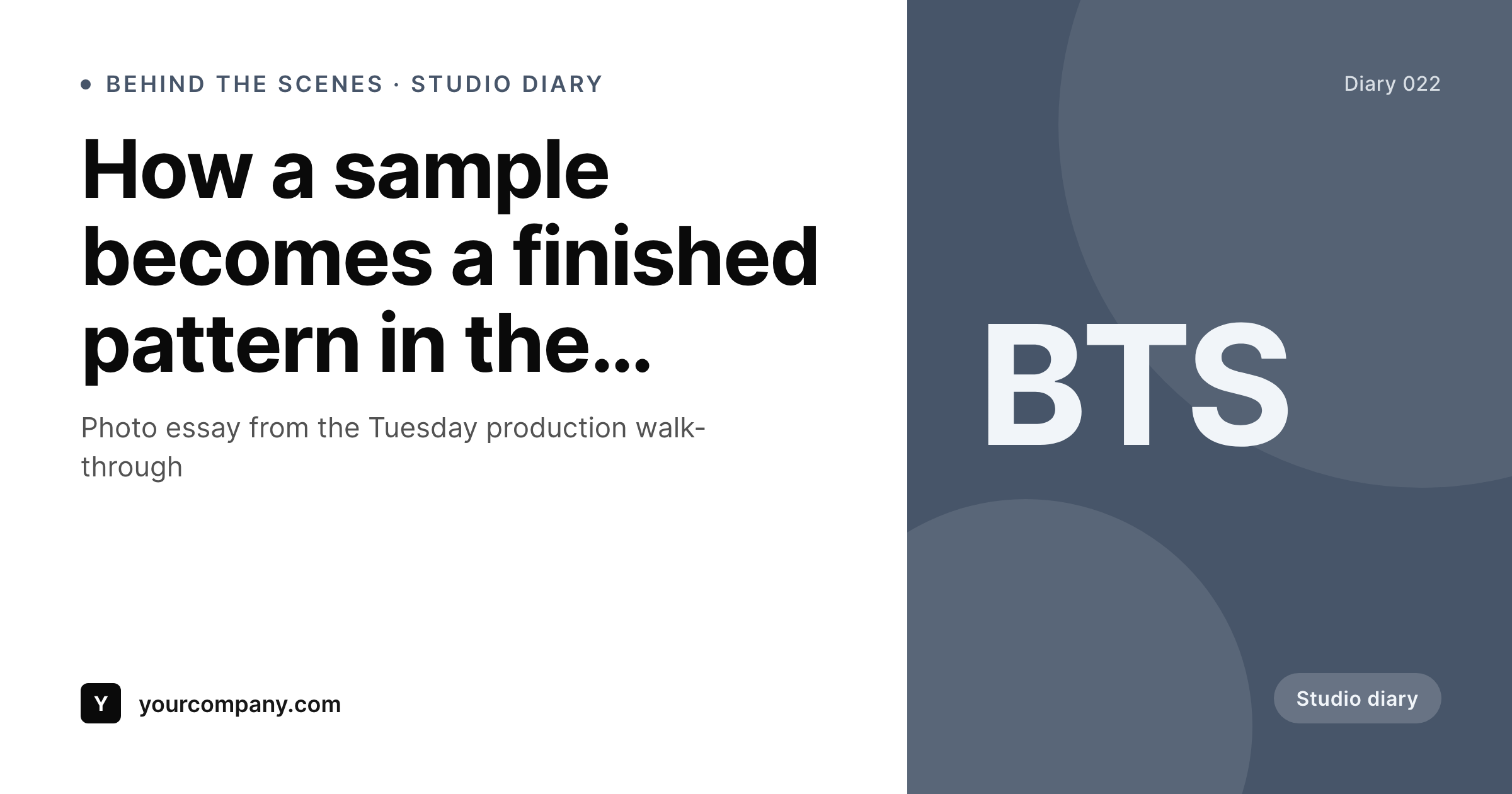
SleekPixel reads each BTS post's headline, location, photographer, and date, then renders a 1200 by 630 card on save. Studio diaries ship to social with the same documentary tone, every entry.
♾️ Lifetime License available
BTS posts feel disposable when the artwork is, too
Behind-the-scenes content is one of the most loyal-customer-loved formats a brand can publish, and it tends to ship with the most disposable artwork. The reason is structural. BTS posts are casual on purpose, the photography is honest rather than glossy, and the team feels reluctant to invest design hours in a casual format. The result is that the most personality-rich content gets the least recognizable share treatment, and customers learn to scroll past it.
SleekPixel turns the BTS post into a card the moment it is saved. You design one studio-diary layout in the WordPress admin with placeholders for {headline}, {location}, {photographer}, and {date}. Every BTS post renders against that template on save. The card has the headline rendered as a documentary lower-third, the location and photographer credited at the bottom, and a studio-diary badge, all sourced from the post.
Edit the layout once and every BTS card refreshes. The casual tone of the photography stays casual, but the share frame around it becomes consistent and recognizable.
Workflow
From studio diary to social-ready in one save
Design the template
Connect to the BTS post type
Save the diary post
Share the diary
Output
Sample BTS card from a studio diary post
Rendered from a BTS post's headline, location, and photographer. Same template, every diary entry.
Comparison
Hand-made BTS cards vs SleekPixel
Designed per post in Canva
- Casual format gets the least attention from the design queue
- Photographer credit is inconsistent or missing
- Location and date drift between the post and the card
- Brand refresh leaves last quarter's BTS feeling out of sync
- Many BTS posts ship without a preview image at all
SleekPixel
- Auto-generated card per BTS post on save
- Per-post variables: headline, location, photographer, date
- Documentary lower-third layout keeps the casual tone
- Edit the template once and every BTS card refreshes
- Falls back gracefully when photographer or location is missing
Features
What SleekPixel gives you for behind the scenes cards
Documentary lower-third
Headline renders as a lower-third strip over the photo, with location and photographer credited in a smaller line. Casual tone stays casual.
Photo background slot
BTS photo drops into the background slot at the right crop, so the card always feels like a film still rather than a stock template.
Bulk regenerate
Brand refresh, badge tweak, or layout change rebuilds every BTS card in one click so the archive stays in sync.
Use cases
Where BTS cards earn their keep
Studio walk-throughs
Production diaries, atelier visits, and workshop tours all ship with the documentary template and a consistent credit line.
Product development diaries
From sample to final product posts share the same BTS layout, with a development-stage field swapping the badge text per entry.
Team and culture posts
Team-day, culture, and recruiting posts share the BTS template with a culture badge field for warmth without redesign.
The bigger picture
Why BTS cards belong in a render pipeline
Behind-the-scenes content builds the kind of loyalty that paid acquisition cannot. A customer who knows the studio, the team, and the process becomes a customer who buys the next collection without a second thought. That depth of relationship needs frequency to develop, and frequency needs the BTS post to be a regular cadence, not a quarterly project.
The design queue is what usually breaks the cadence. Casual photography feels too informal to send through a design pass, so the BTS posts ship with whatever artwork the social manager could produce that morning, which trains customers to read the format as low-effort. A template that renders the card from the post on save preserves the casual tone of the photography while making the share frame around it recognizable.
The BTS becomes a regular weekly format because the artwork stops being a project. SleekPixel makes that workflow the default by tying the card to the same fields the studio team already uses to log the diary entry.
Questions
Common questions about SleekPixel for behind the scenes cards
Yes. If photographers exist as an author or staff CPT, map the relation and the template renders the photographer's name automatically per post.
Yes. Routing rules pick the template by category, so studio diaries can use one layout, team posts another, and product diaries a third.
The template can fall back to the post title or a default phrase. The card always renders, even when the editorial copy is rough.
Yes. Map a stage field on the post and conditionally render the badge text. Sample, prototype, production, and final stages can each show their own label.
Yes. One-click bulk regeneration rebuilds every BTS card from the current template.
No. Cards render at save time as static PNGs. Visitors load a regular image URL with no runtime cost.
Yes. The same image URL works as a hero in any email tool that supports remote images, so the social and the email diary stay in sync.
Yes. Cards persist as static PNGs in /uploads, surviving plugin disablement and keeping the diary archive intact.
Pricing
More than 1000+
happy customers
Explore our flexible licensing options tailored to your needs. Upgrade your license anytime to access more features, or opt for a lifetime license for ongoing value, including lifetime updates and lifetime support. Our hassle-free upgrade process ensures that our platform can grow with you, starting from whichever plan you choose.
Lifetime ♾️
Most popular
EUR
once
- Unlimited websites
- Lifetime updates
- Lifetime support
...or get the Bundle Deal
and save €250 🎁
💎 Want everything forever? The All Access Pass is going away on 01.08.2026.
The Bundle (unlimited sites)
Pay once, own it forever
Elevate your WordPress site with our exclusive plugin bundle that includes all of our premium plugins in one package. Enjoy lifetime updates and lifetime support. Save significantly compared to buying plugins individually.
What’s included
-
SleekAI
-
SleekByte
-
SleekMotion
-
SleekPixel
-
SleekRank
-
SleekView
€749
Continue to checkoutBrowse more
- Etsy listing images
- Discord server banners
- X list banners
- Kick channel banners
- Kindle book cover
- Threads social images
- Rednote (Xiaohongshu) post
- Twitch profile banner
- Open Graph images
- LINE official account banners
- Bandcamp release cover
- Threads post images
- Behance project covers
- Pinterest Idea Pins
- Medium article headers