






SleekPixel for Medium article headers
Templated 1500x600 header images generated from WordPress posts. Use them as Medium article headers when cross-posting, or as the og:image so the same render unfurls everywhere else.
♾️ Lifetime License available
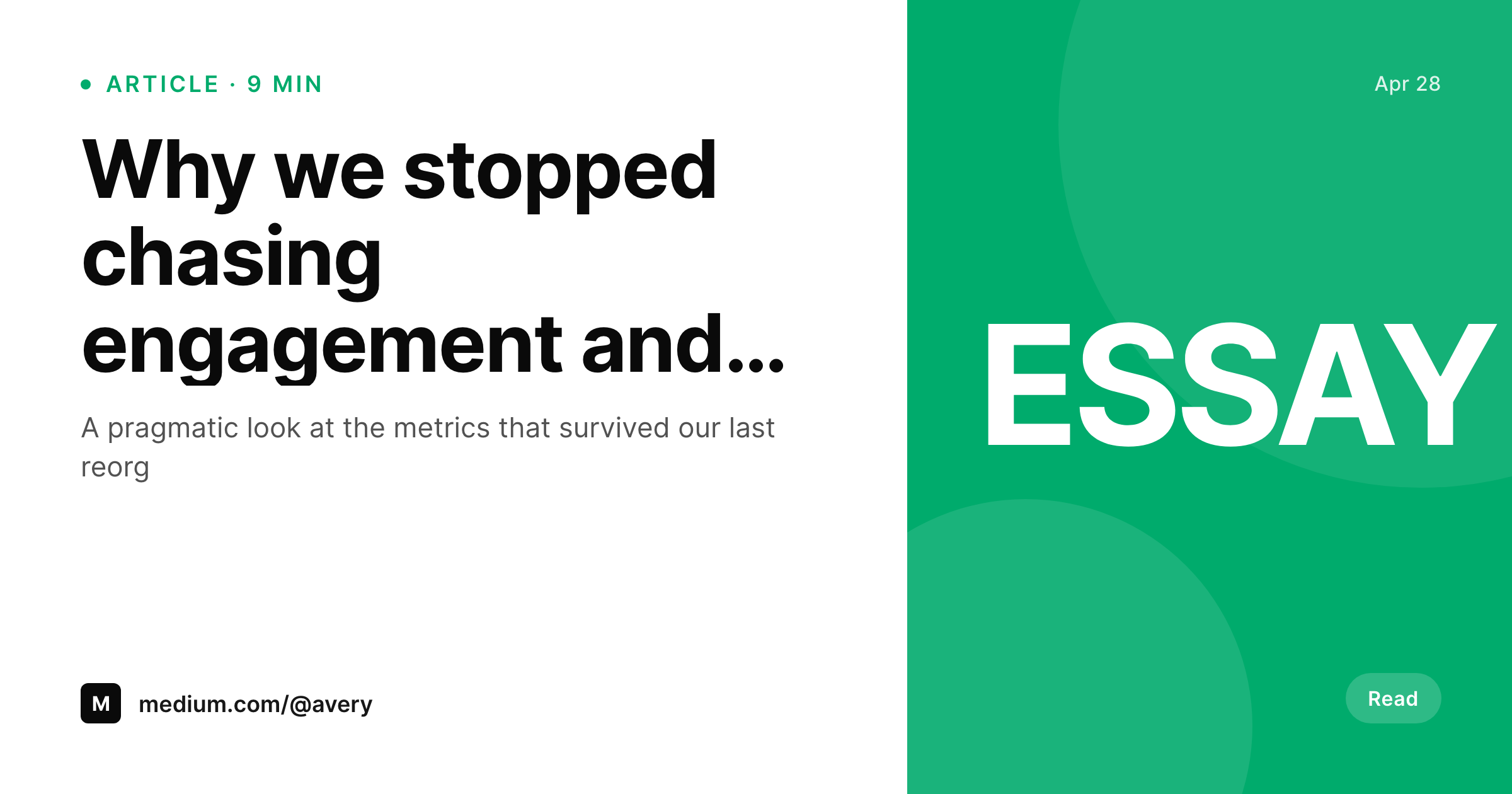
Medium reads the OG image and rewards real headers
Medium articles use a header image that sits above the title. The recommended dimension is around 1500x600 (or up to 2400x1260 for retina displays), and the header carries an outsized share of the visual impact in the Medium feed and on the article page itself. Writers who cross-post from a personal WordPress site usually fall back on the featured image, which was sized for a different format and ends up cropped or stretched. The same featured image is what Medium reads as the social share image when the link goes out to other platforms, so the bad crop compounds across every share.
SleekPixel renders the header from a WordPress post on save. The 1500x600 PNG carries the post title, author, and read time, written to the uploads directory and (optionally) registered as og:image. When the writer cross-posts to Medium via the import URL feature or pastes the URL into a Medium draft, the header pulls cleanly. The same render covers OG previews on every other platform that reads the meta tag.
Branding refreshes propagate by batch regenerate. The Medium archive stays consistent because the writer is no longer responsible for designing a header per article.
Workflow
From post save to Medium-ready header
Design the header template
Bind the fields
Save the post
Cross-post to Medium
Output
What gets generated per post
A 1500x600 PNG with the post title, author, and read time, sized for the Medium article header and the OG share preview.
Comparison
Manual Medium headers versus SleekPixel
Featured image fallback
- Featured image gets cropped to a header that does not fit either Medium or OG
- Cross-posts to Medium ship without a real header, just the default text layout
- Title rewrites mean a fresh manual header export from Figma
- Brand refresh leaves the Medium archive with stale headers across years
- Writers spend header-design time that could go into the writing
SleekPixel
- 1500x600 PNG rendered from a WordPress post on save
- Title, author, and read time bound to real post fields
- Real brand fonts and colors, locked to a single template
- Re-renders on title or field changes
- Same render works as Medium header and OG image
Features
What SleekPixel gives you for Medium article headers
Medium-shaped
Templates default to 1500x600 with safe areas for the title and author. The header fits Medium's article layout without cropping.
Author-aware
Header includes the author display name and read time, so the cross-post identity matches the WordPress source.
Refresh on edit
Title or field changes rebuild the header. Cross-posts re-imported into Medium pick up the current header automatically.
Use cases
Where Medium headers earn the open
Cross-posting writers
Independent writers cross-posting from a personal WordPress site to Medium ship a real header on every article instead of a default.
Multi-author publications
Medium publications pulling from a WordPress source render headers per author, so the publication reads as a coherent multi-author feed.
Long-tail discovery
Articles surfacing on Medium months later still ship with a current-brand header because the renderer is the source of truth.
The bigger picture
Why Medium headers matter for cross-posting writers
Independent writers who cross-post from a WordPress site to Medium are doing it because Medium's distribution surface is bigger than any individual writer's site. The cost is that the article has to look right inside Medium, and the part that breaks first is the header image. Default cross-posts ship with whatever Medium can pull from the OG meta tags, which usually means a stretched featured image or no header at all.
The article opens with a typographic title and no visual context, which sets a worse first impression than the same article on the WordPress site itself. SleekPixel makes the header a property of the post, rendered from a template that already enforces the writer's brand. The same render covers OG previews everywhere else, so the work pays off on Twitter, LinkedIn, Mastodon, and every other reader that respects og:image.
The cross-post stops being a concession to Medium and becomes the same level of visual quality as the source post. Writers stop being responsible for designing a header per article, and the Medium archive reads as a coherent body of work because the renderer is enforcing the visual system.
Questions
Common questions about SleekPixel for Medium article headers
Yes. Medium's Import a Story feature reads the OG meta tags from the source URL and uses og:image as the article header by default. SleekPixel writes a 1500x600 PNG to og:image, so the imported article ships with a real header.
Around 1500x600 is a safe default for Medium article headers, with up to 2400x1260 supported for retina displays. SleekPixel defaults to 1500x600. The dimension is configurable if your brand standard differs.
No. SleekPixel hands the rendered URL to Yoast or Rank Math when they are active, so their og:image output uses the rendered file. There is one og:image tag in the head.
Medium does not provide a third-party publishing API for individual writers in the way that would allow automated cross-posting. SleekPixel renders the header and provides a download. The writer uses Medium's Import a Story feature or pastes content into a Medium draft.
Yes. If a featured image is uploaded, the template can use it as a background or thumbnail. The header does not require a photo, since title and author often carry the design on their own.
Yes. The SleekPixel admin batch regenerate rebuilds headers for every matching post. The og:image URL stays the same, so cross-posts re-imported into Medium pick up the new header on the next import.
In the WordPress uploads directory, served from your own domain. It is a real PNG, in your media library, and included in normal backups.
No. The render runs once on save and the result is a static file. There is no per-render API cost or rate limit.
Pricing
More than 1000+
happy customers
Explore our flexible licensing options tailored to your needs. Upgrade your license anytime to access more features, or opt for a lifetime license for ongoing value, including lifetime updates and lifetime support. Our hassle-free upgrade process ensures that our platform can grow with you, starting from whichever plan you choose.
Lifetime ♾️
Most popular
EUR
once
- Unlimited websites
- Lifetime updates
- Lifetime support
...or get the Bundle Deal
and save €250 🎁
💎 Want everything forever? The All Access Pass is going away on 01.08.2026.
The Bundle (unlimited sites)
Pay once, own it forever
Elevate your WordPress site with our exclusive plugin bundle that includes all of our premium plugins in one package. Enjoy lifetime updates and lifetime support. Save significantly compared to buying plugins individually.
What’s included
-
SleekAI
-
SleekByte
-
SleekMotion
-
SleekPixel
-
SleekRank
-
SleekView
€749
Continue to checkoutBrowse more
- Facebook Shop product images
- Instagram carousel slides
- YouTube Shorts thumbnails
- TikTok shop images
- Shopify collection banners
- Instagram feed posts
- Twitter/X header
- LINE official account banners
- Tumblr header
- Substack post thumbnail
- Instagram highlight covers
- Snapchat Spotlight covers
- Mastodon profile banners
- Ko-fi shop images
- LinkedIn article covers