






SleekPixel for Slack channel headers
Templated 1920x1080 header images generated from WordPress posts. Drop them into Slack canvases, pinned messages, or shared banners so channels carry the team's brand instead of plain text.
♾️ Lifetime License available
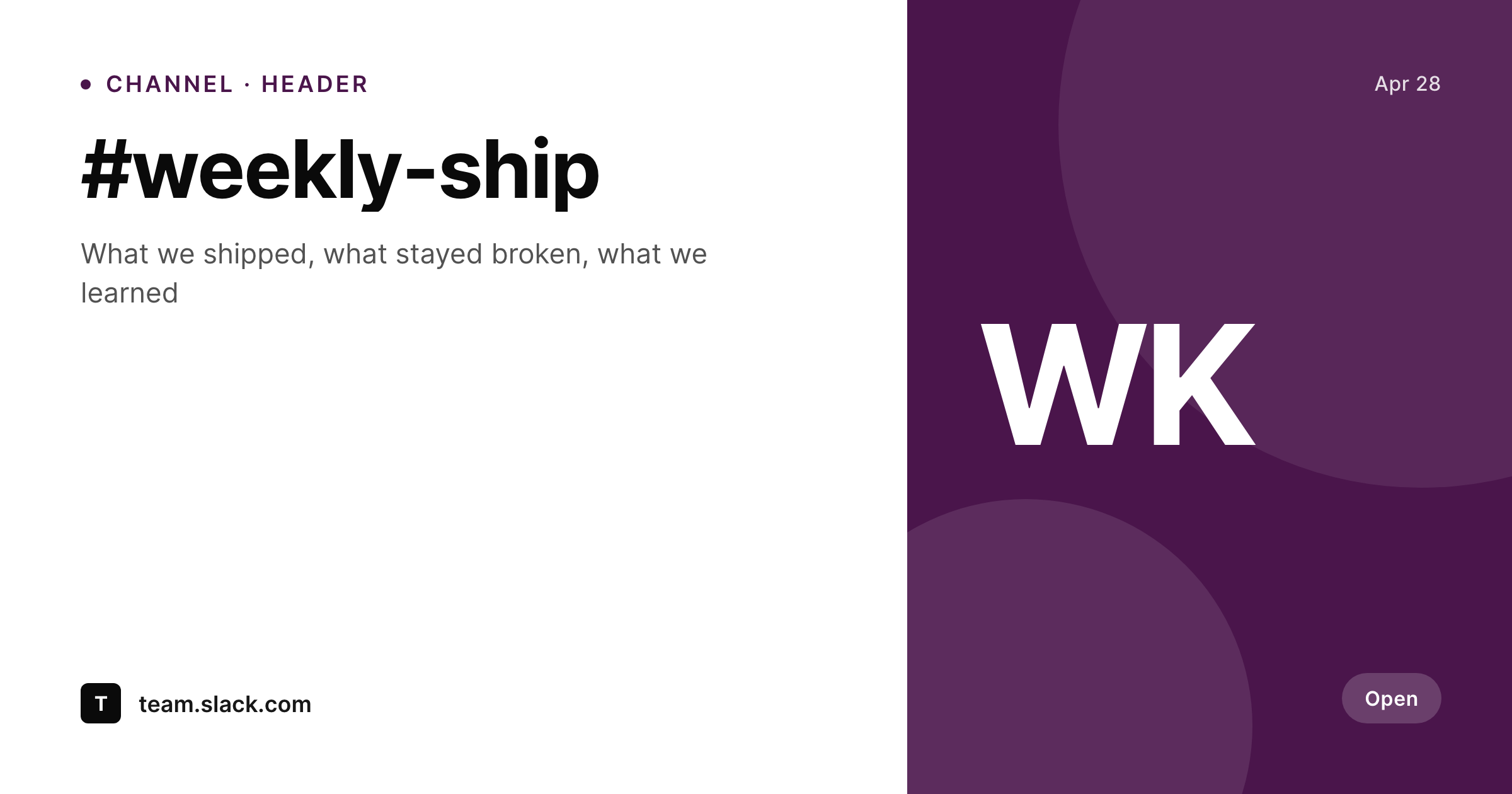
Slack channels rarely get a banner, but they should
Slack does not ship a built-in channel banner. Channels carry a topic line and a description, and that is roughly the entire visual identity a channel gets in the sidebar. Teams that want to give a channel real visual identity post a header image as the first message, pin it, or use a Slack canvas with a hero image at the top. The format that works is roughly 1920x1080 (16:9) and reads well at the Slack canvas hero crop.
SleekPixel renders the header from a WordPress post on save. The fields are real: channel name, focus area, current campaign, owning team. The template is HTML and CSS, locked to the company's brand fonts and colors, and the result is a 1920x1080 PNG in the uploads directory. The owner downloads from the editor sidebar and uploads it as the channel canvas hero, a pinned message banner, or a shared image at the top of the channel.
Banner refreshes for season changes or campaign rollovers become a one-save job. Internal channels start carrying brand-aligned headers without sucking up designer time on every refresh.
Workflow
From post save to Slack channel header
Design the header template
Set up the channel post type
Save the post
Upload to Slack
Output
What gets generated per channel
A 1920x1080 PNG with the channel name, focus, and brand mark, sized for the Slack canvas hero or a pinned banner image.
Comparison
Plain channels versus SleekPixel headers
Topic line only
- Channel topic lines carry no brand identity at all
- Manual header images are designed once and never refreshed
- Source files for channel banners live on individual machines, not in a shared system
- Seasonal campaigns rarely make it into Slack because the workflow is friction
- New hires land in channels that look unowned
SleekPixel
- 1920x1080 PNG rendered from a WordPress post on save
- Channel name, focus, and team field bound to real post fields
- Real brand fonts and colors, locked to a single template
- Re-renders on field changes
- Source of truth lives in WordPress, accessible to every team owner
Features
What SleekPixel gives you for Slack channel headers
Slack-shaped
Templates default to 1920x1080 to fit Slack canvas hero crops and pinned image banners cleanly.
Easy refresh
Seasonal campaigns or team changes refresh by editing one field on the channel post. Re-render and upload, no design tool required.
Team-portable
The header source lives in WordPress, accessible to every team owner with edit access. No design files lost when contributors leave.
Use cases
Where Slack headers work hardest
Campaign channels
Quarterly OKR or campaign channels get a header that surfaces the campaign name and dates.
Team channels
Each team's main channel renders a header with the team name, mission, and owning leader, so new hires understand the channel at a glance.
Project channels
Project channels get a header with the project name, lead, and target ship date, refreshable on milestone changes.
The bigger picture
Why internal Slack channels deserve real visual identity
Internal Slack channels carry the bulk of company communication, and most of them have the same visual identity as a default empty room: a topic line, a description, and nothing else. Channels that carry a real header (a Slack canvas hero or a pinned banner image) read as owned. New hires landing in a team channel see who runs it, what the focus is, and what the current campaign looks like, without reading three months of backscroll.
Most companies cannot keep this up because designing channel headers is friction. The designer is busy with customer-facing work, and the request to design a campaign header for an internal channel rarely makes it past the backlog. SleekPixel makes the friction go away.
The header source lives in WordPress (the same place the company already documents its brand), the template enforces consistency across channels, and a refresh is a field edit and a save. Channels start carrying brand-aligned headers because the cost of designing one collapsed to the cost of writing a sentence.
Questions
Common questions about SleekPixel for Slack channel headers
Slack's API allows posting messages and uploading files to channels with the right permissions, but most teams prefer to handle channel canvases and pinned banners manually. SleekPixel renders the PNG and provides a download button. The channel owner uploads via Slack's canvas editor or the message attachment dialog.
Slack canvas hero images crop well at 1920x1080. Pinned image messages also display well at that size. The dimension is configurable if Slack updates its layout.
Slack reads og:image for link unfurls in channels and DMs, but the embed format depends on the link source. For most public links, Slack shows the og:image in a card-like layout. The rendered file SleekPixel produces is what Slack pulls.
Yes. If a team avatar is uploaded as a featured image or custom field on the channel post, the template can use it as a corner mark or central element.
Workspace icons use a different format (smaller square). SleekPixel can render those with a separate template bound to a workspace post.
Yes. The SleekPixel admin batch regenerate rebuilds headers for every matching post. The PNGs land in uploads ready for download and upload to Slack.
In the WordPress uploads directory, served from your own domain. It is a real PNG, in your media library, and included in normal backups.
No. The render runs once on save and the result is a static file. There is no per-render API cost or rate limit.
Pricing
More than 1000+
happy customers
Explore our flexible licensing options tailored to your needs. Upgrade your license anytime to access more features, or opt for a lifetime license for ongoing value, including lifetime updates and lifetime support. Our hassle-free upgrade process ensures that our platform can grow with you, starting from whichever plan you choose.
Lifetime ♾️
Most popular
EUR
once
- Unlimited websites
- Lifetime updates
- Lifetime support
...or get the Bundle Deal
and save €250 🎁
💎 Want everything forever? The All Access Pass is going away on 01.08.2026.
The Bundle (unlimited sites)
Pay once, own it forever
Elevate your WordPress site with our exclusive plugin bundle that includes all of our premium plugins in one package. Enjoy lifetime updates and lifetime support. Save significantly compared to buying plugins individually.
What’s included
-
SleekAI
-
SleekByte
-
SleekMotion
-
SleekPixel
-
SleekRank
-
SleekView
€749
Continue to checkoutBrowse more
- founding customer card
- OKR update card
- command of the day card
- beta launch cards
- infographic card snippets
- shell tip card
- prediction cards
- SOC 2 announcement card
- uptime report card
- loyalty program cards
- holiday promo card
- Google review cards
- founder story cards
- customer story card
- holiday greeting cards
- Twitch starting soon screen
- Substack post headers
- YouTube Shorts thumbnails
- Xiaohongshu cover images
- LinkedIn article covers
- Warpcast frame images
- Behance project covers
- Facebook post images
- Fansly banner
- YouTube ad thumbnails
- Instagram bio link banners
- Behance banner
- Stan Store cover
- YouTube Shorts cover
- Facebook group banners