






SleekPixel for online course
Online courses have many lessons and many thumbnails. SleekPixel renders a 1280x720 thumbnail per course or lesson with title, instructor, module - all from the post fields.
♾️ Lifetime License available
Course design overhead scales with lesson count
An online course has a hero thumbnail for the course itself and individual thumbnails for each module or lesson. A 24-lesson course needs 25 thumbnails minimum. A platform with 10 courses needs 250. Doing all that in Canva is a real cost: hours of designer time per launch and an ongoing tax every time a course gets updated, a lesson is renamed, or a new module is added.
The other side of the cost is consistency. Course platforms feel professional when their thumbnails look like one product. Course platforms feel amateur when lesson 1 has one font and lesson 14 has a different one because the designer changed laptops. Buyers form their impression in the first few seconds of seeing the course catalog. Inconsistent thumbnails cost conversions even when the course content is excellent.
SleekPixel works at the LearnDash, LifterLMS, Sensei, Tutor, MemberPress Courses, and custom-CPT level. The thumbnail template binds to lesson title, module name, course name, instructor, and any custom fields. Every new lesson ships with a thumbnail on save. Renaming a lesson regenerates the thumbnail. Adding a module updates the catalog. The course platform's visual language stays consistent without designer involvement.
Workflow
Course thumbnail workflow from lesson to catalog
Build template
Add lesson
Render to uploads
Display in catalog
Output
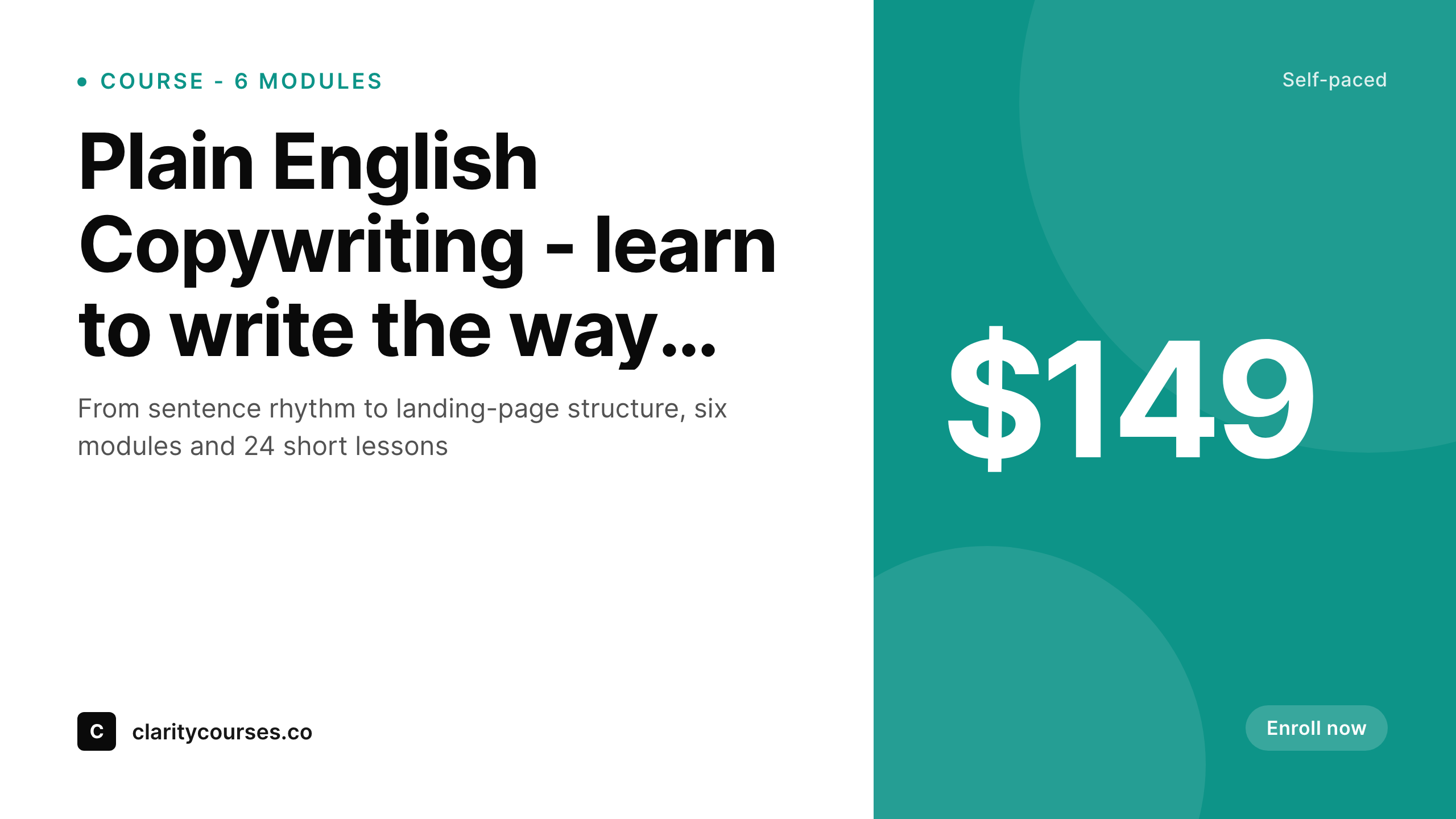
What a course thumbnail looks like
A 1280x720 PNG with the lesson title, course name, instructor and module number, ready to display in the course catalog.
Comparison
Manual course thumbnails vs SleekPixel
Canva per lesson
- Designer rebuilds a thumbnail for every lesson at launch
- Renaming a lesson means re-exporting the thumbnail manually
- Fonts and brand drift across 200+ lesson thumbnails
- New modules block on design queue before they can launch
- Course catalog feels inconsistent, hurts buyer trust
SleekPixel
- Render fires on lesson save in LearnDash, LifterLMS, Sensei, Tutor
- Lesson title, module, course, instructor from post fields
- Per-course or per-module template variants
- Lesson rename regenerates the thumbnail
- Bulk regenerate after a brand refresh in one command
Features
What SleekPixel gives you for online course
Module-aware
Templates know about modules. Module name, lesson order within module, and overall course context can all render onto the thumbnail in a hierarchy that matches the catalog.
Instructor photo
Bind an image layer to instructor avatar. The photo renders consistently across every lesson the instructor teaches, with the right crop shape locked into the template.
Renames regenerate
Lesson titles change as content gets refined. SleekPixel re-renders on save so the thumbnail always reflects the current lesson title in the catalog.
Use cases
Course platforms this fits
Multi-instructor academies
Platforms with multiple instructors need consistent thumbnails per instructor. SleekPixel pulls instructor photo and name automatically without per-lesson design work.
Long-form courses
Courses with 20-100 lessons. The design overhead of manual thumbnails scales linearly with lesson count - SleekPixel removes it entirely at the WordPress layer.
Course bundles
Bundles of courses sold together need a unified visual catalog. Each course's thumbnails render with bundle-aware variants so the catalog feels intentional.
The bigger picture
Why thumbnail consistency matters in course platforms
Online course buyers decide based on perceived quality before they have any way to evaluate actual content quality. The catalog is the storefront. If the catalog shows a tidy grid of thumbnails that all clearly belong to the same school - same fonts, same color block, same instructor-photo treatment - the platform feels like a real school and buyers convert.
If the catalog shows a scrap pile of mismatched thumbnails because each lesson was designed at a different time by a different person, the platform feels amateur even when the courses are excellent. Course creators know this and most still settle for inconsistent catalogs because the cost of doing 250 manual thumbnails per launch is too high. The teams that have figured it out either have a designer on retainer (expensive) or have automated thumbnail generation at the lesson-creation layer.
Automating at the WordPress layer is the practical route for most course platforms running on LearnDash, LifterLMS, Sensei, or Tutor. The lesson is the source of truth. The render runs on save.
The catalog stays consistent as the course library grows from 50 lessons to 500. Brand refreshes (new colors, new fonts, new logo) become a one-command bulk regenerate instead of a six-month manual project.
Questions
Common questions about SleekPixel for online course
Yes. LearnDash stores courses, lessons, topics and quizzes as custom post types. Bind SleekPixel templates to those post types and the right thumbnail renders on save. Course-level, lesson-level, and topic-level templates can all coexist.
All supported. LifterLMS, Sensei, and Tutor LMS each store course content as custom post types with structured fields. SleekPixel reads from those fields the same way as LearnDash. The plugin does not depend on a specific LMS.
Yes. SleekPixel can write the rendered image as the post's featured image automatically, or you can keep them separate and have the LMS reference the SleekPixel-generated URL via a custom field. Either pattern works depending on theme.
Quizzes and assessments are usually their own post types in LMS plugins. Set up a separate quiz template if you want quiz cards to render differently from lesson cards. The same plugin handles all course-related content types.
Yes. Any user-meta field, BuddyPress profile field, or custom user-field plugin works as an image source for the instructor photo. Bind the image layer to the appropriate user-meta key.
Bulk regenerate. SleekPixel includes a command that re-renders all thumbnails under a given template after you update the template. A 500-lesson catalog can be rebuilt overnight without manual touchup per lesson.
Yes. If you sell courses as WooCommerce products that link to LMS content, SleekPixel can render thumbnails for both the WooCommerce product page and the LMS lesson pages. Each gets its own template and renders independently.
Yes. Configure two templates per lesson - a catalog thumbnail (smaller, brand-forward) and a player thumbnail (larger, content-forward). Both render on save. The course UI references whichever URL is appropriate at the right moment.
Pricing
More than 1000+
happy customers
Explore our flexible licensing options tailored to your needs. Upgrade your license anytime to access more features, or opt for a lifetime license for ongoing value, including lifetime updates and lifetime support. Our hassle-free upgrade process ensures that our platform can grow with you, starting from whichever plan you choose.
Lifetime ♾️
Most popular
EUR
once
- Unlimited websites
- Lifetime updates
- Lifetime support
...or get the Bundle Deal
and save €250 🎁
💎 Want everything forever? The All Access Pass is going away on 01.08.2026.
The Bundle (unlimited sites)
Pay once, own it forever
Elevate your WordPress site with our exclusive plugin bundle that includes all of our premium plugins in one package. Enjoy lifetime updates and lifetime support. Save significantly compared to buying plugins individually.
What’s included
-
SleekAI
-
SleekByte
-
SleekMotion
-
SleekPixel
-
SleekRank
-
SleekView
€749
Continue to checkoutBrowse more
- Instagram stories
- VK community cover photos
- kbin post images
- Discord server icon
- Substack podcast cover
- Vimeo channel banners
- LinkedIn showcase page banners
- X community banners
- eBay listing images
- Apple Music cover art
- Threads post images
- LinkedIn event banners
- YouTube community images
- Spotify podcast covers
- LinkedIn article covers