






SleekPixel for Meta Box
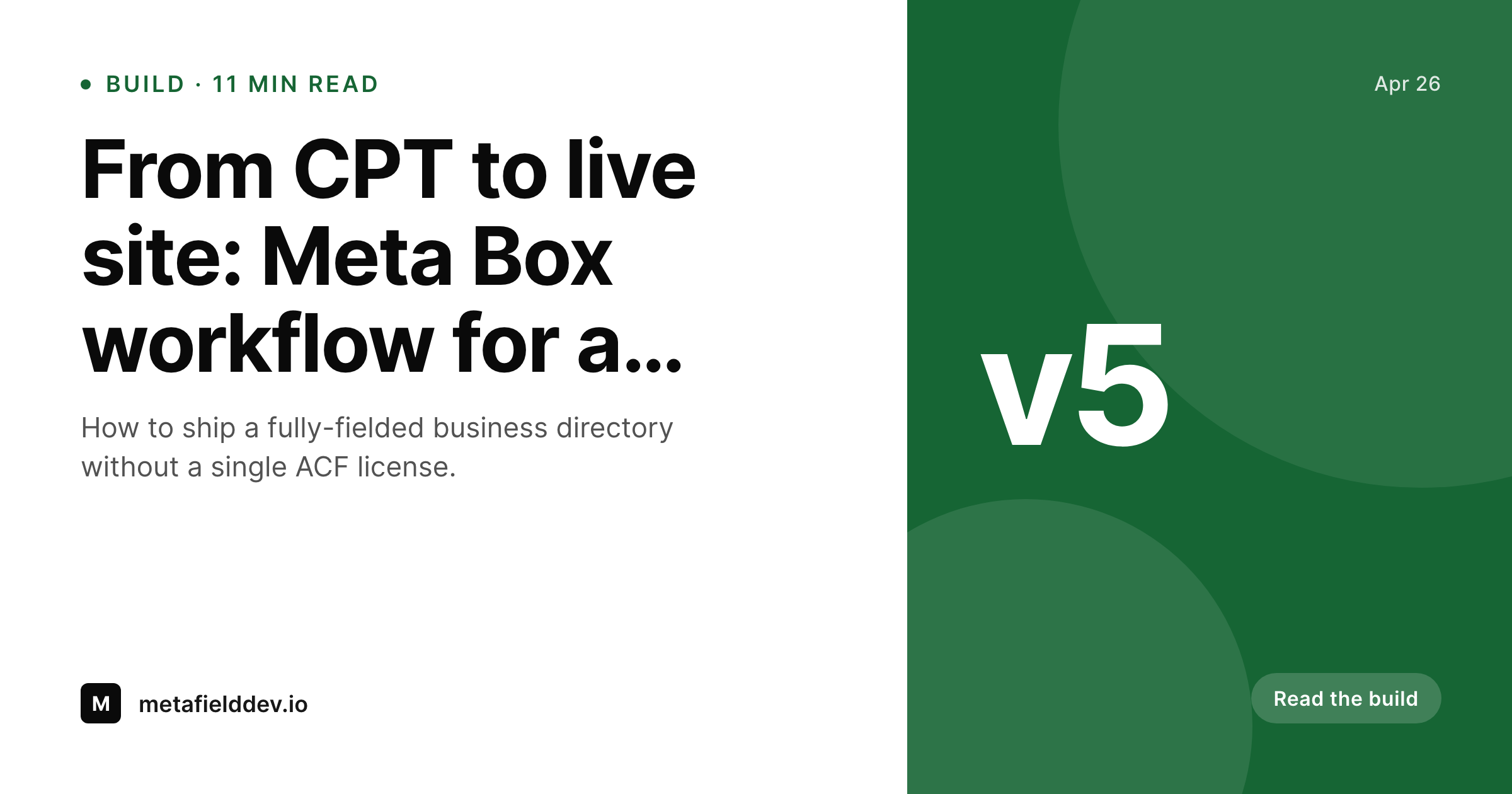
SleekPixel reads Meta Box text, number, image, taxonomy, group, and clone fields and renders a 1200 by 630 share card on save. The structured data that drives your front-end powers your share previews too.
♾️ Lifetime License available
Meta Box sites deserve data-driven cards
Meta Box is the framework choice for developers who want a code-first or hybrid field setup, often paired with MB Builder, MB Custom Post Types, and MB Frontend Submission. Sites built on it tend toward directory, marketplace, and knowledge-base structures - the kind where every post type has 8 to 15 fields and the front-end is dense with structured data. The share image, by default, is whatever the SEO plugin falls back to. Featured image if present, brand fallback otherwise.
SleekPixel reads any Meta Box field on save, regardless of whether it was registered through MB Builder, in code, or imported from a JSON definition. Text and number fields land as overlay text with locale-aware formatting. Image fields composite as background or inline. Group and clone fields surface their nested values to the template. Taxonomy fields render as badges. The picker mirrors the Meta Box field structure exactly, so a developer who knows the field IDs already knows how to map them.
For sites with hundreds or thousands of CPT entries - business directories, recipe archives, member rosters - the bulk regenerate command rebuilds every share card in one pass. After a brand refresh or template tweak, the entire archive comes onto the new design without a manual export per post. The Meta Box data layer continues unchanged: the fields, the front-end output, and the editor experience all stay where they are. SleekPixel adds the share-image layer on top, driven by the same data.
Workflow
From Meta Box save to share card
Enable the post types
Map the fields
Save a post
Meta tags update
Output
What gets generated per post
A 1200 by 630 OG and Twitter card with title, Meta Box text or number fields, and brand mark - rendered on save and saved to uploads as a real PNG.
Comparison
Meta Box data + manual exports versus SleekPixel
Featured image only
- Meta Box fields drive the page but never reach the og:image
- Listing CPTs without a featured image fall back to a generic site default
- Updating a price field after publish leaves stale share cards in social caches
- Manual export per directory entry is impractical for 500-row archives
- External render services charge per render and add a third-party dependency
SleekPixel
- Reads any Meta Box field - text, number, image, group, clone, taxonomy
- Group and clone fields surface nested values to the template picker
- Self-hosted render, no per-image fees, no external API dependency
- Bulk regenerate handles thousands of Meta Box CPT entries in one command
- Works with MB Builder, code-defined fields, and JSON imports interchangeably
Features
What SleekPixel gives you for Meta Box
All Meta Box field types
Text, number, image, taxonomy, group, clone, and repeater-style fields all map to template placeholders. The picker mirrors your Meta Box field group structure.
Code or builder fields
Whether your fields are registered through MB Builder, in code, or via a JSON import, SleekPixel reads from saved meta the same way. No re-registration needed.
Save-driven updates
Editing any Meta Box field and saving triggers a fresh render. The share card stays in sync with the underlying data without manual export steps.
Use cases
Where Meta Box CPTs benefit most
Business directories
Each business listing shows category, location, and phone on the share card. Users sharing directory links in WhatsApp see the right context immediately.
Knowledge bases
Article CPTs with custom fields for product, version, and author render share cards that name all three. Documentation share previews actually inform.
Resource libraries
Whitepaper, case study, and template CPTs each get cards with type and topic. Marketing teams sharing assets internally see structured previews instead of bare URLs.
The bigger picture
Why Meta Box-heavy sites need this
The Meta Box ecosystem skews toward developers building purpose-specific platforms: directories, marketplaces, member rosters, multilingual catalogues. The defining property of these sites is structured data density. Every CPT entry has 10-15 fields, the front-end uses all of them, and the difference between this site and a brochure site is exactly that structure.
The share preview is the one place that structure typically vanishes. og:image falls back to a featured image or a site default, and the share carries no signal that the underlying page is anything more than a blog post. SleekPixel restores parity.
The same Meta Box fields that drive the page now drive the card, with no developer template code required - the field picker handles the binding. For sites where the data is the product (directory listings, course pages, member profiles), this is the difference between a share preview that converts and one that doesn't. The render stays self-hosted, the data stays in Meta Box, and the share-image layer becomes a side effect of saving the post.
Questions
Common questions about SleekPixel for Meta Box
Yes. SleekPixel reads from the saved post meta, regardless of how the field was registered or how the post was created. MB Frontend Submission posts trigger save_post and render the same way as admin-created posts. MB Builder and code-defined fields are interchangeable from SleekPixel's perspective.
Yes. Group fields expose their nested values to the template picker - select group_address.city, group_address.country individually. Clone fields surface as repeating rows up to a configurable count, with overflow collapsing into 'plus N more'.
Yes. Many Meta Box sites use post types as semantic labels (Listing, Article, Profile). The template can show the post type label as a pill at the top of the card. It is configurable per template.
Yes. MB Custom Post Types is just a UI for registering CPTs - the underlying register_post_type call works the same way as code registration. SleekPixel sees every registered post type in the selector regardless of how it was registered.
Relationship fields store post IDs in meta. SleekPixel can dereference the related post and pull its title or featured image into the card. A listing with a related agent post can show the agent's name and photo on the card, for example.
The rendered image is a real PNG in uploads, served by the standard WordPress media path. CDN caching, browser caching, and any caching plugin treat it as a normal image asset. No SleekPixel-specific cache layer is involved.
Settings pages store global options - typically brand-level settings like default mark colour or fallback image. The SleekPixel template can reference these as well, so a 'site-wide brand mark' field can populate every card automatically.
Yes. The bulk regenerate command iterates every post in the enabled post types and renders a fresh image. Useful after template changes, brand refreshes, or after enabling a new field that should appear on existing posts.
Pricing
More than 1000+
happy customers
Explore our flexible licensing options tailored to your needs. Upgrade your license anytime to access more features, or opt for a lifetime license for ongoing value, including lifetime updates and lifetime support. Our hassle-free upgrade process ensures that our platform can grow with you, starting from whichever plan you choose.
Lifetime ♾️
Most popular
EUR
once
- Unlimited websites
- Lifetime updates
- Lifetime support
...or get the Bundle Deal
and save €250 🎁
💎 Want everything forever? The All Access Pass is going away on 01.08.2026.
The Bundle (unlimited sites)
Pay once, own it forever
Elevate your WordPress site with our exclusive plugin bundle that includes all of our premium plugins in one package. Enjoy lifetime updates and lifetime support. Save significantly compared to buying plugins individually.
What’s included
-
SleekAI
-
SleekByte
-
SleekMotion
-
SleekPixel
-
SleekRank
-
SleekView
€749
Continue to checkoutBrowse more
- Patreon cover images
- YouTube thumbnails
- TikTok Now image
- Weibo post images
- Poshmark listing images
- Lemmy post images
- Instagram ad images
- GitHub README banners
- Dailymotion thumbnails
- LinkedIn newsletter headers
- Spotify Canvas
- Mailchimp email banner
- Gumroad product covers
- Patreon tier images
- Instagram Shop product images