






SleekPixel for Poshmark listing images
Generate 1080x1080 closet covers per piece with title, price, size, and condition cue. Your Poshmark closet reads as one curated shop, not a wardrobe purge.
♾️ Lifetime License available
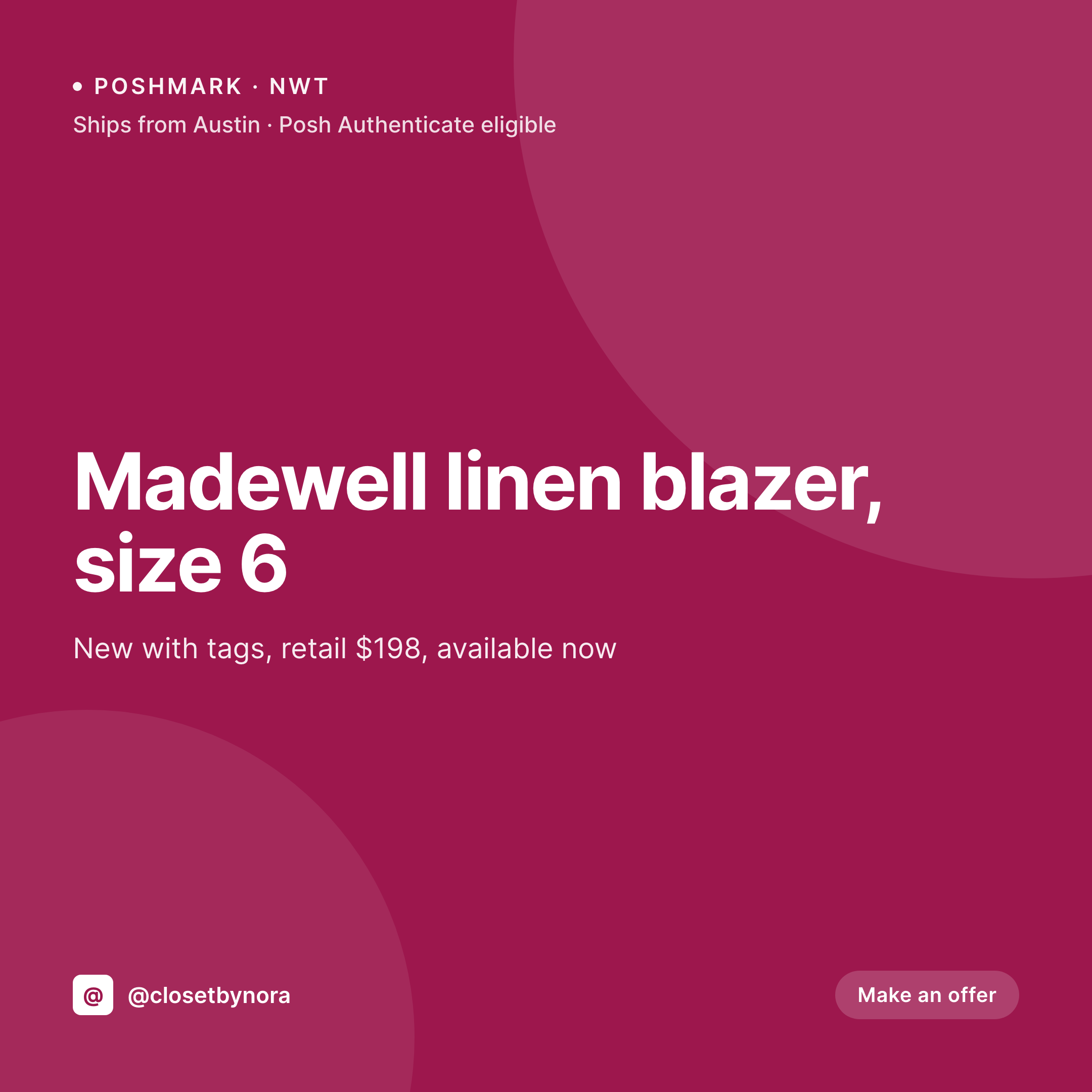
Poshmark closets read as brands when every cover matches
Poshmark closets surface in search and category pages as a grid of cover images. The cover is the buyer's first impression of both the piece and the closet. When covers come from different photo sessions with different walls and different light, the closet stops reading as a curated seller and starts feeling like a yard sale.
SleekPixel renders Poshmark covers from a WordPress closet source. Title, price, size, condition, brand, and a closet mark live in fields. The output is a 1080x1080 PNG that drops into a Poshmark listing as the cover.
One template across the closet means every cover reads as the same shop. Refresh per season with one template edit and a batch render.
Workflow
From closet record to Poshmark cover
Map closet fields
Design the cover template
Save the closet record
Upload to Poshmark
Output
Sample Poshmark cover image
1080x1080 PNG with title, price, size, condition cue, and closet mark composited over the piece photo.

Comparison
Raw closet photos vs SleekPixel per piece
Raw closet photo per listing
- Closet photos vary in wall, light, and crop across listings
- No price, size, or condition cue on the cover itself
- Closet mark missing, so high-volume closets look anonymous
- Manual Canva edits per piece become a bottleneck past 50 listings
- Seasonal refresh leaves older covers looking off-brand
SleekPixel
- 1080x1080 cover per piece, generated from a WordPress source
- Price, size, brand, and condition baked into the cover
- Closet mark and accent consistent across every listing
- Ships-from cue and Posh Authenticate badge support
- Batch regenerate refreshes the whole closet on rebrand
Features
What SleekPixel gives you for Poshmark listing images
Size and brand
Size and original brand render as tags on the cover so search-by-size and brand-loyal buyers can scan the closet without opening each listing.
Condition cues
NWT, EUC, and other Poshmark condition codes render as a small badge so buyers see the state of the piece before the tap.
Closet accent
Each closet picks an accent color and a typographic mark, propagating to every cover for an unmistakable shop identity.
Use cases
Where Poshmark covers earn the follow
Volume resellers
Closets with hundreds of listings where consistent covers turn a busy closet into a brand inside Poshmark search.
Luxury and authenticated
Closets selling authenticated pieces where the Posh Authenticate badge on the cover signals legitimacy at thumbnail size.
Seasonal closet edits
Seasonal capsules with their own accent and treatment within the same closet, refreshing per season without manual cover work.
The bigger picture
Why a consistent Poshmark closet converts more buyers
Poshmark buyers follow closets, not just listings. The closet grid is the deciding surface for whether a buyer hits follow and gets the next listing in their feed. A grid of consistent covers reads as a real shop with consistent curation, while inconsistent covers read as a personal closet that happens to be for sale.
Templating the first cover per piece keeps the grid coherent without forcing every listing into the same photo session. Buyers get the price, the size, and the condition before they tap, which respects their time and lifts the percentage of taps that turn into follows and sales.
Questions
Common questions about SleekPixel for Poshmark listing images
Yes within Poshmark's image guidelines. SleekPixel's templates respect the rules by keeping price and closet marks inside safe zones and using clean, well-lit composites.
Yes. The SleekPixel render sits as the cover for grid coherence. The remaining listing photos can stay as raw closet shots so buyers can inspect the piece.
If the listing qualifies for Posh Authenticate, a small badge renders on the cover. The badge is configurable per listing based on a field on the closet record.
Yes. If you run more than one closet, each closet record can point to its own template variant so the covers reflect each closet's brand.
Poshmark Live has its own cover requirements. SleekPixel can render a Live cover variant from the same source with a Live tag and a scheduled time.
Yes. Every render is a real PNG in uploads, accessible from the closet record and backed up with the rest of the media.
No. Poshmark uploads happen manually in the app. The render is automatic, the upload is a manual step.
Yes. Edit the template once, then batch regenerate. Every cover refreshes with the new design while keeping its title, price, size, and condition fields.
Pricing
More than 1000+
happy customers
Explore our flexible licensing options tailored to your needs. Upgrade your license anytime to access more features, or opt for a lifetime license for ongoing value, including lifetime updates and lifetime support. Our hassle-free upgrade process ensures that our platform can grow with you, starting from whichever plan you choose.
Lifetime ♾️
Most popular
EUR
once
- Unlimited websites
- Lifetime updates
- Lifetime support
...or get the Bundle Deal
and save €250 🎁
💎 Want everything forever? The All Access Pass is going away on 01.08.2026.
The Bundle (unlimited sites)
Pay once, own it forever
Elevate your WordPress site with our exclusive plugin bundle that includes all of our premium plugins in one package. Enjoy lifetime updates and lifetime support. Save significantly compared to buying plugins individually.
What’s included
-
SleekAI
-
SleekByte
-
SleekMotion
-
SleekPixel
-
SleekRank
-
SleekView
€749
Continue to checkoutBrowse more
- Pinterest board covers
- Instagram ad images
- YouTube thumbnails
- Shopify product images
- VK community cover photos
- YouTube end screens
- Twitter/X header
- Fansly banner
- Threads post images
- Instagram bio link banners
- YouTube podcast thumbnails
- Bluesky profile banner
- Behance project covers
- Pinterest shop banners
- Etsy shop banners