






SleekPixel for music school
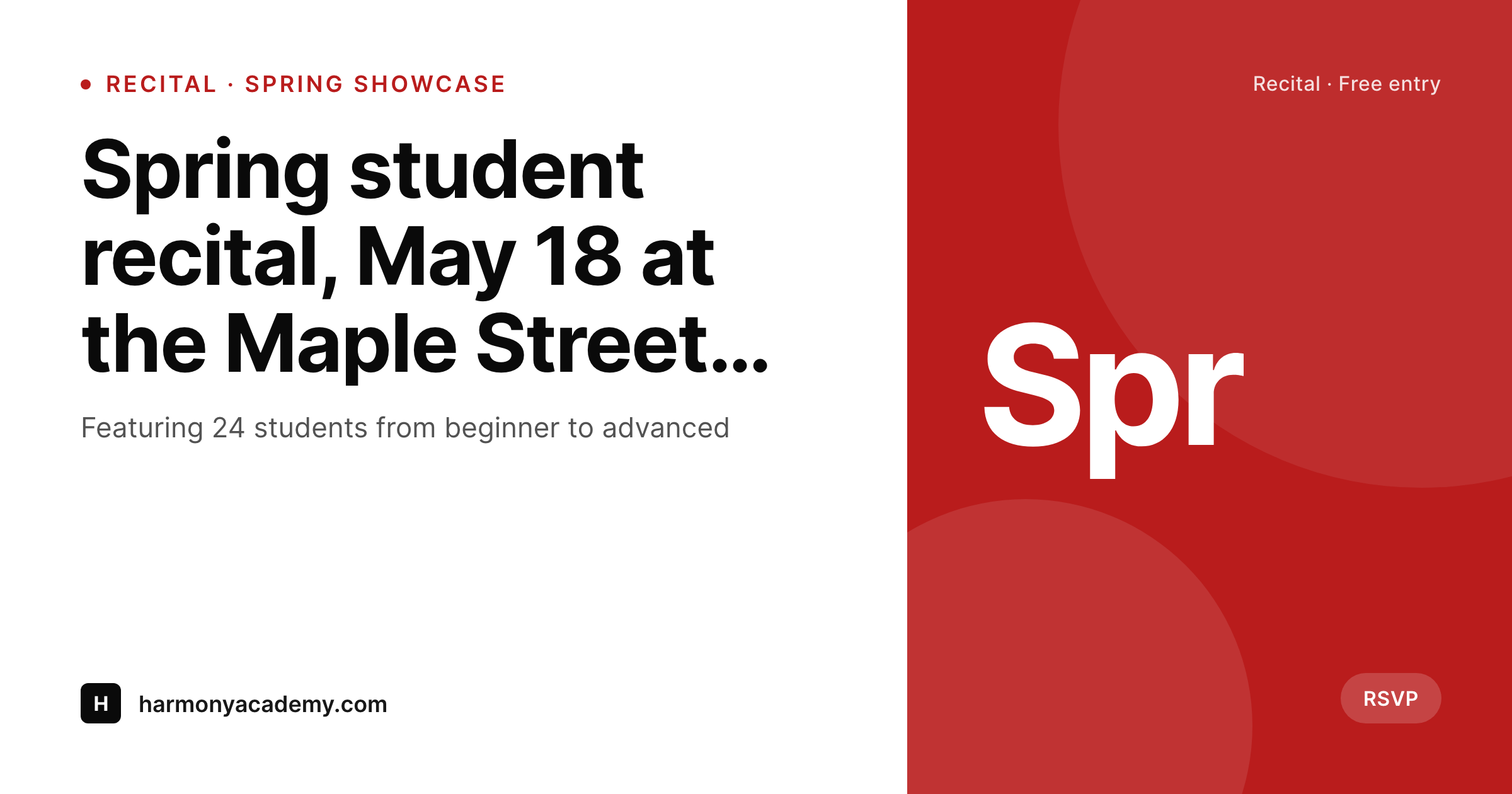
Recital date, instructor name, instrument, and class level live on each post. SleekPixel renders a branded 1200x630 share card on save, so parent emails and Facebook posts always link with current art.
♾️ Lifetime License available
Music schools market through parents, not platforms
A music school's marketing channel is parent group chats, school district Facebook pages, and the bulletin board at the local coffee shop. Each spring recital, each new instructor profile, each beginner piano class needs to look professional when the studio director pastes the link into the parent newsletter at 9pm. Most studios have a Canva folder full of half-finished class flyers and last semester's recital posters, and the share preview on the website itself is whatever WordPress grabs by default, which is usually a generic homepage banner.
The studio already structures the data the share card needs. Recital posts have date, venue, featured students, and program. Instructor profiles have name, instruments taught, headshot, and credentials. Class posts have instrument, level, day, and tuition. The information that should drive the share image is sitting on every post; it just never gets to the OG tag because no one wires it together.
SleekPixel does the wiring. One template per post type (recital, instructor, class) reads the existing fields and renders a branded 1200x630 PNG on save. Update the recital date, the card refreshes. Add a new violin instructor, the profile gets a card the same day. The studio director pastes the link into the parent newsletter and the preview is correct, every time, without a Canva detour.
Workflow
From class draft to branded share card
Map studio post types
Design templates per type
Publish normally
Bulk regenerate seasonally
Output
What gets generated per page
A 1200x630 OG image with class or recital title, date, instructor, and the studio's brand mark, pulled live from the page's own fields.
Comparison
Canva flyers vs auto-rendered studio cards
Canva / Manual export
- Each recital and class flyer made by hand in Canva on the director's evenings
- Schedule shifts mean re-exporting and re-uploading the flyer with new dates
- Half the website's pages share with the homepage banner instead of the actual class
- New instructor onboarding waits on a designer to make their profile card
- Studio rebrand means redoing every flyer in the back catalog one by one
SleekPixel
- Each recital, instructor, and class post saves with its own branded card
- Instrument, level, date, and venue pulled from existing WordPress fields
- Bulk regenerate when the studio rebrands or updates seasonal templates
- 1200x630 PNG stored in uploads, wired into og:image and twitter:image
- Manual download from the Gutenberg sidebar for parent emails and bulletin boards
Features
What SleekPixel gives you for music school
Recital cards
Spring recital, holiday concert, student showcase: each event post saves with a card showing date, venue, and program. Forwarded emails open with proper preview.
Instructor profiles
Name, instrument, headshot, and credentials render onto a branded profile card. New instructors get share-ready art the day they start teaching.
Class schedules
Beginner piano, advanced violin, group ensemble: each class page renders with instrument, level, and meeting time on the share card.
Use cases
Where studio share cards earn their keep
Parent newsletters
Recital and class links forwarded by parents to friends open with proper preview cards, so referrals look as professional as the studio actually is.
School district Facebook groups
Class signup pages shared into local school groups render with instrument, level, and day on the card, driving more inquiries per share.
Recital invitations
RSVPs go out faster when the link preview shows the recital date, venue, and student count on a branded card instead of a generic homepage banner.
The bigger picture
Why share cards matter for community music schools
Music school enrollment runs on word of mouth at parent-to-parent speed. A mom mentions piano lessons in the school pickup line, the friend asks for the link, the link gets pasted into a group text that night. The OG card on that link is what greets six other parents in the morning, and a polished card with the studio name, instructor, and class day reads as a real institution.
A blank or stretched preview reads as a side hustle, even when the teaching is excellent. Enrollment depends on which pattern parents lock onto in those first few seconds. The second reality is that music studios run a content cadence they did not plan for.
Recitals every season, instructor profiles every fall, new class blocks every term. The director or a parent volunteer ends up making most of the marketing assets in Canva at night, and the queue never quite catches up with the calendar. SleekPixel removes the queue by binding the share card to the post itself.
The studio writes the recital announcement, hits publish, and the marketing card exists. Hours go back into student-facing work, the catalog stays consistent, and the studio looks the way it teaches: like a real, professional practice.
Questions
Common questions about SleekPixel for music school
Yes. SleekPixel reads the WordPress user profile photo or any custom avatar field. Instructor profile templates render the headshot alongside the name and instrument, so each card feels personal without manual upload steps for every save.
Custom taxonomies are first-class. Map an instrument taxonomy term (piano, violin, voice, percussion) to a slot on the template. The rendered card pulls the term name and can use a per-instrument accent color so piano cards and violin cards feel distinct but unified.
Yes. Templates can be conditional on level taxonomy or post field. Kids' recital cards render bright and playful, adult chamber music cards render in a more formal type stack. Both pull live data from the same post fields with no duplicate setup.
SleekPixel renders web-resolution PNGs at the dimensions you configure. For print flyers, output an 11x17 or A4 template at 300 DPI. The same source data drives both the on-screen share card and a printable flyer, generated on the same save.
If you store seats remaining as a custom field, yes. Bind the field to a slot on the class template. Update the field, save the post, the card regenerates with 'Beginner piano, Wednesdays at 5pm, 2 spots left'. Manual edits are unnecessary.
SleekPixel renders the share card for the WordPress class page. Whether enrollment runs through Sawyer, Jackrabbit, or a custom form, the page itself is what gets shared and what carries the OG image. The card stays accurate regardless of which platform handles the actual signup.
Each instructor can have their own accent color stored on their user profile, and templates can read that field per instructor. The studio keeps a master template, but each instructor's cards carry their personal accent so they feel cohesive without being identical.
Generation runs on save, not on page load, so the public site stays fast. Rendered PNGs live in standard WordPress uploads. For a typical studio with a few hundred posts across recitals, instructors, and classes, the storage footprint is negligible compared to the time saved on manual flyer design.
Pricing
More than 1000+
happy customers
Explore our flexible licensing options tailored to your needs. Upgrade your license anytime to access more features, or opt for a lifetime license for ongoing value, including lifetime updates and lifetime support. Our hassle-free upgrade process ensures that our platform can grow with you, starting from whichever plan you choose.
Lifetime ♾️
Most popular
EUR
once
- Unlimited websites
- Lifetime updates
- Lifetime support
...or get the Bundle Deal
and save €250 🎁
💎 Want everything forever? The All Access Pass is going away on 01.08.2026.
The Bundle (unlimited sites)
Pay once, own it forever
Elevate your WordPress site with our exclusive plugin bundle that includes all of our premium plugins in one package. Enjoy lifetime updates and lifetime support. Save significantly compared to buying plugins individually.
What’s included
-
SleekAI
-
SleekByte
-
SleekMotion
-
SleekPixel
-
SleekRank
-
SleekView
€749
Continue to checkoutBrowse more
- Kick channel banners
- Telegram bot avatar
- Substack podcast cover
- Mastodon profile banners
- LinkedIn event banners
- Vimeo channel banners
- Reddit subreddit banners
- Douyin cover
- Tumblr header
- Threads social images
- Threads profile banner
- YouTube podcast thumbnails
- Beacons.ai banner
- Instagram Reels covers
- GitHub social preview images