






SleekPixel for press kit card
The press kit page is the URL the comms team forwards to every journalist who asks for assets. SleekPixel renders a branded preview from that page with the last-updated date, the brand, and a short summary, so reporters see at a glance the kit is current and on-brand before clicking.
♾️ Lifetime License available
Press kits get shared more than any other comms URL
A press kit is the highest-traffic comms URL the company has. Every reporter writing a story asks for assets. Every conference asks for the founder bio. Every podcast asks for a logo. The kit gets sent over and over, often inside Slack DMs and email threads with editors. The link preview shows up in each of those threads, and the perception of how put-together the company is partly forms from that preview.
If the preview is a generic site logo, the kit reads as boilerplate. If the preview shows a clear branded card with the last-updated date and a short summary, the kit reads as a maintained resource. Reporters who have to file by 5pm care about that signal, because a stale kit means they will spend ten minutes asking for current logos.
SleekPixel renders the card from the press kit post. Last-updated date, asset summary, founder count, and brand all bind to post fields. On save, the PNG renders and og:image points at it. When the comms team forwards the URL in an email thread, the preview reassures the reporter the kit is current before they even open it.
Workflow
From kit update to share-ready preview in one save
Build the press kit template
Publish the press kit post
Card renders on save
Forward to journalists
Output
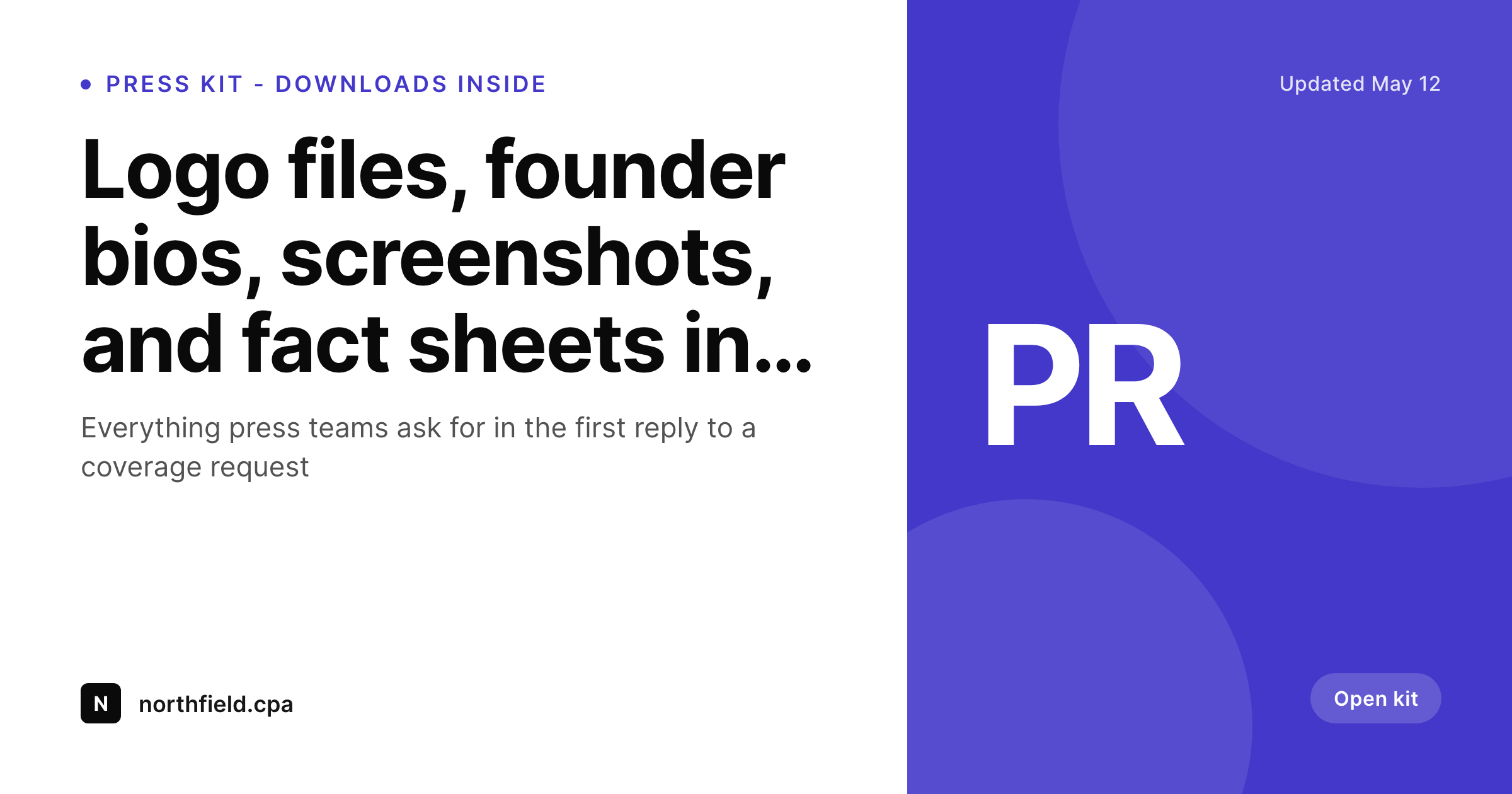
Sample press kit card
A 1200x630 OG card with last-updated date, asset summary, and brand rendered from the press kit post.
Comparison
Default site preview vs SleekPixel
Default site logo
- Press kit URL previews as the homepage, not a kit
- Reporters cannot tell if the kit is current from the preview
- Asset summary lives in the post body but never on the social card
- Comms team manually rebuilds the preview each time the kit refreshes
- Forwarded kit links look identical to any other site link
SleekPixel
- Renders on save from the press kit post
- Last-updated date bound to a post field, visible in the preview
- Asset summary line bound to a teaser field
- Brand and kit name locked in the template
- Refresh the kit and the preview catches up automatically
Features
What SleekPixel gives you for press kit card
Last-updated badge
The kit's last-updated date is the single most useful signal in the preview. Reporters trust kits dated this quarter. The field binds to a custom date and renders cleanly.
Asset summary
A one-line summary of what is inside - logos, bios, screenshots, fact sheets - renders on the card. The reporter knows what they are getting before the click.
Looks current
When the kit gets refreshed, the post saves, the date updates, the preview catches up. No risk of a year-old card on a freshly updated kit.
Use cases
Where press kit cards earn their keep
Active PR efforts
During launches, fundraises, or news cycles, the press kit URL gets forwarded fifty times a day. Every forward previews as a maintained, on-brand resource.
Agency-managed comms
PR agencies running multiple client accounts each maintain a kit per client. The card distinguishes each client's kit at a glance, even when both URLs are open in a reporter's inbox.
Public company IR
Investor relations teams often maintain a press resources section alongside the IR site. The kit card reads as part of the official corporate communication infrastructure.
The bigger picture
Why a press kit card affects coverage outcomes
Press coverage starts with a request from a reporter and ends with a published story. In between, the comms team forwards a press kit URL and hopes the reporter pulls accurate assets and current language. The faster and more confidently the reporter pulls from the kit, the better the story tends to be, because the reporter is not bothered to re-verify which logo is current or which founder bio is the latest.
The kit URL preview is part of that confidence. When the preview signals that the kit is maintained, dated this quarter, and clearly branded, the reporter dives in. When the preview is a generic site logo, the reporter often defaults to asking the comms team for assets in DM, which adds back-and-forth and slows the story.
Companies that handle PR well treat the kit card as part of the kit. SleekPixel makes that structural rather than something comms has to remember once a quarter. The kit post is the source.
The card renders on save. The forwarded link always reads as current, which is exactly what a reporter under a 5pm deadline needs to see.
Questions
Common questions about SleekPixel for press kit card
The card pulls from whichever field you bind. You can use the WordPress post modified date for fully automatic, or a manual custom field that lets you set the visible date independently of internal post edits.
Run multiple kit posts - one for media, one for partners, one for investors. Each gets its own card and URL. The comms team forwards the right kit for the right audience.
Yes. A custom field like 'asset_summary' or 'asset_count' binds to a text layer in the template. Each kit can render with a different summary line based on the field.
SleekPixel writes og:image and twitter:image. Your SEO plugin handles the rest of the meta tags. The press kit page's SEO is not affected; the social preview is improved.
Yes. The kit body can be gated behind a password or membership. The card renders for the public-facing URL and og:image is accessible for link previews. Privacy on the assets, brand on the preview.
If the press portal has multiple pages - one for assets, one for boilerplate, one for executive bios - each page can have its own SleekPixel card. The portal previews as a coherent set of branded resources.
Yes. Multi-brand companies often run a kit per product. Each kit post uses its own template variant tied to a category or custom field. Reporters see the right brand on the right kit.
Yes. SleekPixel exposes WP-CLI commands for bulk regeneration. Updating brand colors across every kit on a multi-product install runs as a single CLI command.
Pricing
More than 1000+
happy customers
Explore our flexible licensing options tailored to your needs. Upgrade your license anytime to access more features, or opt for a lifetime license for ongoing value, including lifetime updates and lifetime support. Our hassle-free upgrade process ensures that our platform can grow with you, starting from whichever plan you choose.
Lifetime ♾️
Most popular
EUR
once
- Unlimited websites
- Lifetime updates
- Lifetime support
...or get the Bundle Deal
and save €250 🎁
💎 Want everything forever? The All Access Pass is going away on 01.08.2026.
The Bundle (unlimited sites)
Pay once, own it forever
Elevate your WordPress site with our exclusive plugin bundle that includes all of our premium plugins in one package. Enjoy lifetime updates and lifetime support. Save significantly compared to buying plugins individually.
What’s included
-
SleekAI
-
SleekByte
-
SleekMotion
-
SleekPixel
-
SleekRank
-
SleekView
€749
Continue to checkoutBrowse more
- weekly recap banner
- referral program cards
- IPO cards
- tool of the day cards
- quote of the day cards
- release note cards
- SOC 2 announcement card
- template download card
- feature launch images
- year-end recap card
- sustainability report card
- product tour cards
- milestone celebration cards
- remote first card
- comparison chart cards
- Telegram channel images
- Bandcamp release cover
- Rednote (Xiaohongshu) post
- Gumroad product covers
- Tidal cover art
- Bluesky profile banner
- Twitch offline banners
- Klaviyo email banner
- Pinterest product pin covers
- Bluesky feed banner
- Telegram channel banner
- TikTok profile banners
- Passes page banner
- Kick stream thumbnails
- Discord stage banner