






SleekPixel for comparison chart cards
SleekPixel turns each comparison post into a branded card on save. Vendor names, evaluation criteria count, and the headline verdict all come from real fields, so OG, the comparison index, and any embedded share image stay in lockstep.
♾️ Lifetime License available
Comparison content lives on the OG card
A comparison post is a high-intent search target. Buyers searching A vs B, or top six platforms in a category, are deep in evaluation and click the strongest-looking result first. The OG card decides whether they click. Generic site cards lose those clicks to publications with rendered comparison graphics. The cost of producing those graphics by hand for every comparison post is the reason most software review sites cap at five or six bespoke matchups and leave the long tail with default cards.
SleekPixel turns the card into a derived artifact. The comparison post already holds the vendor list, the evaluation criteria, the verdict, and the topic. The template encodes the layout once, with rules for two-vendor head-to-heads, three-way matchups, and roundups of six or more. Save the post and the renderer writes the OG card, the comparison index thumbnail, and any LinkedIn share size in one pass. The vendor logos pull from a vendor post type so the card always carries the right marks.
For software review sites, this changes the economics of long-tail comparison content. Every matchup, even the niche ones, ships with a card that looks like the flagship matchups. The comparison index reads as a coherent product instead of a tier of A-listers and a tail of placeholders. Prospects browsing for category coverage see a brand that takes every comparison seriously.
Workflow
From comparison post to ready-to-ship card
Encode the comparison layout
Connect the vendor records
Publish the comparison
Refresh the index
Output
How a comparison card composes
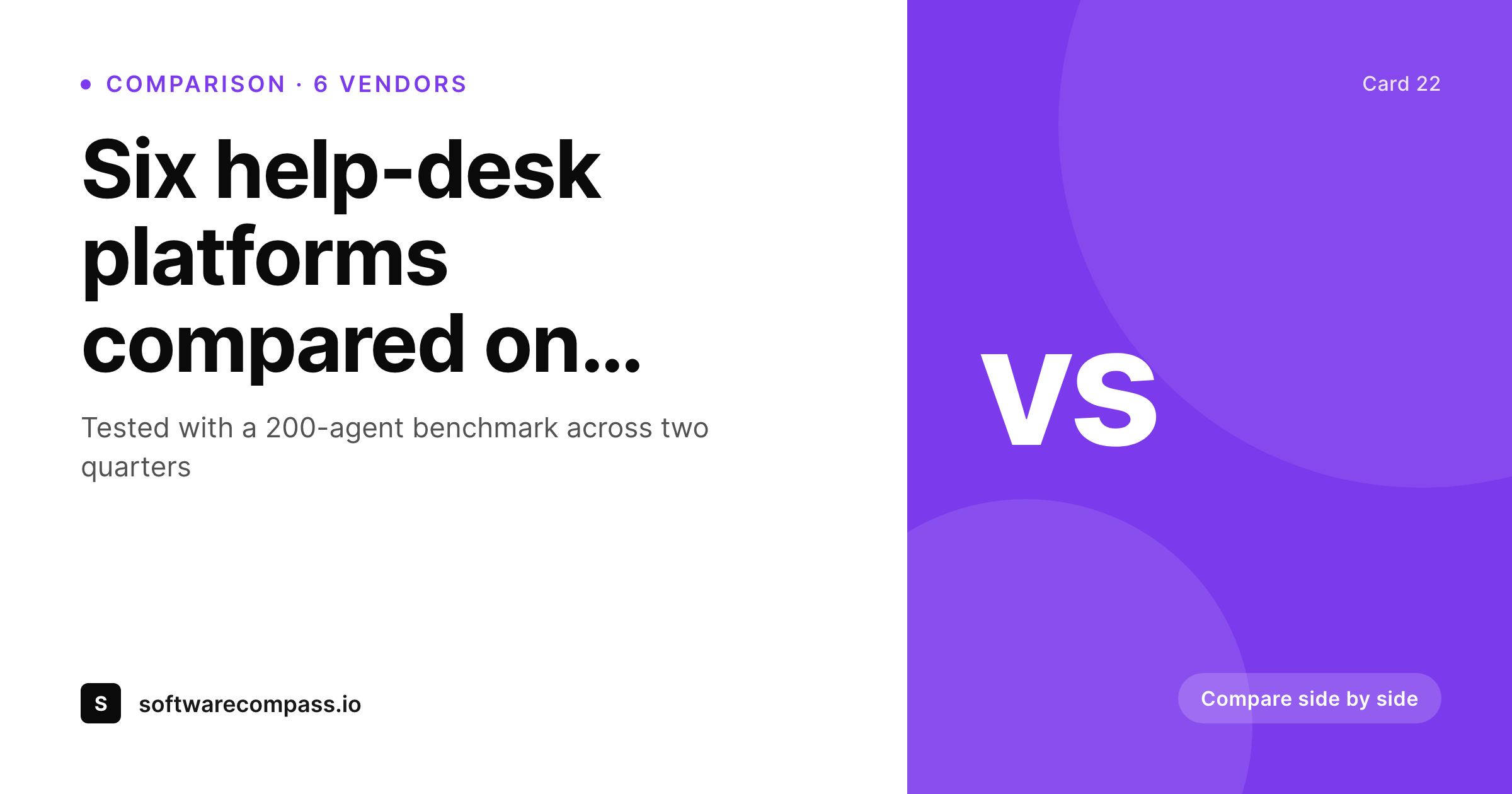
An OG card with vendor names, evaluation criteria count, verdict, and brand mark, all assembled from real comparison fields.
Comparison
Hand-built comparison graphics vs rendered ones
Designer builds each comparison
- Only flagship comparisons get a real card, the rest go default
- Vendor logos are uploaded inconsistently across matchups
- A six-way roundup overflows the layout designed for head-to-heads
- Verdict text drifts between the body copy and the card
- Adding a new vendor to a comparison means a manual re-export
SleekPixel
- Comparison cards render from real post fields the moment you save
- Vendor logos pull from a connected vendor post type
- Layout adapts to two-vendor, three-vendor, and roundup formats
- Verdict stays a field, so card and post body stay aligned
- Bulk regenerate refreshes every comparison after a brand update
Features
What SleekPixel gives you for comparison chart cards
Format-aware
A type field on the post drives layout variations: two-vendor head-to-head, three-way, or six-vendor roundup. One template covers all three.
Vendor-linked
Map vendor placeholders to a vendor post type or ACF relationship. Logos and names pull through automatically without per-comparison uploads.
Card and index together
Register an OG size and an index thumbnail size against the same template. Comparison index page and social card stay coherent.
Use cases
Comparison formats this template covers
Head-to-heads
Two-vendor matchups with a verdict line. The card emphasizes the two logos and a single criterion.
Three-way matchups
Three vendors with a comparative criterion. Logos sit in equal slots and the verdict line stays prominent.
Category roundups
Six-vendor or larger roundups. The card shows a logo strip and a verdict, with the criteria count as the meta line.
The bigger picture
Why comparison cards close the click
Comparison search is the most commercial query a software review site sees. The buyer is past awareness, past consideration, and is asking which one. The result they click first is usually the result whose preview looks the most decisive.
A clear, branded comparison card that shows the vendors and a verdict signals that the post will answer the question. A generic card signals a generic post, which prospects skip in favour of the next result. Producing the card by hand for every comparison is realistic only on the top ten matchups.
The next two hundred get default treatment, and the long tail of category coverage quietly underperforms. SleekPixel makes the card a function of the post. Every comparison, including the niche ones, ships with the same treatment as the flagship matchups, because the same template renders the same primitives from real fields.
The comparison index becomes a destination instead of a stack, and the long tail starts converting at the rate the flagship pages do.
Questions
Common questions about SleekPixel for comparison chart cards
Yes. A type field on the post drives layout variants. Two-, three-, and six-vendor layouts share primitives but render with the right slot count, so a head-to-head and a six-way roundup both look intentional through one template.
Yes. With a vendor post type or an ACF relationship from comparison to vendor, logos and names render through the relationship. Updating a vendor logo in one place refreshes every comparison that references it.
The layout adapts to the count. Two logos sit in head-to-head slots, three sit in equal thirds, six sit in a logo strip. The criteria count fills the meta line.
Yes. Register OG, the index thumbnail, and a LinkedIn share size against the same template. All three render on save and stay coherent.
Yes. SleekPixel attaches templates to whichever post types you choose. Your existing comparison post type, with its vendor relationships and criteria fields, becomes the data source.
Verdict is a string field with a character cap. The template can truncate cleanly with an ellipsis if needed, and the same field renders inside the post body so card and copy stay aligned.
Yes. Each comparison post has a Gutenberg sidebar with download buttons for every registered size. Sales can grab a card straight from the post.
Update the template once and run a bulk regenerate. Every comparison refreshes its card without re-export, so the index stays cohesive instead of half-old, half-new.
Pricing
More than 1000+
happy customers
Explore our flexible licensing options tailored to your needs. Upgrade your license anytime to access more features, or opt for a lifetime license for ongoing value, including lifetime updates and lifetime support. Our hassle-free upgrade process ensures that our platform can grow with you, starting from whichever plan you choose.
Lifetime ♾️
Most popular
EUR
once
- Unlimited websites
- Lifetime updates
- Lifetime support
...or get the Bundle Deal
and save €250 🎁
💎 Want everything forever? The All Access Pass is going away on 01.08.2026.
The Bundle (unlimited sites)
Pay once, own it forever
Elevate your WordPress site with our exclusive plugin bundle that includes all of our premium plugins in one package. Enjoy lifetime updates and lifetime support. Save significantly compared to buying plugins individually.
What’s included
-
SleekAI
-
SleekByte
-
SleekMotion
-
SleekPixel
-
SleekRank
-
SleekView
€749
Continue to checkoutBrowse more
- shipping update cards
- quote graphic
- incorporation card
- roadmap update cards
- hackathon cards
- product update images
- ship it card
- referral program cards
- product launch cards
- sale banner images
- Hacker News launch card
- salary report cards
- infographic card snippets
- podcast appearance card
- win celebration cards
- Farcaster cast images
- GitHub README banners
- Slack channel headers
- Substack podcast cover
- Amazon Storefront banners
- Instagram carousel slides
- Bluesky profile banners
- VK community cover photos
- YouTube Shorts thumbnails
- Facebook group banners
- KakaoTalk channel banners
- Odnoklassniki banners
- Pinterest shop banners
- Lemmy post images
- Ko-fi shop images