






SleekPixel for Instagram carousel slides
Templated 1080x1080 slide sets generated per post on save. Listicle items become slides, intros become covers, and the post stays the source of truth for the carousel.
♾️ Lifetime License available
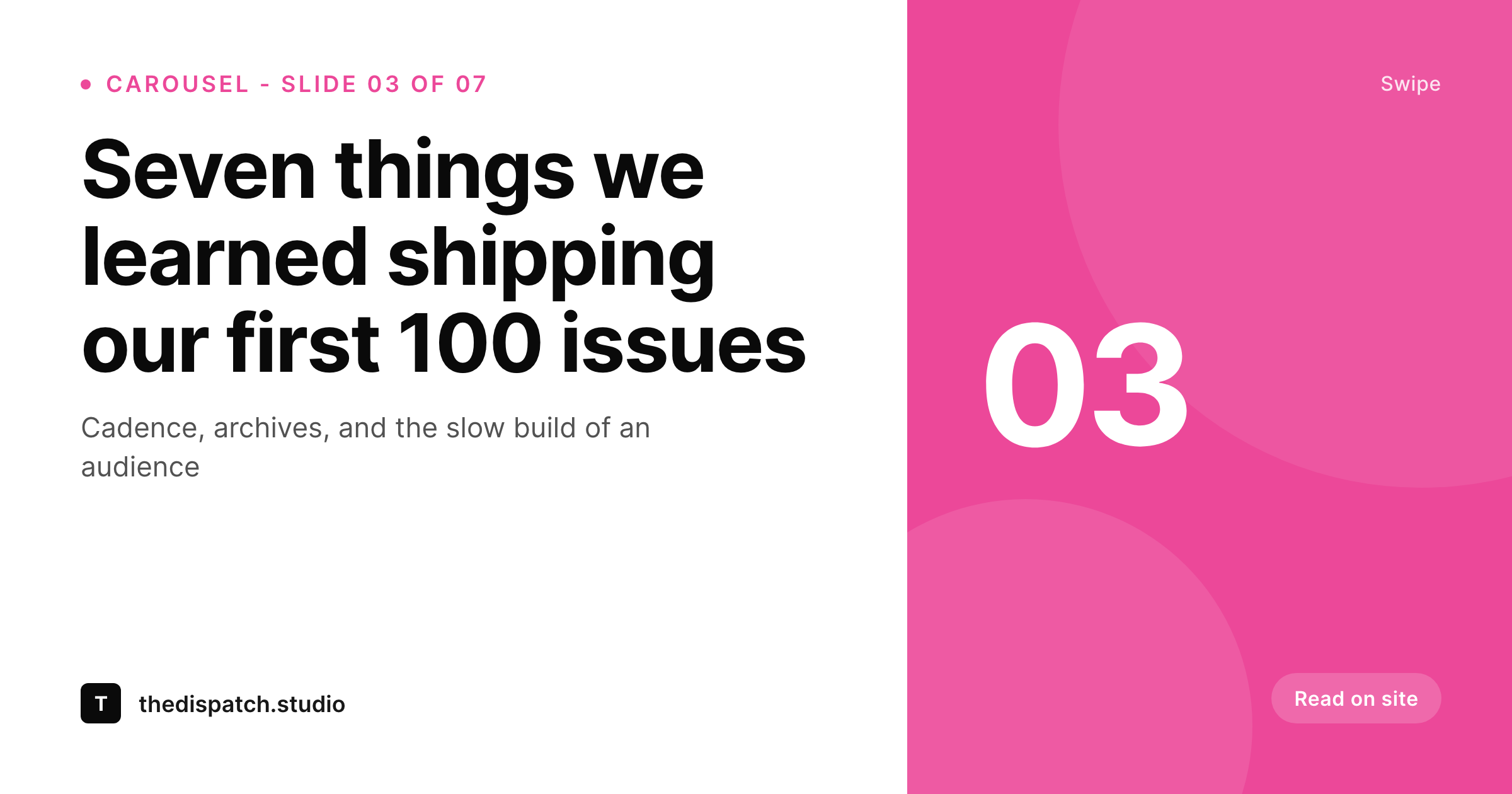
Carousels are the highest-saved Instagram format, and the most tedious
Instagram's carousel format saves and shares better than any other native post type. Listicles, frameworks, lessons, and step-by-step guides all perform when stitched into a 6 to 10 slide carousel. The reason most accounts under-invest in carousels is the tedium. A single carousel is six to ten Canva pages, each one numbered, each one matching the brand grid, each one exported and uploaded in order. Doing this once is fine. Doing it every week is a job.
SleekPixel renders the carousel slides from the WordPress post that already structures the listicle. The post has an intro, a sequence of items with titles and bodies, and a closing CTA. The 1080x1080 template renders one slide per item plus cover and CTA slides on save. The editor downloads the slide set from the Gutenberg sidebar as a numbered series of PNGs.
The carousel goes from a Canva-and-Drive expedition to a save-and-download operation. Branding refreshes propagate to every past carousel by re-rendering the post.
Workflow
From listicle post to Instagram carousel
Design the slide template
Map post structure
Save the post
Upload to Instagram
Output
What gets generated per post
A numbered series of 1080x1080 PNGs with cover, item slides, and CTA slide, sized for the Instagram carousel format.
Comparison
Manual Canva carousels versus SleekPixel
Manual / Canva slide sets
- Six to ten Canva pages per post, exported one at a time
- Slide order breaks when items are added mid-carousel
- Body copy on slides drifts from the post text
- Brand refresh means reopening every past Canva file
- Different team members produce slightly different versions of the slide set
SleekPixel
- 1080x1080 slide set rendered per post on save
- Cover, item slides, and CTA slide rendered from a structured post
- Sidebar download bundles the slide set as a numbered series
- Brand refresh re-renders every past carousel in batch
- Real PNGs in uploads, indexed alongside the rest of the media
Features
What SleekPixel gives you for Instagram carousel slides
Multi-slide ready
1080x1080 slides render in the right order with slide numbers, ready to drop into Instagram's carousel uploader.
Locked typography
Self-hosted brand fonts and exact colors render across every slide so the carousel feels like one designed unit.
Bundle download
Open the post in Gutenberg, click download, and get the entire slide set as a numbered PNG series ready for upload.
Use cases
Where carousels work hardest
Listicle posts
Each numbered list item becomes a slide. Cover and CTA slides bracket the carousel automatically.
Lesson breakdowns
Step-by-step lessons turn into ordered slides with the step number, title, and body.
Frameworks
Frameworks render the model on the cover and the components as slides, with a final CTA slide.
The bigger picture
Why carousels reward consistency over novelty
Instagram's algorithm pushes carousels because saves and shares signal value. Accounts that ship carousels weekly compound on those signals while accounts that ship one carousel per quarter never accumulate the audience behavior that makes the format work. The bottleneck is design throughput.
Six to ten slides per post is enough manual work that most operators stop after the first three carousels. SleekPixel removes the throughput barrier by rendering the slide set from the post structure that already exists. Listicle items become slides.
Intros become covers. CTAs become closers. The slide set ships every week because the slide set is a side effect of writing the post.
Audience growth follows because the cadence finally matches what the algorithm rewards.
Questions
Common questions about SleekPixel for Instagram carousel slides
No. SleekPixel renders the slide set as a numbered PNG series. The editor uploads them to Instagram via desktop or Meta Business Suite as a carousel post.
From the post structure. Item blocks (list items, ACF repeater rows, or a custom block) each render as one slide. Cover and CTA slides bracket the set.
Yes. Instagram allows up to 10 slides per carousel. SleekPixel can split longer posts into multiple carousels or truncate at 10 with a continuation cue, configurable in the template.
Re-saving the post re-renders the entire slide set with new numbering. Re-uploading to Instagram is manual since Instagram does not expose a slide-replacement API.
Yes. Templates are scoped per post type or category. Listicles, lessons, and frameworks can each use their own template variant.
Yes, including self-hosted brand fonts. Upload the font file in the SleekPixel editor or reference it via @font-face in the template CSS.
As individual PNGs named with the slide number. The sidebar exposes a single download that delivers the set, or each slide is downloadable individually.
In the WordPress uploads directory as real PNGs, in the media library, and included in normal backups.
Pricing
More than 1000+
happy customers
Explore our flexible licensing options tailored to your needs. Upgrade your license anytime to access more features, or opt for a lifetime license for ongoing value, including lifetime updates and lifetime support. Our hassle-free upgrade process ensures that our platform can grow with you, starting from whichever plan you choose.
Lifetime ♾️
Most popular
EUR
once
- Unlimited websites
- Lifetime updates
- Lifetime support
...or get the Bundle Deal
and save €250 🎁
💎 Want everything forever? The All Access Pass is going away on 01.08.2026.
The Bundle (unlimited sites)
Pay once, own it forever
Elevate your WordPress site with our exclusive plugin bundle that includes all of our premium plugins in one package. Enjoy lifetime updates and lifetime support. Save significantly compared to buying plugins individually.
What’s included
-
SleekAI
-
SleekByte
-
SleekMotion
-
SleekPixel
-
SleekRank
-
SleekView
€749
Continue to checkoutBrowse more
- data point card
- media pickup card
- uptime report card
- buy one get one cards
- behind the scenes cards
- open startup cards
- press release cards
- diversity report card
- by the numbers cards
- data visualization cards
- indie hacker cards
- case study cards
- anniversary cards
- sale banner images
- incident postmortem card
- Tidal cover art
- GitHub social preview images
- X social cards
- Pinterest shop banners
- Ghost feature images
- Mastodon link previews
- Twitch schedule banners
- LinkedIn company banners
- Threads profile banners
- Kindle book cover
- YouTube channel banners
- YouTube thumbnails
- Dribbble shot covers
- Vimeo thumbnails
- Twitch panel images