






SleekPixel for beauty store
Product name, shade, claims, price, and hero photo already live on the WooCommerce product. SleekPixel renders a 1080x1080 card on save, so launches and restocks reach the feed without waiting on a designer.
♾️ Lifetime License available
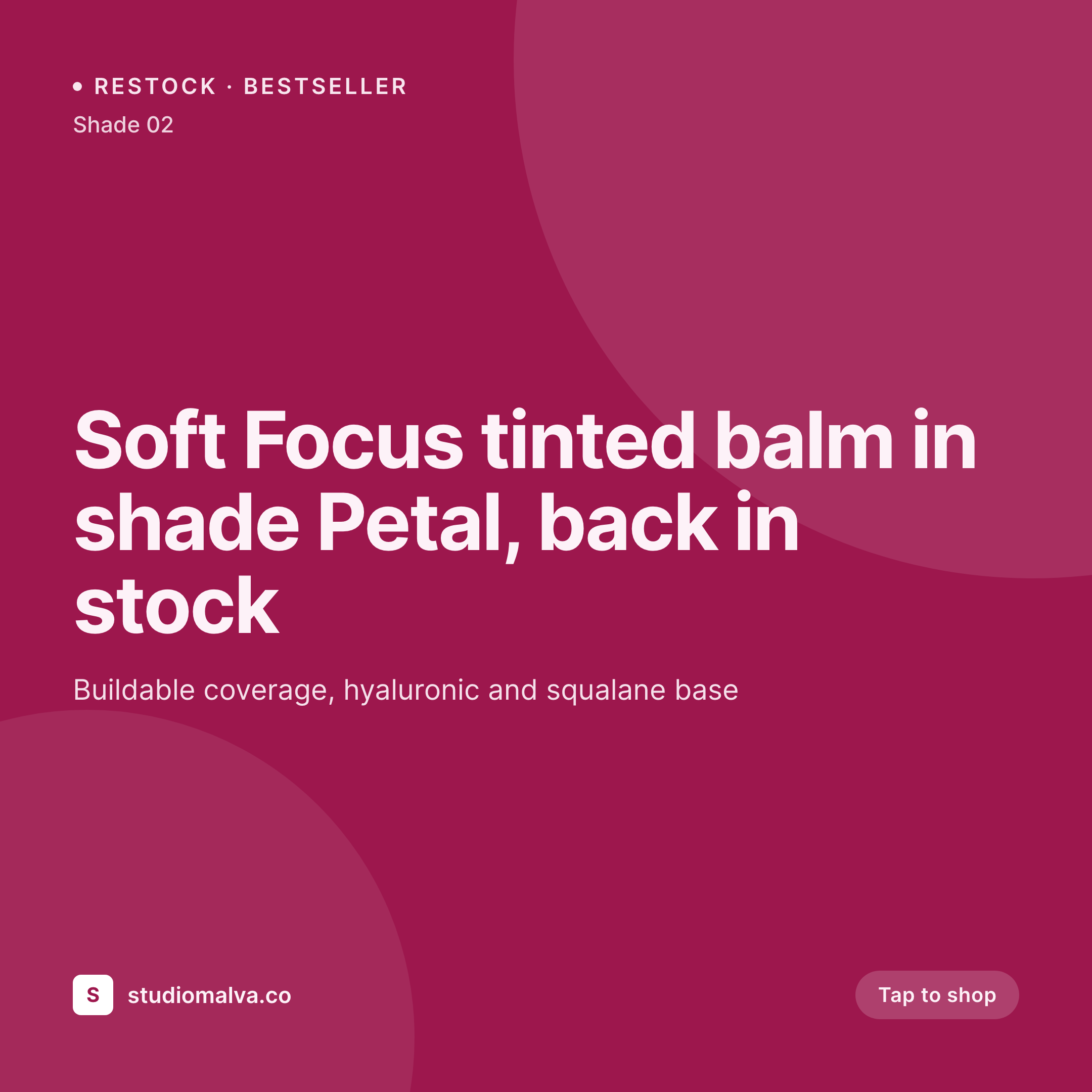
Multi-brand beauty retail multiplies the design queue
An independent beauty boutique stocks fifty brands and several thousand SKUs. New launches arrive weekly, restocks land daily, and the buyer adds a new indie line every other month. Every drop is a content moment for the store, but the design team is one person on a four-day week, and Canva templates pile up faster than they get exported. By Friday afternoon, the social manager is choosing which launches to skip rather than which ones to highlight.
The data is already structured. Each SKU on WooCommerce has the brand name, shade, format, claims (clean, vegan, cruelty-free), and price stored as fields. The product feed pulls these for the storefront filter and the cart. Doing share images by hand means re-typing the brand and shade for the fortieth time this week, and the resulting tile drifts from the brand's official palette every few weeks because the manager guesses at colors when assets aren't shared in time.
SleekPixel makes the share card a property of the product. Define one boutique template, map the WooCommerce fields, and every new SKU saves with a branded card the moment it lands in the catalog. Launches reach the feed on time, restocks get announced before stock sells through, and the boutique's brand stays intact across forty supplier brands.
Workflow
From new SKU to posted card
Map product fields
Design the boutique template
Publish or restock a SKU
Bulk regenerate on rebrand
Output
What gets generated per SKU
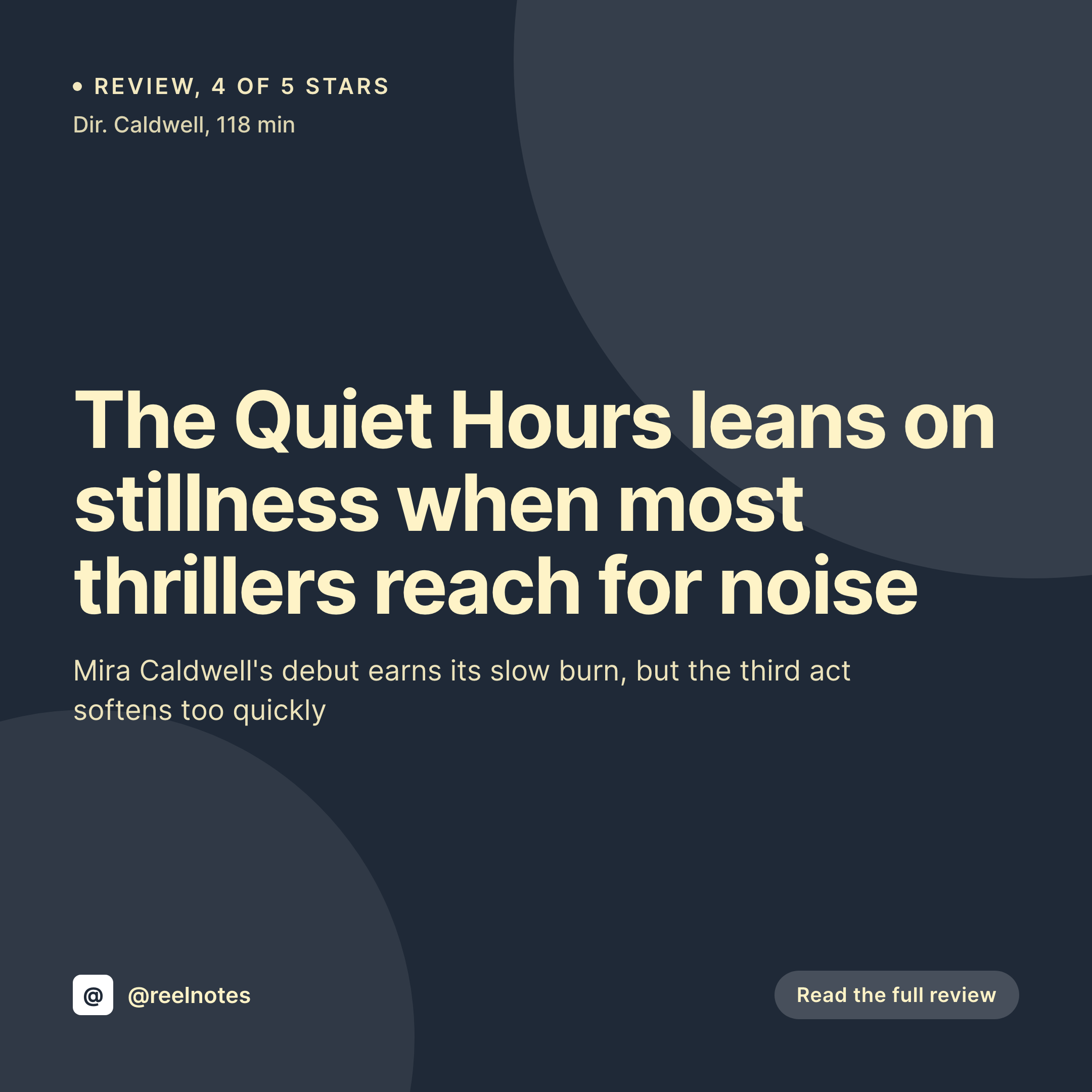
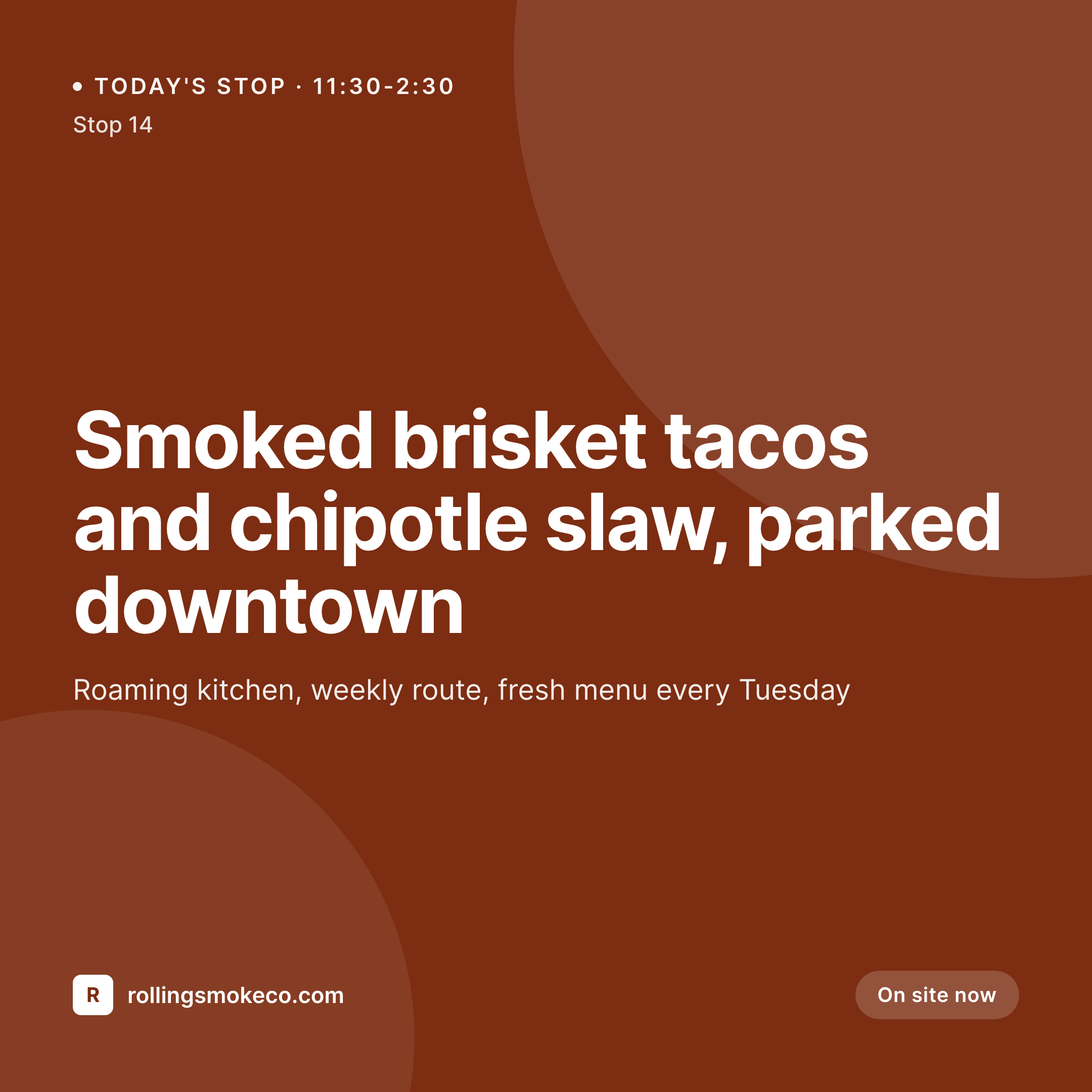
A 1080x1080 Instagram card showing the brand, product name, shade, and price, composed from the WooCommerce product fields.
Comparison
Canva queue vs auto-rendered SKU cards
Manual / Canva / Photoshop
- Forty supplier brands means forty Canva templates to keep current
- Restocks announce late because the design queue blocks publishing
- Shade names get retyped and shoppers DM about wrong color labels
- Boutique rebrand means rebuilding every SKU card across the catalog
- Holiday and sale tiles drift in font and color from week to week
SleekPixel
- Every SKU saves with a 1080x1080 card rendered from its own fields
- Brand, product name, shade, claims, and price pulled from WooCommerce
- Conditional variants for launches, restocks, sales, and limited drops
- Stories and OG images render alongside the square card
- Bulk regenerate the catalog on rebrand without per-SKU work
Features
What SleekPixel gives you for beauty store
Per-SKU card
Every product saves with its own 1080x1080 card. Brand, shade, and price pull from the WooCommerce fields, not a Canva file.
Restock-aware
Templates can branch on stock status. Restocks show a 'back in stock' label, sold-out shades swap to a waitlist variant automatically.
Sidebar export
Floor staff and social managers download the card straight from Gutenberg. No Photoshop, no Canva login, just the PNG ready to post.
Use cases
Where beauty store cards earn their keep
Launch announcements
New brand drops launch with matching cards across every SKU. The launch reads as one curated event on the boutique's grid.
Restock and waitlist alerts
Bestsellers come back in stock and the card flips to 'back in stock' on save. Waitlist subscribers see the right product, not a placeholder.
Sale and gift sets
Holiday sets and seasonal sales render with conditional template variants. The same brand language scales across promo windows.
The bigger picture
Why beauty boutiques lose feed coherence without rendered cards
Multi-brand beauty retail lives or dies on curation. The boutique's value is not the product itself, which is available across many retailers, but the editorial point of view that comes from how a small group of brands sit together. The Instagram grid is the boutique's curation in public, and when launches and restocks ship without matching cards, the grid reads as a folder of supplier press images rather than a curated shop.
Customers stop trusting the curator to filter for them, and they buy direct from the supplier instead. SleekPixel keeps the boutique's voice on every card. Each supplier brand is presented in the boutique's frame, not in its own marketing kit.
The catalog grows weekly, the grid stays coherent, and the shop's editorial advantage survives the operational reality of forty suppliers and one social manager.
Questions
Common questions about SleekPixel for beauty store
Yes. WooCommerce, ACF, Meta Box, Pods, or a custom CPT all work. SleekPixel reads any post type and any field, so brand, shade, claims, and ingredient highlights all map onto the template.
Yes. If the product stores a hex value for the shade, the template can render that color into a swatch on the card. No more drift between the storefront swatch and the social image.
Variation products are fully supported. Each variation can render its own card with its own shade label and price. The customer's chosen variation drives which card the OG tag points at.
Yes. Templates can branch on stock status, launch date, or any custom field. New launches can show a 'just dropped' label, restocks a 'back in stock' label, and sale items a discount badge.
Yes. A single product can render a 1080x1080 square, a 1080x1920 story, and a 1200x630 OG card in one save. Each format pulls the same product data, sized and laid out per platform.
Yes. The template uses the boutique's wordmark, type, and palette. Each supplier brand's name and product live inside that frame, so the grid reads as one shop's curation rather than forty supplier press kits.
Collabs can be their own collection or carry a flag on the product. The template can show both the boutique and the supplier brand together, and the render still happens automatically on save.
Yes. Edit the template, run a bulk regenerate, and every SKU across the catalog gets a fresh card. The PNG file in uploads is replaced, so the storefront and social previews stay current without per-product work.
Pricing
More than 1000+
happy customers
Explore our flexible licensing options tailored to your needs. Upgrade your license anytime to access more features, or opt for a lifetime license for ongoing value, including lifetime updates and lifetime support. Our hassle-free upgrade process ensures that our platform can grow with you, starting from whichever plan you choose.
Lifetime ♾️
Most popular
EUR
once
- Unlimited websites
- Lifetime updates
- Lifetime support
...or get the Bundle Deal
and save €250 🎁
💎 Want everything forever? The All Access Pass is going away on 01.08.2026.
The Bundle (unlimited sites)
Pay once, own it forever
Elevate your WordPress site with our exclusive plugin bundle that includes all of our premium plugins in one package. Enjoy lifetime updates and lifetime support. Save significantly compared to buying plugins individually.
What’s included
-
SleekAI
-
SleekByte
-
SleekMotion
-
SleekPixel
-
SleekRank
-
SleekView
€749
Continue to checkoutBrowse more
- build in public cards
- movie review cards
- year-end recap card
- seed round cards
- certification announcement cards
- panelist cards
- office hours recap card
- founders day card
- office hours card
- Product Hunt launch card
- feature comparison cards
- deprecation cards
- recap card
- open startup cards
- feature launch images