






SleekPixel for YouTube Shorts thumbnails
Each Shorts upload has a 1080x1920 cover with the title, the channel mark, and a hook. SleekPixel renders that cover from the WordPress post that owns the script and metadata.
♾️ Lifetime License available
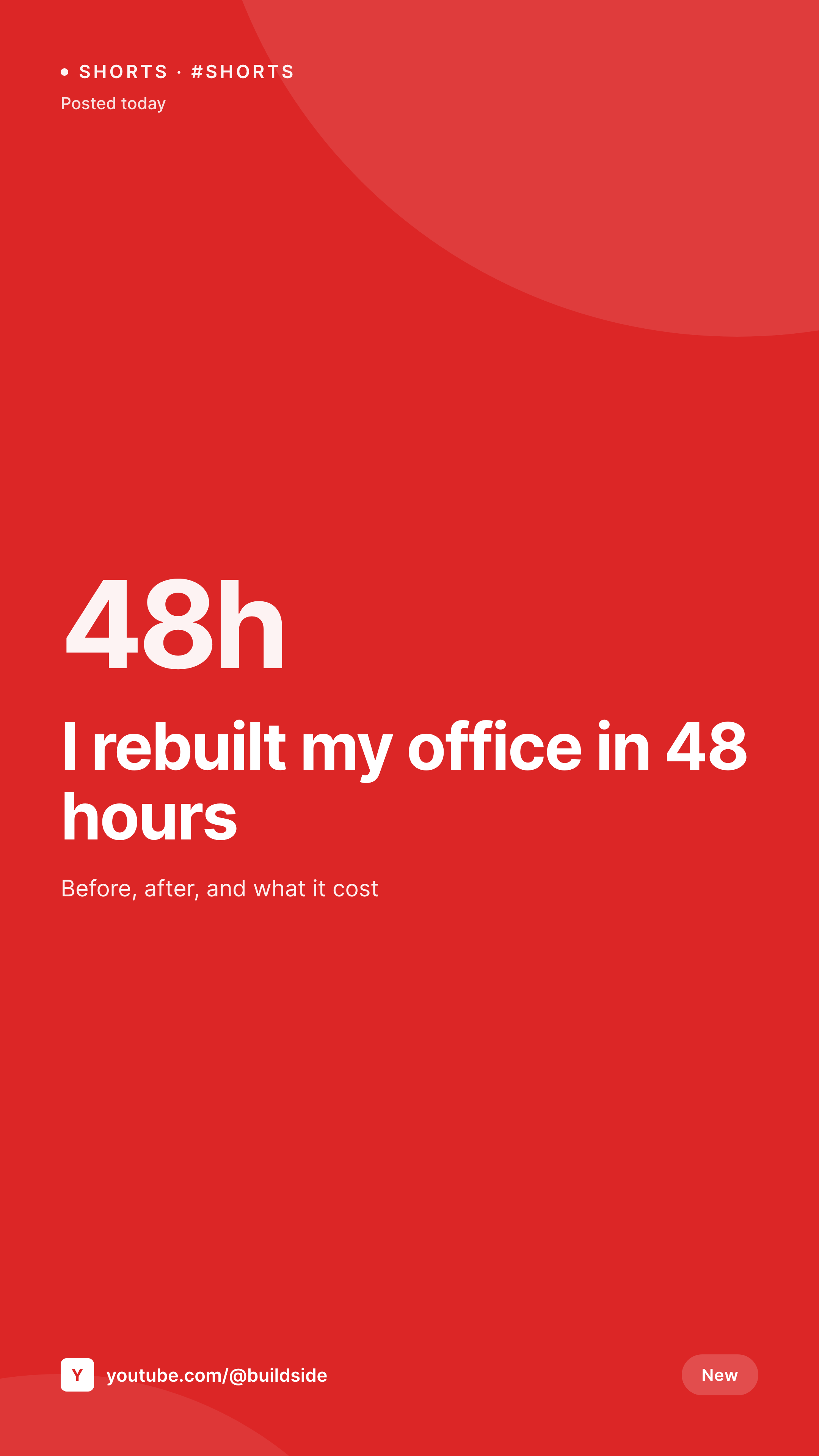
The Shorts thumbnail is the first frame, not the bonus art
YouTube Shorts shows the first frame of the video as the in-feed thumbnail by default. Channels that take Shorts seriously override that with a custom 1080x1920 cover, because the feed scrolls fast and a clean cover stops the thumb. Doing it well across 30 uploads a month means 30 design files unless something automates it.
SleekPixel uses the WordPress post that already holds the Shorts title, script, hook, and posting date as the source. The 1080x1920 PNG renders with the title large enough to read at 200 pixels wide, the channel handle in the corner, and a hook line under the title.
Because the source is structured, the same Shorts post also produces a Reels cover and a TikTok cover with the same hook framing. Same content, three vertical platforms, one creative pass.
Workflow
From script to Shorts thumbnail
Create a Shorts post in WordPress
Map the Shorts cover template
Save the post
Upload to YouTube Studio
Output
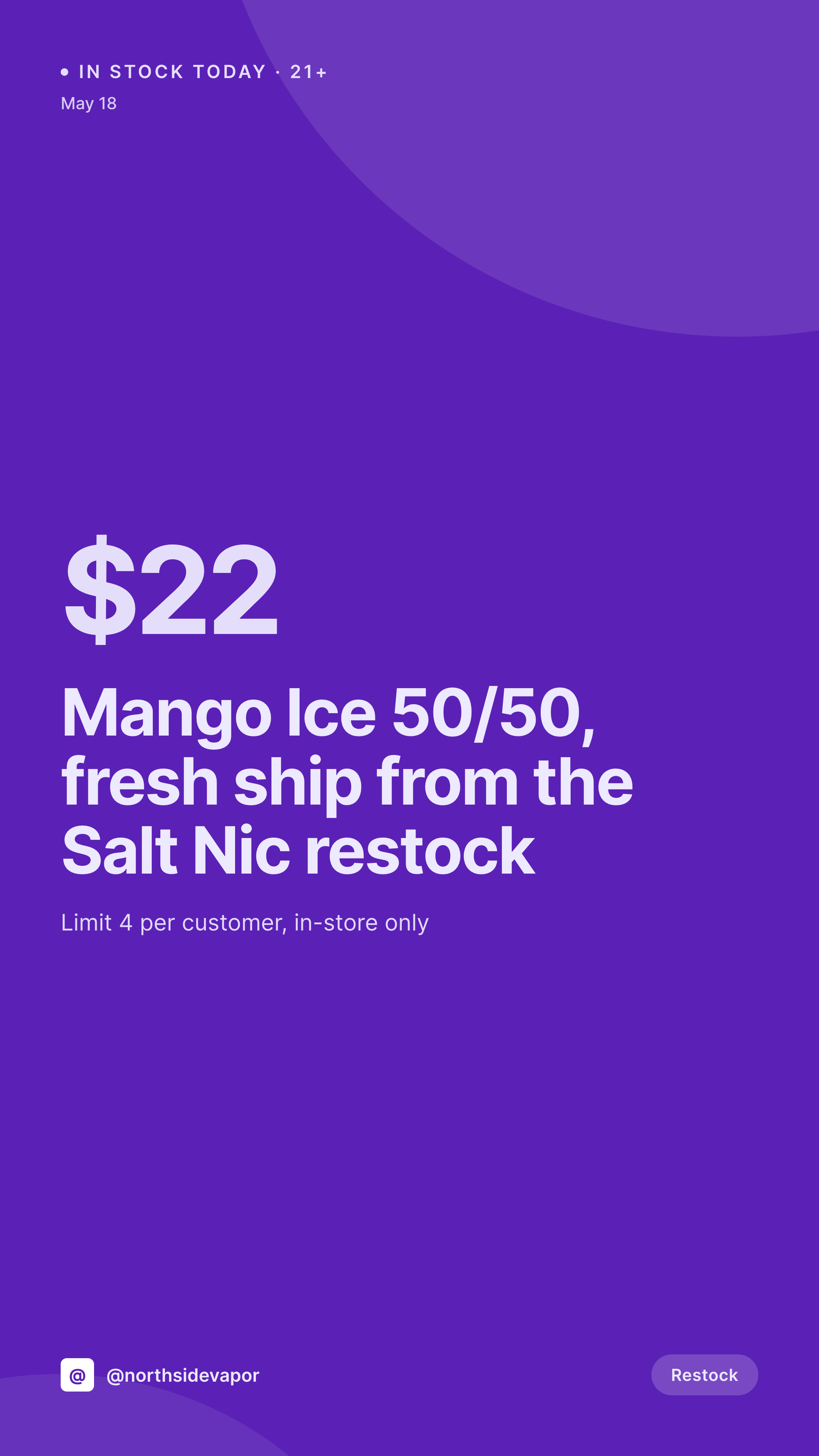
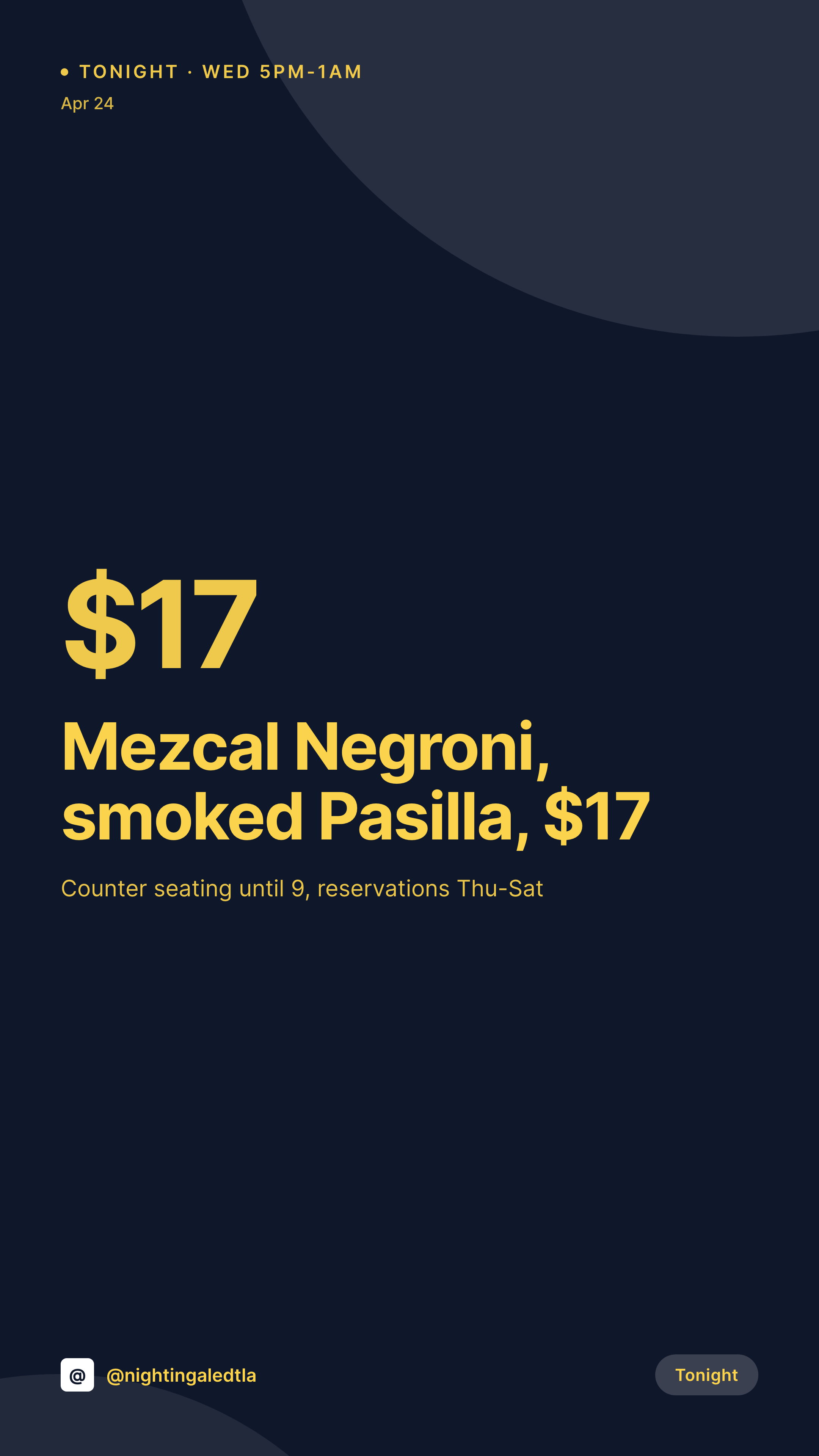
Sample YouTube Shorts thumbnail
1080x1920 PNG with the title legible at thumb size, the channel mark, and a one-line hook.
Comparison
Per-Short Photoshop vs SleekPixel for Shorts thumbnails
Photoshop per Short
- Each Shorts thumbnail is a fresh design session, often 30 to 60 minutes
- Title size and crop drift between thumbnails on the channel page
- No single source of truth for the title, so it differs from the video title
- Posting to Shorts and TikTok means two designs of the same content
- Old Shorts thumbnails look stale after a channel rebrand
SleekPixel
- 1080x1920 cover with thumb-readable title sizing
- Reads title, hook, channel handle from a Shorts post
- Same source produces Reels and TikTok covers
- Brand refresh re-renders every Shorts thumbnail in the archive
- Posting date and series mark slot into the same template
Features
What SleekPixel gives you for YouTube Shorts thumbnails
Thumb-readable type
Title sizing is set for legibility at the in-feed thumbnail size. Long titles wrap to two lines, short ones go big.
Channel mark locked
The channel handle and a small logo render in the same corner on every Short, so the channel reads as a brand on the Shorts shelf.
Cross-platform variants
The same Shorts post also outputs a Reels cover and a TikTok cover, with platform-tuned safe zones and corner UI awareness.
Use cases
Channels using SleekPixel for Shorts thumbnails
High-frequency creators
Channels posting one Short a day. The cover system is the only way to keep the channel page visually coherent at that pace.
Educational Shorts
Explainer Shorts where the title is the hook. Type-led covers outperform first-frame thumbnails for retention.
Clip channels
Channels clipping longer episodes into Shorts. The cover system carries the episode number and the show brand so clips ladder back to the main channel.
The bigger picture
Why custom Shorts covers move the click rate
The Shorts feed is the most competitive thumbnail surface YouTube has, because the viewer never paused to read a title, they swiped past a cover. Channels that ship custom 1080x1920 covers see a measurable lift in clicks and watch-time compared to leaving the first frame as the cover. The lift only works if every Short has a cover, not just the ones the editor had time for.
That requires a template, not a design culture. A template that reads from WordPress means the editor types the hook and ships, and the thumbnail comes out consistent across 30 uploads and three vertical platforms.
Questions
Common questions about SleekPixel for YouTube Shorts thumbnails
No. SleekPixel renders the PNG into WordPress uploads. The creator or editor uploads to YouTube Studio manually, or via a separate YouTube API integration.
Yes. Map a second and third template binding to the same fields. The PNGs render in parallel, each with platform-tuned safe zones.
Out of scope for this page. The longform 1280x720 format is its own use case, often the same template family with different aspect.
Yes. Type sizing accounts for character width, and the font stack covers Latin, Cyrillic, and CJK. Right-to-left layouts use a mirrored template.
Yes. Upload an SVG or transparent PNG as the channel logo, the template renders it inside a tinted safe zone in the corner.
Define a second template, bind to a custom field that marks the series. The render path picks the template based on that field.
Yes. Batch regenerate from the SleekPixel admin. Every Shorts post produces an updated PNG with the current template.
Indirectly. SleekPixel does not touch YouTube analytics. It renders the cover, which is one factor in the click and watch-through that drives revenue.
Pricing
More than 1000+
happy customers
Explore our flexible licensing options tailored to your needs. Upgrade your license anytime to access more features, or opt for a lifetime license for ongoing value, including lifetime updates and lifetime support. Our hassle-free upgrade process ensures that our platform can grow with you, starting from whichever plan you choose.
Lifetime ♾️
Most popular
EUR
once
- Unlimited websites
- Lifetime updates
- Lifetime support
...or get the Bundle Deal
and save €250 🎁
💎 Want everything forever? The All Access Pass is going away on 01.08.2026.
The Bundle (unlimited sites)
Pay once, own it forever
Elevate your WordPress site with our exclusive plugin bundle that includes all of our premium plugins in one package. Enjoy lifetime updates and lifetime support. Save significantly compared to buying plugins individually.
What’s included
-
SleekAI
-
SleekByte
-
SleekMotion
-
SleekPixel
-
SleekRank
-
SleekView
€749
Continue to checkoutBrowse more
- Bandcamp release cover
- Fanvue page banner
- Facebook Shop product images
- WeChat Moments images
- SoundCloud track art
- kbin post images
- Rednote (Xiaohongshu) post
- Apple Podcasts covers
- WhatsApp status images
- YouTube banner art
- VSCO cover
- LinkedIn document post covers
- Bluesky feed banner
- Odnoklassniki banners
- Telegram bot avatar