






SleekPixel for kbin post images
kbin and Mbin are ActivityPub forum platforms that read standard og:image tags. SleekPixel writes those tags from your WordPress posts so every link in a magazine carries a proper preview.
♾️ Lifetime License available
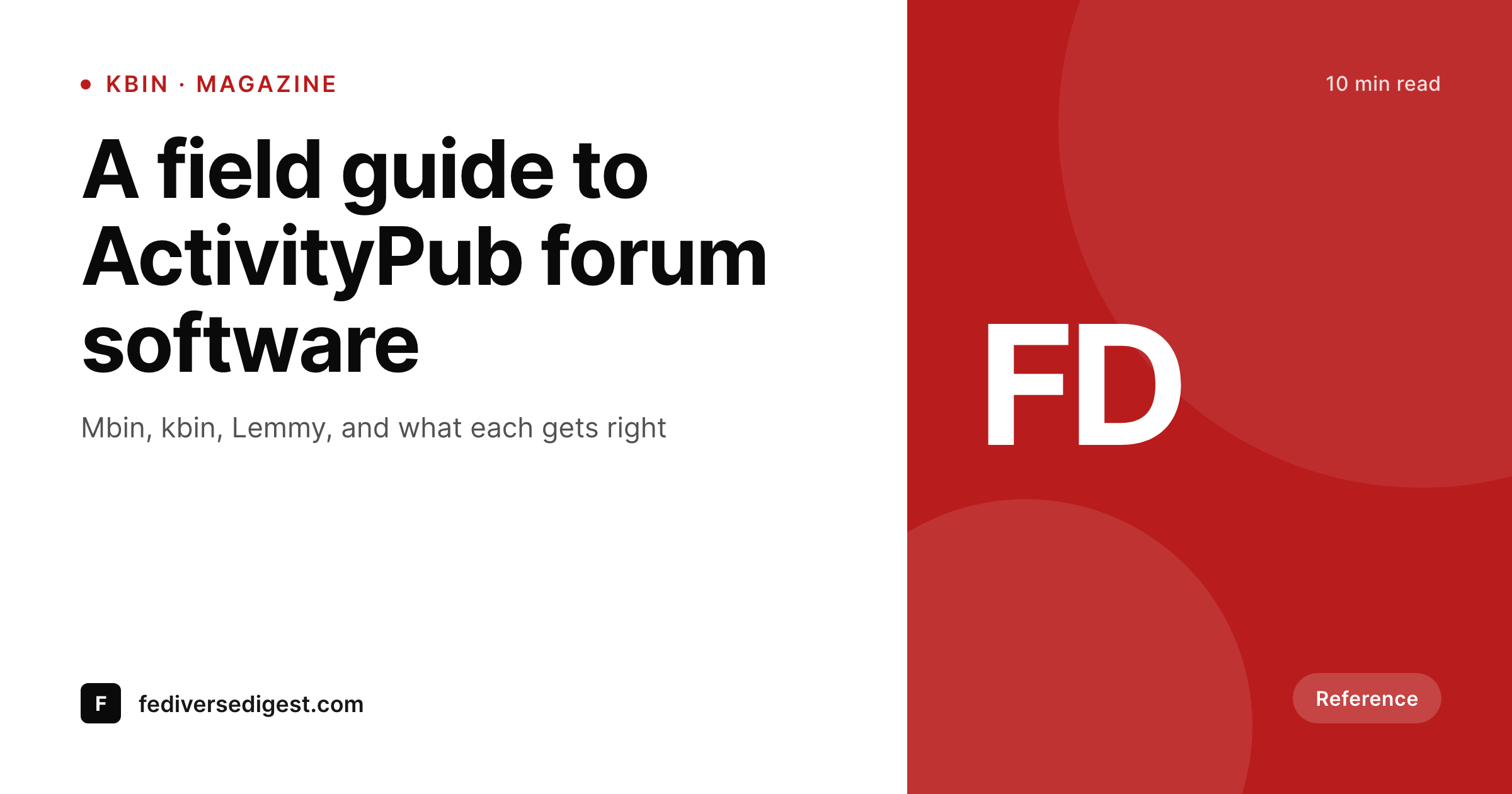
kbin reads og:image like every other aggregator
kbin organizes content into magazines instead of communities, and a fork called Mbin keeps the platform moving forward. Posts can be link posts or microblog entries, and link posts in magazines pull a thumbnail from the source URL's og:image meta tag.
If the source site does not write og:image, kbin shows a placeholder, the magazine feed loses density, and the post sinks faster. The fix is identical to Lemmy or Reddit: write the meta tag once on the source page and let kbin do the scraping.
SleekPixel writes og:image with a per-post 1200x630 PNG into the WordPress uploads directory. Magazine feeds get a proper thumbnail for every shared link, the visual identity of the source site travels into the federated platform, and the same image works as the OG card on the article page itself.
Workflow
From WordPress post to kbin-ready preview
Design the 1200x630 template
Apply to post types
Save the post
Share into a magazine
Output
What kbin displays for a link post
A 1200x630 PNG that kbin renders next to the post title in the magazine feed. Bound to the WordPress post that owns the URL.
Comparison
Default theme OG vs SleekPixel for kbin
Generic theme OG image
- Theme defaults show the same image on every post from the domain
- Magazine feeds rank dense posts on thumbnails, and missing previews lose density
- Manual screenshot uploads break the federation between page and aggregator
- Cross-magazine reposts inherit whatever the first instance scraped
- Brand identity disappears the moment the link leaves the source site
SleekPixel
- Per-post 1200x630 PNG written into og:image on every save
- Standard Open Graph spec, no kbin-specific or Mbin-specific work
- Title, author, magazine-aligned category, and accent bind to the post
- Real PNG in uploads, not a per-request render
- Template change refreshes the catalog so federated copies catch up
Features
What SleekPixel gives you for kbin post images
Threadiverse-wide compatibility
kbin, Mbin, and Lemmy all read Open Graph. SleekPixel's single render works across every Threadiverse client without per-platform configuration.
Magazine-feed ratio
kbin magazines display thumbnails at the standard 1200x630 ratio. SleekPixel renders at that ratio for a clean read at feed scale.
Magazine-context badges
The template can render a category badge that signals which magazine a post is suited for, helping moderators and readers identify topic fit at a glance.
Use cases
Who relies on kbin previews
Federated news magazines
Long-form news sites get magazine-ready previews on every article, with byline and section baked into the thumbnail.
Open source projects
Release announcements posted to programming magazines surface with version tags and a clear project identity.
Long-form bloggers
Personal blogs shared into a kbin magazine get a card with title and author, lifting click-through over no-thumbnail posts.
The bigger picture
Why magazine previews matter for Threadiverse traffic
Magazine feeds in kbin and Mbin work the same way every link aggregator has worked since Digg: the eye picks the thumbnail before it reads the title. A post without a thumbnail is a post that loses click-through to the post next to it. The Threadiverse multiplies this effect because federation distributes the same post across dozens of instances, each of which has its own subscriber list.
A single well-previewed post can pick up traffic from instances the source site has never heard of, often weeks after the original publication date. Writing og:image per post is the smallest possible intervention to capture that traffic. SleekPixel handles the rendering at publish time and lets kbin do its job: fetch the URL, cache the preview, surface the post.
The visual identity of the source site travels into every magazine, every instance, every federated copy without per-platform work, which is exactly what an open-web publication wants out of a content distribution system.
Questions
Common questions about SleekPixel for kbin post images
Yes. kbin and its active fork Mbin both fetch link URLs and parse Open Graph meta tags. og:image becomes the magazine-feed thumbnail and the post-page hero.
Yes. The Open Graph spec is platform-agnostic. A post shared into a kbin magazine federates to Lemmy via ActivityPub, and Lemmy uses the same preview kbin scraped originally.
Mbin is a community-maintained fork of kbin that took over active development. Both speak the same protocols, so a single og:image works on either platform.
kbin scrapes on first fetch and caches the result. Resubmitting the URL on a new magazine triggers a fresh scrape; older cached previews persist on the original magazine until the instance refreshes them.
The template does not know which magazine the link will be shared in because that is decided by the user submitting the link. The thumbnail can carry a category badge that aligns with common magazine topics.
Microblog posts on kbin work like Mastodon toots. Image attachments are uploaded directly to the post rather than scraped from a URL. SleekPixel renders the image; the upload happens manually in the kbin composer.
No. SleekPixel writes meta tags on your WordPress pages. kbin reads those tags when a user submits the URL. No auth flow, no API keys, no per-platform configuration.
Yes. Reddit also reads og:image. A single SleekPixel render covers kbin, Mbin, Lemmy, Reddit, and any other aggregator that follows the Open Graph spec.
Pricing
More than 1000+
happy customers
Explore our flexible licensing options tailored to your needs. Upgrade your license anytime to access more features, or opt for a lifetime license for ongoing value, including lifetime updates and lifetime support. Our hassle-free upgrade process ensures that our platform can grow with you, starting from whichever plan you choose.
Lifetime ♾️
Most popular
EUR
once
- Unlimited websites
- Lifetime updates
- Lifetime support
...or get the Bundle Deal
and save €250 🎁
💎 Want everything forever? The All Access Pass is going away on 01.08.2026.
The Bundle (unlimited sites)
Pay once, own it forever
Elevate your WordPress site with our exclusive plugin bundle that includes all of our premium plugins in one package. Enjoy lifetime updates and lifetime support. Save significantly compared to buying plugins individually.
What’s included
-
SleekAI
-
SleekByte
-
SleekMotion
-
SleekPixel
-
SleekRank
-
SleekView
€749
Continue to checkoutBrowse more
- acquisition announcement cards
- release roadmap card
- salary report cards
- expectation vs reality cards
- merch drop cards
- online course
- conference recap card
- build log cards
- industry update cards
- cohort announcement card
- anniversary cards
- remote first card
- product page
- live now card
- comparison chart cards
- Discord stage banner
- Instagram ad images
- Xiaohongshu cover images
- Substack post headers
- Substack post thumbnail
- Twitter card images
- Bluesky link cards
- Shopify product images
- KDP hardcover cover
- Tumblr header
- Behance banner
- Twitch profile banner
- LinkedIn company banners
- Mastodon profile banners
- Buy Me a Coffee banners