






SleekPixel for LinkedIn document post covers
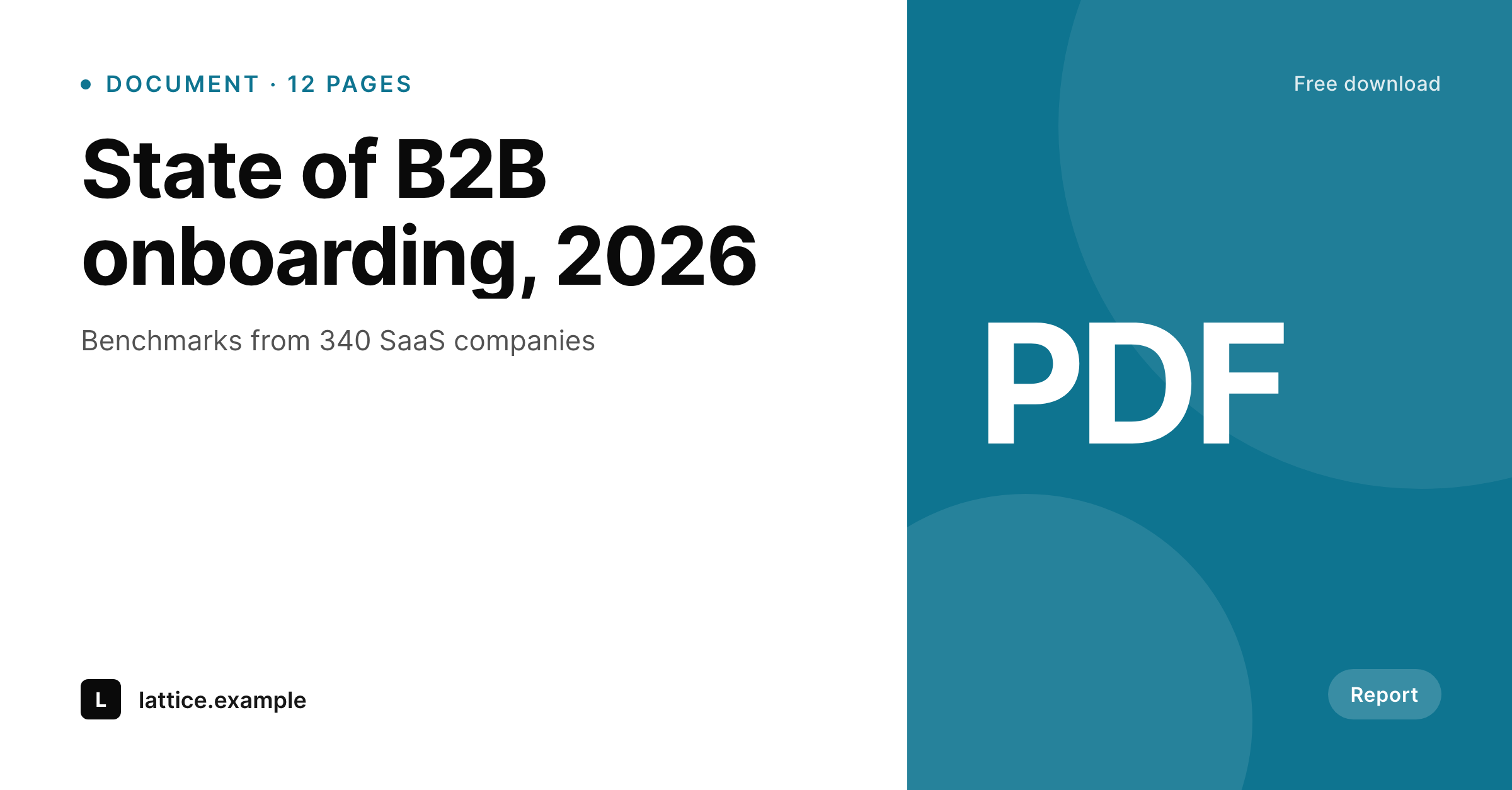
LinkedIn document posts open with a cover slide. Each WordPress report post renders that cover with the title, the page count, and the data source baked in.
♾️ Lifetime License available
Document posts win or lose on the first slide
LinkedIn document posts are the highest-engagement format on the platform for B2B audiences, and almost all of that engagement happens on slide one. The cover is what stops the scroll, what gets saved, and what convinces a reader to swipe through twelve more slides. A generic title slide kills the format's potential.
SleekPixel reads a WordPress report post that has the report title, the subtitle, the page count, the data source, and the brand frame. The 1200x1500 PNG renders with that data, sized for LinkedIn's document-post aspect, with the title at hero scale and the page count as a small mark.
The same report post can also drive the social-share OG card, the email header announcing the report, and the inline preview on the website's resources page. One report, every announcement surface.
Workflow
From report draft to LinkedIn cover
Create a report post in WordPress
Map the document cover template
Save the post
Build the document post
Output
Sample LinkedIn document post cover
1200x1500 PNG with the report title, the page count, the data source, and the brand mark.
Comparison
InDesign cover vs SleekPixel
Designer-built report cover
- Cover slide gets designed alongside the report and not after, so iteration is hard
- Updates to the report title force a fresh InDesign session
- Page count on the cover often drifts from the final page count
- Announcement cards on the website and email are separate designs
- Old report covers look dated and discourage re-promotion
SleekPixel
- 1200x1500 document-post cover at LinkedIn aspect
- Reads title, subtitle, page count, brand from a report post
- Same source feeds OG card, email header, and resources tile
- Page count tracks the final report length
- Older reports refresh in one batch when the brand updates
Features
What SleekPixel gives you for LinkedIn document post covers
Report-led typography
The title sits at hero scale, with the subtitle below at supporting weight. Type sizes are tuned for the document-post first impression.
Data source visible
The data source, sample size, or research method renders as a small mark on the cover, so the credibility signal is on the first slide.
Cross-channel announcements
The same report source produces a 1200x630 OG card, a 600x300 email header, and a 1080x1080 Instagram tile for cross-posting.
Use cases
Where document post covers pay off
Industry reports
Annual or quarterly research from companies, analyst firms, and consultancies. The cover is the marketing surface for the entire report.
Playbooks and frameworks
Process playbooks, frameworks, and how-to guides. The cover communicates the depth and the scope before the swipe.
Customer storybooks
Multi-customer case study collections. The cover sets the theme, the inner slides carry the cases.
The bigger picture
Why the cover decides the document post's reach
LinkedIn's algorithm rewards document posts that get saves and dwell time, both of which depend on the cover working. A reader scrolling the feed gives slide one half a second before deciding to swipe further or scroll past. Reports that ship with strong covers consistently outperform stronger-content reports with weak covers, because reach starts with the click.
Rendering the cover from the same WordPress post that owns the report metadata keeps the cover current with the report. Page count matches, title matches, brand matches. The cover is no longer a designer's interpretation, it is the report's data presented well.
Questions
Common questions about SleekPixel for LinkedIn document post covers
No. SleekPixel renders the cover slide and the announcement surfaces. The report body is built in a PDF tool, often InDesign or a Markdown-to-PDF pipeline.
The cover is the format SleekPixel handles. Inner slides with charts and prose are better produced in a layout tool that handles flowed text.
Document posts render at the aspect of the underlying PDF page. 1200x1500 is a common portrait aspect that works for slide one.
Yes. Playbooks, customer storybooks, and ebooks use the same template family with different subtitle and mark fields.
Yes. The hero asset slot can carry a chart image from the report, rendered at safe-zone scale alongside the title.
Update the WordPress report post with the new page count and any new framing. The cover re-renders, the new PDF carries the updated cover.
Yes. Batch regenerate from the SleekPixel admin. Every report post produces a fresh PNG, useful after a brand refresh.
Carousel slides are the next page on this site. The same report source can feed a carousel template if the post is published as a carousel instead of a document.
Pricing
More than 1000+
happy customers
Explore our flexible licensing options tailored to your needs. Upgrade your license anytime to access more features, or opt for a lifetime license for ongoing value, including lifetime updates and lifetime support. Our hassle-free upgrade process ensures that our platform can grow with you, starting from whichever plan you choose.
Lifetime ♾️
Most popular
EUR
once
- Unlimited websites
- Lifetime updates
- Lifetime support
...or get the Bundle Deal
and save €250 🎁
💎 Want everything forever? The All Access Pass is going away on 01.08.2026.
The Bundle (unlimited sites)
Pay once, own it forever
Elevate your WordPress site with our exclusive plugin bundle that includes all of our premium plugins in one package. Enjoy lifetime updates and lifetime support. Save significantly compared to buying plugins individually.
What’s included
-
SleekAI
-
SleekByte
-
SleekMotion
-
SleekPixel
-
SleekRank
-
SleekView
€749
Continue to checkoutBrowse more
- LINE official account banners
- Snapchat ad images
- Substack post thumbnail
- Lens Protocol posts
- LinkedIn article covers
- Discord server banners
- Snapchat Spotlight covers
- Instagram grid tiles
- Mastodon profile header
- Etsy listing images
- TikTok profile banners
- Mastodon profile banners
- TikTok shop images
- Instagram highlight covers
- Tumblr header