






SleekPixel for Jira issues
Enterprise product teams on Jira write public release notes on a WordPress site. SleekPixel reads Jira issue data and renders share cards from issue key, fix version, and component, so release-note URLs share with branded previews on every social channel and in sales emails.
♾️ Lifetime License available
Enterprise release notes deserve enterprise-quality share previews
Enterprise software teams that run on Jira tend to publish a customer-facing release notes site on WordPress. Each release note summarizes one or more shipped Jira issues for the customer audience: what changed, why it changed, how to enable it, and where to find the upgrade. The release notes site is one of the most-shared customer-facing URLs the company owns, because customer success, support, and account management all link it constantly.
The share preview matters because the audience is sophisticated. Enterprise customers reading a release note are usually senior engineers, product owners, or platform administrators. They notice when a release note shares with a default theme banner, and they read that as a signal that the company does not invest in the surfaces that customers touch. The same release note shared with a polished branded card reads as a real engineering output from a company that ships seriously.
SleekPixel reads Jira fields synced into WordPress and renders the share card on save. Issue key and fix version go on the card as identifiers customers actually search for. Component name renders as a badge so customers know which part of the product is affected. The company brand sits at the bottom. Each release note shares with a card that reflects the seriousness of the work, which carries through every sales email, every customer success update, and every developer-relations post that links the URL.
Workflow
From Jira issue to release-note share card
Connect the Jira API
Build the release-note template
Save or sync
Share across enterprise channels
Output
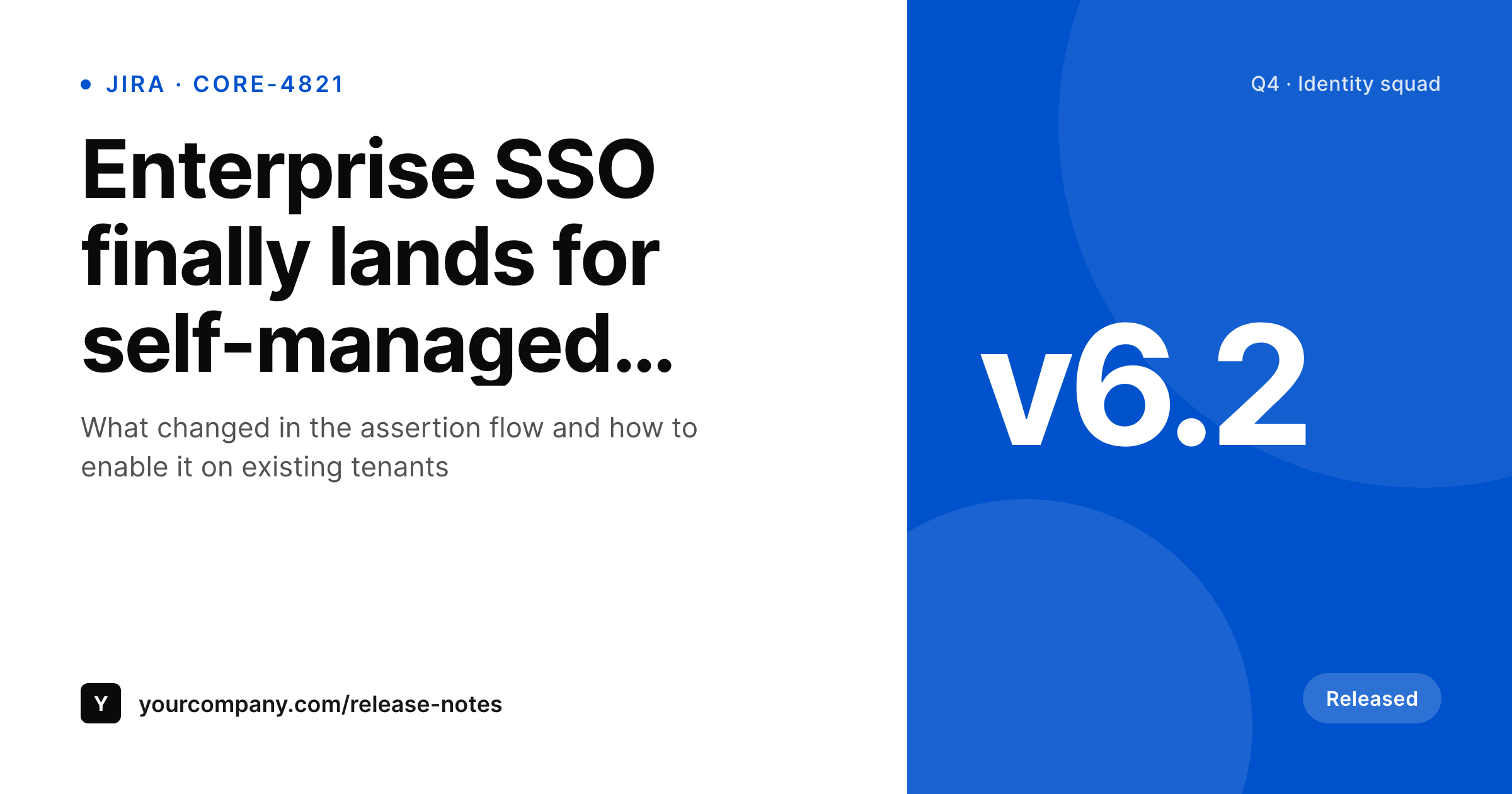
Sample Jira release-note card
A 1200x630 OG image: release-note title, Jira issue key, fix version, component, and company brand, rendered from Jira API data on save of the WordPress release-note post.
Comparison
Default theme OG vs Jira-aware rendering
Default theme OG image
- Release notes share with the corporate homepage banner
- Issue keys and fix versions never appear on the share preview
- Customer success and sales emails open with a generic theme image
- Manual per-release graphics stop after the first quarter of launches
- Brand updates mean redoing every past release-note card by hand
SleekPixel
- Pulls Jira issue data via the REST API on sync or webhook
- Issue key, fix version, component, and status render automatically
- Major releases and minor patches share the same template family
- Bulk re-render the entire release-notes catalog after a brand refresh
- Cloud and Data Center Jira both supported, only WordPress changes
Features
What SleekPixel gives you for Jira issues
Issue-key marks
The Jira issue key renders as a small corner mark. Customers searching support tickets see the link to the public release note and the share carries the key on the preview.
Fix-version badges
Fix version renders as a badge so customers on different release tracks can immediately tell whether the note applies to their version. Reduces support load on version-mismatch tickets.
Component identifiers
Affected component renders as meta. Platform administrators scanning a release notes feed see which subsystem is touched without opening the post.
Use cases
What Jira-using enterprise teams generate with SleekPixel
Major version releases
Each major release gets a release-note URL and card. The fix version and component land on every share to sales, customer success, and devrel channels.
Security advisories
Security release notes share with a clearly-branded card carrying the advisory ID and affected versions. Critical patches reach customers with full context on every share.
Monthly release roundups
End-of-month release roundups summarize many Jira issues into one post. The card carries the month, the headline ship, and the company brand.
The bigger picture
Why release-note shares matter in enterprise sales cycles
Enterprise customers buy and renew partly on the visible cadence of the product. A release notes site that ships often, communicates clearly, and looks polished signals an engineering team that takes shipping seriously. The share previews on every release-note URL are part of that signal.
Sales reps include release-note links in deal emails to demonstrate momentum, customer success teams include them in quarterly business reviews to justify renewal, and developer relations teams share them on social to keep the public-facing pipeline visible. If every one of those shares lands with a generic theme banner, the cumulative signal is that the company does not invest in customer-facing surfaces. If every share lands with a real release card, the cumulative signal is the opposite.
Across a year of shipped releases, that difference compounds into renewal rates, expansion revenue, and the impression a CIO forms before approving the next contract. SleekPixel takes the Jira data that already exists, renders a card from it on save, and lets the enterprise team focus on the actual engineering while the public surface keeps pace automatically.
Questions
Common questions about SleekPixel for Jira issues
Yes. The Jira REST API is the same surface on both, with minor differences in authentication. Cloud uses API tokens; Data Center uses personal access tokens or basic auth. The sync job adapts to whichever deployment the team runs.
A Jira API token plus a scheduled sync, usually via WP Cron or an external scheduler. The sync writes issue key, fix version, component, and status into custom fields. SleekPixel reads those fields when the release-note post saves.
Yes. A JQL query on the sync side returns multiple issues, and the WordPress post can render a roundup card listing the headline items. Useful for monthly release roundups that summarize many tickets in one share.
Internal-only fields stay in Jira. The WordPress release-note post exposes only the fields the security team approves for public consumption. Cards render from those approved fields, so accidental data leakage on share previews does not happen.
Yes. Service management tickets have the same API surface. Public-facing status pages or postmortems backed by JSM tickets can render share cards the same way release notes do.
SleekPixel manages OG meta and rendered PNGs on the release-note post types. Yoast or RankMath handle the rest of the site. The two run side by side; SleekPixel overrides only where you turn it on.
Yes. A taxonomy on the release-note post picks the template variant. Multi-product companies can run one release-notes site with per-product branding, and each product's cards carry its own visual identity.
The WordPress release-note posts and rendered cards stay where they are. Swap the sync job to read from the new tracker, keep the field names, and the templates render unchanged. URL-stable shares mean the back catalog survives the platform change.
Pricing
More than 1000+
happy customers
Explore our flexible licensing options tailored to your needs. Upgrade your license anytime to access more features, or opt for a lifetime license for ongoing value, including lifetime updates and lifetime support. Our hassle-free upgrade process ensures that our platform can grow with you, starting from whichever plan you choose.
Lifetime ♾️
Most popular
EUR
once
- Unlimited websites
- Lifetime updates
- Lifetime support
...or get the Bundle Deal
and save €250 🎁
💎 Want everything forever? The All Access Pass is going away on 01.08.2026.
The Bundle (unlimited sites)
Pay once, own it forever
Elevate your WordPress site with our exclusive plugin bundle that includes all of our premium plugins in one package. Enjoy lifetime updates and lifetime support. Save significantly compared to buying plugins individually.
What’s included
-
SleekAI
-
SleekByte
-
SleekMotion
-
SleekPixel
-
SleekRank
-
SleekView
€749
Continue to checkoutBrowse more
- Telegram channel banner
- Odnoklassniki banners
- Klaviyo email banner
- Amazon A+ content images
- Snapchat Discover tiles
- Shopify product images
- Twitch schedule banners
- Instagram Reels covers
- LinkedIn article covers
- Rumble thumbnails
- Twitter header banners
- Ko-fi banners
- Vimeo channel banners
- Dailymotion thumbnails
- Pinterest video pin covers