






SleekPixel for Brevo (Sendinblue) emails
Brevo (formerly Sendinblue) ships marketing email, transactional email and SMS from the same dashboard. The public archive on WordPress is where the marketing campaigns get reshared, and SleekPixel makes sure each one carries a branded cover instead of a default banner.
♾️ Lifetime License available
Brevo broadcasts need a real archive presence
Brevo is one of the more vertically integrated ESPs in the market, with marketing email, transactional API, SMS, WhatsApp, chat and a small CRM under the same hood. Teams using Brevo for the marketing side usually mirror their broadcasts into WordPress so the public archive has a stable URL. Those URLs end up shared in support replies, referral emails, social posts and team Slack channels, and each share pulls the WordPress archive page's OG image as the first impression.
The default OG image on a WordPress archive post is almost always the wrong choice for a Brevo broadcast. Either it falls back to the homepage banner, which makes every campaign look like the same generic newsletter, or it picks up a featured image that was sized for inline placement and crops awkwardly on social. The campaign that arrived in the inbox with thought and polish shares on the web with neither. A reader who clicks through from a Slack preview sees the polished version inside the post but the first impression is already set.
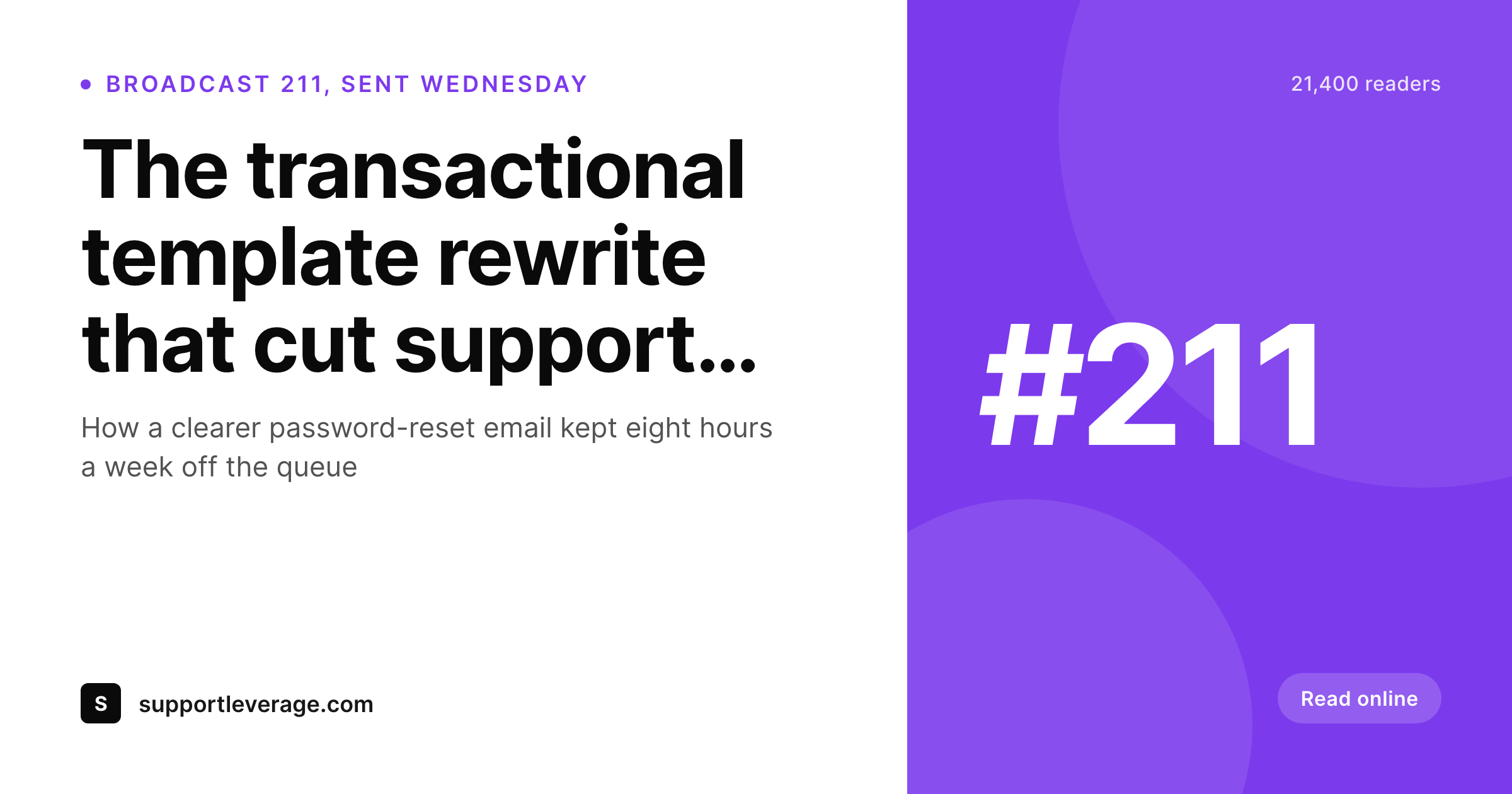
SleekPixel renders a real archive cover on save from the broadcast's fields. Subject line, broadcast number and send date pull from the post; the list or audience can be added via custom field. The og:image tag writes itself, and the next forward to a colleague or a public share lands with the campaign's actual identity rather than a default. Subject-line edits after the send propagate to the cover on the next save without manual intervention.
Workflow
From Brevo broadcast to social-ready archive
Design the cover template
Mirror the broadcast
Share the archive link
Edit and re-render
Output
What a Brevo archive cover ships with
A 1200 by 630 PNG built from the archive post: broadcast number, subject line, send date and list, rendered from the existing fields.
Comparison
Default Brevo archive share vs SleekPixel
Default Brevo archive image
- Theme falls back to the homepage banner on every archived broadcast
- Marketing, transactional and SMS-replicated posts all share with the same default
- Featured image crops wrong on Twitter, LinkedIn, Slack and Discord previews
- Subject-line edits after send never update the archive social card
- Manual Canva covers diverge from the campaign's actual subject line within weeks
SleekPixel
- Render fires on save for every archived Brevo broadcast
- Subject line, broadcast number and date pulled from existing fields
- Per-channel templates for marketing, transactional summaries and SMS recaps
- og:image and twitter:image meta tags written automatically
- Bulk re-render the catalog when the brand evolves
Features
What SleekPixel gives you for Brevo (Sendinblue) emails
Broadcast-aware
Reads the archive post type, native posts, ACF-backed CPT or Zapier import. The same fields the email used drive the cover.
Channel-aware templates
Marketing emails, transactional digest summaries and SMS recap posts each get their own template. The right one picks itself from a custom field.
Edits regenerate
Update the subject line a day after send, the archive cover re-renders on next save. Shared links never carry the old wording.
Use cases
Who uses SleekPixel for Brevo (Sendinblue) emails
Multi-channel marketing teams
Teams running email, SMS and chat from the same Brevo dashboard mirror everything into a unified WordPress archive. SleekPixel gives each channel a consistent visual identity.
Agencies managing client accounts
An agency running Brevo for several clients sets up per-client templates. Each client's archive renders with their own brand without manual design per send.
Ecommerce lifecycle teams
Cart abandonment, post-purchase and re-engagement sequences mirror into the archive. Each lifecycle step gets a branded cover for the rare case it gets publicly linked.
The bigger picture
Why Brevo's multi-channel sends benefit from archive covers
Brevo's reach is broader than a typical newsletter platform because it covers email, SMS, WhatsApp and chat from one place. The same campaign concept might run as a marketing email and an SMS recap, with both archived to WordPress for the public record. When those archive URLs get shared, they all pull the OG image, and a default homepage banner there collapses the channel distinction into a single flat surface.
Subject lines from a transactional summary and a marketing broadcast end up looking identical on social previews even though they had very different purposes in the inbox. The second reason is the volume of broadcasts a Brevo account typically runs. A mature account ships dozens of marketing campaigns a month, often segmented across product lines or geographies, and each one has its own subject line, audience and send context.
Hand-making cover art at that volume is unrealistic, so the realistic alternative is none, which is exactly what most archives look like. SleekPixel makes covers automatic from the data already on the post, which means every broadcast across every channel gets a real share preview without any extra design time. The cumulative polish across hundreds of archive pages compounds into the kind of brand consistency that converts cold social impressions into trust.
Questions
Common questions about SleekPixel for Brevo (Sendinblue) emails
No. The integration concept and API are the same; only the dashboard branding and pricing structure changed. The WordPress side reads post fields, and those fields are populated however your import flow chooses to populate them. The cover template can show either brand depending on context.
Indirectly. Contact attributes live in Brevo and only reach WordPress if your import flow includes them in the payload. If a Zapier action sends the segment name or campaign tag along with the post creation, store it as a custom field and bind the cover template to it. The render reads what is on the post.
If you mirror SMS or WhatsApp broadcasts into an archive post type for the public record, yes, the cover can render from those fields. The use case is less common than email archives but the mechanism is identical. A per-channel template picks the right layout.
Transactional emails are usually private per-recipient and do not need public archive covers. SleekPixel applies to public archived broadcasts. If you do publish summary pages for transactional templates (rare), they can have their own cover via the same mechanism.
Yes. The most common setup is a category or custom field on the archived post that tags the broadcast type (marketing, lifecycle, summary). The template router picks the matching cover layout. Up to a dozen layouts per archive is comfortable.
Three common patterns: Zapier from Brevo's campaign-sent trigger to a WordPress post, a webhook from the Brevo API hitting wp-json, or a manual paste-in after each send. SleekPixel runs on whichever of these your team uses because it only reads the resulting post fields.
Yes. Per-language Brevo lists usually mirror into separate WordPress posts under Polylang, WPML or a duplicate CPT pattern. Each language's archive cover renders with that language's subject line; the template can also switch layout direction for right-to-left scripts.
Renders happen on save, not on page load. Even a Brevo account sending dozens of broadcasts a day produces dozens of saves a day, which is small. Public visitors hit cached PNG files. The bulk re-render command is the heaviest operation and runs once per template change.
Pricing
More than 1000+
happy customers
Explore our flexible licensing options tailored to your needs. Upgrade your license anytime to access more features, or opt for a lifetime license for ongoing value, including lifetime updates and lifetime support. Our hassle-free upgrade process ensures that our platform can grow with you, starting from whichever plan you choose.
Lifetime ♾️
Most popular
EUR
once
- Unlimited websites
- Lifetime updates
- Lifetime support
...or get the Bundle Deal
and save €250 🎁
💎 Want everything forever? The All Access Pass is going away on 01.08.2026.
The Bundle (unlimited sites)
Pay once, own it forever
Elevate your WordPress site with our exclusive plugin bundle that includes all of our premium plugins in one package. Enjoy lifetime updates and lifetime support. Save significantly compared to buying plugins individually.
What’s included
-
SleekAI
-
SleekByte
-
SleekMotion
-
SleekPixel
-
SleekRank
-
SleekView
€749
Continue to checkoutBrowse more
- LinkedIn post images
- podcast cover art
- LinkedIn ad images
- Fansly banner
- Substack post headers
- Mailchimp email headers
- Pinterest Idea Pins
- Twitch overlay
- Twitch starting soon screen
- Apple Podcasts covers
- Medium article headers
- LINE official account banners
- Bluesky link cards
- Telegram channel cover images
- Xiaohongshu cover images