






SleekPixel for ramen shop
Ramen shops live on lineups and limited drops. SleekPixel renders 1080 by 1080 cards from each bowl post, with broth type, noodle, toppings, and price composed in so the daily lineup goes live before the doors open.
♾️ Lifetime License available
Ramen runs on lineup posts, lineup posts can't take all morning
A ramen shop with 18 seats and no reservations runs on the Instagram lineup post. Regulars check the feed before they leave the office or the apartment, and they decide which day to wait the 40 minutes based on what bowl is on. A typed photo on Tuesday and nothing on Wednesday breaks that habit. A clean, on-brand card every shift compounds the audience.
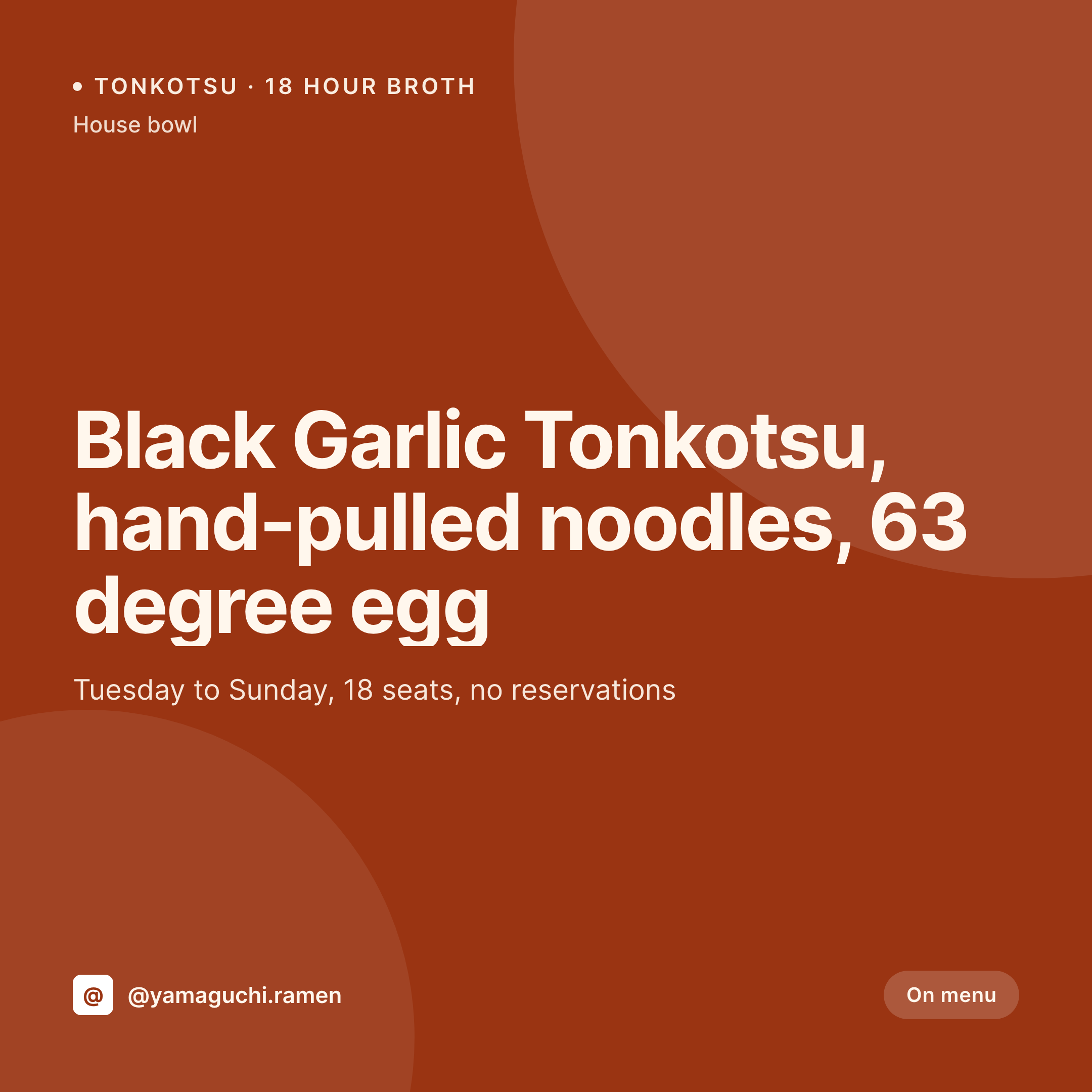
SleekPixel reads the bowl post in WordPress. Bowl name, broth type, noodle type, toppings, allergens, price, and any limited-run badge. The template composes a 1080 by 1080 card with the bowl name as a strong line, the broth and noodle detail as a sub-line, toppings as a compact list, and the price in a clean corner. Each new bowl on the menu regenerates its card.
For collab nights with neighboring chefs or guest broth runs, the same engine handles a collab card variant that pulls the guest name and the broth twist. Saturday's tonkotsu-yuzu collab gets its own card from the same template family, so the feed stays coherent across the regular menu and the one-off drops.
Workflow
From bowl post to feed card
Model the menu
Build the template family
Bind the fields
Post the shift
Output
Sample bowl card
1080 by 1080 feed card from one bowl post: bowl name, broth and noodle line, topping list, price, and the shop handle.
Comparison
Phone-typed ramen post vs SleekPixel for ramen shops
Phone-typed feed post
- Bowl name typed over a phone photo, alignment off every shift
- Topping lists retyped, often inconsistent
- Daily specials launch without a card, walk-in volume suffers
- Collab nights look unrelated to the regular feed
- Sold-out flips happen by word of mouth, not by post
SleekPixel
- Per-bowl feed cards rendered on save
- Broth, noodle, and topping detail pulled from structured fields
- Collab variant template for guest chefs and special broths
- Sold-out flips render automatically when inventory ends
- Daily specials post by open instead of half-way through service
Features
What SleekPixel gives you for ramen shop
Bowl-aware
Reads bowl name, broth type, noodle type, toppings, and price from the bowl post. The card matches whatever version of the menu is on tonight.
Collab variants
Guest chef collabs render a collab card that pulls guest name and broth twist from a separate field. The collab night gets a card with the same visual family as the regular menu.
Service-aware
Service hours and seat count pull from the location post, so the card shows the right hours for the night and the lineup expectation a customer should plan for.
Use cases
Where ramen shops use it
Daily lineup posts
The day's bowls render before doors open, so the lineup post lands at 11am rather than 1:30pm when the line is already out the door.
Collab nights
A guest chef collab gets a card that matches the regular feed, so the audience trusts the shift while seeing the one-off detail.
Limited broth drops
A 30-bowl special broth run gets its own card with a clear limited badge, so the message lands before the broth runs out by 12:30.
The bigger picture
Why ramen shops depend on consistent lineup cards
Ramen lives on regulars and on lineup decisions. A regular checks the feed and decides whether to leave work early to make the 18 seats before the line locks them out. A shop that posts a clean, on-brand card every shift trains that habit.
A shop that posts inconsistently or only when there is time loses the regulars to the next neighborhood spot. Templated lineup cards remove the design step from the workflow, so the night's bowls get a real card before doors open, the collab nights stay on-brand, and the limited broth drops land with the urgency they deserve. The feed becomes a reliable signal, which is the surface where ramen loyalty actually compounds.
Questions
Common questions about SleekPixel for ramen shop
Most ramen shops are walk-in only. If reservations are taken via Tock or Resy, SleekPixel handles the OG image on the WordPress pages that link to those tools.
If wait time is updated as a field on the location post, the template can show today's expected wait. Most shops update this manually, which still triggers the regenerate.
A second daily post type (late-night menu) handles after-hours items. Templates render the late-night family with a clearly different accent.
Yes. Map the dietary flag to a template variant that uses a different accent color, so vegetarian bowls scan as such on the feed.
That is the use case. A counter manager or owner can ship the lineup post without opening a design tool, because the menu post is the source.
Yes. Per-location overrides handle hours, lineup, and pricing. Each storefront's feed shows the actual lineup at that storefront.
The PNG output works for in-store digital signage. Printed menus run through InDesign, though some teams use the rendered card as a starting point.
The bowl post has an availability flag. When inventory ends, staff flips the flag, the card regenerates as a sold-out variant, and the social manager posts the update.
Pricing
More than 1000+
happy customers
Explore our flexible licensing options tailored to your needs. Upgrade your license anytime to access more features, or opt for a lifetime license for ongoing value, including lifetime updates and lifetime support. Our hassle-free upgrade process ensures that our platform can grow with you, starting from whichever plan you choose.
Lifetime ♾️
Most popular
EUR
once
- Unlimited websites
- Lifetime updates
- Lifetime support
...or get the Bundle Deal
and save €250 🎁
💎 Want everything forever? The All Access Pass is going away on 01.08.2026.
The Bundle (unlimited sites)
Pay once, own it forever
Elevate your WordPress site with our exclusive plugin bundle that includes all of our premium plugins in one package. Enjoy lifetime updates and lifetime support. Save significantly compared to buying plugins individually.
What’s included
-
SleekAI
-
SleekByte
-
SleekMotion
-
SleekPixel
-
SleekRank
-
SleekView
€749
Continue to checkoutBrowse more
- Pinterest product pin covers
- Shopify collection banners
- Instagram Shop product images
- LinkedIn document post covers
- Signal sticker pack
- Facebook event covers
- Reddit subreddit banners
- Kindle book cover
- Open Graph images
- YouTube community images
- Vimeo thumbnails
- Bluesky profile banners
- Kick channel banners
- YouTube ad thumbnails
- YouTube Shorts thumbnails