






SleekPixel for mindfulness coaches
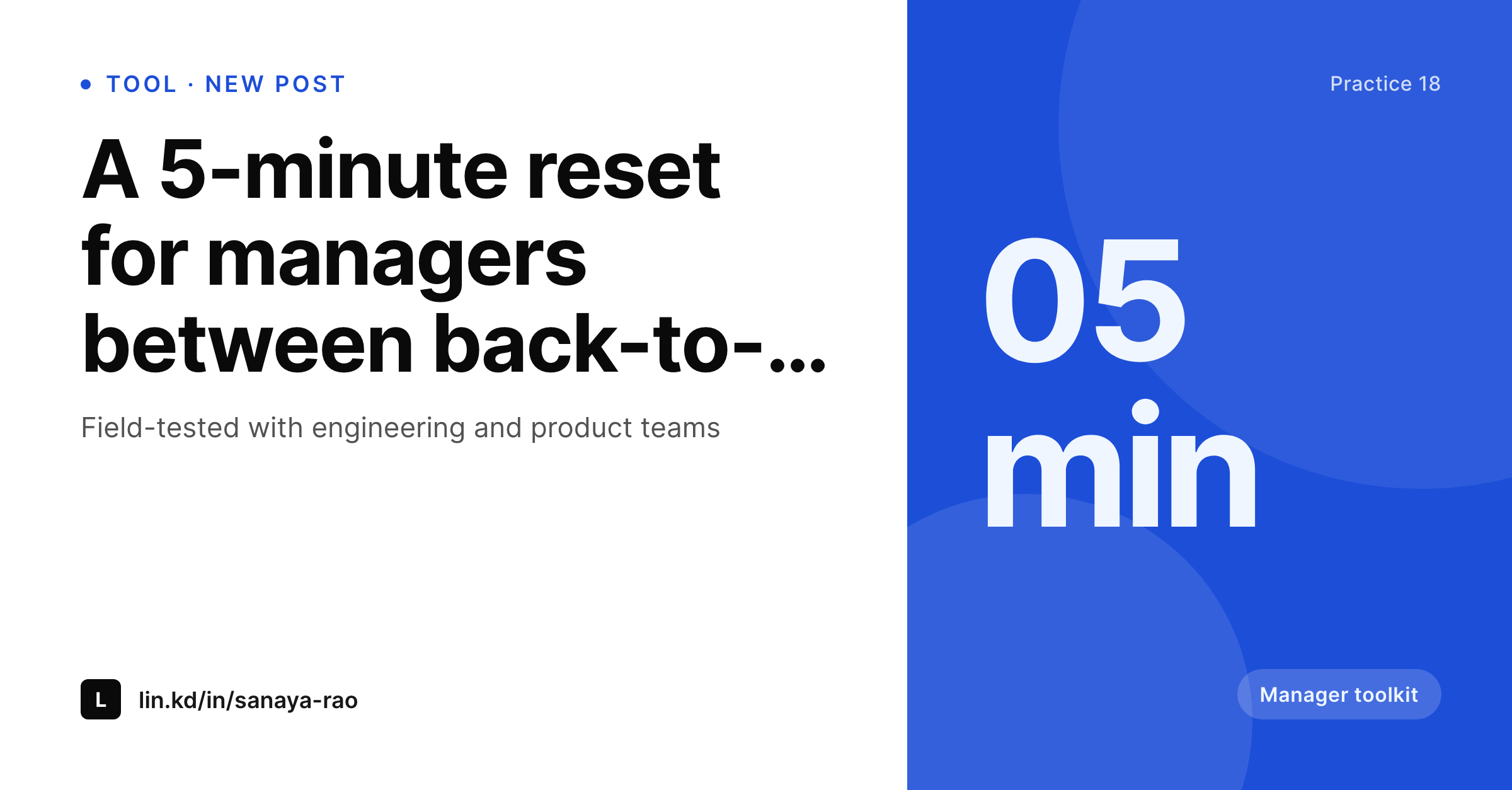
Manager toolkits, team-program posts, and practice writeups each become a 1200x627 LinkedIn card on save. Title, coach, and duration pulled from the post.
♾️ Lifetime License available
Mindfulness content on LinkedIn that doesn't look like a Canva template
A mindfulness coach working with corporate clients lives largely on LinkedIn. The post site holds the longer pieces, the practice library, and the case studies, but LinkedIn is where the writing actually gets read by the people who buy team programs. Each LinkedIn post deserves a card that reads as the coach's own voice, not a stock illustration of a brain with leaves coming out of it.
The data is already on the WordPress site. The post title, the coach, the duration of the practice, and the program category are all there once the post is saved. The gap is the 1200x627 card, which gets rebuilt in Canva for the bigger posts and skipped entirely on the smaller ones, leading to an inconsistent LinkedIn feed.
SleekPixel removes the inconsistency. Build one 1200x627 template in the admin with the coach's mark, a duration slot, and a program-category slot. Save a post, and a fresh PNG lands in uploads ready to attach to the LinkedIn share. The feed stays steady because the template doesn't move, even when the writing schedule slips.
Workflow
From draft to LinkedIn-ready share in one save
Design the template
Connect to post type
Save the post
Share on LinkedIn
Output
What gets generated per practice post
A 1200x627 LinkedIn card with the post title, the coach, the practice duration, and the program category. Pulled from the post.
Comparison
Default mindfulness coaches image vs SleekPixel
Default mindfulness coaches image
- Big posts get a Canva card, small posts get nothing
- Stock illustrations of brains and leaves slip in and read as generic wellness
- Practice duration and category get retyped in the file name every time
- A rebrand means re-exporting every post's image by hand
- The LinkedIn feed reads as inconsistent because no two cards share a real template
SleekPixel
- Auto-generated 1200x627 PNG per practice post on save
- Title, coach, duration, and program category pulled from the post
- One template, every LinkedIn share stays on-brand
- Edit the template once and every legacy post's card refreshes
- Falls back gracefully if duration or category is left blank
Features
What SleekPixel gives you for mindfulness coaches
Template-driven
Design the 1200x627 layout once with the coach's mark, a duration slot, and a category slot. Every practice post inherits it on save.
LinkedIn-sized
Rendered at 1200x627 so the card sits cleanly in LinkedIn share previews without LinkedIn cropping awkward edges.
Regenerate on demand
Refreshed the program lineup? Bulk-regenerate every post's card from the admin in one click.
Use cases
Where this fits best for mindfulness coaches
Manager toolkits
Each tool in the manager-toolkit series gets a card with the duration and the toolkit category so the LinkedIn share reads as part of the same set.
Team program posts
Posts that describe a six-week team program get a card with the cohort size and the format so HR readers see a real program, not a vague offer.
Case study writeups
Case studies on team programs at named companies get a card that references the company sector and the team size, making the share specific.
The bigger picture
Why a consistent share card matters for mindfulness coaches
Mindfulness coaches working with corporate clients are evaluated quickly on LinkedIn by HR leads and team managers who scroll fast and read shallow. The card on a LinkedIn post often does more sorting work than the post itself, separating the coaches who run real, recurring programs from the ones who write occasional advice posts. When every share carries a card that names the program, the cohort, and the duration, the work reads as a real product.
When each share is a slightly different stock illustration, the work reads as generic wellness content. A template that pulls the duration, the category, and the coach automatically makes the LinkedIn feed feel like a real practice rather than a content account. SleekPixel does that inside WordPress, with no post data leaving the server.
Questions
Common questions about SleekPixel for mindfulness coaches
Yes. LinkedIn reads og:image when a URL is shared. The 1200x627 size is the recommended aspect, and SleekPixel renders at that exact dimension.
Yes. SleekPixel supports multiple templates per post type. Each one renders independently on save and lands as its own PNG in uploads.
The template falls back gracefully. The duration slot disappears or shows a default, and the rest of the card renders cleanly.
LinkedIn's Post Inspector lets you re-scrape a URL after the card updates. After re-scraping, the new image shows up in subsequent shares.
Yes. SleekPixel reads ACF, Pods, and Meta Box fields the same way it reads native WordPress fields, so a duration or category stored in any of those flows into the card.
No. Rendering happens in a background pass on save. The post saves immediately and the LinkedIn card lands a moment later.
Yes. The admin has a one-click bulk regeneration that re-renders every practice card so the LinkedIn archive lines up with the new design.
Stores. Each generated image is a real PNG saved to the uploads folder, so it survives plugin deactivation and pages stay fast under any share spike.
Pricing
More than 1000+
happy customers
Explore our flexible licensing options tailored to your needs. Upgrade your license anytime to access more features, or opt for a lifetime license for ongoing value, including lifetime updates and lifetime support. Our hassle-free upgrade process ensures that our platform can grow with you, starting from whichever plan you choose.
Lifetime ♾️
Most popular
EUR
once
- Unlimited websites
- Lifetime updates
- Lifetime support
...or get the Bundle Deal
and save €250 🎁
💎 Want everything forever? The All Access Pass is going away on 01.08.2026.
The Bundle (unlimited sites)
Pay once, own it forever
Elevate your WordPress site with our exclusive plugin bundle that includes all of our premium plugins in one package. Enjoy lifetime updates and lifetime support. Save significantly compared to buying plugins individually.
What’s included
-
SleekAI
-
SleekByte
-
SleekMotion
-
SleekPixel
-
SleekRank
-
SleekView
€749
Continue to checkoutBrowse more
- album release cards
- X thread card
- podcast appearance card
- lead magnet card
- checklist download card
- north star metric card
- survey result card
- Trustpilot review cards
- incident report cards
- industry report cards
- holiday greeting cards
- limited edition cards
- holiday promo card
- buy one get one cards
- behind the scenes cards