






SleekPixel for quilters
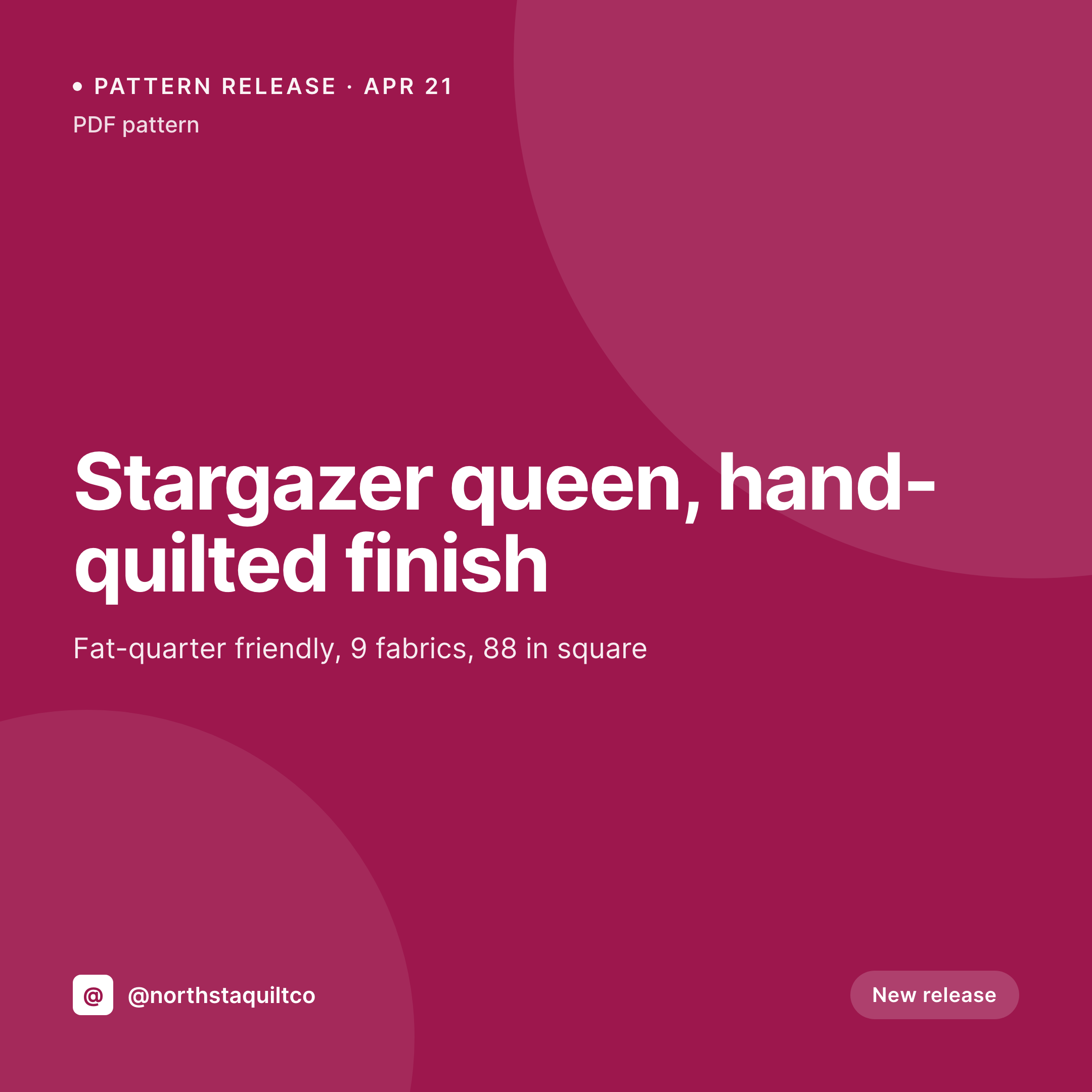
Pattern name, size, fabric count, quilt size, and price already live on the product post. SleekPixel renders a 1080x1080 card on save so each release lands on the grid with the right notation.
♾️ Lifetime License available
Pattern releases, kits, and the daily quilting grid
Modern quilt designers and shops run three product lines on the same Instagram grid. PDF patterns ship as digital downloads with a name, fabric requirement, and finished size. Kits ship as physical bundles with a fabric line, included pattern, and a price. Finished quilts ship as one-of-ones with their own piecing, quilting, and size notes. Each one wants its own card.
The data already lives in the shop. The product post on WooCommerce or Easy Digital Downloads carries the pattern name, the fabric requirement, the finished size, the difficulty, the fabric line for kits, and the price. What's missing is the bridge to the grid, which today is a designer rebuilding the same Canva card between pattern proofs and pre-order announcements.
SleekPixel reads each product post and renders a 1080x1080 PNG on save. The pattern name, size, fabric requirement, difficulty, and price sit on the card. The designer's wordmark, palette, and type system ride every release. The PNG lands in uploads, the og:image is wired, and the designer posts the card directly from the product screen during a piecing break.
Workflow
From piecing to release
Map product types
Design variant templates
Save the release
Post the release
Output
Sample card from a quilt pattern post
A 1080x1080 square rendered from a pattern's name, finished size, fabric count, and price.
Comparison
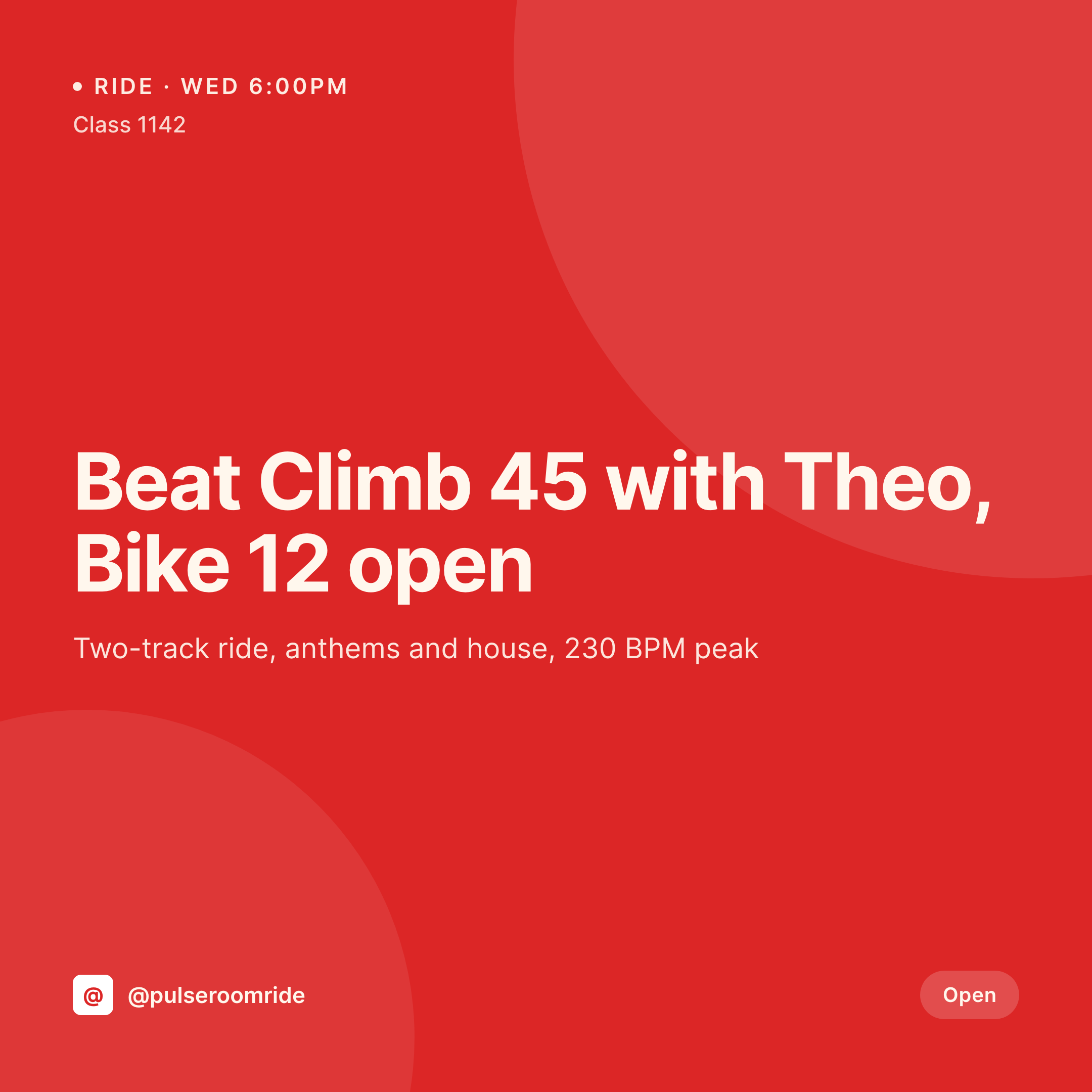
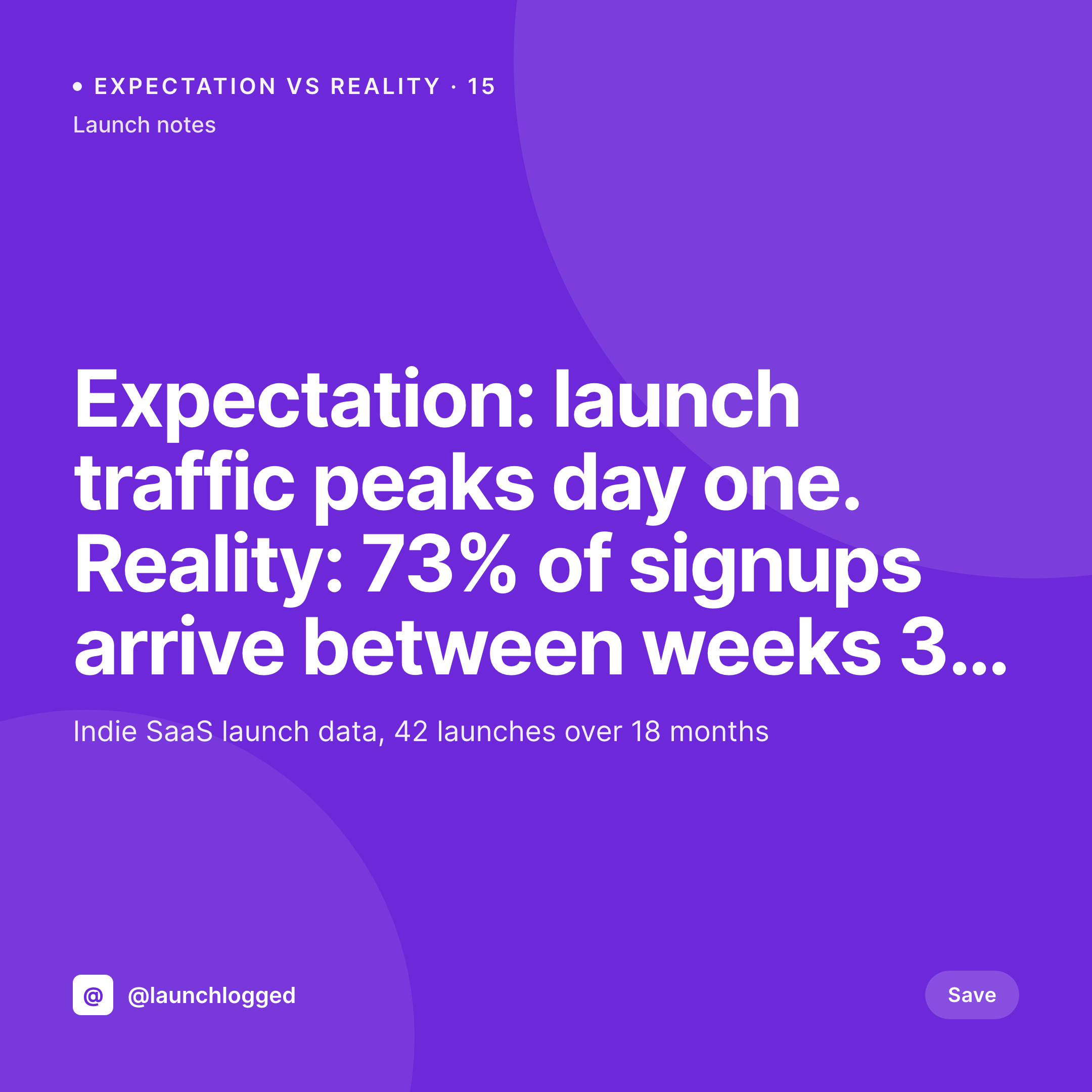
Default quilter image vs SleekPixel
Default quilter image
- Designer rebuilds release cards in Canva between piecing sessions
- Pattern size and fabric notation drift across posts
- Patterns, kits, and finished quilts use mismatched layouts
- Pre-order announcements skip a coordinated card
- Multi-pattern launches lose visual cohesion across the campaign
SleekPixel
- Auto-rendered Instagram card per pattern, kit, and finished quilt
- Pattern name, finished size, fabric requirement, and price pulled from the product post
- Variant templates for digital patterns, physical kits, and one-of-one quilts
- Bulk regenerate after a wordmark refresh, every past release refreshes
- Falls back cleanly when fields like fabric line or quilting style are missing
Features
What SleekPixel gives you for quilters
Block and size
Block name, block count, and finished quilt size (throw, twin, queen, king) render with a consistent label across every pattern.
Fabric requirement
Fat-quarter count, yardage, and recommended fabric line render from the product post so each card carries the right materials note.
Difficulty marker
Beginner, confident beginner, intermediate, advanced render as a consistent badge so customers pick a pattern with eyes open.
Use cases
Who uses SleekPixel for quilters
Pattern designers
Designers releasing PDF patterns get a coordinated grid that distinguishes pattern releases, tester rounds, and re-releases.
Kit-selling shops
Shops bundling fabrics with patterns use a kit-variant template that credits the pattern designer and the fabric line.
Commission and show quilters
One-of-one finished quilts use a finished-piece template that carries piecing details, quilting style, and dimensions.
The bigger picture
Why a coordinated quilting grid sells the next pattern
Quilt patterns sell on Instagram and stay top of mind on Instagram. Buyers follow a designer for months before purchasing, watching tester rounds, version updates, and finished objects from the community. The grid has to make every release immediately recognizable as the designer's, and it has to keep the notation consistent so customers know what they're getting.
A grid where every pattern, kit, and finished quilt uses the same block-size language, the same fabric notation, and the same brand frame reads as a serious design practice. A grid where each post is a fresh Canva attempt reads as a hobbyist. Templated cards rendered from the product data the studio already keeps in WordPress make the coherent grid cheap, so the designer spends time piecing, not posting.
Questions
Common questions about SleekPixel for quilters
Yes. SleekPixel reads WooCommerce and EDD product fields plus any ACF or Meta Box custom fields for finished size, fabric, and difficulty.
Yes. Each post type routes to its own variant. SleekPixel picks the right template on save based on the post's type or terms.
Add a fabric-line field on the kit product. SleekPixel renders the fabric line and manufacturer on the kit card so the credit is clear.
Yes. A status field on the pattern post can switch a 'tester round' or 'now available' badge on the card automatically.
Yes. A QAL event CPT and a QAL-variant template render cohort dates, weekly milestones, and the pattern link.
Use whatever labels your shop already uses. Map the taxonomy terms to template badges, and SleekPixel renders the right level on save.
Yes. One-click bulk regeneration re-renders every past pattern, kit, and quilt card with the updated template.
SleekPixel saves the PNG to uploads. Download from the product screen, or pull the URL into Later, Buffer, or Meta's scheduler.
Pricing
More than 1000+
happy customers
Explore our flexible licensing options tailored to your needs. Upgrade your license anytime to access more features, or opt for a lifetime license for ongoing value, including lifetime updates and lifetime support. Our hassle-free upgrade process ensures that our platform can grow with you, starting from whichever plan you choose.
Lifetime ♾️
Most popular
EUR
once
- Unlimited websites
- Lifetime updates
- Lifetime support
...or get the Bundle Deal
and save €250 🎁
💎 Want everything forever? The All Access Pass is going away on 01.08.2026.
The Bundle (unlimited sites)
Pay once, own it forever
Elevate your WordPress site with our exclusive plugin bundle that includes all of our premium plugins in one package. Enjoy lifetime updates and lifetime support. Save significantly compared to buying plugins individually.
What’s included
-
SleekAI
-
SleekByte
-
SleekMotion
-
SleekPixel
-
SleekRank
-
SleekView
€749
Continue to checkoutBrowse more
- LinkedIn update cards
- expectation vs reality cards
- Reddit post card
- template download card
- order confirmation cards
- live now card
- recap card
- shareholder letter card
- summit recap card
- office opening card
- holiday greeting cards
- patent grant card
- track release cards
- team offsite card
- investor update card
- Lens Protocol posts
- YouTube playlist covers
- Mastodon link previews
- KakaoTalk channel banners
- X list banners
- Ko-fi shop images
- GitHub README banners
- WhatsApp status images
- Apple Podcasts covers
- Bluesky feed banner
- Dailymotion thumbnails
- Instagram stories
- podcast cover art
- Fansly banner
- Flickr cover photo