






SleekPixel for Postmark emails
Postmark handles the transactional and broadcast send. SleekPixel handles the matching WordPress share image, so case studies, customer updates, and product announcements all share with badge-stamped, date-stamped cards instead of stretched homepage banners.
♾️ Lifetime License available
Postmark is great at deliverability; WordPress still needs OG control
Postmark has spent fifteen years building a transactional email tool that delivery teams trust. The send infrastructure is fast, the deliverability is strong, and the broadcast feature added a few years ago covers most of what a SaaS marketing team needs for customer updates. Teams using Postmark tend to be operationally serious: SaaS companies sending billing and notification emails, fintech operators sending account alerts, B2B platforms sending integration updates and case studies.
The send is only half the visible surface. Most of the broadcast posts also live as public WordPress pages: customer case studies, product update posts, integration announcements. The WordPress page is where prospects link to from sales sequences, where partners share from inside their communities, and where journalists reference when writing about the customer's results. Every external link pulls the WordPress OG image. A default theme banner across the company blog leaks brand value on every share.
SleekPixel runs on the WordPress side and renders the share image from the post fields. Subject becomes the headline. Case study customer name, version tag, or update type renders into the corner. Date and read time render as meta. The blog starts sharing like the operationally serious publication it actually is, with the Postmark send infrastructure unchanged underneath.
Workflow
From customer post save to share-ready card
Define the public post types
Build the post template
Save the post
Share with prospects and partners
Output
Sample case study card
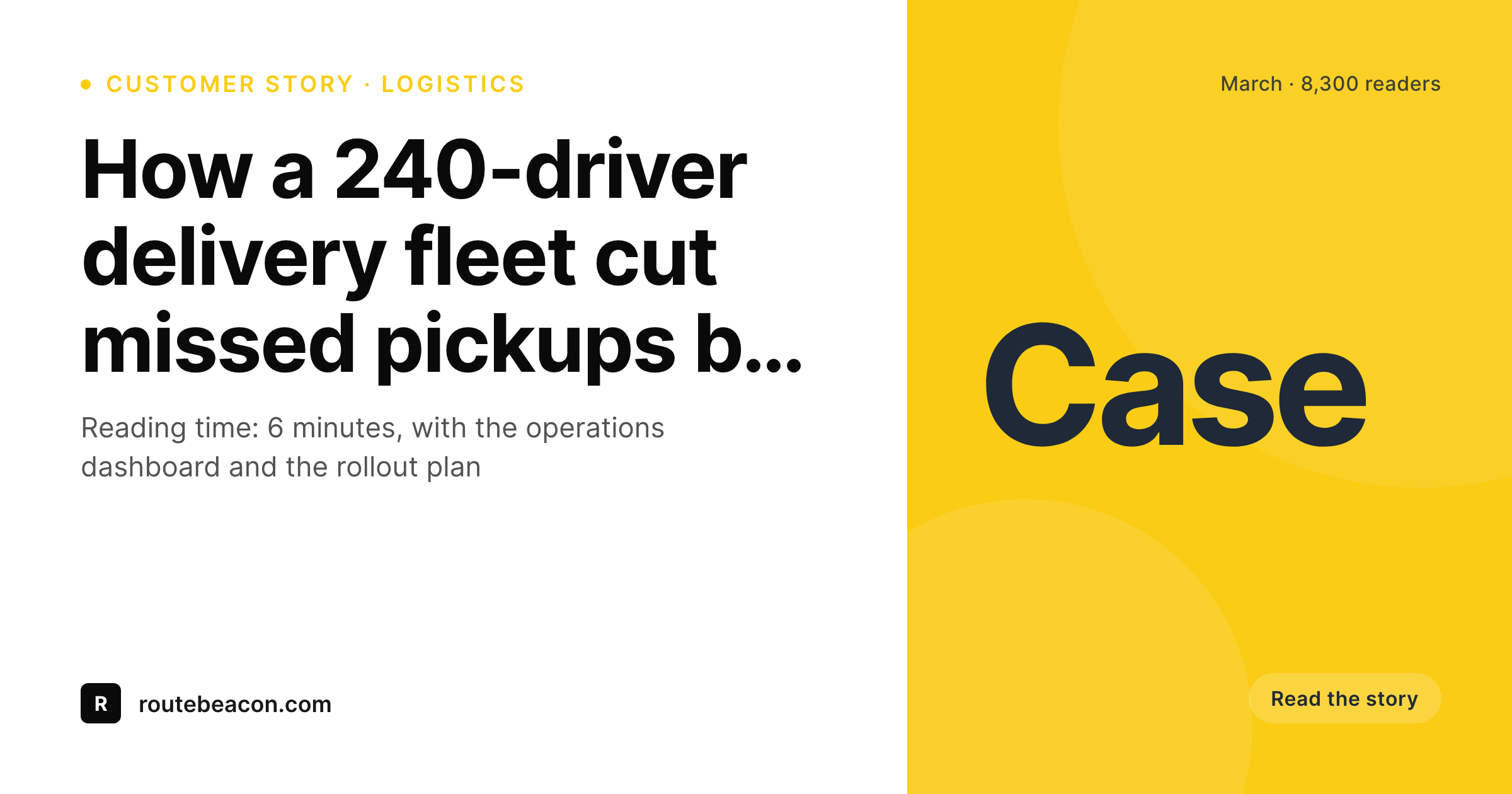
A 1200x630 OG image: case study headline, customer name, metric highlight, date, and brand wordmark, rendered from the WordPress post on save.
Comparison
Default theme OG vs Postmark-paired rendering
Default theme OG image
- Case studies share with a homepage banner instead of the customer name
- Customer-update posts leak brand value on every sales-sequence share
- Metric highlights and update types never reach the share preview
- Manual designer asks queue up behind every quarterly publication
- Old case studies re-linked years later open with stretched logos
SleekPixel
- Reads the WordPress post for every Postmark-paired publication
- Customer name, metric, or update type render onto the card
- Case studies and product updates share the same template family
- Bulk re-render the back catalog after a rebrand without manual export
- Leaves Postmark's send infrastructure untouched, only WordPress changes
Features
What SleekPixel gives you for Postmark emails
Customer-name aware
Case study cards render the customer name and a metric highlight from post fields. Sales sequence shares open with social proof already visible.
Update-type badges
Product updates, integration announcements, and policy updates each render a distinct badge so readers know what type of post they are clicking into.
Date accuracy
Old case studies re-shared at conferences keep their original date on the card, so the share signals the right timeline even months later.
Use cases
What Postmark-using teams generate with SleekPixel
Customer case studies
Each case study renders a card with customer name and headline metric. Sales sequences and partner shares open with the social proof visible.
Product update posts
Every product update broadcast on Postmark gets a matching WordPress post that shares with a version-stamped or feature-stamped card.
Integration announcements
New integration launches share with a card showing both brand marks and the integration name. Partner co-marketing opens with branded previews.
The bigger picture
Why operationally serious teams care about share previews
Postmark customers tend to run operationally serious businesses where small leaks matter at scale. A billing email that fails to deliver costs a customer. A case study that shares with a stretched homepage banner costs a deal in subtle, hard-to-measure ways: prospects scrolling through a sales sequence have a fraction of a second to register what the link is pointing at, and a generic preview converts worse than a branded one.
Across hundreds of external shares per month for a healthy SaaS company, the difference adds up to a meaningful number of qualified opens. The second compounding effect is the case study library. Most B2B teams accumulate twenty or fifty case studies over a few years, and those case studies get linked from sales decks, conference talks, and partner blogs long after they are written.
Each backlink fires the WordPress OG image. A consistent, branded card across the full case study library signals long-term operational care and converts curious prospects into engaged ones at a measurably better rate. SleekPixel renders the cards automatically on save from post fields, so the customer-facing surface stays consistent across years of publications without anyone in marketing spending late evenings on Figma exports.
Questions
Common questions about SleekPixel for Postmark emails
Postmark is a transactional email service known for strong deliverability and fast send infrastructure. It supports both transactional emails (notifications, receipts, alerts) and broadcasts (customer updates, case study announcements, product news). Teams using it tend to be operationally focused SaaS or B2B companies.
Postmark connects via API or via SMTP. It does not have a dedicated WordPress plugin in the way that ConvertKit or Mailchimp do. Most teams send Postmark broadcasts from their app backend and keep WordPress as the public marketing site. SleekPixel handles the WordPress share rendering separately.
Yes. A customer-name field on the case study post becomes a card element. Sales sequence shares open with the customer name visible, which is social proof on the preview before the click happens.
A metric field on the case study post renders into the card as a corner highlight. Useful for B2B sales where the metric is the single most important data point and you want it visible on every share preview.
Yes. Each WordPress post type can have its own template variant. Case studies render with a customer-focused card, product updates render with a version-stamped card, integration announcements render with a two-brand-mark card.
Transactional emails do not have public share previews, so they do not need OG rendering. Where a transactional email drops a user onto a public page (a verification success, an unsubscribe confirmation), SleekPixel can render that page's share card if you want.
The render adds about a second to the save. Visitor traffic serves the static PNG from uploads, with no per-view render cost. The publish flow stays effectively as fast as a normal WordPress save.
The WordPress posts and rendered share images stay where they are with stable URLs and working share previews. The send-side swap does not touch WordPress. SleekPixel keeps rendering cards from the post fields regardless of which service sends the email.
Pricing
More than 1000+
happy customers
Explore our flexible licensing options tailored to your needs. Upgrade your license anytime to access more features, or opt for a lifetime license for ongoing value, including lifetime updates and lifetime support. Our hassle-free upgrade process ensures that our platform can grow with you, starting from whichever plan you choose.
Lifetime ♾️
Most popular
EUR
once
- Unlimited websites
- Lifetime updates
- Lifetime support
...or get the Bundle Deal
and save €250 🎁
💎 Want everything forever? The All Access Pass is going away on 01.08.2026.
The Bundle (unlimited sites)
Pay once, own it forever
Elevate your WordPress site with our exclusive plugin bundle that includes all of our premium plugins in one package. Enjoy lifetime updates and lifetime support. Save significantly compared to buying plugins individually.
What’s included
-
SleekAI
-
SleekByte
-
SleekMotion
-
SleekPixel
-
SleekRank
-
SleekView
€749
Continue to checkoutBrowse more
- Odnoklassniki banners
- Lens Protocol posts
- Twitch profile banner
- Facebook event covers
- TikTok profile banners
- X list banners
- Bandcamp release cover
- Reddit subreddit banners
- Flickr cover photo
- Douyin cover
- Farcaster cast images
- Kindle book cover
- LinkedIn post images
- YouTube end screens
- Facebook cover photos