






SleekPixel for track release cards
Each single in an album cycle gets its own card, generated from the track post. Artist, title, release date, and the parent album come straight from the fields.
♾️ Lifetime License available

Every single deserves its own card, not the album's leftover
Single drops carry the album cycle. Between the album announcement and the album release, an artist puts out two to four singles, each with its own moment, its own video, and its own social push. The visual cards for those singles should not be a copy of the album card with a different title slot. They should feel like a coordinated extension of the album, each with its own slight identity.
The bottleneck for indie artists is the per-single design work. The first single gets a designed card, the second single gets a slightly different card, the third single gets whatever the artist can throw together in Canva at midnight before the drop. By the fourth single the visual identity of the cycle is uneven, which weakens the buildup to the album release.
SleekPixel anchors single cards to the track post. Each single has its own WordPress post with the track title, artist, parent album, release date, and a one-line description as fields. The template renders a 1080x1920 vertical story card from those fields on save. The artist gets a clean, consistent card per single without spending design time mid-cycle.
Workflow
From single drop to story-ready in one save
Design the single template
Build the single post
Save and publish
Push the drop
Output
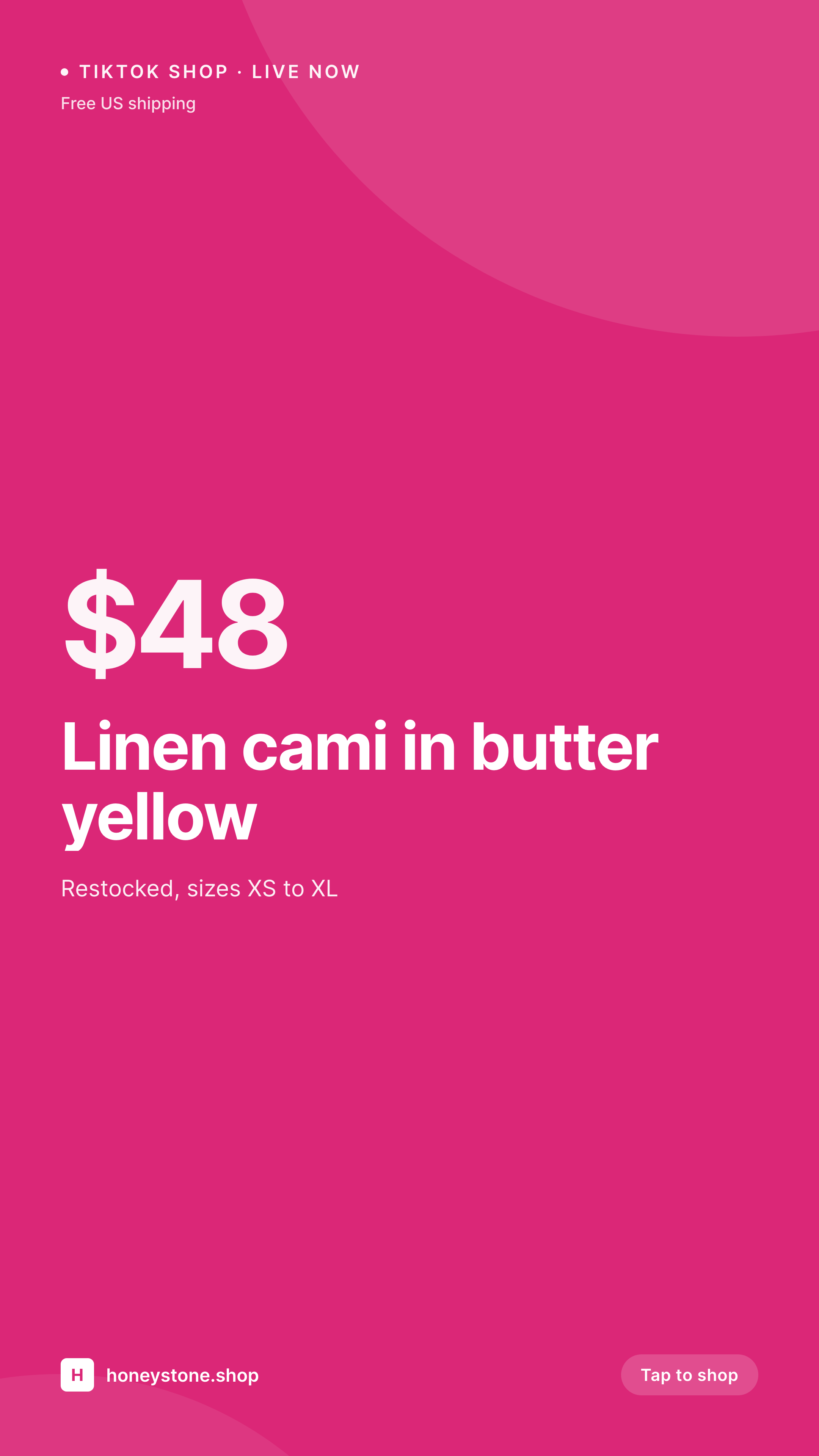
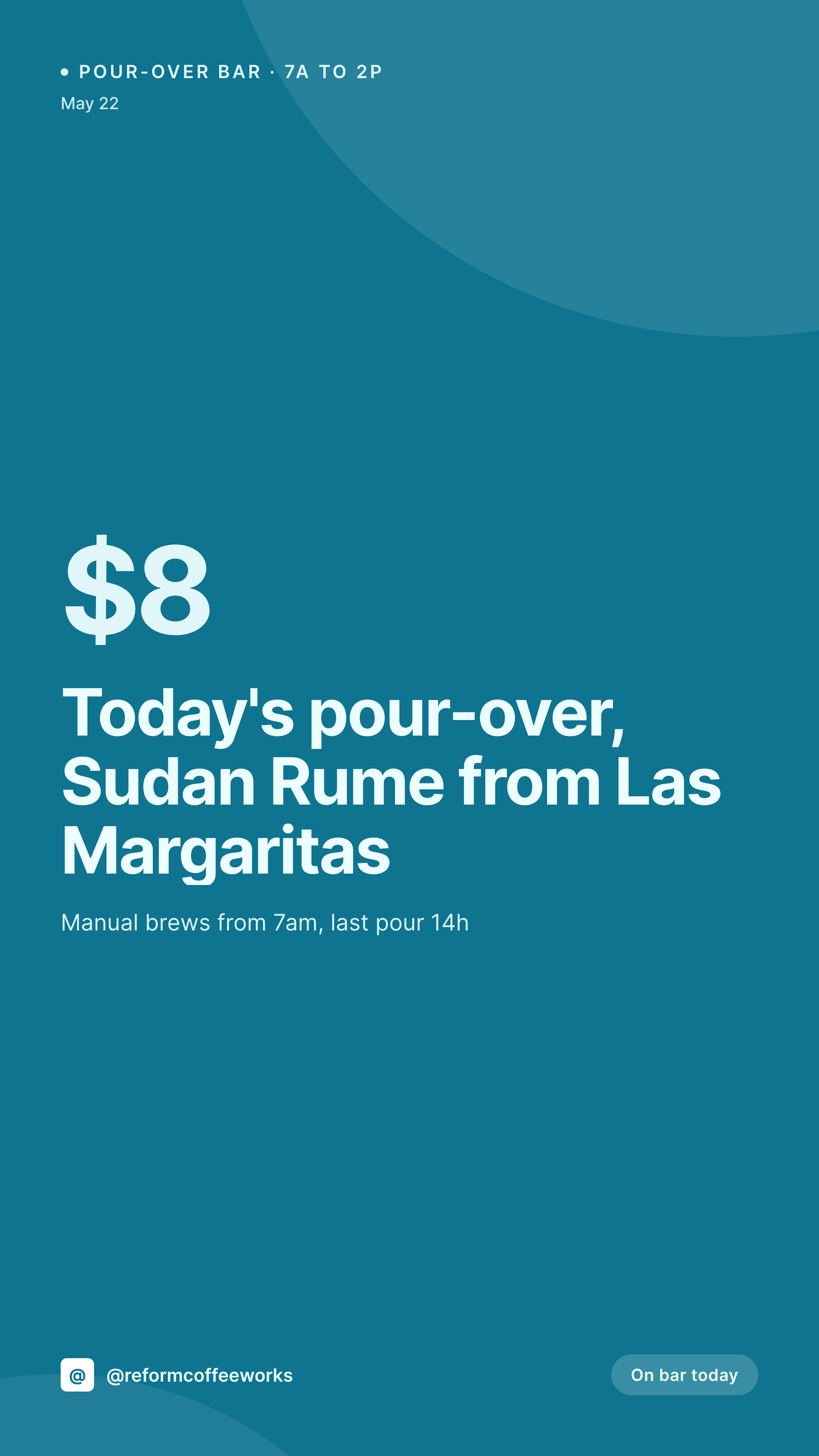
What a generated track release card looks like
A 1080x1920 vertical story card with the track title, artist, parent album, and release date pulled from the track post.
Comparison
Canva per single vs SleekPixel
Canva mid-cycle improvisation
- First single gets designed cards, later singles get improvised ones
- Visual identity weakens across the cycle as the artist runs out of time
- Release date on the card slips out of sync with the actual go-live
- Per-single cover art layers get scaled inconsistently in Canva
- No batch path when a single's release moves a week
SleekPixel
- Render fires on save for every track post
- Title, artist, parent album, and date from post fields
- 1080x1920 vertical aspect built for Instagram and TikTok stories
- Parent album link is visually represented in the template
- Bulk regenerate when the cycle visual identity evolves
Features
What SleekPixel gives you for track release cards
Single-as-its-own-thing
Templates designed so each single carries its own identity while still reading as part of the album cycle. Not a recolored album card with a different title.
Parent album referenced
A slot in the template references the parent album by title or cover art thumbnail. Listeners see the single in context of the larger upcoming release.
Cycle-coordinated palette
Set a palette per cycle, every single in that cycle renders with the same accent and supporting colors. The buildup to the album release reads as one coordinated rollout.
Use cases
Where track release cards earn their keep
Independent artists in album cycle
Self-releasing musicians dropping two to four singles ahead of an LP. Each single ships with a consistent card without paying for per-drop design.
Label rollouts
Small labels running coordinated single drops across multiple acts. Templates per act, posts per single, consistent visual cadence across the catalog.
Radio play campaigns
Singles being pushed to specialist radio. The card is what the host shares on social to promote the playlist add. Consistent cards across the cycle read as a real campaign.
The bigger picture
Why per-single cards make the album cycle feel real
An album that drops with four pre-release singles tells a story across nine months. The first single sets the tone, the second deepens it, the third introduces a contrast, the fourth becomes the chorus the listener already knows by the time the album lands. Each of those singles needs its own visual moment, not just a recolored copy of the album card.
Listeners notice when a cycle feels coordinated and when it feels improvised, and the difference is mostly per-single design discipline. SleekPixel makes that discipline structural. Each single gets its own post, its own template binding, its own render.
The album cycle reads as a real campaign instead of a single album release with three afterthought singles in front of it. For independent artists, that is the difference between a release that feels label-quality and one that feels self-produced even when both are exactly that.
Questions
Common questions about SleekPixel for track release cards
Yes. The parent album reference can be a small cover thumbnail in the template, bound to an image field on the track post. Listeners see the single in the context of the upcoming album.
No. One template handles all singles in a cycle. Use fields to differentiate them. If the cycle has a distinct visual identity per single, set up template variants and switch by tag.
Update the date field on the post, save. The card re-renders with the new date, the og:image at the same URL stays consistent across the shift.
Yes. Configure both templates against the same track post. The square renders for Instagram feed and OG, the vertical renders for stories and Reels. Both available from the sidebar.
Yes. The card is for your landing page on WordPress. Smart-link tools generate their own preview, which can be the same image if you upload it there manually. The two work in parallel.
Treat each as its own track post with its own card. The template can carry a tag for "acoustic" or "remix" so the card communicates the variant clearly without manual design work.
A short lyric pull can live as a slot in the template, bound to a custom field. Keep it short, the vertical format does not have room for long quotes.
Yes. Update the template, bulk regenerate, every single in the cycle gets re-rendered with the new palette. The visual buildup stays coordinated across the whole rollout.
Pricing
More than 1000+
happy customers
Explore our flexible licensing options tailored to your needs. Upgrade your license anytime to access more features, or opt for a lifetime license for ongoing value, including lifetime updates and lifetime support. Our hassle-free upgrade process ensures that our platform can grow with you, starting from whichever plan you choose.
Lifetime ♾️
Most popular
EUR
once
- Unlimited websites
- Lifetime updates
- Lifetime support
...or get the Bundle Deal
and save €250 🎁
💎 Want everything forever? The All Access Pass is going away on 01.08.2026.
The Bundle (unlimited sites)
Pay once, own it forever
Elevate your WordPress site with our exclusive plugin bundle that includes all of our premium plugins in one package. Enjoy lifetime updates and lifetime support. Save significantly compared to buying plugins individually.
What’s included
-
SleekAI
-
SleekByte
-
SleekMotion
-
SleekPixel
-
SleekRank
-
SleekView
€749
Continue to checkoutBrowse more
- TikTok shop images
- LinkedIn document post covers
- Passes page banner
- Bluesky link cards
- YouTube channel banners
- Tumblr header
- Lemon Squeezy product covers
- WeChat Moments images
- LinkedIn post images
- Instagram stories
- Instagram collab post images
- Pinterest board covers
- YouTube podcast thumbnails
- Lens Protocol posts
- Depop listing images