






SleekPixel for Gutenberg block editor
SleekPixel adds a Gutenberg sidebar panel where authors preview the share image as they write. The PNG renders on save and a download button covers ad-hoc social use without leaving the editor.
♾️ Lifetime License available
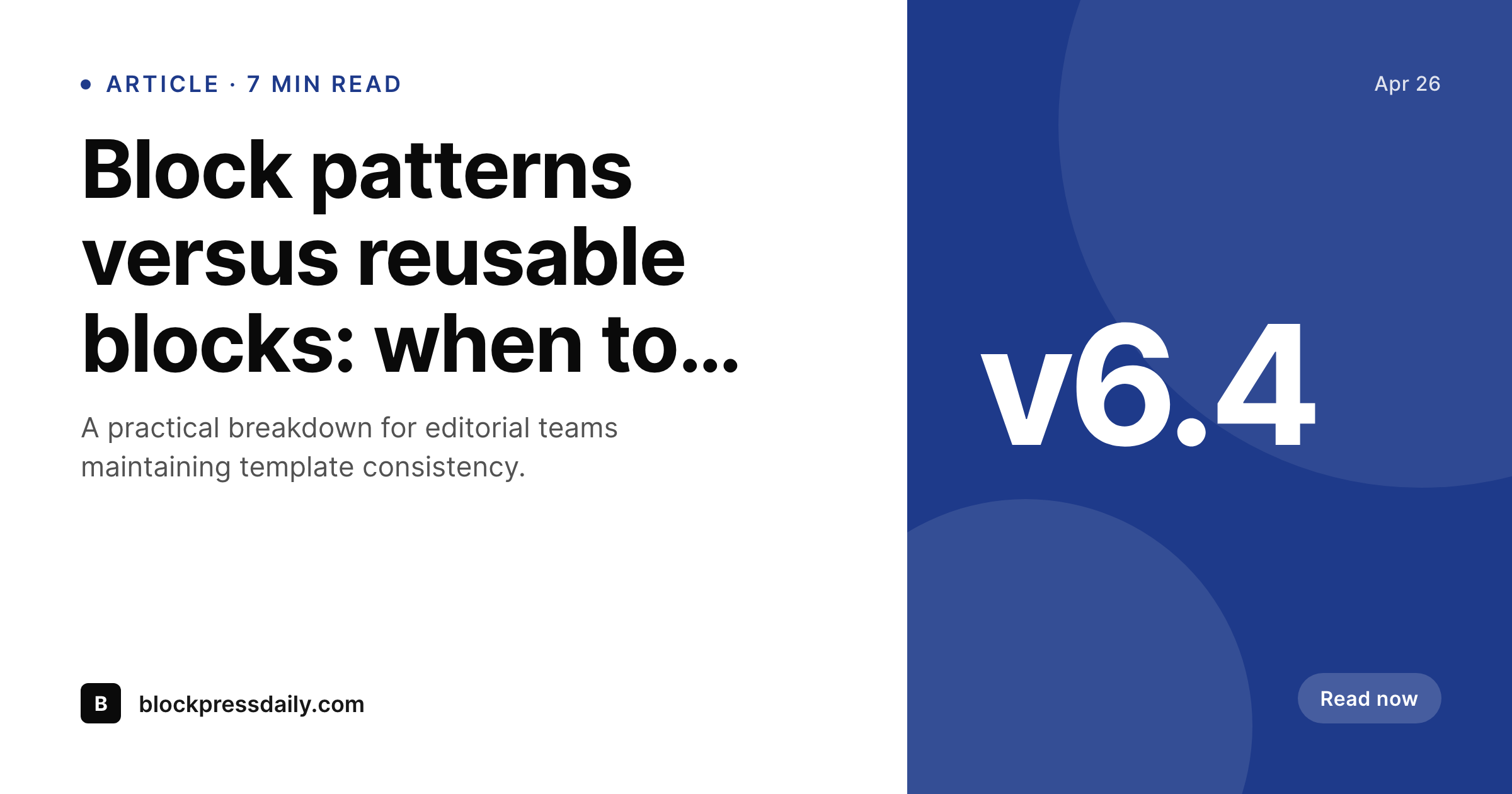
Editors stay in Gutenberg, share images keep up
Gutenberg is now the default WordPress editor for sites that did not opt into a builder, and most newsrooms, blogs, and content-led marketing sites publish through it daily. The friction in this workflow is not Gutenberg itself - it is the moment between hitting publish and posting to social. Either the editor leaves the editor, opens Canva, exports a card, comes back, and uploads it, or the post goes out with a featured image that was framed for the article hero, not the unfurl.
SleekPixel adds a panel directly inside the Gutenberg sidebar. The panel previews the rendered OG image live as the editor types the title and adjusts the excerpt. On save, a real PNG writes to uploads and the og:image meta tag updates. The same panel offers a one-click download for ad-hoc sharing - LinkedIn carousel, Threads post, Bluesky - without leaving the editor or hopping into a separate tool. The mental model is identical to the existing featured image flow, just for share previews.
Gutenberg's block patterns and reusable blocks pose no special problem for SleekPixel because the share image renders from post-level data: title, excerpt, author, category, custom fields. Block content variation in the body does not affect the card. This is intentional - share previews want a stable composition tied to identity, not a snapshot of the body, which would change every time someone tweaks a paragraph. The result is an editor experience where the share image lives next to the post itself, not in a separate tab.
Workflow
From draft to share preview in Gutenberg
Open the sidebar panel
Write the post
Hit publish
Download for ad-hoc use
Output
What gets generated per post
A 1200 by 630 OG and Twitter card with the post title, category, author, and brand mark - rendered on save and previewed live in the Gutenberg sidebar.
Comparison
Canva round-trip versus Gutenberg-native
Canva tab + upload
- Editor leaves Gutenberg, opens Canva, exports a card, returns to upload it
- Featured image gets reused as OG even though it was framed for the in-article hero
- No live preview of the share card while writing - first sight is after publish
- Renaming a post does not refresh the Canva-exported share graphic
- Manual workflow breaks down on busy newsroom days with multiple posts per hour
SleekPixel
- Gutenberg sidebar panel previews the share image as the editor types
- Real PNG writes to uploads on save, og:image updates immediately
- One-click sidebar download for ad-hoc Threads, Bluesky, LinkedIn use
- Editor never leaves Gutenberg - no Canva tab in the publishing path
- Preview reflects category, author, and any field you map into the template
Features
What SleekPixel gives you for Gutenberg block editor
Native sidebar
Lives in the Gutenberg sidebar next to Featured Image and Excerpt. Editors see the share preview as they write, with no plugin admin page round-trip.
Sidebar download
One-click download from the same panel covers Threads, Bluesky, LinkedIn carousel slides, and any other ad-hoc social use without leaving the editor.
Live preview
Type the title, the preview updates. Tweak the category, the badge updates. Editors confirm the share card is right before publish, not after.
Use cases
Where Gutenberg-native rendering shifts the workflow
Newsrooms publishing hourly
High-volume editorial teams stop blocking on the Canva exporter. The editor writes, the share image renders alongside, the post ships.
Multi-author blogs
Each contributor's avatar and byline flow into the share card automatically. No designer briefed every time a new contributor publishes.
Editorial calendars
Posts scheduled for the future already have their share image rendered. Social schedulers grab the file directly without manual export at post-go-live.
The bigger picture
Why the editor matters for share images
Editors hit publish dozens of times a day on busy sites, and every step that pulls them out of the editor is a step that gets skipped under load. Canva, Figma, Photoshop - all great tools, none of them in the publish path Gutenberg defines. So either an editor commits to the round-trip on every post (and pays the time cost, sometimes 5-10 minutes per post), or the round-trip gets dropped and the share preview becomes whatever the SEO plugin's default is.
SleekPixel changes that calculus by living in the sidebar. The image is a side effect of writing the post, not a separate task with its own queue. The second realisation is preview-time confidence.
Editors used to publish first and check the share preview later, sometimes catching a wrong-looking unfurl after the post had already been tweeted. Live preview in the sidebar makes the share image visible alongside the title and excerpt, the same way featured-image confirmation lives there. The editor sees what readers will see, before publish, every time.
None of this requires a builder or a custom workflow - it just lives where Gutenberg already does.
Questions
Common questions about SleekPixel for Gutenberg block editor
Yes, but the sidebar live preview only appears in the Gutenberg block editor. Classic Editor sites still get the auto-render on save, the og:image meta tag update, and the bulk regenerate command. They just do not have the live preview UI - the post must be saved to see the result.
Yes. The Gutenberg sidebar panel re-renders the preview thumbnail as you change the title, excerpt, category, or any mapped field. The actual PNG to disk only writes on save - the live preview is a fast in-memory render.
No. SleekPixel only writes og:image and twitter:image. Yoast and Rank Math handle og:title, og:description, twitter:title, twitter:description. The share preview gets the SleekPixel image plus the SEO plugin's text - a clean division of responsibility.
Yes. The Gutenberg sidebar has a download button that grabs the rendered PNG. Useful for Threads, Bluesky, LinkedIn carousel posts, or any platform that does not unfurl WordPress URLs but accepts an image upload.
Full-site editing in WordPress affects template editing, not post editing. Posts still publish through the same Gutenberg workflow, so SleekPixel works identically. The plugin is template-agnostic.
If you map the category taxonomy to the template, yes. Most editorial templates show 'CATEGORY · 7 min read' or similar at the top. The category updates in the live preview when the editor changes it in the Categories sidebar.
The panel itself is fixed - it shows the preview, the download button, and a regenerate button. The actual share image template is fully customisable through the SleekPixel admin, where you build the layout once and it renders for every post.
Older posts have no rendered image until something triggers a render. The bulk regenerate command walks the post archive and renders for every post. Or you can open old posts and re-save - either path produces the same output.
Pricing
More than 1000+
happy customers
Explore our flexible licensing options tailored to your needs. Upgrade your license anytime to access more features, or opt for a lifetime license for ongoing value, including lifetime updates and lifetime support. Our hassle-free upgrade process ensures that our platform can grow with you, starting from whichever plan you choose.
Lifetime ♾️
Most popular
EUR
once
- Unlimited websites
- Lifetime updates
- Lifetime support
...or get the Bundle Deal
and save €250 🎁
💎 Want everything forever? The All Access Pass is going away on 01.08.2026.
The Bundle (unlimited sites)
Pay once, own it forever
Elevate your WordPress site with our exclusive plugin bundle that includes all of our premium plugins in one package. Enjoy lifetime updates and lifetime support. Save significantly compared to buying plugins individually.
What’s included
-
SleekAI
-
SleekByte
-
SleekMotion
-
SleekPixel
-
SleekRank
-
SleekView
€749
Continue to checkoutBrowse more
- Redirection
- Mighty Networks communities
- Hummingbird Performance
- wpDataTables
- YITH WooCommerce Wishlist
- s2Member
- W3 Total Cache
- Restrict Content Pro
- Mautic campaigns
- WP Job Manager listings
- Checkout Field Editor for WooCommerce
- Squarespace products
- WP Travel itineraries
- Advanced Shipment Tracking
- ElementsKit
- year in review cards
- behind the scenes cards
- industry update cards
- music recommendation cards
- statistic cards
- live now card
- press release cards
- guest spot card
- Google review cards
- pitch deck card
- SOC 2 announcement card
- command of the day card
- win celebration cards
- holiday greeting cards
- online course
- Facebook ad images
- Dailymotion thumbnails
- KDP hardcover cover
- X Space banners
- Dribbble shot covers
- GitHub social preview images
- Shopify collection banners
- Ko-fi banners
- Reddit subreddit banners
- Instagram highlight covers
- Instagram carousel slides
- TikTok ad images
- LinkedIn document post covers
- Spotify podcast covers
- Warpcast frame images