






SleekPixel for knitting shops
Pattern, weight, gauge, cohort dates, and class fees already live on the WordPress post. SleekPixel renders a 1080x1080 card on save so the shop's grid stays current with what's on the shelf and what's coming up.
♾️ Lifetime License available
KALs, classes, yarn drops, and the daily grid
A local knitting shop's Instagram grid is its newsletter. Members watch for the next KAL (knit-along), the next class cohort, the next new yarn shipment, the next sample on the shop wall. Each event wants a square Instagram post with the right specifics: a KAL's pattern, gauge, and cast-on date, a class's instructor and cohort dates, a yarn drop's weight, fiber, and color count.
The shop already has this data on the WordPress site. KAL posts, class posts, yarn product posts, and sample posts all carry the relevant fields. What's missing is the bridge to the grid, which today is a shop owner closing the till at six and rebuilding a Canva card before the cleaning crew arrives.
SleekPixel reads each post type and renders the right card on save. A KAL post produces a card with pattern, gauge, and cast-on. A class post produces a card with instructor and dates. A yarn post produces a card with weight, fiber, and color count. All of them share the shop's wordmark, type, and palette so the grid reads as one shop instead of four separate feeds.
Workflow
From shop calendar to grid
Map post types
Design variant templates
Publish or restock
Post and announce
Output
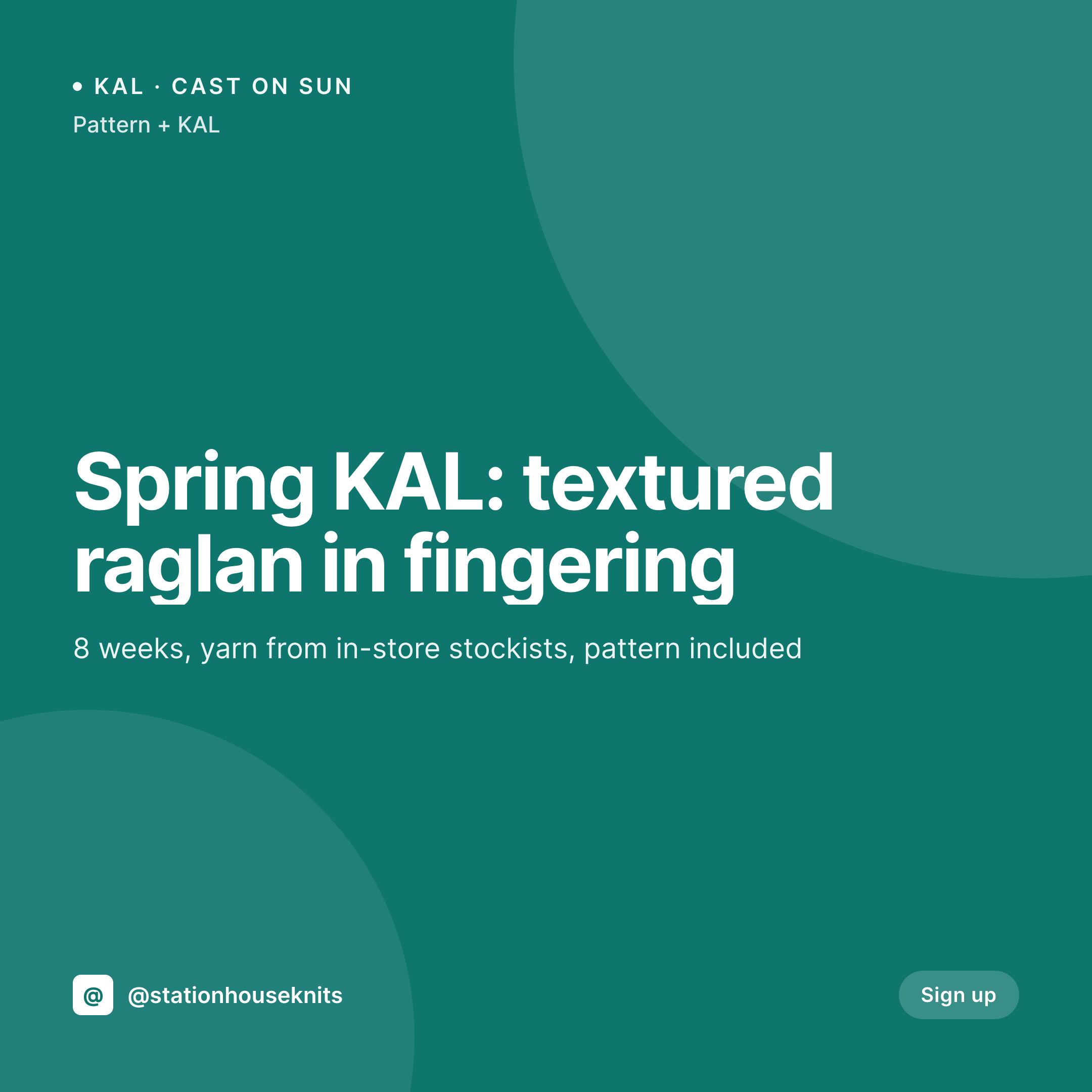
Sample card from a KAL post
A 1080x1080 square rendered from a KAL post's pattern, gauge, cast-on date, and fee.
Comparison
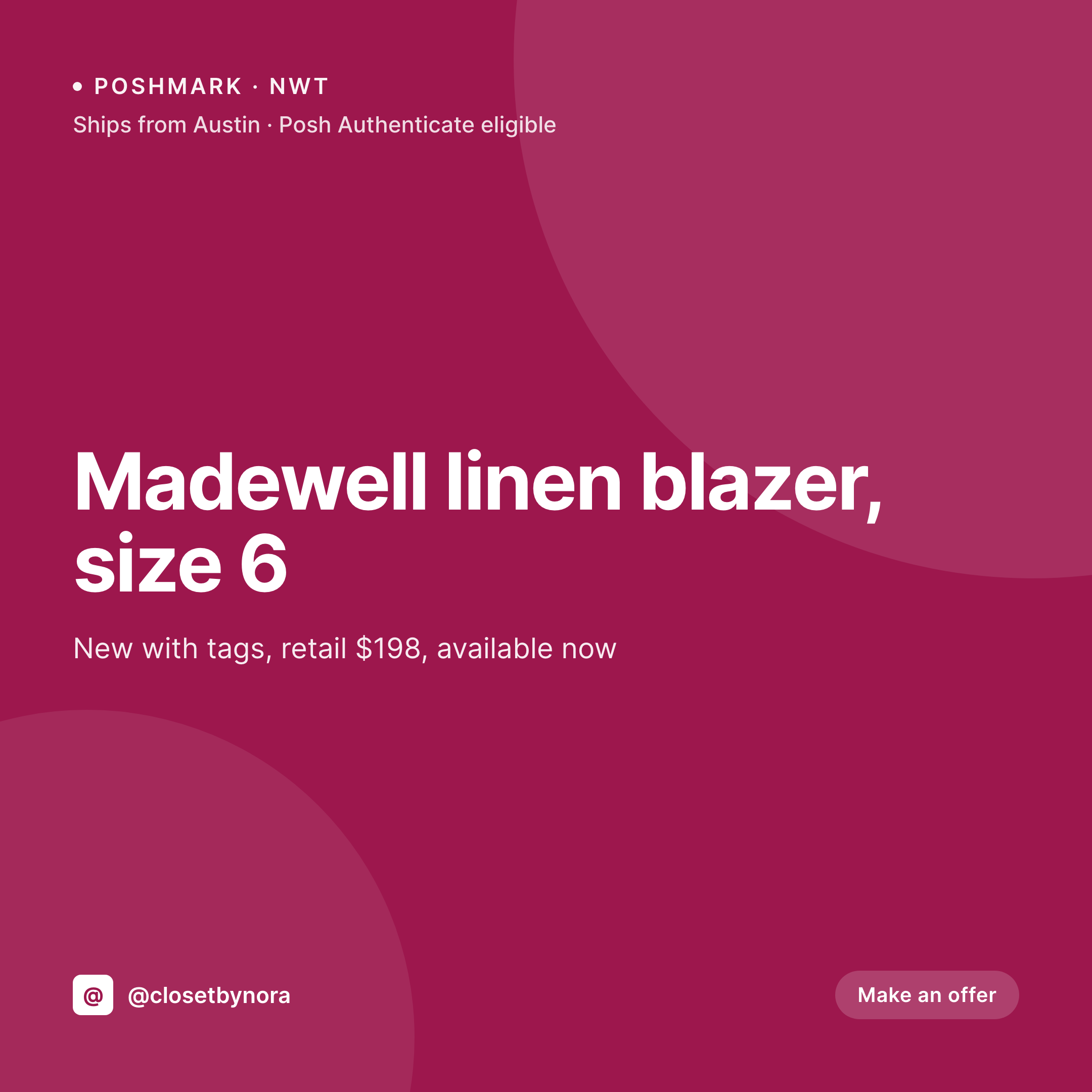
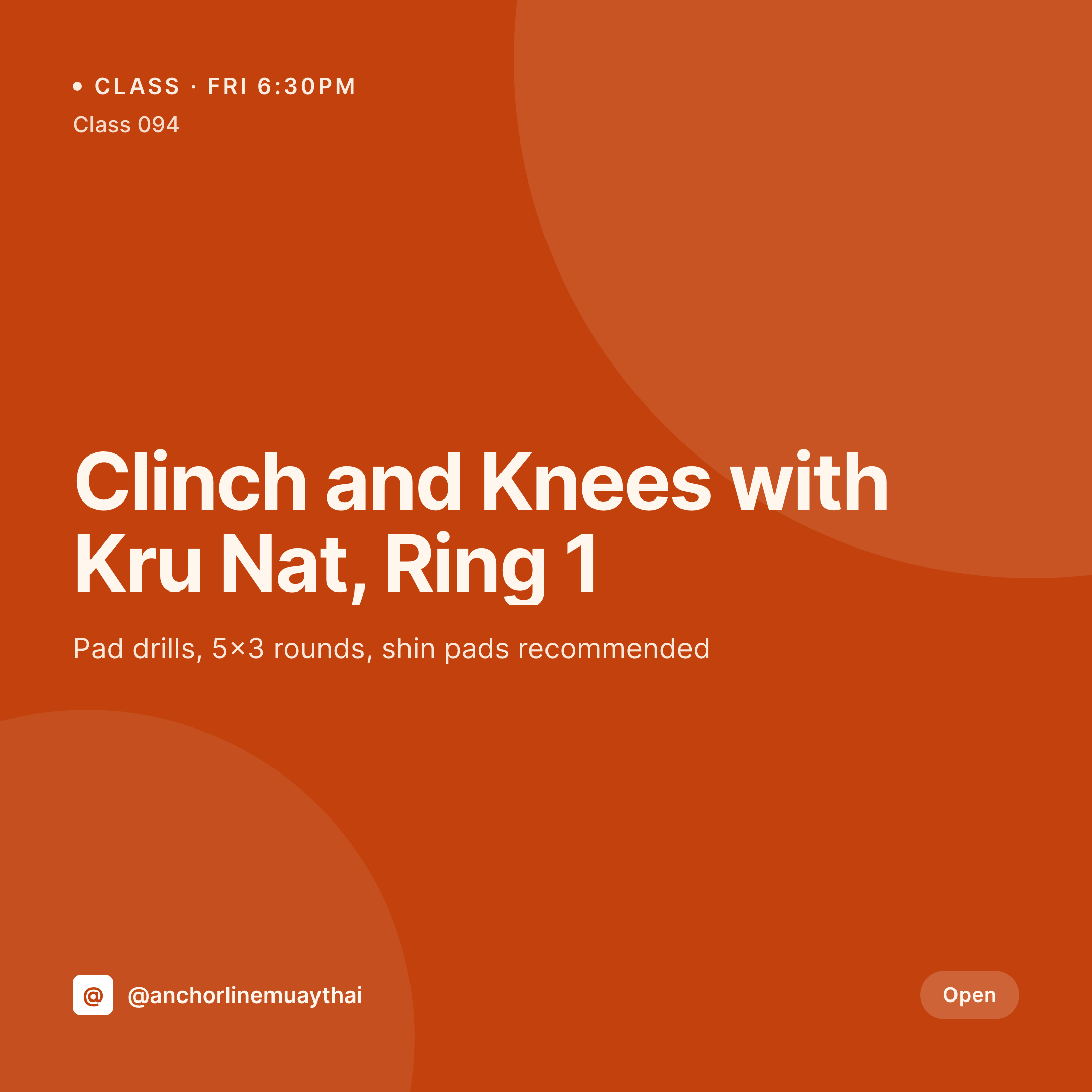
Default knitting shop image vs SleekPixel
Default knitting shop image
- Owner rebuilds KAL and class cards in Canva each cycle
- Yarn weight and fiber notation drifts across posts
- KALs and classes use different layouts than yarn drops
- New-shipment posts skip a coordinated card
- Multi-staff posting has each staff member building cards differently
SleekPixel
- Auto-rendered Instagram card per KAL, class, yarn drop, and sample
- Pattern, gauge, weight, fiber, and dates pulled from the matching post
- Variant templates for KALs, classes, yarn drops, and shop samples
- Bulk regenerate after a wordmark refresh, every past card updates
- Falls back cleanly when fields like dye lot or instructor are missing
Features
What SleekPixel gives you for knitting shops
KAL dates live
Cast-on date, KAL length, and final-bind-off deadline render from the KAL post. The grid never disagrees with the signup page.
Yarn weight and fiber
Fingering, sport, DK, worsted, plus fiber content (merino, alpaca, cotton blend) render as a consistent label across every yarn post.
Instructor on class card
Class posts credit the instructor with a name and thumbnail. Multi-instructor shops always credit the right teacher per cohort.
Use cases
Who uses SleekPixel for knitting shops
Local yarn shops
Brick-and-mortar shops use a coordinated grid for KALs, classes, and yarn drops to keep members engaged between visits.
Online-first shops
Online shops post new yarn drops with weight, fiber, and color count, plus restock alerts on bestsellers, all from product fields.
Yarn-club subscriptions
Monthly reveal posts use a subscription-variant template with the month's colorway, pattern, and ship window.
The bigger picture
Why a coordinated knitting-shop grid keeps members coming back
Yarn buyers shop with patterns in mind, but they come back to a specific shop because of community. Instagram is where that community shows itself: members see what's coming up, who's teaching, what just arrived. A grid where every KAL announcement, every class, and every yarn drop uses the same notation and visual language reads as a shop with a real calendar and a real point of view.
A grid where each post is a fresh Canva attempt reads as a shop improvising. Templated cards rendered from the post data the shop already keeps in WordPress make that coordination cheap, so the shop spends time picking yarn and supporting members, not building graphics.
Questions
Common questions about SleekPixel for knitting shops
Yes. SleekPixel reads WooCommerce product fields plus any ACF or Meta Box custom fields for weight, fiber, dye lot, and gauge.
Yes. Each post type maps to its own template variant. SleekPixel routes by post type on save.
Add a dye-lot field on the yarn product. SleekPixel renders the lot on the card so members know when their preferred lot is back.
Yes. A milestone field can render on follow-up KAL posts (week 2, week 4, finished) so a series of posts feels like one running event.
Yes. Pattern downloads can use a digital-product post type with a pattern-variant template that carries difficulty and required yarn.
A shipment or restock CPT with its own variant template covers this. Card carries the brands, the colors arriving, and the in-store date.
Yes. One-click bulk regeneration re-renders every past card with the updated template.
SleekPixel saves the PNG to uploads. Download from the post screen, or pull the URL into Later, Buffer, or Meta's scheduler.
Pricing
More than 1000+
happy customers
Explore our flexible licensing options tailored to your needs. Upgrade your license anytime to access more features, or opt for a lifetime license for ongoing value, including lifetime updates and lifetime support. Our hassle-free upgrade process ensures that our platform can grow with you, starting from whichever plan you choose.
Lifetime ♾️
Most popular
EUR
once
- Unlimited websites
- Lifetime updates
- Lifetime support
...or get the Bundle Deal
and save €250 🎁
💎 Want everything forever? The All Access Pass is going away on 01.08.2026.
The Bundle (unlimited sites)
Pay once, own it forever
Elevate your WordPress site with our exclusive plugin bundle that includes all of our premium plugins in one package. Enjoy lifetime updates and lifetime support. Save significantly compared to buying plugins individually.
What’s included
-
SleekAI
-
SleekByte
-
SleekMotion
-
SleekPixel
-
SleekRank
-
SleekView
€749
Continue to checkoutBrowse more
- acquisition announcement cards
- founder letter card
- year in review cards
- data visualization cards
- mental model cards
- job posting
- security advisory cards
- podcast episode
- song of the day cards
- AMA recap card
- behind the build card
- field notes card
- domain launch card
- beta invite card
- founding customer card
- Poshmark listing images
- Instagram Shop product images
- Lemmy post images
- Instagram highlight covers
- Patreon post thumbnails
- Spotify playlist cover
- Twitch panel images
- LinkedIn carousel slides
- GitHub social preview images
- Mastodon profile banners
- Farcaster cast images
- Facebook event covers
- X ad images
- eBay listing images
- Stan Store cover