






SleekPixel for spas
SleekPixel reads each treatment's name, duration, benefits, and price band and renders a square Instagram graphic on save. No more reformatting the menu every season.
♾️ Lifetime License available

Stop rebuilding the spa menu graphic every season
A spa's menu is its product. Treatments are positioned carefully - duration, benefits, the language used to describe pressure or technique - and the menu changes seasonally with limited rituals, holiday packages, and new modalities. Each piece of that menu wants its own social post: one for the deep-tissue, one for the cedar facial, one for the December gift package. The spa manager opens a design tool, and a long afternoon disappears into rebuilding the same layout with twenty variations.
SleekPixel collapses that into one template. You design one square Instagram layout in WordPress with fields like {treatment_name}, {duration}, {benefits}, {modality}, and {price_band}. Every time a treatment post is added or updated, SleekPixel renders the template with that data and saves a 1080 x 1080 PNG.
The spa's brand stays calm and consistent across the entire menu. Edit the template once and every past treatment refreshes. New seasonal ritual? It inherits the look automatically. The grid stops looking like a stack of separate Canva exports and starts looking like the spa's actual brand.
Workflow
From menu to grid in one save
Design the template
Connect to the treatment post type
Save the treatment
Schedule on Instagram
Output
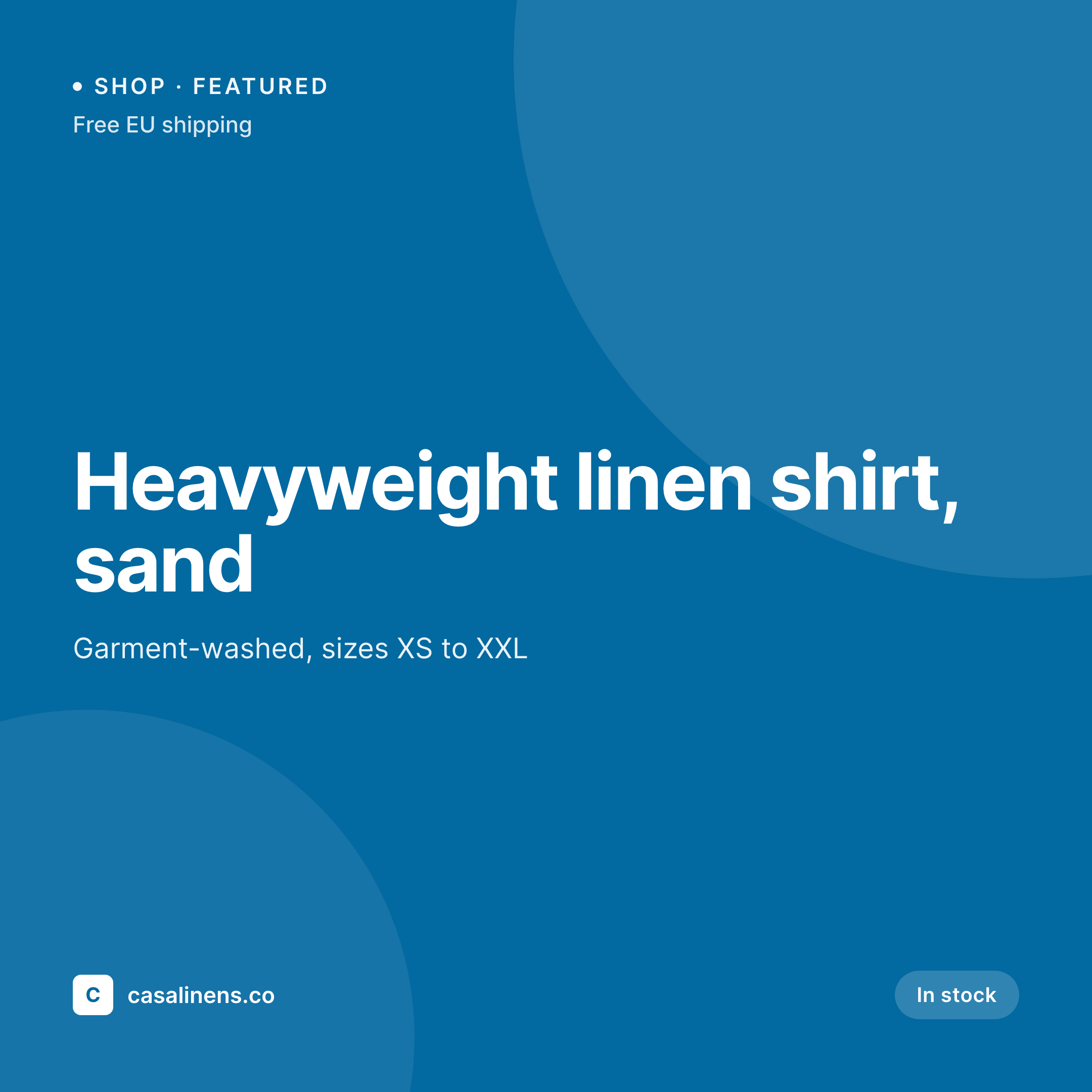
Sample Instagram post from a treatment
This square was rendered from a treatment's name, duration, and benefits. Same template, every ritual.

Comparison
Hand-made treatment graphics vs SleekPixel
Manual graphic per treatment
- Every seasonal menu means a long afternoon in a design tool
- Treatment names and durations get retyped from the menu into the post
- Holiday packages, gift cards, and rituals all use slightly different layouts
- Quick announcements like 'one slot left tomorrow' skip social entirely
- Rebrands force a manual redesign of the whole treatment archive
SleekPixel
- Auto-generated Instagram post per treatment on save
- Per-treatment variables: name, duration, benefits, modality, price band
- One template = one calm, coordinated grid across the menu
- Edit the template once and every treatment's graphic refreshes
- Falls back gracefully when a field like 'modality' is empty
Features
What SleekPixel gives you for spas
Template-driven
Design the treatment card once with the spa's typography, palette, and dynamic fields. Every new treatment inherits the layout on save.
Benefits, mapped
Pull benefits, modality, and pressure-level fields from custom fields. The way the menu describes the treatment is the way the post does.
Regenerate on demand
Seasonal palette change? Bulk-regenerate every treatment's image so the entire menu's social posts refresh in one click.
Use cases
Where this fits best
Day spas and wellness centers
Every treatment on the menu gets its own social card automatically, so the entire offering is visible on the grid without bespoke design work.
Seasonal packages
Holiday rituals, gift packages, and limited offerings each get their own template variant so they read as special, not like daily menu items.
Hotel spas
Resort and hotel spas with rotating residencies and visiting practitioners keep posting consistently without pulling the marketing team into design.
The bigger picture
Why a consistent treatment post matters
Spas sell calm and consistency. The treatment is one expression of that, but the brand surfaces - website, social, gift card, room signage - are all part of the same promise. When the Instagram grid is visually noisy, the spa is asking its potential clients to forgive a visible inconsistency before they ever step inside, and that's a hard ask for a category built on trust.
The middle path - a template that adapts to each treatment automatically - is how the most-considered spas keep a coherent grid without dedicating designer hours to each menu rotation. SleekPixel runs that template against the treatment data the spa already keeps in WordPress, so every treatment, package, and ritual lands on the grid in the same calm way the spa intends.
Questions
Common questions about SleekPixel for spas
SleekPixel works with WordPress post types. If your booking system - Mindbody, Zenoti, Booker - syncs treatments into WordPress as posts or a CPT, SleekPixel can run a template on them.
Yes. Use a price-band field, an 'inquire' label, or omit price entirely. The template renders cleanly without it.
Yes. SleekPixel routes by category, tag, or post type. Tag a treatment 'facial' and it gets the facial template; tag 'body' and it gets a body variant.
The template renders without it. Set defaults, hide blocks, or design the layout so missing values collapse cleanly.
SleekPixel saves PNGs to the uploads folder. Download from the post screen or pull the URL into Later, Buffer, or Meta's scheduler.
Yes. One-click bulk regeneration re-renders every treatment's image with the new template.
Yes. SleekPixel can output an Instagram square and an OG card from related templates so the spa's web pages and grid stay aligned.
No. Images render once at save time and are stored as static PNGs - visitors load a regular image URL.
Pricing
More than 1000+
happy customers
Explore our flexible licensing options tailored to your needs. Upgrade your license anytime to access more features, or opt for a lifetime license for ongoing value, including lifetime updates and lifetime support. Our hassle-free upgrade process ensures that our platform can grow with you, starting from whichever plan you choose.
Lifetime ♾️
Most popular
EUR
once
- Unlimited websites
- Lifetime updates
- Lifetime support
...or get the Bundle Deal
and save €250 🎁
💎 Want everything forever? The All Access Pass is going away on 01.08.2026.
The Bundle (unlimited sites)
Pay once, own it forever
Elevate your WordPress site with our exclusive plugin bundle that includes all of our premium plugins in one package. Enjoy lifetime updates and lifetime support. Save significantly compared to buying plugins individually.
What’s included
-
SleekAI
-
SleekByte
-
SleekMotion
-
SleekPixel
-
SleekRank
-
SleekView
€749
Continue to checkoutBrowse more
- TikTok profile banners
- Facebook Shop product images
- VK community cover photos
- Telegram channel banner
- Instagram ad images
- Threads profile banner
- Facebook ad images
- Telegram channel cover images
- Etsy cover photos
- Buy Me a Coffee banners
- Mastodon profile header
- Bluesky link cards
- Apple Podcasts covers
- Discord stage banner
- Bluesky feed banner