






SleekPixel for barbershops
SleekPixel reads each service's name, barber, technique, and duration and renders a square Instagram graphic on save. No more typing the same overlay between chairs.
♾️ Lifetime License available

Stop typing the same overlay between every cut
A barbershop's Instagram is essentially a rolling portfolio of fades. Every chair turns over a few times a day, and every cut has the potential to be a post: the service, the barber's handle, the technique, an approximate duration. Barbers do this themselves on the phone between clients, and the result is a feed where the shop logo is in three different positions across the week and the type sometimes changes for no apparent reason.
SleekPixel handles that loop with one template. You design a square Instagram layout in WordPress with fields like {service_name}, {barber}, {technique}, {duration}, and {finish}. Every time a service post is published or updated, SleekPixel renders the template with that data and saves a 1080 x 1080 PNG.
The shop's brand stays anchored across every post: same wordmark position, same color rules, same way of crediting the barber. Edit the template once and every past cut refreshes. The grid stops looking like a stack of separate phone-app exports and starts looking like a single shop's brand.
Workflow
From chair to grid in one save
Design the template
Connect to the service post type
Save the post
Post to Instagram
Output
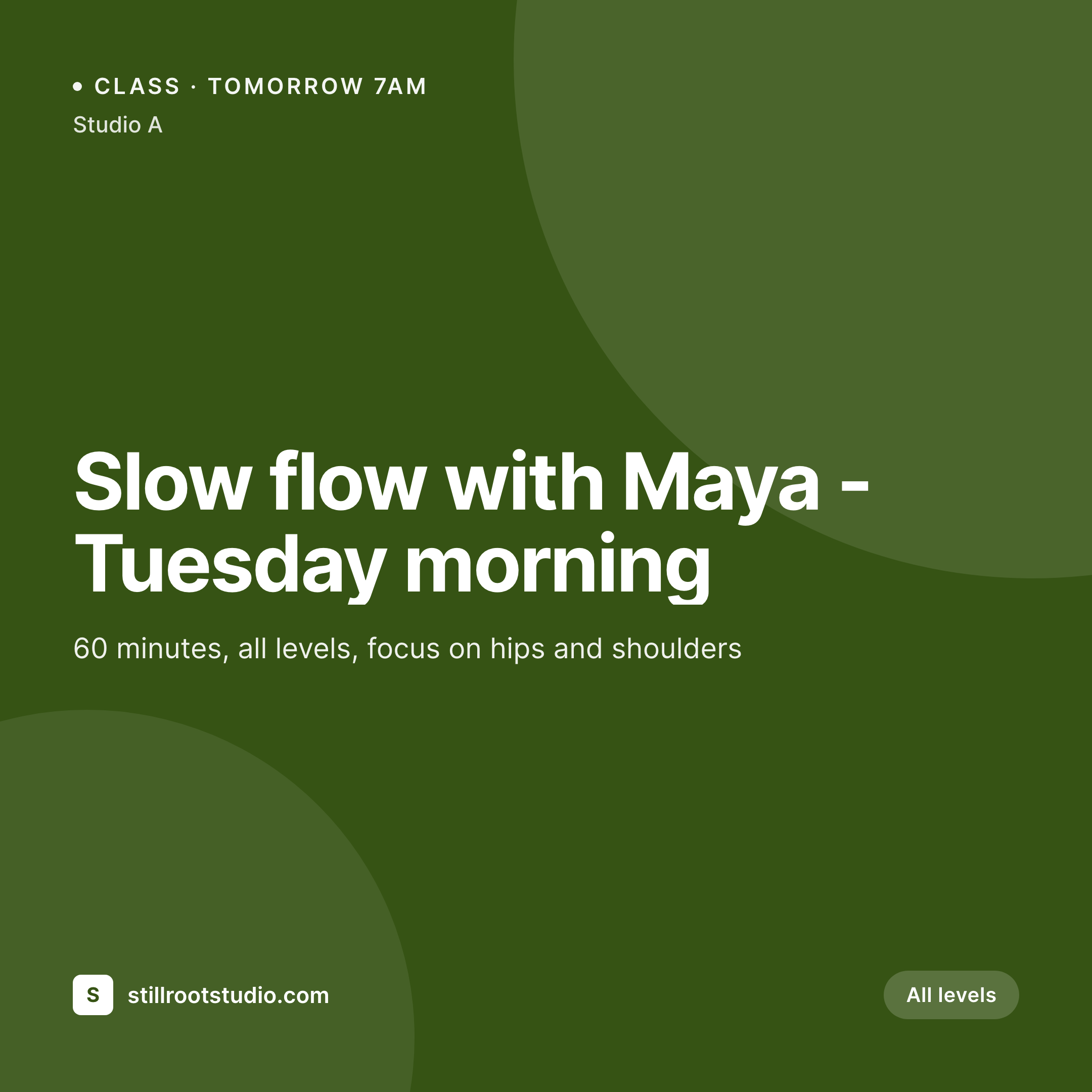
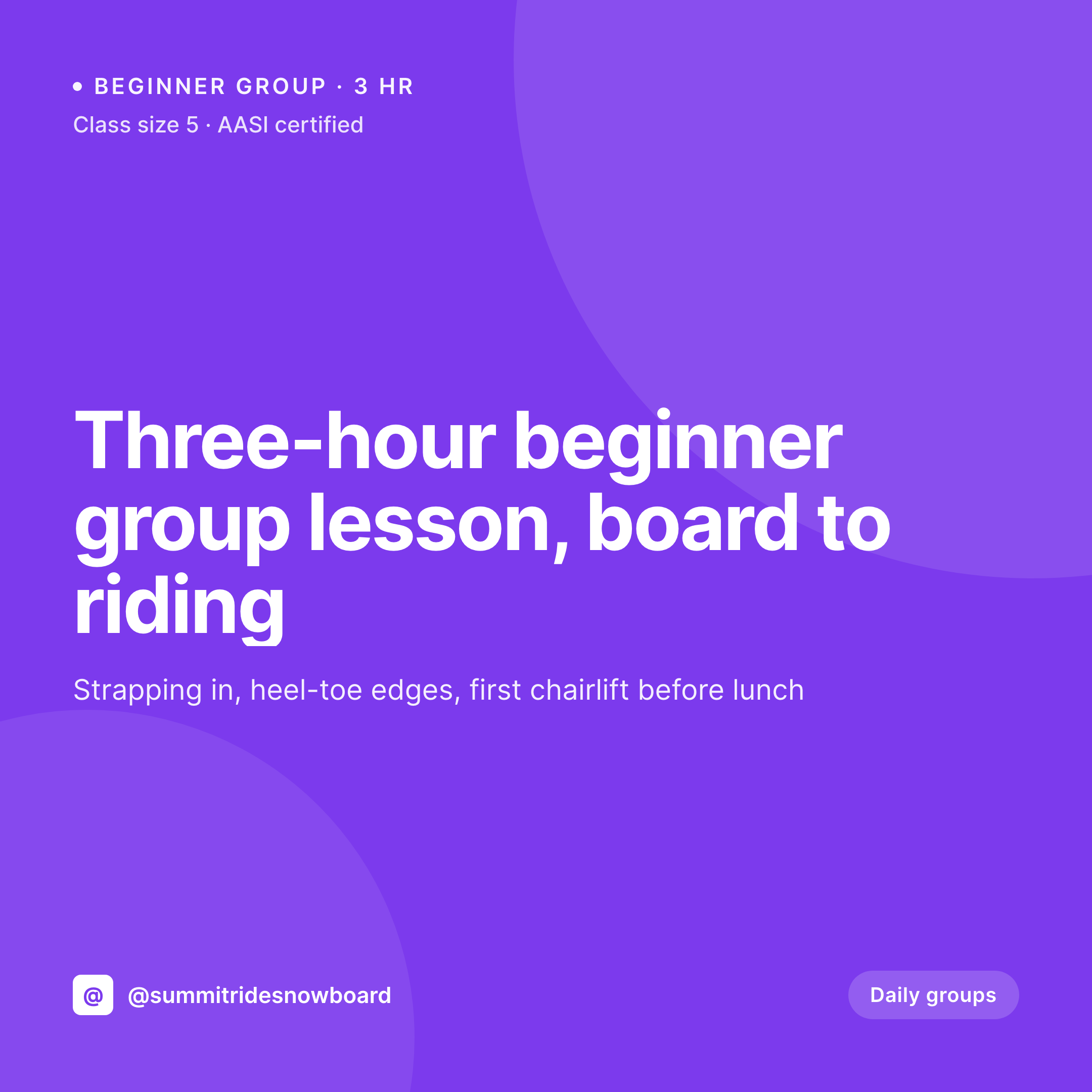
Sample Instagram post from a cut
This square was rendered from a service's name, barber, technique, and duration. Same template, every chair.
Comparison
Hand-made cut graphics vs SleekPixel
Manual graphic per cut
- Barbers rebuild the shop overlay in a phone app between chairs
- Service names and durations get retyped from the booking system
- Each barber places the shop logo differently, the grid drifts
- Beard, color, and hot-towel services use mismatched layouts
- Shop rebrands mean redoing past posts by hand
SleekPixel
- Auto-generated Instagram post per service on save
- Per-service variables: name, barber, technique, duration, finish
- One template = one coordinated grid across every chair
- Edit the template once and every cut's graphic refreshes
- Falls back gracefully when a field like 'finish' is empty
Features
What SleekPixel gives you for barbershops
Template-driven
Design the cut overlay once with the shop's wordmark, palette, and dynamic fields. Every new service inherits the layout on save.
Barbers, mapped
Pull barber name and handle from WordPress user profiles or custom fields. Each cut credits the right barber automatically.
Regenerate on demand
New shop logo or color? Bulk-regenerate every past service's image so the entire portfolio updates at once.
Use cases
Where this fits best
Multi-chair shops
Each barber's posts feel personal but stay on-brand because the template carries the shop's identity.
Specialty services
Beard work, hot towels, and color services each get template variants so the service is recognizable from the grid.
Apprentice promotions
Apprentice and chair-rent posts each get a template variant so promotions and chair availability read clearly without rebuilding from scratch.
The bigger picture
Why a consistent shop grid matters
Barbershops live and die by walk-in confidence. A new client walks past the shop, checks Instagram, and decides whether to step inside in under a minute. The grid is doing most of the deciding - not the actual quality of the cuts on it, but the visual coherence telling the client whether this is a serious operation or a chair-share.
Shops with consistent overlays across every barber read as one shop with a brand. Shops where each barber's overlay differs read as a building of freelancers. The middle path - a template that adapts to each cut automatically - is how the most-respected shops project that one-shop feel without telling barbers how to design.
SleekPixel runs that template against the service data the shop already keeps in WordPress, so the grid is on-brand by default.
Questions
Common questions about SleekPixel for barbershops
SleekPixel works with WordPress posts. If your booking system syncs services or appointments into WordPress as posts or a CPT, SleekPixel applies templates to them.
Yes. Bind {barber_handle} to a WordPress user field or ACF, and the rendered post tags the right barber per service.
Yes. SleekPixel routes by category, tag, or post type. Tag a service 'beard' and it gets the beard template; tag 'color' and it gets a color variant.
The template renders without missing fields. Set defaults, hide blocks, or design the layout so absent values collapse cleanly.
SleekPixel saves the PNG to uploads. Download from the post screen on the phone or pull the URL into Later, Buffer, or Meta's scheduler.
Yes. One-click bulk regeneration re-renders every past service post with the new template.
Yes. SleekPixel doesn't require a multi-user setup - a single barber with a portfolio site gets the same automation.
No. Images render once at save time and are stored as static PNGs in the uploads folder.
Pricing
More than 1000+
happy customers
Explore our flexible licensing options tailored to your needs. Upgrade your license anytime to access more features, or opt for a lifetime license for ongoing value, including lifetime updates and lifetime support. Our hassle-free upgrade process ensures that our platform can grow with you, starting from whichever plan you choose.
Lifetime ♾️
Most popular
EUR
once
- Unlimited websites
- Lifetime updates
- Lifetime support
...or get the Bundle Deal
and save €250 🎁
💎 Want everything forever? The All Access Pass is going away on 01.08.2026.
The Bundle (unlimited sites)
Pay once, own it forever
Elevate your WordPress site with our exclusive plugin bundle that includes all of our premium plugins in one package. Enjoy lifetime updates and lifetime support. Save significantly compared to buying plugins individually.
What’s included
-
SleekAI
-
SleekByte
-
SleekMotion
-
SleekPixel
-
SleekRank
-
SleekView
€749
Continue to checkoutBrowse more
- Amazon A+ content images
- KakaoTalk channel banners
- Bluesky profile banners
- GitHub social preview images
- Mailchimp email banner
- YouTube Shorts thumbnails
- Lemon8 post
- Threads profile banners
- Beacons.ai banner
- Pinterest pins
- Twitch stream overlay images
- Instagram bio link banners
- Open Graph images
- LinkedIn document post covers
- TikTok cover images