






SleekPixel for tattoo shops
SleekPixel reads each piece's artist, style, placement, and session count and renders a square Instagram graphic on save. No more rebuilding the shop overlay between appointments.
♾️ Lifetime License available

Stop rebuilding the shop overlay between sessions
A tattoo shop's Instagram is the portfolio. Clients find their artist there, decide on style, and DM for booking. Every healed piece, every fresh tattoo, every flash sheet wants its own post with the artist's handle, the style tag, the placement, and sometimes a session count. Artists end up doing this themselves between clients, and every artist's overlay drifts in a slightly different direction - some center the shop logo, some stick it in a corner, some skip it entirely.
SleekPixel collapses that with one template. You design a square Instagram layout in WordPress with fields like {piece_name}, {artist}, {style}, {placement}, and {session_count}. Every time a piece is published or updated on the shop's site, SleekPixel renders the template with that data and saves a 1080 x 1080 PNG.
The shop's brand sits in the same place every post: same wordmark, same handling of the artist's handle, same way of marking healed vs fresh. Edit the template once - new shop logo, new color rule for guest spots - and every past piece refreshes. The grid reads as one shop's portfolio.
Workflow
From chair to grid in one save
Design the template
Connect to the piece post type
Save the piece
Post to Instagram
Output
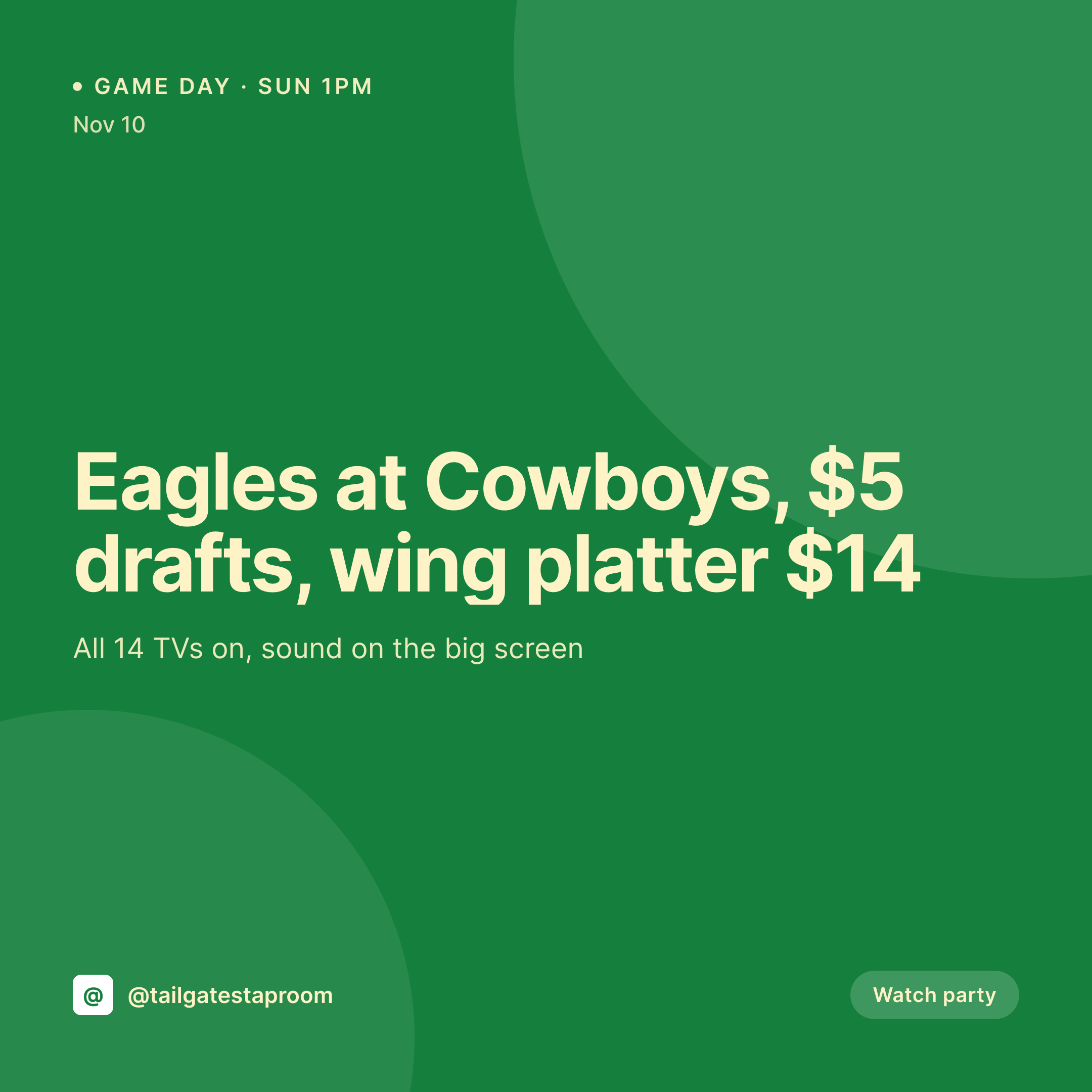
Sample Instagram post from a tattoo
This square was rendered from a piece's artist, style, placement, and session count. Same template, every appointment.

Comparison
Hand-made shop graphics vs SleekPixel
Manual graphic per piece
- Artists rebuild the shop overlay between clients in a phone app
- Each artist places the logo and credits differently, the grid drifts
- Healed shots, fresh shots, and flash drops use mismatched layouts
- Guest artist spots and conventions skip the overlay entirely
- Shop rebrands mean redoing the past archive by hand
SleekPixel
- Auto-generated Instagram post per piece on save
- Per-piece variables: artist, style, placement, session count, healed status
- One template = one coordinated grid across resident artists and guests
- Edit the template once and every past piece's graphic refreshes
- Falls back gracefully when a field like 'session count' is unknown
Features
What SleekPixel gives you for tattoo shops
Template-driven
Design the shop overlay once with the shop's wordmark, palette, and dynamic fields. Every new piece inherits the layout on save.
Artists, mapped
Pull artist name and handle from WordPress user profiles or custom fields. Each post credits the right artist automatically.
Regenerate on demand
New shop logo? Bulk-regenerate every past piece's image so the whole portfolio updates at once.
Use cases
Where this fits best
Multi-artist shops
Each resident's posts stay personal but feel like part of one shop because the template carries the shop identity.
Guest artist spots
Guest residencies get a template variant so guest pieces are clearly tagged without breaking the grid's visual continuity.
Flash drops
Flash sheets get their own template variant so a drop reads as a launch instead of a regular post.
The bigger picture
Why a consistent shop grid matters
Tattoo clients pick a shop before they pick an artist, and they pick from the grid. The decision usually happens in a few minutes of scrolling, and the visual coherence of the feed is doing most of the work. A shop that keeps a clean, consistent overlay across every artist's pieces reads as a serious shop with a thought-through brand.
A shop where every artist runs their own visual style on top of the shop tag reads as a collection of freelancers sharing a room. The middle path - a template that adapts to each piece automatically - is how the most-respected shops project that single-shop identity without micromanaging every artist's posts. SleekPixel runs that template against the piece data the shop already keeps in WordPress, so each post is on-brand the moment it's saved.
Questions
Common questions about SleekPixel for tattoo shops
Yes. SleekPixel renders the image - artists are free to post it from the shop account, their own account, or both. The image is just a PNG in the uploads folder.
Yes. Bind {artist_handle} to a WordPress user field or ACF, and the rendered post credits the right artist per piece.
Yes. SleekPixel routes by category or tag. Tag a piece 'healed' and it gets the healed template; tag 'flash' and it gets the flash variant.
Use a 'guest' tag to switch to a guest template variant - usually one that includes the guest dates and a tag back to the artist's home shop.
The template renders without missing fields. Set defaults, hide blocks, or design the layout so absent values collapse cleanly.
Yes. One-click bulk regeneration re-renders every past piece's image with the updated template.
SleekPixel saves the PNG to uploads. Download from the post screen or pull the URL into Later, Buffer, or Meta's scheduler.
No. Images render once at save time and are stored as static PNGs in uploads.
Pricing
More than 1000+
happy customers
Explore our flexible licensing options tailored to your needs. Upgrade your license anytime to access more features, or opt for a lifetime license for ongoing value, including lifetime updates and lifetime support. Our hassle-free upgrade process ensures that our platform can grow with you, starting from whichever plan you choose.
Lifetime ♾️
Most popular
EUR
once
- Unlimited websites
- Lifetime updates
- Lifetime support
...or get the Bundle Deal
and save €250 🎁
💎 Want everything forever? The All Access Pass is going away on 01.08.2026.
The Bundle (unlimited sites)
Pay once, own it forever
Elevate your WordPress site with our exclusive plugin bundle that includes all of our premium plugins in one package. Enjoy lifetime updates and lifetime support. Save significantly compared to buying plugins individually.
What’s included
-
SleekAI
-
SleekByte
-
SleekMotion
-
SleekPixel
-
SleekRank
-
SleekView
€749
Continue to checkoutBrowse more
- Ghost feature images
- Kindle book cover
- Instagram ad images
- Amazon Storefront banners
- Slack channel headers
- YouTube Music cover art
- WhatsApp status images
- Threads social images
- Substack post thumbnail
- GitHub README banners
- Farcaster cast images
- TikTok shop images
- Signal sticker pack
- Snapchat snap images
- Pinterest Idea Pins