






SleekPixel for spice merchants
Origin, harvest year, heat scale, tin size, blend ingredients. Each spice and blend already carries those fields on the product. SleekPixel renders the 1080x1080 card on save so a new shipment hits the grid the day it lands in the shop.
♾️ Lifetime License available
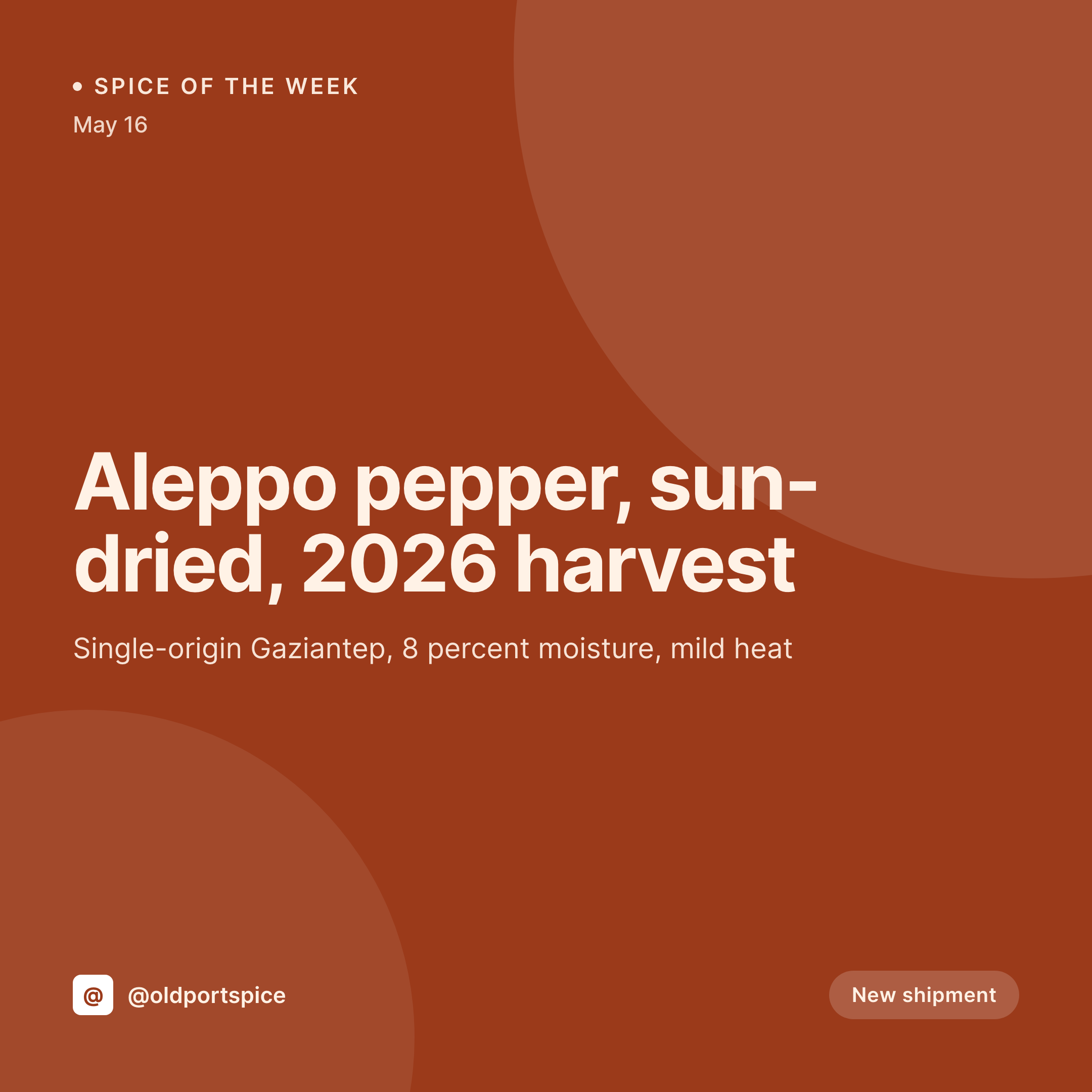
Spice shops live and die on origin and freshness
A serious spice shop sells on specifics that supermarket jars cannot match. Aleppo pepper from Gaziantep, sun-dried, this year's harvest. Tellicherry peppercorns at a specific size grade, single-origin Kerala. A garam masala blended in shop with ten components, each one named. Customers walk in, read the bin label, and buy. The website already carries the same data on each product post because the bin labels and the shop sticker print from those fields.
What does not happen, often, is that a new shipment of Aleppo or a new batch of garam masala gets a social card with the actual numbers. The grid fills with stock photos of mortars and pestles, and the post that should have moved the shipment never goes up. The shipment sits behind the counter, and the regulars who care about the new harvest do not know it arrived.
SleekPixel renders the spice card from the product post the shop already maintains. Origin, harvest year, heat level, ingredients for blends, tin size, and bulk pricing come out of the fields. Save the product on the day the shipment lands and the 1080x1080 card lands in uploads. The shopkeeper posts it from the counter, the regulars come in for the new harvest, and the bin clears down in two weeks instead of two months.
Workflow
From product post to shipment-day card
Map the spice fields
Design one square template
Save the product
Post from the counter
Output
What renders for each spice
A 1080x1080 square card with origin, harvest year, heat level, tin sizes, and blend ingredients pulled from the spice or blend product post.

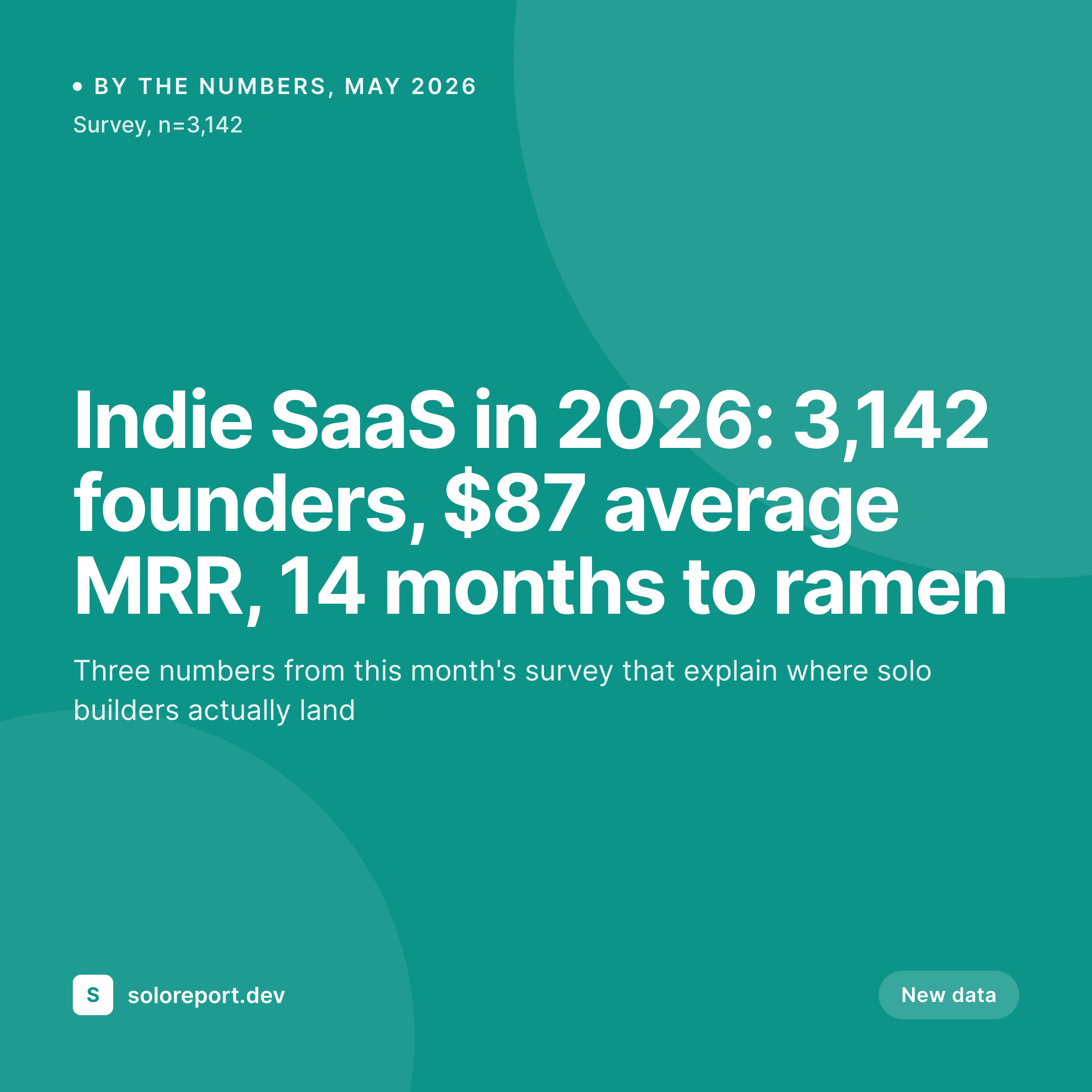
Comparison
Default spice merchants image vs SleekPixel
Default spice merchants image
- Shopkeeper rebuilds a Canva tile for every new shipment and blend
- Origin region gets typed differently across products, Gaziantep vs Kahramanmaras
- Harvest year on the card drifts from the actual lot in the bin
- Blend ingredient lists vary post-to-post even when the recipe is identical
- Stock mortar-and-pestle photo replaces the data customers actually came for
SleekPixel
- Save the product post, the spice card lands in uploads at 1080x1080
- Origin, harvest year, and heat level pulled from custom fields
- Blend ingredients render as a list straight from the recipe field
- OG image wires to the product URL so DM links open with real previews
- One template across the catalog keeps the shop on-brand across cuisines
Features
What SleekPixel gives you for spice merchants
Origin baked in
Country, region, town, farm, or cooperative. Whichever specificity the shop sells on renders from a structured origin field.
Heat and tasting scale
Scoville range, mild to hot pictogram, flavor adjectives. The scale the shop teaches customers in person renders onto the card.
Tin and bulk sizes
Tin sizes, bulk bag weight, and price per ounce all render from the variation fields, so the card matches the bin label.
Use cases
Who uses SleekPixel for spice merchants
Brick-and-mortar spice shops
Each new shipment renders a card with origin, harvest year, and the bin number, ready for the morning the boxes are unpacked.
Single-origin importers
Importers selling Tellicherry pepper or Iranian saffron render a card per lot with the producer, the grade, and the import date.
Custom blends and house spice racks
House blends render a card with the ingredient list and the suggested use. New seasonal blends drop with their own card and release window.
The bigger picture
Why spice merchants need the card to ship with the actual lot details
A regional spice shop competes against a supermarket aisle and a couple of large mail-order brands, and the way it wins is by being more specific about origin and freshness than either of them can be. The customer who knows the difference between Urfa biber and Aleppo pepper is the customer the shop is built for, and that customer reads the post for the lot number before they read the caption. Generic mortar-and-pestle imagery signals that the shop is selling spices the way a supermarket does, which is the wrong signal at the wrong moment.
The website already has the origin, the harvest, the heat, and the blend recipe because the bin label needs them. Treating the social card as the byproduct of the product post brings those same specifics to Instagram on the day the shipment lands, not a week later when the keenest customer has already left. The grid then reads as one shop across two years of harvests, which is the surface where new regulars decide to drop in.
Questions
Common questions about SleekPixel for spice merchants
Yes. A harvest year field on the product renders directly onto the card. Update the field when a new lot replaces the old one and the card re-renders.
Both. SleekPixel reads any post type and any field, so a WooCommerce product or a custom Spice CPT both map onto the same template.
Yes. A repeater field holding the ingredient list renders as a stacked list on the card. The order matches what is on the bin label.
Yes. A bin number field renders into a corner of the card. Useful when customers come in with the post on their phone to find the right bin fast.
No. SleekPixel saves the PNG to uploads. Posting stays manual or runs through a third-party scheduler.
Yes. A single save renders a 1080x1080 grid card, a 1080x1920 story, and a 1200x630 OG image from the same product fields.
Curated boxes can be their own product. The card renders the box name, the included spices, and the suggested cuisine or use.
Edit the template once and bulk regenerate. Every spice, blend, and gift box gets a fresh card in the new identity in one pass.
Pricing
More than 1000+
happy customers
Explore our flexible licensing options tailored to your needs. Upgrade your license anytime to access more features, or opt for a lifetime license for ongoing value, including lifetime updates and lifetime support. Our hassle-free upgrade process ensures that our platform can grow with you, starting from whichever plan you choose.
Lifetime ♾️
Most popular
EUR
once
- Unlimited websites
- Lifetime updates
- Lifetime support
...or get the Bundle Deal
and save €250 🎁
💎 Want everything forever? The All Access Pass is going away on 01.08.2026.
The Bundle (unlimited sites)
Pay once, own it forever
Elevate your WordPress site with our exclusive plugin bundle that includes all of our premium plugins in one package. Enjoy lifetime updates and lifetime support. Save significantly compared to buying plugins individually.
What’s included
-
SleekAI
-
SleekByte
-
SleekMotion
-
SleekPixel
-
SleekRank
-
SleekView
€749
Continue to checkoutBrowse more
- by the numbers cards
- LinkedIn thread card
- weekly ship cards
- annual report card
- product tour cards
- Twitter thread card
- library of the week card
- company milestone card
- build in public cards
- session recap cards
- Trustpilot review cards
- team offsite card
- incident postmortem card
- command of the day card
- deprecation cards