






SleekPixel for Indian restaurants
Regional tags, dietary badges, weekly thalis, and chef's specials live in WordPress already. SleekPixel renders them into squares and OG images without flattening South Indian into generic Indian.
♾️ Lifetime License available
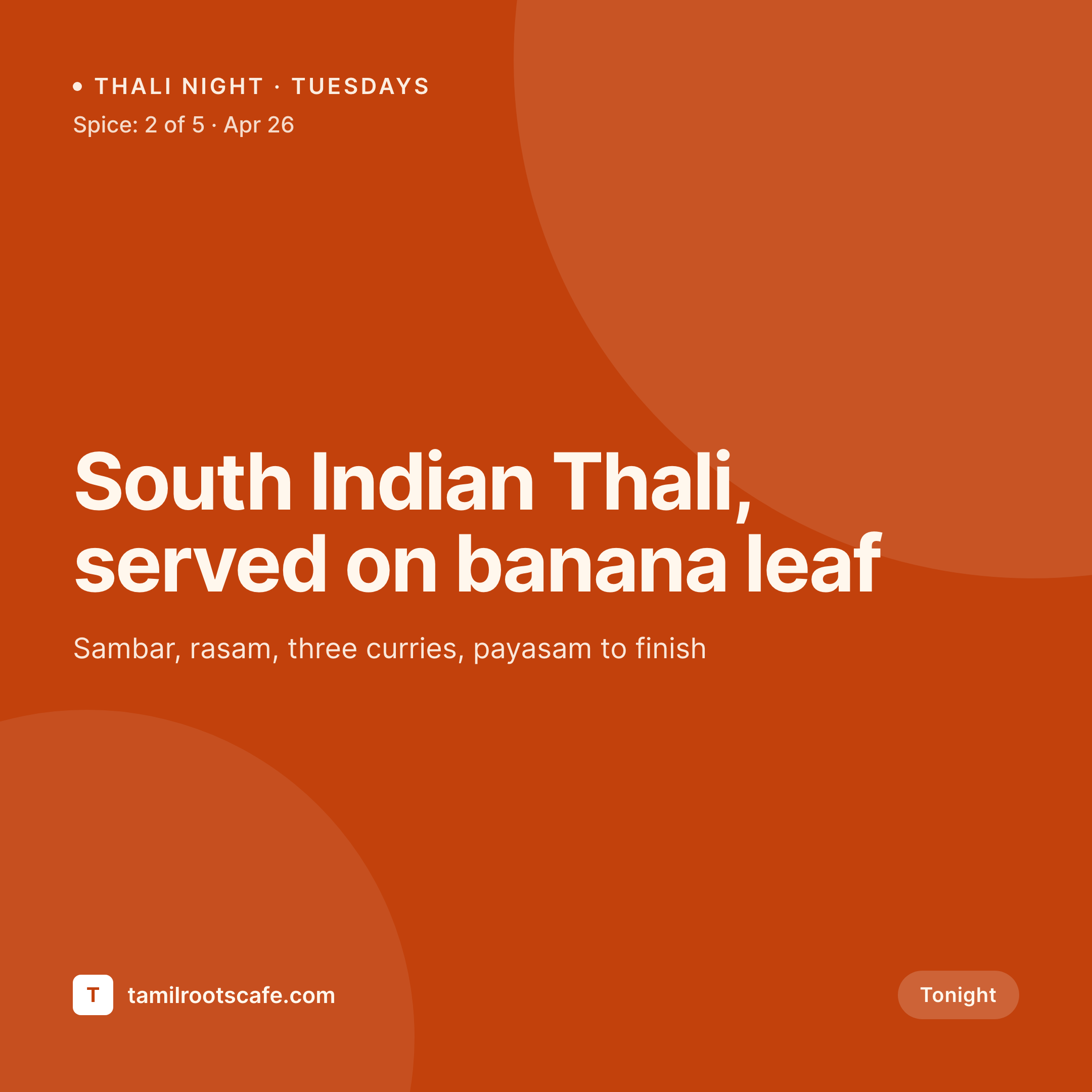
Indian cooking is a dozen regions, the art should say so
Indian food gets sold to English-language audiences as a single cuisine, even though the actual menu draws from a dozen distinct regional traditions. A serious independent restaurant cooks Tamil, Bengali, Punjabi, Goan, Kashmiri, or Hyderabadi, sometimes all in the same week as rotating specials. The website's menu page may explain the regional sourcing, but the customer making a Friday plan never reads it. They see a Canva post that says Indian Special and move on, missing what the kitchen is actually doing.
SleekPixel reads from the menu and weekly-thali posts in WordPress. The dish name in English, the script if used, the region tag, the dietary badges, the spice scale, and the price all live as fields. One template renders the Instagram square and the OG image with the regional tag rendered as a small city line, the dietary badges as small icons in a fixed row, and the spice scale as a row of pepper icons readable at thumbnail size.
The customer scrolling at six o'clock sees Tamil Roots, not Indian Special, and the kitchen that has been distinguishing itself in the dining room starts distinguishing itself in the feed.
Workflow
From a thali post to a regional square
Build the dish template
Map the menu post type
Save the special
Post and share
Output
What renders for a thali night
A 1080 square Instagram post built from a thali-night post: dish title, regional tag, dietary badges row, spice scale, price, and a hero shot.
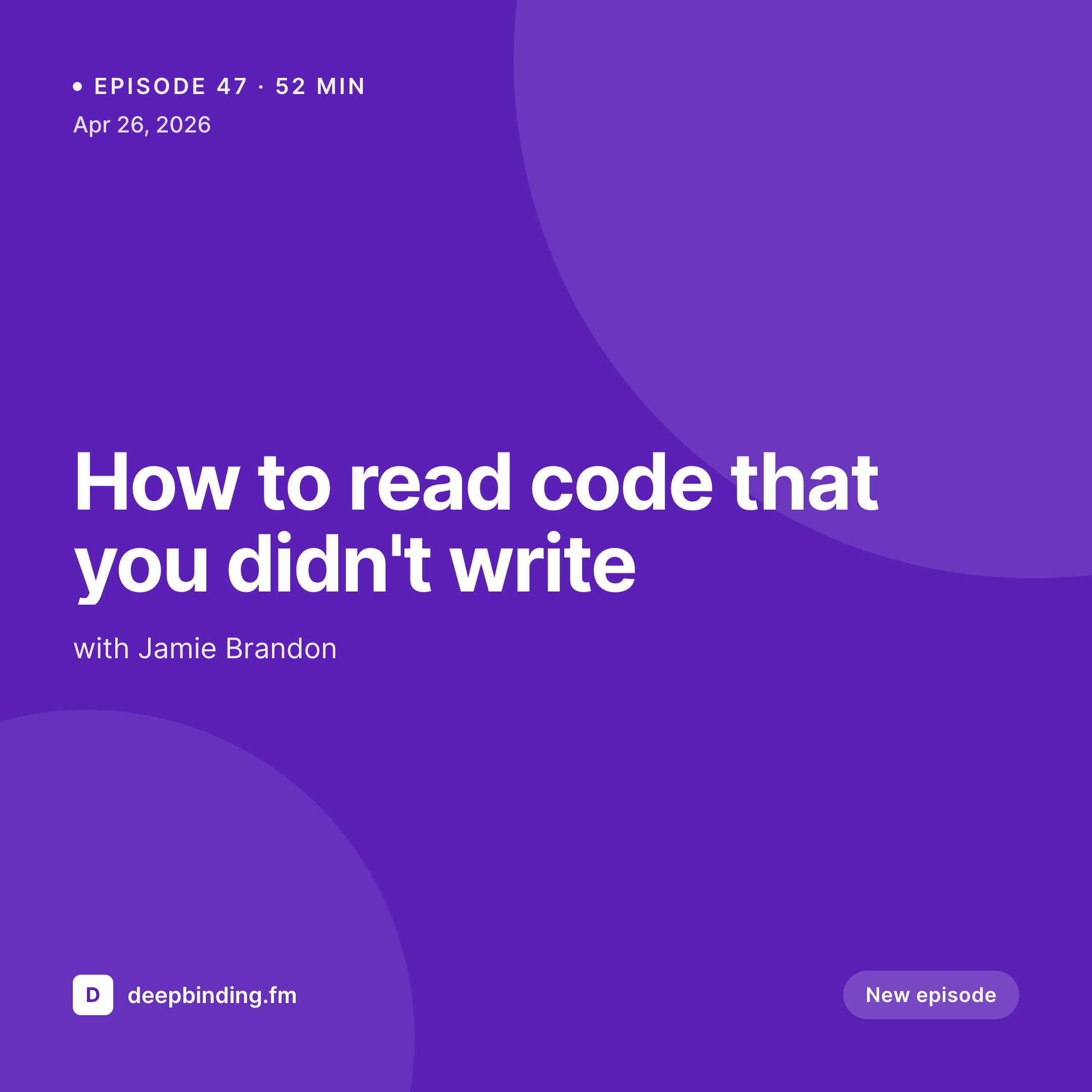
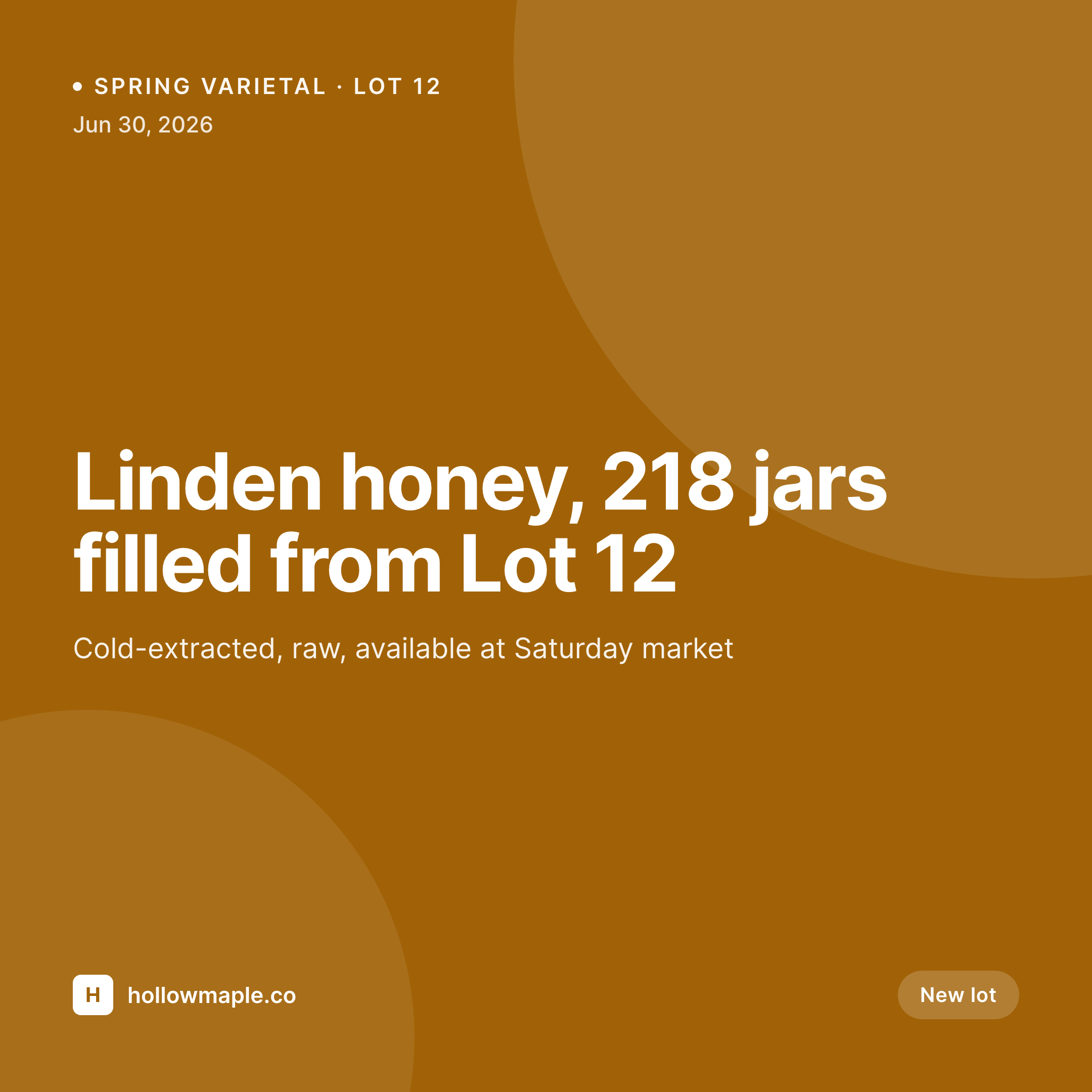
Comparison
Default Indian restaurant image vs SleekPixel
Default Indian restaurant image
- Regional tag (Tamil, Bengali, Goan) buried in caption, never on the image
- Vegetarian and Jain badges handwritten on different cards each week
- Spice level mentioned in text but missing from the visual
- Generic curry photo recycled across South Indian and North Indian posts
- Thali night announcements written as text posts because design eats too much time
SleekPixel
- Regional tag renders as a small city line under the dish title
- Dietary badges (vegetarian, vegan, Jain, gluten-free, halal) pull from taxonomy
- Spice scale renders as pepper icons readable at thumbnail size
- Bilingual titles in Tamil, Hindi, Bengali, or Gurmukhi render with the right script
- Thali night cards share the template family with daily-menu cards
Features
What SleekPixel gives you for Indian restaurants
Regional tag
Tamil, Bengali, Punjabi, Goan, Kashmiri renders as a small city line under the dish title, signaling tradition without burying it in caption text.
Dietary badges
Vegetarian, vegan, Jain, gluten-free, and halal pull from allergen taxonomy and render as small icons in a fixed row, the same way the printed menu uses them.
Multi-script titles
Template supports Tamil, Hindi, Bengali, and Gurmukhi scripts via Noto fonts. Bilingual titles render the way a careful printed menu sets them.
Use cases
Who uses SleekPixel for Indian restaurants
Weekly thali rotations
Tuesday South Indian thali, Sunday Punjabi platter, each rotation as one post, one render, ready before the lunch rush.
Vegetarian and vegan menus
A dedicated vegetarian menu renders its own square with the diet badge baked in, separating the plant-based offer from the rest of the menu.
Festival menus
Diwali, Pongal, Eid, and Holi specials render from a festival-night post type, with festival name and dates baked into a fixed corner.
The bigger picture
Why regional art is the whole game for Indian kitchens
The Indian restaurant market in most Western cities is dominated by what regulars call generic Indian, a flattened North-Indian-leaning menu that runs the same dishes everywhere. The kitchens that actually compete on their own terms are the ones cooking specifically, South Indian dosa houses, Bengali fish kitchens, Goan seafood spots, Punjabi tandoor specialists, Hyderabadi biryani makers. Those kitchens win when their specificity is visible, and lose when their marketing flattens them into the same Indian Special the strip-mall buffet posts.
The art is where that distinction lives or dies. A thali night card that reads Tamil under the title, sets the dish name in both English and Tamil script, and marks the dietary badges the way a real South Indian menu marks them, signals a kitchen that knows what it is. Auto-rendered from one post means that signal ships every Tuesday, not just on the weeks someone has time for design.
The food still does the heavy lifting, the art just stops the kitchen from being mistaken for someone else's.
Questions
Common questions about SleekPixel for Indian restaurants
Yes. The renderer is headless Chromium, so any web font loads correctly. Noto Sans Tamil, Devanagari, Bengali, and Gurmukhi are common picks, and a brand-specific Indic typeface drops in the same way as any custom font.
Yes. The allergen taxonomy is yours to define. A Jain kitchen can add a Jain badge, a halal kitchen can add a halal certification badge, a strictly vegetarian kitchen can omit non-veg flags entirely. The template's badge row reads from the taxonomy.
Yes. Any menu plugin storing items as custom posts with custom fields exposes those fields to the template. The same mapping works whether the kitchen uses MotoPress, WP Cafe, or a hand-rolled custom post type.
The template has a flex region for the platter components, so a five-curry thali renders the curry names as a small grid under the headline. Six-component thalis fit the same region with smaller type.
A festival post type with a parent festival and child dishes renders one cover image per festival and one card per dish. The festival name and dates bake into a fixed corner so the festival branding is consistent across the rollout.
Yes. The field is a number, the template renders the icons. A three-point scale, a five-point scale, or a custom mild-medium-hot-extra system all work, with the template reading from a single field.
An iftar-special post type with one post per evening renders the day's menu as a daily card. The Ramadan period is a date range on the parent post, so the iftar series stays grouped on the menu page and on social.
Yes. The price field is text, so it renders whatever the kitchen types, dollars, pounds, euros, rupees. WPML and Polylang can pair currency variants with translated post variants, so a multilingual menu serves correct currency per language.
Pricing
More than 1000+
happy customers
Explore our flexible licensing options tailored to your needs. Upgrade your license anytime to access more features, or opt for a lifetime license for ongoing value, including lifetime updates and lifetime support. Our hassle-free upgrade process ensures that our platform can grow with you, starting from whichever plan you choose.
Lifetime ♾️
Most popular
EUR
once
- Unlimited websites
- Lifetime updates
- Lifetime support
...or get the Bundle Deal
and save €250 🎁
💎 Want everything forever? The All Access Pass is going away on 01.08.2026.
The Bundle (unlimited sites)
Pay once, own it forever
Elevate your WordPress site with our exclusive plugin bundle that includes all of our premium plugins in one package. Enjoy lifetime updates and lifetime support. Save significantly compared to buying plugins individually.
What’s included
-
SleekAI
-
SleekByte
-
SleekMotion
-
SleekPixel
-
SleekRank
-
SleekView
€749
Continue to checkoutBrowse more
- Odnoklassniki banners
- YouTube Shorts cover
- Klaviyo email banner
- TikTok Now image
- Lemon8 post
- Snapchat ad images
- Fanvue page banner
- YouTube channel banners
- Vimeo thumbnails
- Poshmark listing images
- WeChat Moments images
- YouTube community images
- Spotify podcast covers
- Rumble thumbnails
- Pinterest board covers