






SleekPixel for Thai restaurants
Spice levels, regional callouts, Thai-script names, and weekly curry rotations live in WordPress already. SleekPixel renders them into Instagram squares and OG images without losing the bilingual layout.
♾️ Lifetime License available
A Thai menu has two scripts, the art should keep both
An independent Thai restaurant juggles a few audiences at once. Regulars who order Pad See Ew without thinking, newcomers who need a spice scale, Thai-speaking diaspora customers reading the script first, and food writers chasing whether the kitchen does Isaan, Northern, or Bangkok-style cooking. Most weekly-curry specials get a Canva post that flattens all of that into a single line of English copy, which under-sells what the kitchen is actually doing.
SleekPixel reads from the menu and weekly-special posts in WordPress. The dish name in English, the Thai script, the regional tag, the spice level on a five-point scale, the allergen taxonomy, and the price all live as fields on the post. One template renders the Instagram square and the OG image with the bilingual title set the way the printed menu sets it, the spice level as a row of small pepper icons, the regional tag as a city name under the title.
The audience that scrolls past a generic curry photo stops on a card that reads as the kitchen they would actually trust. The same post that runs the menu page runs the social rollout, no second writeup in Canva.
Workflow
From a weekly curry post to a bilingual square
Build the dish template
Map the menu post type
Save the special
Post and share
Output
What renders for curry night
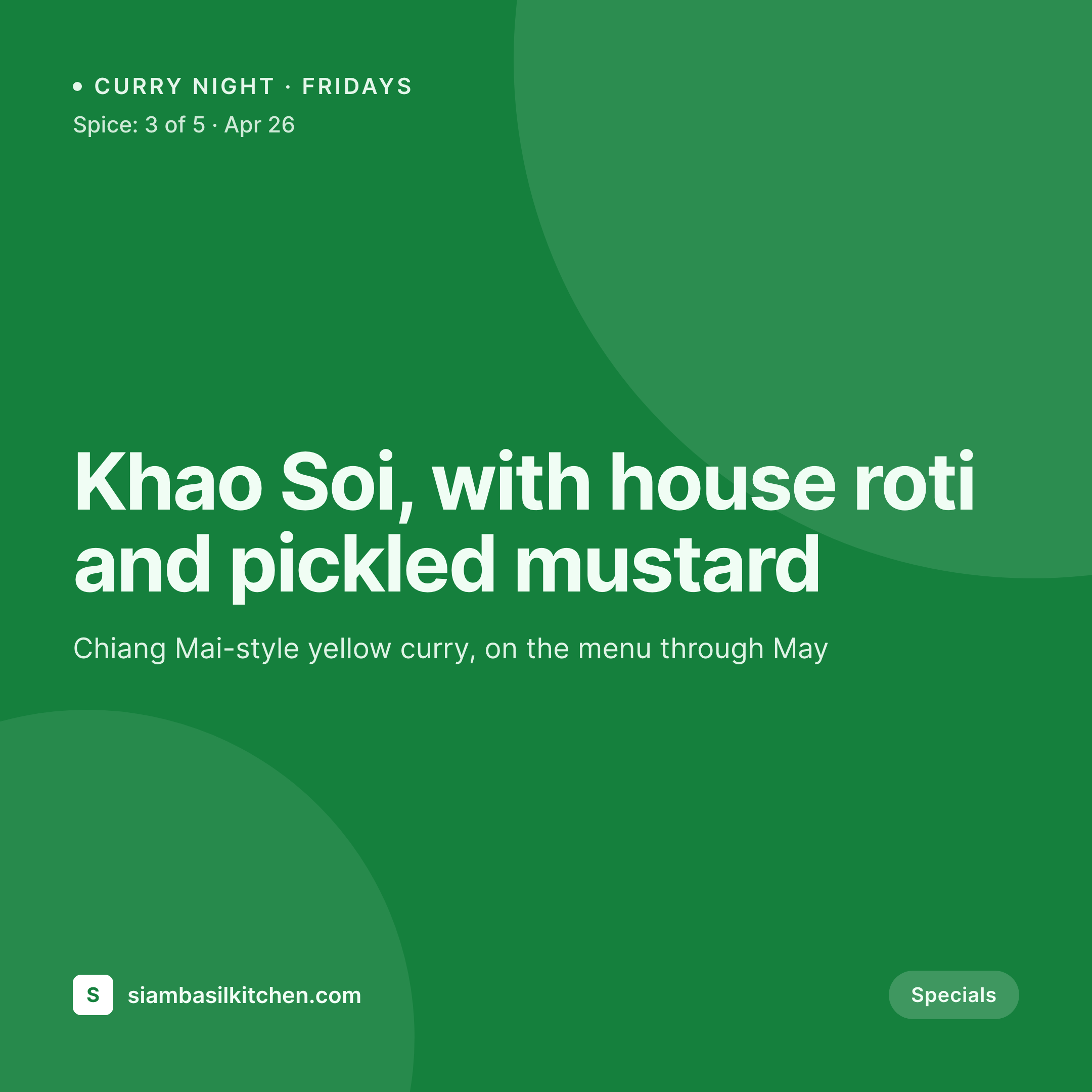
A 1080 square Instagram post built from a weekly-special post: bilingual title, regional tag, spice level row, price, and a hero shot.
Comparison
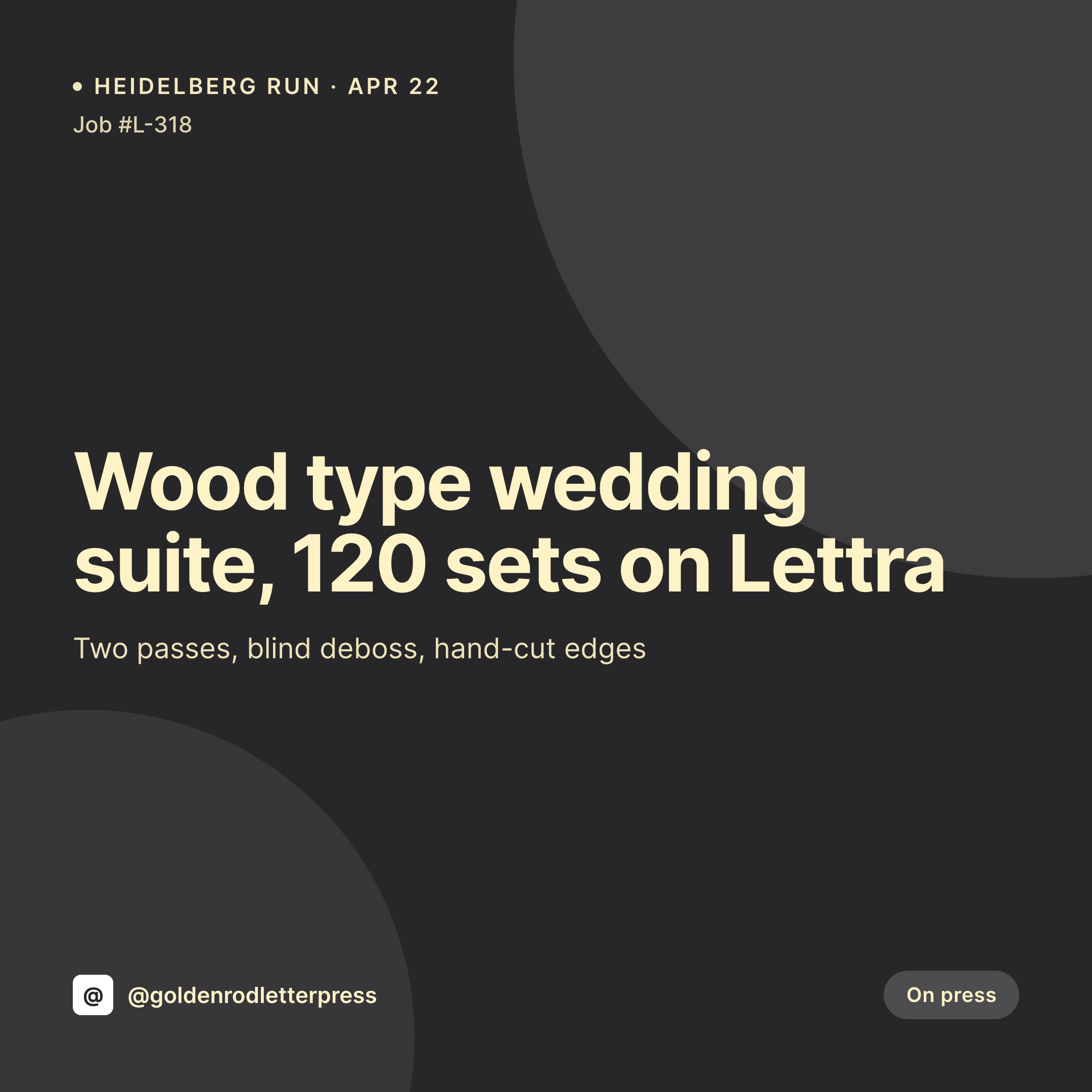
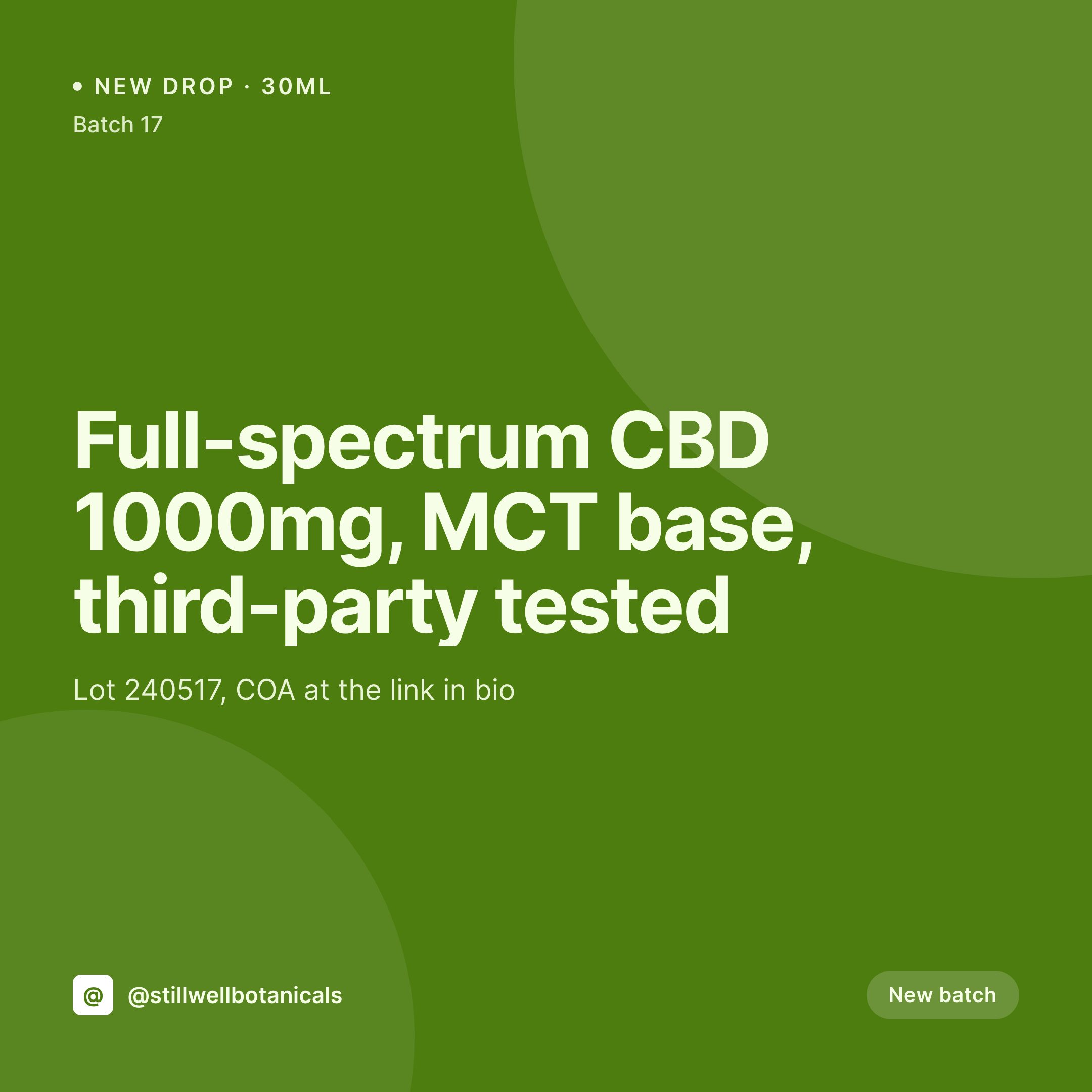
Default Thai restaurant image vs SleekPixel
Default Thai restaurant image
- Thai script dropped entirely from social posts because Canva fonts do not handle it
- Spice level mentioned only in the caption, never on the image itself
- Regional callouts (Isaan, Northern, Southern) lost in translation to English-only copy
- Allergen and vegetarian flags handwritten on different cards each week
- Weekly curry rotations announced as text posts because there is no time for design
SleekPixel
- Bilingual title renders with a font stack that handles Thai script correctly
- Spice level renders as a row of small icons, readable at thumbnail size
- Regional tag (Isaan, Chiang Mai, Bangkok) renders under the dish as a small city line
- Vegetarian, vegan, and gluten-free badges pull from the allergen taxonomy
- Weekly curry rotation posts share the template with the regular menu cards
Features
What SleekPixel gives you for Thai restaurants
Thai script support
Template uses a font stack with Noto Sans Thai or your brand's Thai face. Bilingual titles render the same way the printed menu sets them.
Spice level as icons
A five-point spice field renders as a row of small pepper icons, so the heat level reads at a glance even at thumbnail size.
Regional tag
Isaan, Chiang Mai, Bangkok, or Southern renders as a small city line under the title, signaling style without burying it in caption text.
Use cases
Who uses SleekPixel for Thai restaurants
Weekly curry rotations
One post per rotation, one render per rotation, the curry night reaches the regulars before the Friday rush.
Vegetarian and vegan menus
A vegetarian menu post renders its own square with the diet badge baked in, so plant-based regulars can find what they came for.
Pop-ups and chef collaborations
Guest-chef pop-ups render their own cards with the guest's hometown shop and the collab dates, keeping one-off events on their own surface.
The bigger picture
Why bilingual menu art moves the needle for Thai kitchens
An independent Thai restaurant competes in two markets at once. The English-speaking food press, who pick which Thai place to feature based on whether the kitchen reads as serious about its region. And the Thai-speaking diaspora, who pick based on whether the menu reads as cooked by people who know the food, which is signaled in the first instance by the script and the regional tag.
A generic Canva post in English with no spice scale and no Thai script flattens both audiences into a third, smaller audience of customers who just want a green curry. The kitchens that grow are the ones that keep both signals visible everywhere, the menu page, the Instagram feed, the Google Business profile. Auto-rendered art from the same post that runs the menu means those signals ship every week, not just on the easy ones.
The customer who reads Thai sees the script set the way a careful menu sets it. The food writer sees the regional tag and the spice level and reads a kitchen that is paying attention. The art does not replace the cooking, it makes the cooking findable.
Questions
Common questions about SleekPixel for Thai restaurants
Yes, as long as the template's font stack includes a face that covers Thai, like Noto Sans Thai or a paid brand face. The renderer is headless Chromium under the hood, so any web font that loads in a browser renders correctly in the image.
Yes. The spice field is configurable, so a three-point or four-point scale renders with the corresponding number of icons. The template adjusts spacing automatically when the scale changes.
Conditional logic in the template hides the second script when the field is empty. A Thai-only weekly special renders without an English title, and vice versa, no separate template needed.
Allergen taxonomy on the post renders as small icons in a fixed row, regardless of how the taxonomy is named. Vegetarian, vegan, gluten-free, peanut warning all surface as badges, and the icons live in the SleekPixel asset library.
Yes. The template is dish-agnostic, the fields drive the content. A Pad Thai post and a Khao Soi post both render from the same template, just with different titles, regions, and hero photos.
Region is a taxonomy on the post, and the template reads the term as the city or region line under the title. Chiang Mai, Isaan, Bangkok, or Southern Thailand all render the same way.
Not directly. SleekPixel renders images. If the menu uses WooCommerce or a third-party ordering plugin, the order URL bakes into the corner of the image as text, the same way the reservation URL works for sit-down kitchens.
Yes. Edit the template once, run bulk re-render from the SleekPixel admin, and every menu post re-renders with the new design. The Thai script, the regional tags, and the spice levels all stay correct because they live on the post, not in the template.
Pricing
More than 1000+
happy customers
Explore our flexible licensing options tailored to your needs. Upgrade your license anytime to access more features, or opt for a lifetime license for ongoing value, including lifetime updates and lifetime support. Our hassle-free upgrade process ensures that our platform can grow with you, starting from whichever plan you choose.
Lifetime ♾️
Most popular
EUR
once
- Unlimited websites
- Lifetime updates
- Lifetime support
...or get the Bundle Deal
and save €250 🎁
💎 Want everything forever? The All Access Pass is going away on 01.08.2026.
The Bundle (unlimited sites)
Pay once, own it forever
Elevate your WordPress site with our exclusive plugin bundle that includes all of our premium plugins in one package. Enjoy lifetime updates and lifetime support. Save significantly compared to buying plugins individually.
What’s included
-
SleekAI
-
SleekByte
-
SleekMotion
-
SleekPixel
-
SleekRank
-
SleekView
€749
Continue to checkoutBrowse more
- behind the build card
- quarterly update cards
- research note card
- course module cards
- LinkedIn update cards
- Trustpilot review cards
- downtime notice cards
- side project card
- chart of the week cards
- G2 badge cards
- case study banner
- statistic cards
- regex card
- panel discussion card
- transparency report card
- Bandcamp banner
- X social cards
- LinkedIn showcase page banners
- Signal sticker pack
- Discord event cover
- Telegram bot avatar
- Mastodon post images
- Twitter header banners
- Telegram channel banner
- Threads profile banners
- Pinterest board covers
- Instagram feed posts
- Discord server icon
- LinkedIn newsletter headers
- Pinterest video pin covers