






SleekPixel for letterpress studio
Wedding suites on Lettra, polymer plate runs, wood-type broadsides pulled off the Vandercook. Each run on the order CPT renders into a 1080x1080 card the studio can post while the ink is still wet.
♾️ Lifetime License available
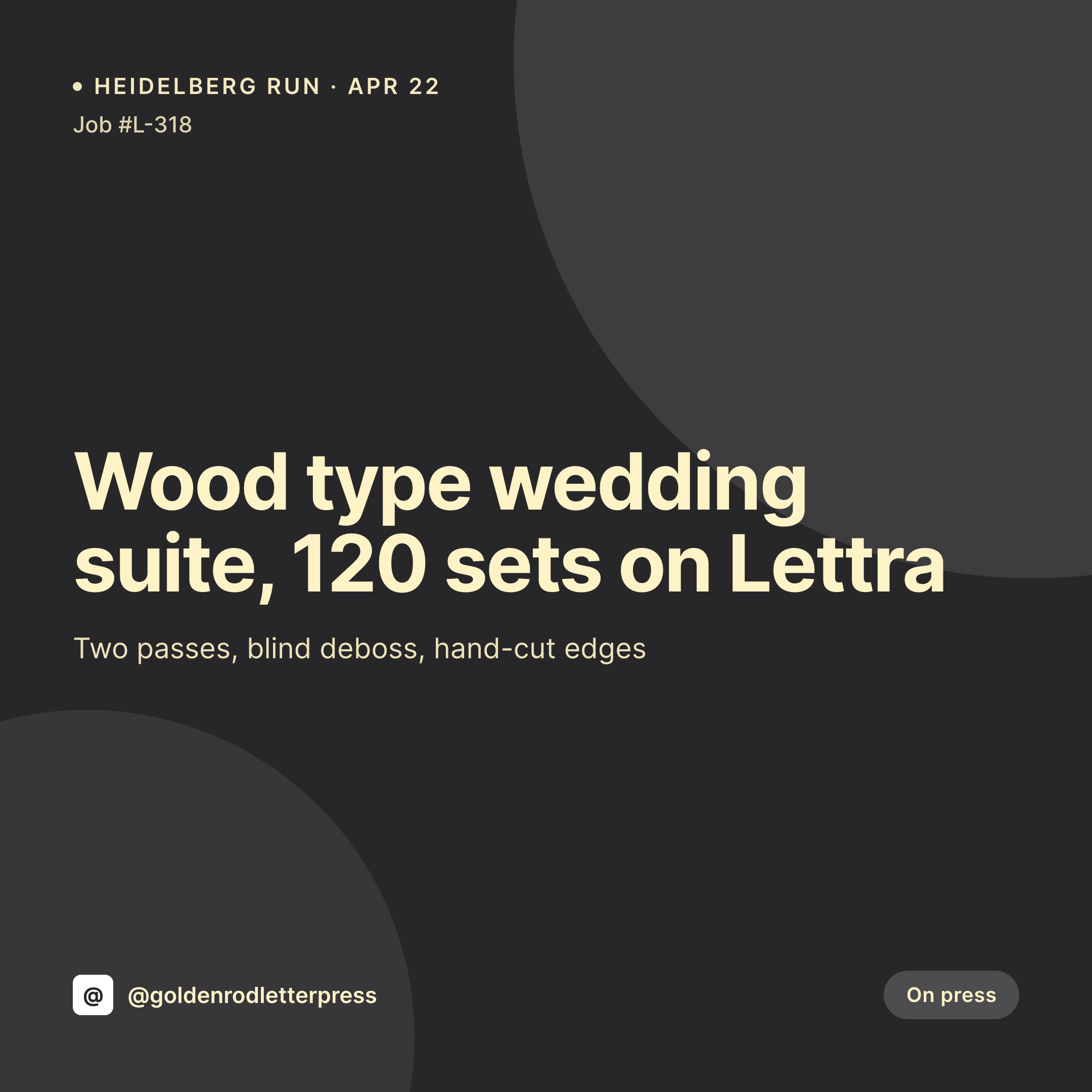
Press runs, paper stocks, and the slow rhythm of the studio grid
A letterpress studio's grid is slow on purpose. A wedding suite once a week, a broadside every couple of weeks, a small run of business cards on Crane Lettra. The posts have to do double duty: they sell the studio's work to engaged couples and event planners, and they document the press history for the studio itself. Each one is a square image with the job title, the paper stock, the press, and a clean photo of the run pulled off the cylinder.
The data is already on the WordPress site. The studio runs an order CPT or a WooCommerce product with ACF fields for press, plate type, paper stock, run size, and ink colors. The press photo lives in the media library after the operator pulls a proof. The typing is done at the time the quote was approved. The gap is the 1080x1080 PNG that the studio owner would otherwise build in Photoshop or Canva because the type has to match the studio's printed brand.
SleekPixel renders that PNG on save. The order post updates with the proof, the card lands in uploads with the paper stock, the press, and the run size already set. The studio posts before the next plate is locked in. The feed stays as considered as the printed work because the template was designed once and never moves.
Workflow
From press log to grid card
Map order and press fields
Design one square template
Update the order at the press
Post from the studio
Output
What gets generated per run
A 1080x1080 square card with the job name, paper stock, press, plate type, and run size. Pulled from the order CPT or WooCommerce product.
Comparison
Default letterpress studio image vs SleekPixel
Default letterpress studio image
- Studio owner builds a Photoshop card per job because the type has to match the printed brand
- Paper stock names get retyped wrong between the order sheet and the post
- Press credit on the card drifts when work moves between the Vandercook and the Heidelberg
- Wedding suites, broadsides, and business cards each get mismatched layouts
- Multiple printers in a shared studio each design their own off-brand variant
SleekPixel
- Save the order post, the 1080x1080 press card lands in uploads
- Paper stock, press, plate type, ink colors, and run size pulled live from the post
- Square format sized for Instagram and Pinterest grids
- Sidebar download from Gutenberg for fast posting after a press pull
- One template across printers and machines keeps the studio's grid coherent
Features
What SleekPixel gives you for letterpress studio
Card per run
Every wedding suite, broadside, and business card run saves with a square card. The paper stock and run size come from the order, not a duplicated Photoshop file.
Ink and paper tags
Pantone ink mixes and paper stock names from the order render onto the card so the post reads like a press log.
Studio fast lane
Printer updates the order at the press, the card is already in uploads. The owner downloads it from the sidebar and posts.
Use cases
Who uses SleekPixel for letterpress studios
Wedding stationery studios
Save-the-dates, invitation suites, day-of menus, and thank-you cards each render with the couple's name redacted or shown depending on permissions.
Broadside and poster printers
Limited-run broadsides and gig posters get card-per-edition treatment, with edition size and signing status pulled live.
Business card and identity printers
Identity work for designers and small brands renders with the paper stock, press, and run size on the public card.
The bigger picture
Why letterpress studios need a grid that matches the printed work
A letterpress studio sells itself with type. The cards a couple receives in the mail set the expectation for the studio's work, and the cards on the studio's Instagram have to carry the same weight. Most studios get this right on a printed invitation suite and lose it the moment the marketing card moves to Canva.
The font shifts, the spacing drifts, the post stops reading like the studio's printed work and starts looking like a small business account that happens to print things. The fix is to derive the marketing card from the order in the same way the printed piece is set in the print plan. The job, the paper, the press, and the run size are typed once at quote time and rendered into a template the owner designed alongside the studio's printed identity.
The grid carries the printed brand forward through a season of suites and broadsides, and the engaged couple scrolling Instagram sees the same care she saw on her friend's wedding suite last spring.
Questions
Common questions about SleekPixel for letterpress studio
Yes. Web font files for the studio's printed type can be loaded into the template. The marketing card and the printed suite end up reading from the same type system.
Both work. SleekPixel reads any post type and any field, so a job CPT or a WooCommerce product with ACF fields can feed the same template.
Yes. A field on the order can mark the suite as confidential, and the template swaps in a generic label for the public version. The internal log keeps the real names.
Templates can be conditional on technique. Letterpress uses one layout, foil another, engraving a third, all pulling from the same order CPT.
Yes. Editing the order from in-design to plate-made to on-press re-renders the card. The latest file is what is tied to the order URL.
Yes. The OG image is wired to the same render. A wedding planner pasting the URL into Slack or email sees the press card in the preview.
No. SleekPixel renders the image and saves it to uploads. Posting is a manual step from the platform app or a scheduling tool.
No. SleekPixel renders static PNG and JPG only. Press videos and animated proofs are out of scope, the focus is still images tied to the order data.
Pricing
More than 1000+
happy customers
Explore our flexible licensing options tailored to your needs. Upgrade your license anytime to access more features, or opt for a lifetime license for ongoing value, including lifetime updates and lifetime support. Our hassle-free upgrade process ensures that our platform can grow with you, starting from whichever plan you choose.
Lifetime ♾️
Most popular
EUR
once
- Unlimited websites
- Lifetime updates
- Lifetime support
...or get the Bundle Deal
and save €250 🎁
💎 Want everything forever? The All Access Pass is going away on 01.08.2026.
The Bundle (unlimited sites)
Pay once, own it forever
Elevate your WordPress site with our exclusive plugin bundle that includes all of our premium plugins in one package. Enjoy lifetime updates and lifetime support. Save significantly compared to buying plugins individually.
What’s included
-
SleekAI
-
SleekByte
-
SleekMotion
-
SleekPixel
-
SleekRank
-
SleekView
€749
Continue to checkoutBrowse more
- Spotify podcast covers
- Beacons.ai banner
- Buy Me a Coffee banners
- Tumblr header
- Lemon Squeezy product covers
- Odnoklassniki banners
- Substack post thumbnail
- Pinterest shop banners
- Etsy shop banners
- LinkedIn banner images
- Patreon tier images
- Stan Store cover
- Bandcamp banner
- Lemon8 post
- Kindle book cover