






SleekPixel for calligraphy artist
Wedding envelopes in pointed pen, place cards in italic, a gold-leaf monogram for a brand identity. Each commission on the project CPT renders into a 1080x1080 card the studio can post the day the order ships.
♾️ Lifetime License available
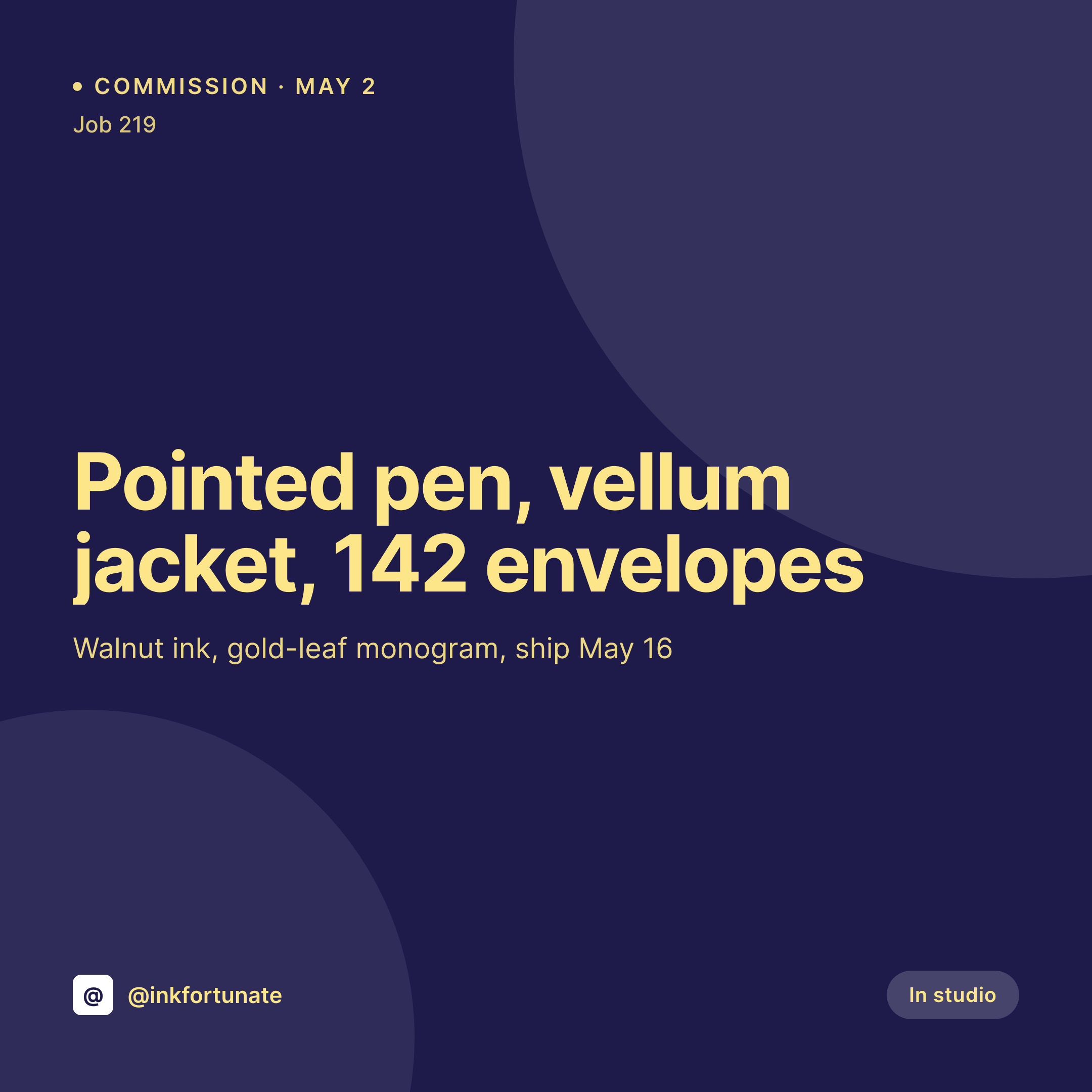
Envelopes, place cards, and the slow studio grid
A calligraphy artist's grid is built on commissions. A run of 140 envelopes for a wedding, a stack of place cards for a corporate dinner, a monogram for a brand identity. Each one is a square image with the project name, the script, the ink, the quantity, and a photograph of the finished work. Each one needs to ship while the project is fresh, not three months later when the post gets buried under a new piece.
The data is already on the WordPress site. The studio runs a project CPT, and each project has fields for script, ink, paper, quantity, and delivery date. The photograph is in the media library after the studio shoots the finished work on a colored surface. The typing is done the day the project ships. The gap is the 1080x1080 PNG that the artist would otherwise design in Procreate or Photoshop alongside the actual work.
SleekPixel renders that PNG on save. The project post saves, the card lands in uploads with the script, ink, and quantity already set. The artist posts it the same evening, and the grid reads as one studio across a year of weddings, brand identities, and place cards because the template was designed once and never moves.
Workflow
From project entry to commission card
Map project fields
Design one square template
Update the project post
Post from the studio
Output
What gets generated per commission
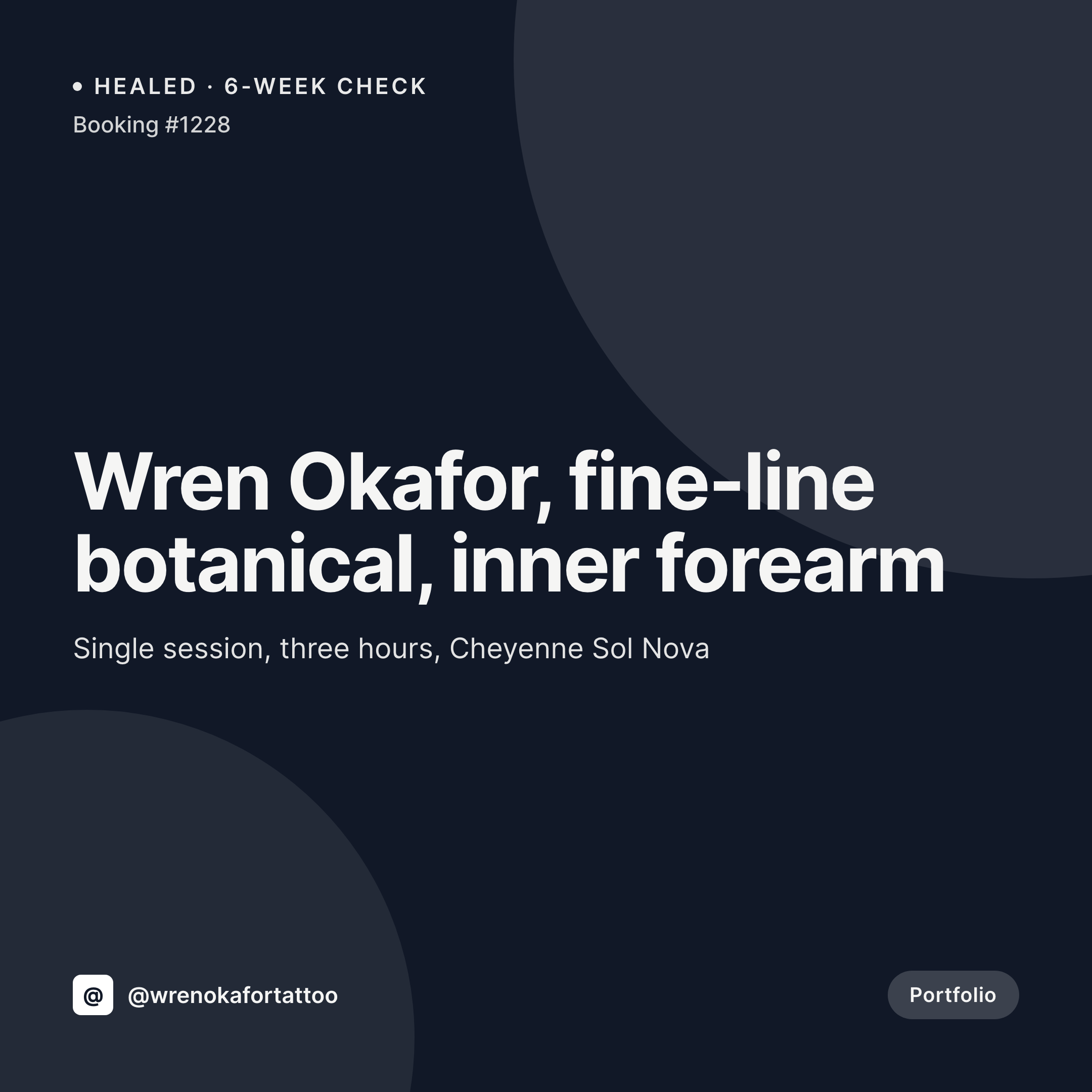
A 1080x1080 square card with the project name, script, ink, paper, and quantity. Pulled from the project CPT.

Comparison
Default calligraphy artist image vs SleekPixel
Default calligraphy artist image
- Artist designs a Procreate card per commission alongside the project itself
- Script names and ink types drift between the project sheet and the post
- Quantity on the card lags behind the actual envelope count delivered
- Pointed pen, italic, and brush projects each get slightly different templates
- Multi-artist studios produce off-brand cards because each artist designs their own
SleekPixel
- Save the project post, the 1080x1080 commission card lands in uploads
- Script, ink, paper, and quantity pulled live from the project fields
- Square format sized for Instagram and Pinterest grids
- Sidebar download from Gutenberg for fast posting after a project ships
- One template across scripts and artists keeps the studio's grid coherent
Features
What SleekPixel gives you for calligraphy artist
Card per project
Every wedding envelope run, place-card commission, and monogram saves with a square card. The script and quantity come from the project post.
Ink and paper tags
Walnut, sumi, gouache, gold-leaf. The ink field renders as a small label on the card so the post reads as a project log.
Studio fast lane
Project is photographed and the post is updated, the card is already in uploads. The artist downloads from the sidebar and posts the same evening.
Use cases
Who uses SleekPixel for calligraphy artists
Wedding envelope studios
Each envelope commission renders with the script, ink, paper, and envelope count on the public card. Couple names stay private.
Corporate event calligraphers
Place-card runs, signage, and live-event work render with the event date, count, and script type pulled from the project post.
Brand identity calligraphers
Monograms and logo letterforms for brand identities render with the brand name on the public card when permissions allow.
The bigger picture
Why a calligrapher's grid carries the studio's hand
A calligraphy studio sells on hand. The pointed pen lifts and presses, the spacing between letters, the way an ascender turns into a flourish. Customers who book the studio for a wedding envelope run are buying that hand.
The Instagram grid is where they first see it, and the grid only reads as the studio's hand if every card carries the same studio-level care. The fix is to derive the marketing card from the project. The script, the ink, the paper, and the quantity are typed once when the work is photographed.
Saving the project renders the card with those values into a template the studio designed alongside its printed promo. The grid reads as one studio across a year of weddings, place cards, and monograms, and the engaged couple scrolling Instagram sees the same hand she saw on her sister's wedding envelope last fall.
Questions
Common questions about SleekPixel for calligraphy artist
Yes. The script field on the project post renders as a small label on the card. Pointed pen, italic, copperplate, brush, and Spencerian each show up by name.
Yes. SleekPixel reads any post type and any field. A project CPT with ACF fields for script, ink, and quantity feeds the template directly.
Yes. A field on the project can mark the commission as private, and the public template uses a generic label in place of the client name.
Yes. Templates can be conditional on script or category. Pointed pen projects use one layout, brush another, all pulling from the same project fields.
Yes. Editing the project re-renders the card with the new fields. The image attached to the project URL is always current.
Yes. The OG image is wired to the same render. A wedding planner sharing the project URL sees the commission card in the preview.
No. SleekPixel renders the image and saves it to uploads. Posting is a manual step from the platform's app or a scheduling tool.
No. SleekPixel renders static PNG and JPG only. Reels and live-event video are out of scope, the focus is still images tied to the project data.
Pricing
More than 1000+
happy customers
Explore our flexible licensing options tailored to your needs. Upgrade your license anytime to access more features, or opt for a lifetime license for ongoing value, including lifetime updates and lifetime support. Our hassle-free upgrade process ensures that our platform can grow with you, starting from whichever plan you choose.
Lifetime ♾️
Most popular
EUR
once
- Unlimited websites
- Lifetime updates
- Lifetime support
...or get the Bundle Deal
and save €250 🎁
💎 Want everything forever? The All Access Pass is going away on 01.08.2026.
The Bundle (unlimited sites)
Pay once, own it forever
Elevate your WordPress site with our exclusive plugin bundle that includes all of our premium plugins in one package. Enjoy lifetime updates and lifetime support. Save significantly compared to buying plugins individually.
What’s included
-
SleekAI
-
SleekByte
-
SleekMotion
-
SleekPixel
-
SleekRank
-
SleekView
€749
Continue to checkoutBrowse more
- Substack podcast cover
- Shopify collection banners
- Bluesky profile banner
- Pinterest pins
- Threads social images
- TikTok cover images
- YouTube thumbnails
- Bluesky profile banners
- YouTube playlist covers
- X community banners
- Beacons.ai banner
- Signal sticker pack
- Ko-fi shop images
- YouTube ad thumbnails
- Audible audiobook cover