






SleekPixel for art studio
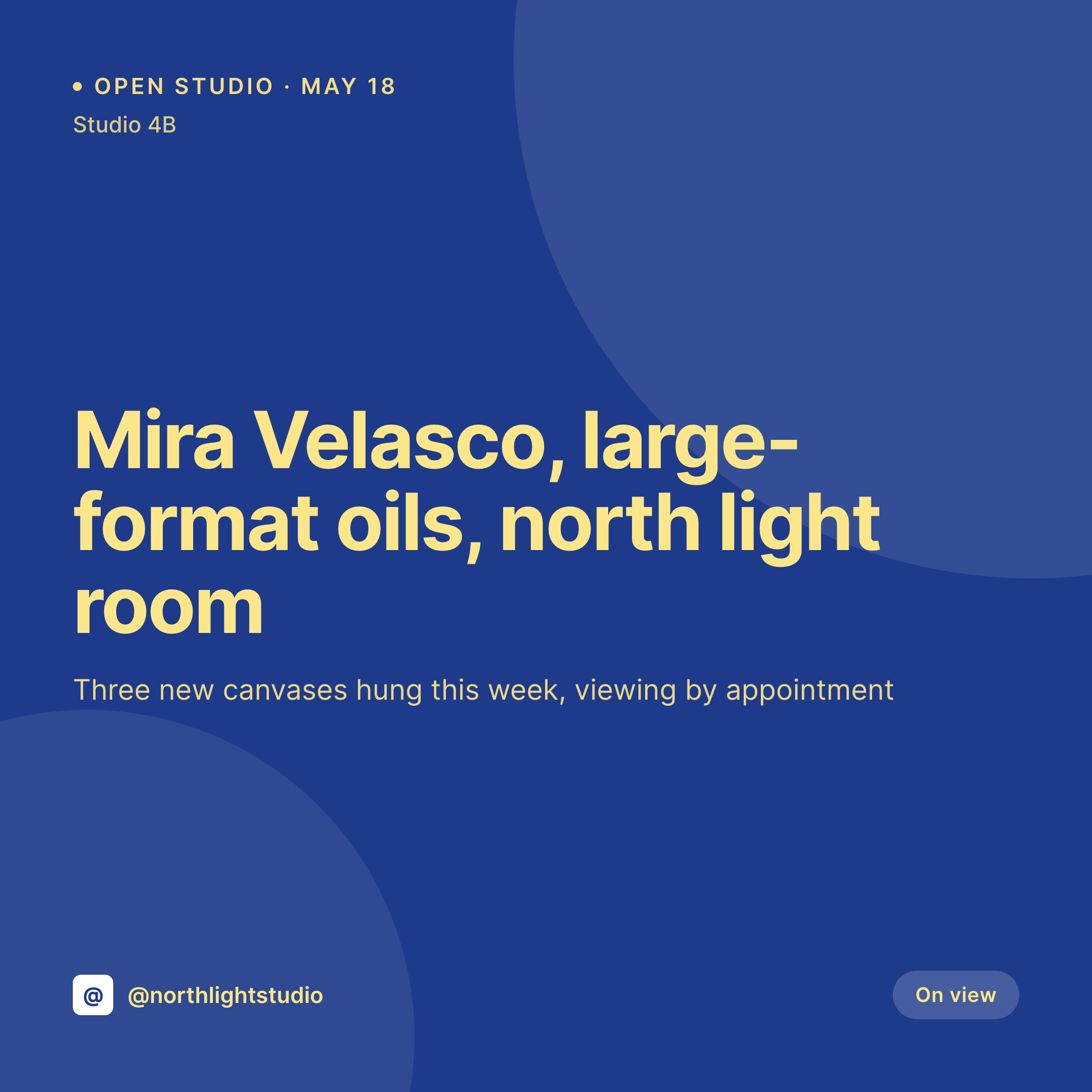
A new oil on the easel, an open studio night, a residency visit. Each work or event post on the studio site renders into a 1080x1080 card that the artist can post the day the painting is dry enough to photograph.
♾️ Lifetime License available
New work, dim phone shots, and a feed nobody updates
A working art studio is a busy room with a slow public face. New canvases hang on the wall for weeks before anyone outside the studio sees them, because the studio's Instagram feed is the artist's last priority after stretching, painting, framing, packing, and writing to the gallery. A new piece gets a quick phone shot, no caption, no card, and disappears into the grid as one more unlabeled photo.
The metadata is sitting on the studio website. Most artists already publish a work post per painting with the title, medium, dimensions, year, and a primary image. Open studio nights, residency visits, and collector previews live as event posts with a date and location. The piece that is missing is a square card with the work title and medium typeset over the image, sized for Instagram, ready to post the moment the painting is hung.
SleekPixel reads the work post on save and renders the square card to uploads. The title and medium come from the post, the image is the work's primary photograph, the studio brand mark sits in the corner where the artist chose. The grid becomes a record of the studio's output instead of a folder of phone snaps, and the artist gets back the half hour they used to spend building the card by hand.
Workflow
From new canvas to feed-ready card
Map the work and event post types
Design one square template
Publish the work post
Post from the studio
Output
What gets generated per work or event
A 1080x1080 square card with the work title, the medium and dimensions, the studio location, and the brand mark. Pulled live from the work or event post.
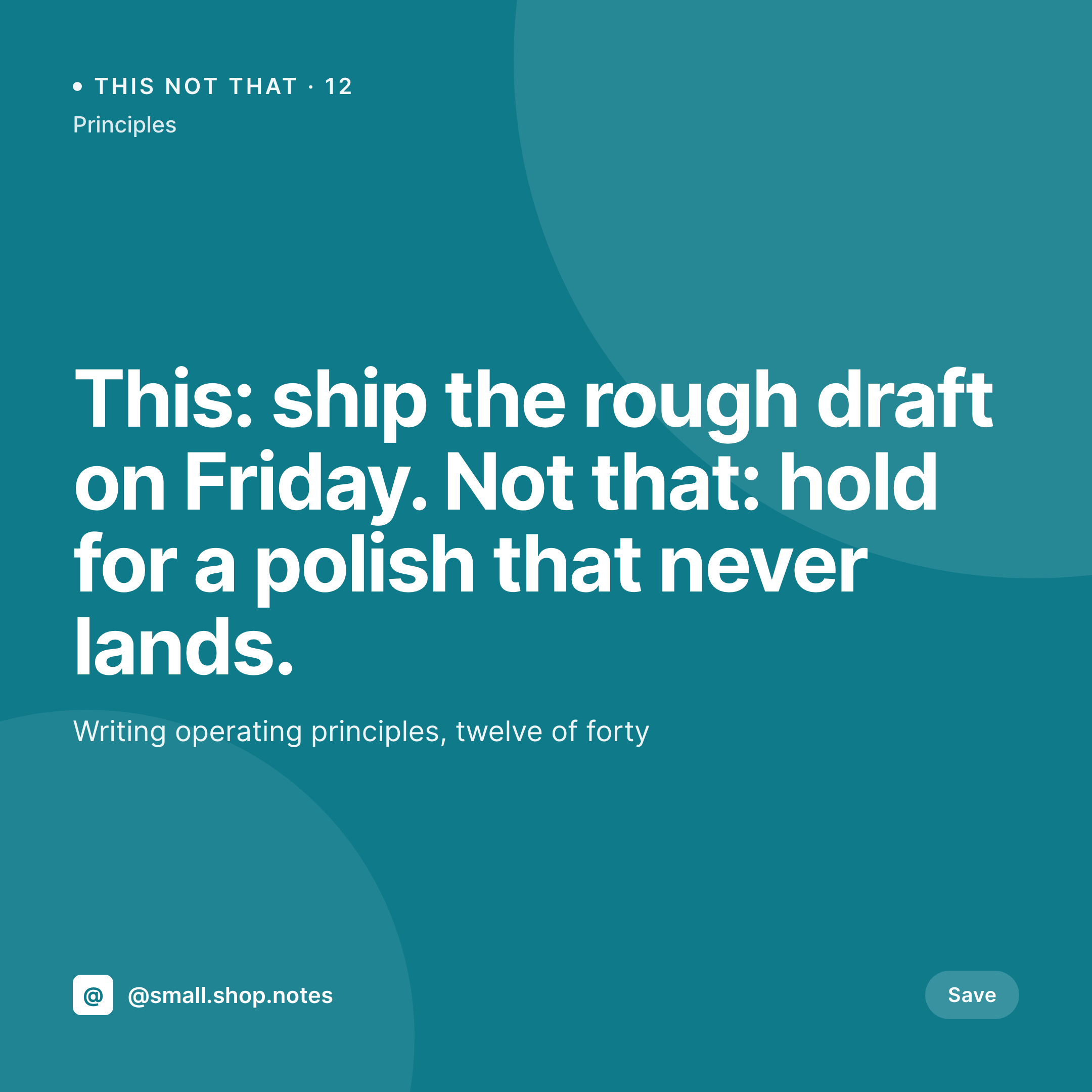
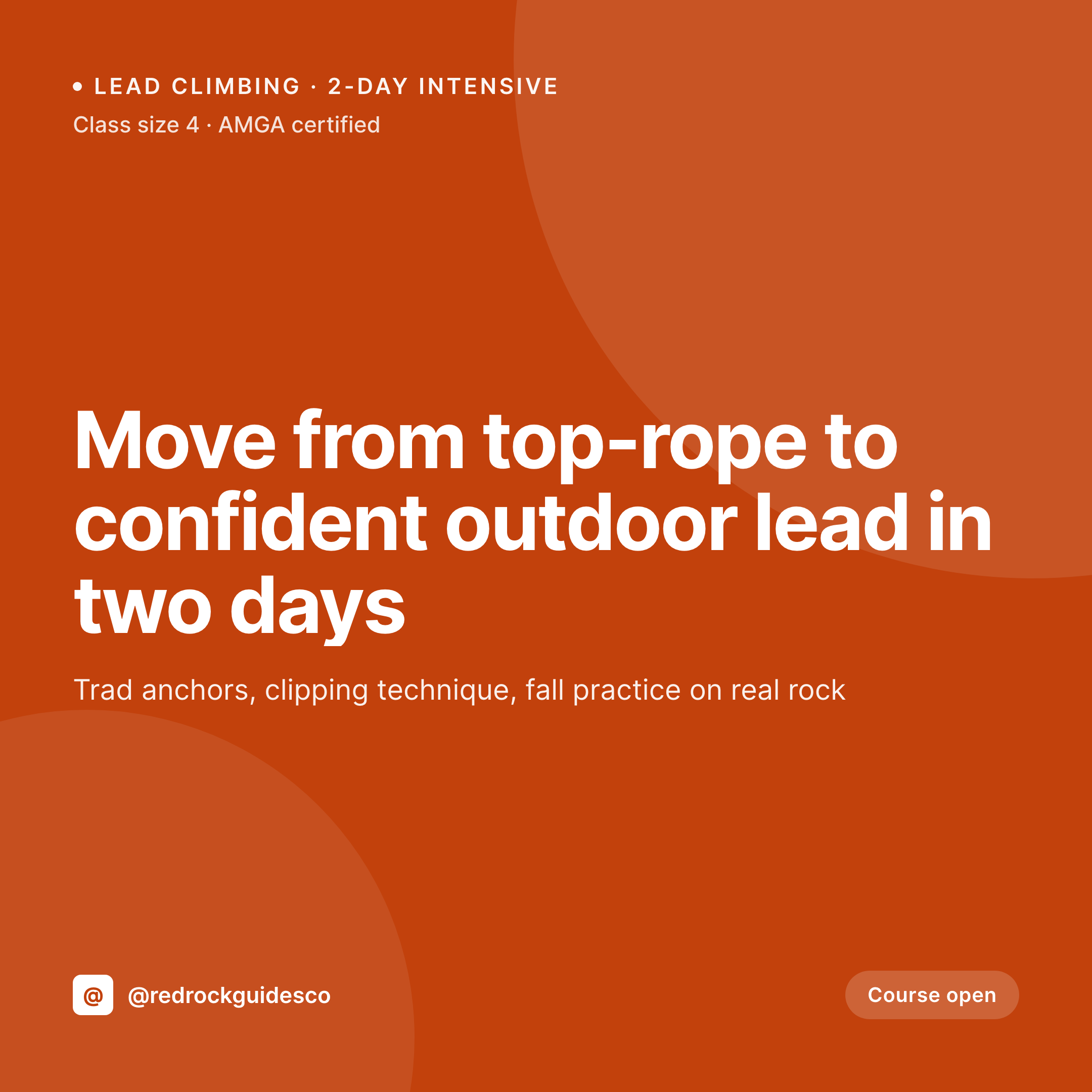
Comparison
Default art studio image vs SleekPixel
Default art studio image
- Phone shots posted with no title, medium, or year, the grid reads as a stream of unlabeled images
- Open studio invites are rebuilt in Canva every season and end up off-brand
- Work dimensions and medium get retyped wrong between the website and the post caption
- Residency announcements share with no preview image because the OG tag was never set
- Different feeds for different bodies of work all drift apart visually
SleekPixel
- Save the work post, the 1080x1080 card lands in uploads with the title and medium
- Open studio and residency events render with the date, time, and location
- Square format sized for Instagram feed and Facebook galleries
- Sidebar download from Gutenberg so the artist can post in seconds
- One template across bodies of work keeps the studio feed coherent
Features
What SleekPixel gives you for art studio
Card per work
Each new painting or sculpture saves with a square image. Title, medium, dimensions, and year pull from the work post.
Event cards too
Open studio nights and residency visits render with the date and address baked in, ready for stories and invitations.
Body-of-work variants
Templates can switch by series tag, so a charcoal series and an oil series render with palette differences but the same brand DNA.
Use cases
Who uses SleekPixel for art studios
Working studio artists
Painters and sculptors with a steady output post each new piece with a card that names the work, the medium, and the year.
Shared studios and collectives
Multi-artist studios run one template per member, so the shared feed stays cohesive while each artist's pieces stay theirs.
Open studio and residency programs
Annual open studio weekends, visiting artist residencies, and collector previews render with date, location, and a hero image.
The bigger picture
Why art studio feeds drift without a system
A studio's feed is the public archive of a working practice, and a working practice produces work faster than an artist can build social posts by hand. The result is the usual gap. Two paintings get a careful post, the next ten get phone shots, and then a month goes by where nothing posts because the artist is in the middle of a body of work.
Curators and collectors who check the feed see a stream that stops and starts and never quite shows the studio's full output. Auto-rendered cards close the gap because the work post is already part of the studio's workflow. Photographing a finished canvas and updating the website happen together.
SleekPixel renders the social card as a side effect of that update, so the feed reflects the studio's actual pace. The public archive becomes complete, and the artist's time stays on the easel.
Questions
Common questions about SleekPixel for art studio
Yes. The template controls how the medium and dimensions render, so 'oil on linen, 48 x 60 in' and 'huile sur toile, 122 x 152 cm' both work. ACF fields hold the raw values and the template handles the formatting.
Yes. Studios that list works as WooCommerce products can use the product fields directly. The card can include or hide the price depending on whether the studio sells from the site.
Yes. SleekPixel supports template selection by category, tag, or author, so a shared studio can give each artist their own brand mark and palette while keeping the same layout grid.
A series tag on the work post can switch the template variant. A charcoal series uses one palette, an oil series another, all from the same base layout.
Yes. A 1080x1920 vertical template can target event posts so the open studio night gets a story-sized invite alongside the square feed card.
Yes. The OG image meta is wired to the same render, so a collector pasting the work URL into a DM or email sees the card in the preview.
No. SleekPixel renders the image and saves it to uploads. Posting is a manual step from Instagram or a scheduling tool the studio already uses.
No. The image used in the card is the photograph of the actual work uploaded to the post. SleekPixel composes the card around it without altering the artwork.
Pricing
More than 1000+
happy customers
Explore our flexible licensing options tailored to your needs. Upgrade your license anytime to access more features, or opt for a lifetime license for ongoing value, including lifetime updates and lifetime support. Our hassle-free upgrade process ensures that our platform can grow with you, starting from whichever plan you choose.
Lifetime ♾️
Most popular
EUR
once
- Unlimited websites
- Lifetime updates
- Lifetime support
...or get the Bundle Deal
and save €250 🎁
💎 Want everything forever? The All Access Pass is going away on 01.08.2026.
The Bundle (unlimited sites)
Pay once, own it forever
Elevate your WordPress site with our exclusive plugin bundle that includes all of our premium plugins in one package. Enjoy lifetime updates and lifetime support. Save significantly compared to buying plugins individually.
What’s included
-
SleekAI
-
SleekByte
-
SleekMotion
-
SleekPixel
-
SleekRank
-
SleekView
€749
Continue to checkoutBrowse more
- Douyin thumbnails
- Instagram ad images
- Slack channel headers
- Twitter header banners
- Twitch profile banner
- YouTube podcast thumbnails
- Twitch overlay
- Bluesky link cards
- Twitch offline banners
- Etsy listing images
- YouTube Shorts covers
- Shopify collection banners
- Reddit subreddit banners
- Kick stream thumbnails
- Threads social images