






SleekPixel for wedding invitation designer
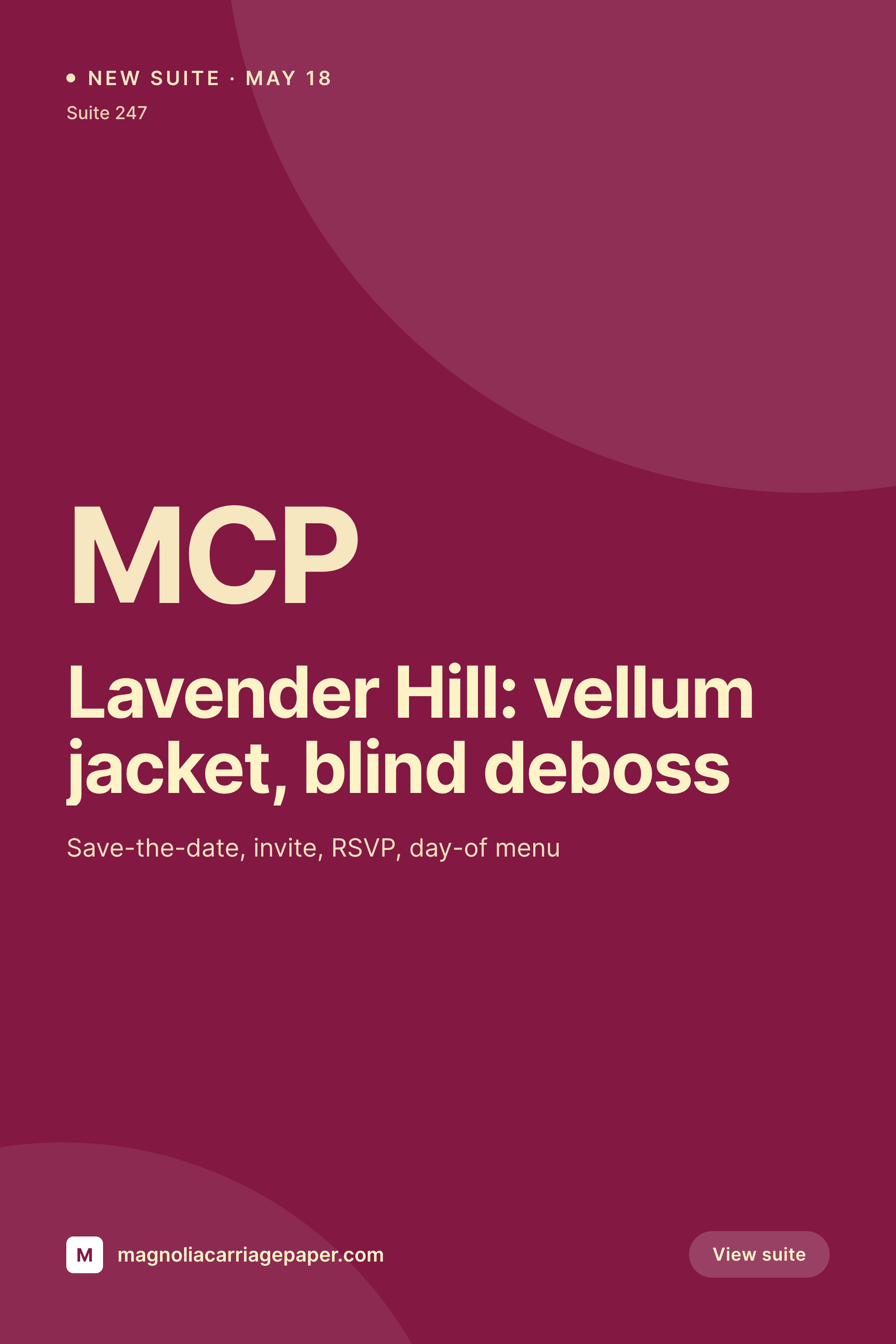
Each new wedding invitation suite saves with a 1000x1500 Pinterest pin and a matching OG image. The suite name, papers, finishes, and seasonal palette are pulled live from the portfolio post.
♾️ Lifetime License available
Pinterest is where brides find a designer
A wedding invitation designer's pipeline runs through Pinterest. Engaged couples spend months on the platform, building boards full of suites they like, and the designers whose pins keep showing up in those boards are the ones who get the inquiry email. That means every new suite the studio releases needs a Pinterest pin that's sized correctly, on brand, and pinned the same week the suite is photographed.
The data for that pin is already on the WordPress site. The studio runs a portfolio CPT, and each suite post has fields for the suite name, the papers, the printing methods, the seasonal palette, and the photoshoot images. The typing is done at the moment the suite is added to the site. The gap is the 1000x1500 PNG that the studio would otherwise design in Photoshop alongside the OG image and the Instagram square.
SleekPixel closes that gap. The suite post saves, the Pinterest pin renders to uploads, the OG image on the suite URL renders alongside it, the Instagram square is in the same save. The studio pins the pin from a phone, shares the suite URL on Instagram, and the same suite walks into Pinterest, OG, and Instagram looking like one body of work.
Workflow
From portfolio entry to Pinterest pin
Map portfolio fields
Design one vertical template
Publish the suite post
Pin from a phone
Output
What gets generated per suite
A 1000x1500 Pinterest pin with the suite name, papers, printing methods, and seasonal palette. Pulled from the portfolio post.

Comparison
Default wedding invitation designer image vs SleekPixel
Default wedding invitation designer image
- Designer builds a Photoshop pin per suite alongside the portfolio post
- Pin and OG image have to be designed twice, with type drift between them
- Paper names and printing methods on the pin drift from the portfolio body
- Seasonal palette on the pin doesn't always match what the suite uses
- Sister studios or photographers reuse off-brand crops of the same suite
SleekPixel
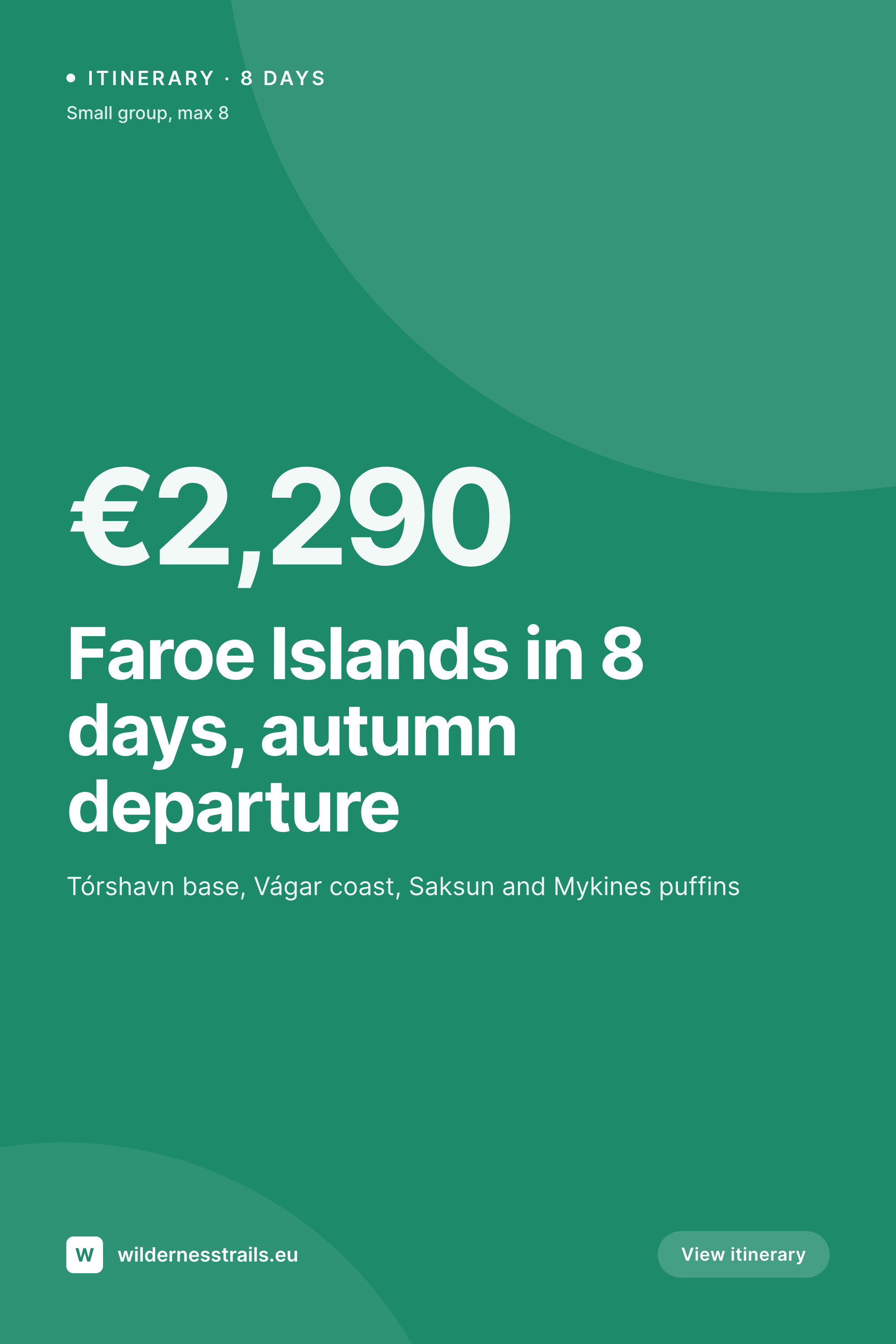
- Save the suite post, the 1000x1500 pin and OG image render together
- Suite name, papers, finishes, and palette pulled live from the portfolio
- Pinterest 2:3 vertical sized for the platform's preferred aspect
- OG image on the suite URL stays in lock with the pin
- One template across suites and seasons keeps the studio's pins coherent
Features
What SleekPixel gives you for wedding invitation designer
Pin per suite
Every new suite saves with a Pinterest pin and a matching OG image. The papers, finishes, and palette come from the portfolio post.
Seasonal palette
The suite's color palette field renders as small swatches on the pin, so the visual identity of the suite reads clearly in a Pinterest feed.
OG image wired
The OG image on the suite URL is the same render, so a couple sharing the suite link with a planner sees the suite in the preview.
Use cases
Who uses SleekPixel for wedding invitation designers
Bespoke invitation studios
Studios producing custom suites for 30 to 60 weddings a year keep their Pinterest pipeline supplied without retyping the suite data.
Semi-custom suite shops
Designers offering 20 to 40 semi-custom suites a year pin each suite as a product, with paper, finish, and palette options on the card.
Calligraphy and design houses
Studios that pair calligraphy with print pin each finished suite once the photoshoot lands, with calligrapher credit included.
The bigger picture
Why Pinterest is the channel that decides who books a designer
Wedding invitation designers compete on visual feel, and Pinterest is the venue where that feel is measured most directly. Couples spend weeks building boards before they ever send an inquiry, and the designers whose pins keep appearing in those boards are the ones who get the brief. Most studios understand this and still let the Pinterest channel fall behind, because designing a vertical pin alongside the portfolio post takes another hour each suite.
The fix is to derive the pin from the portfolio post the studio is already writing. The suite name, the papers, the finishes, and the palette are typed once. Saving the post renders the pin, the OG image, and the Instagram square together.
The board fills up with pins that all look like one studio, the OG image on the suite URL matches the pin, and the studio's Pinterest channel keeps pace with the studio's actual output through the season.
Questions
Common questions about SleekPixel for wedding invitation designer
Yes. The palette field on the portfolio post renders as small swatches on the pin. The visual identity of the suite reads at a glance in a Pinterest feed.
Yes. A single save can render the 1000x1500 pin, the 1200x630 OG image, and the 1080x1080 Instagram square together.
Yes. Credit fields on the portfolio post render in small type on the pin. The studio's own credit is in the brand mark and the URL.
Yes. SleekPixel reads any post type and any field. A custom suite CPT with ACF fields feeds the template directly.
Yes. Semi-custom suites stored as WooCommerce products use the same template and pull paper, finish, and palette from product fields.
Yes. Editing the suite re-renders the pin and the OG image. The pin on Pinterest itself does not change after it is pinned, so timing the edit before pinning matters.
No. SleekPixel renders the image and saves it to uploads. Pinning and posting are manual steps from the platform's app.
No. SleekPixel renders static PNG and JPG only. Idea pins and animated pins are out of scope, the focus is still images tied to the portfolio data.
Pricing
More than 1000+
happy customers
Explore our flexible licensing options tailored to your needs. Upgrade your license anytime to access more features, or opt for a lifetime license for ongoing value, including lifetime updates and lifetime support. Our hassle-free upgrade process ensures that our platform can grow with you, starting from whichever plan you choose.
Lifetime ♾️
Most popular
EUR
once
- Unlimited websites
- Lifetime updates
- Lifetime support
...or get the Bundle Deal
and save €250 🎁
💎 Want everything forever? The All Access Pass is going away on 01.08.2026.
The Bundle (unlimited sites)
Pay once, own it forever
Elevate your WordPress site with our exclusive plugin bundle that includes all of our premium plugins in one package. Enjoy lifetime updates and lifetime support. Save significantly compared to buying plugins individually.
What’s included
-
SleekAI
-
SleekByte
-
SleekMotion
-
SleekPixel
-
SleekRank
-
SleekView
€749
Continue to checkoutBrowse more
- YouTube Shorts covers
- Douyin thumbnails
- Instagram Shop product images
- Ko-fi banners
- GitHub README banners
- KDP hardcover cover
- Buy Me a Coffee banners
- Slack channel headers
- TikTok shop images
- Facebook event covers
- Rednote (Xiaohongshu) post
- Vimeo thumbnails
- Snapchat ad images
- TikTok Now image
- Twitter header banners