






SleekPixel for NocoDB records
NocoDB turns Postgres, MySQL and SQLite into spreadsheet-style workspaces. Sync those rows into WordPress and SleekPixel renders a branded OG image per record, so every public link shares with a proper preview.
♾️ Lifetime License available
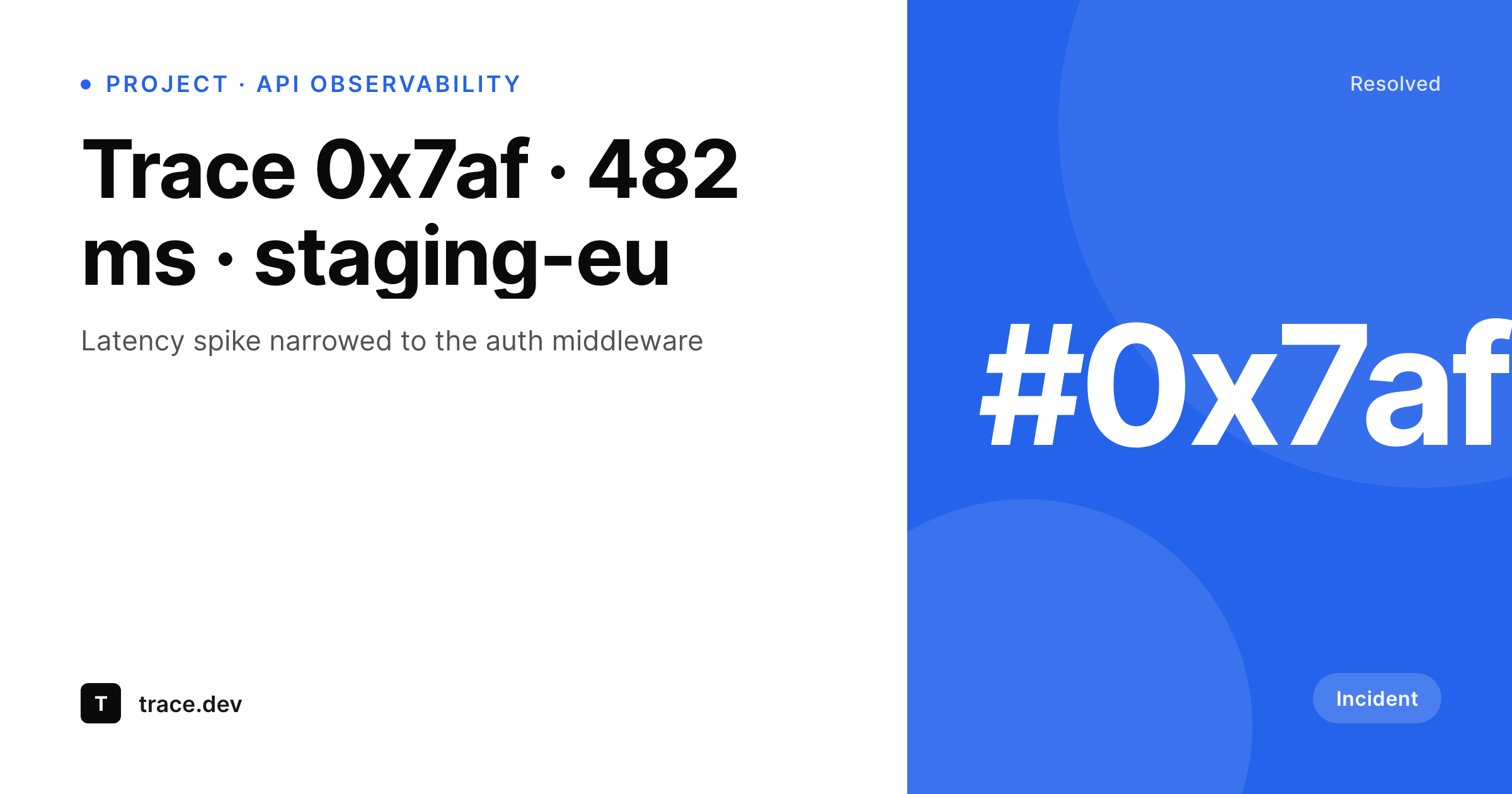
NocoDB sits on top of real databases
NocoDB is the open-source layer that turns a Postgres, MySQL or SQLite database into a spreadsheet-style workspace. Teams use it to expose existing production tables to non-engineering users without writing a separate admin app. Once that layer exists, the next request is almost always public publication: a directory of records, a public log of incidents, a status page driven by a real table.
The WordPress side is the natural place to host those public pages. NocoDB has webhooks, REST endpoints and a public API, so each row can be pushed into a WordPress custom post type on insert or update. The post carries the same fields as the row, the public URL is what gets shared, and everything works except for the social preview.
SleekPixel adds the missing layer. The template reads the WordPress fields, the PNG renders into uploads, and the og:image tag is written for every row URL. A team that opened up part of its production database via NocoDB ends up with a public surface where every record shares with a card that knows what the row is about, without any code that bridges social rendering and SQL directly.
Workflow
From NocoDB row to branded preview
Wire NocoDB into WordPress
Build the row template
Render on save
Share the row URLs
Output
What ships with every NocoDB record
A 1200 by 630 OG image: record title, status, headline metric and brand mark, rendered from the WordPress post fields synced from the NocoDB table.
Comparison
Default OG vs NocoDB-aware rendering
Default theme OG
- Public NocoDB-driven directories share with a generic site banner
- Production database rows leak no context to LinkedIn or Twitter previews
- Custom rendering scripts mean maintaining a second image pipeline
- External rendering services break the point of using NocoDB self-hosted
- Updates to a row in NocoDB never refresh the public share image
SleekPixel
- Reads WordPress fields synced from any NocoDB table
- Works regardless of the underlying database (Postgres, MySQL, SQLite)
- Per-row 1200 by 630 PNG with title, status and headline field
- Server-side rendering, consistent with self-hosted NocoDB setups
- Bulk re-render the directory on template change
Features
What SleekPixel gives you for NocoDB records
Database agnostic
NocoDB sits on top of Postgres, MySQL or SQLite. SleekPixel does not care which: it reads WordPress fields that mirror the row, so any backend works.
Row-aware templates
Title, status, headline metric and any other field bind to template slots. Incident logs, partner rows and product entries each get a specific card.
Webhook re-renders
NocoDB webhooks notify WordPress when a row updates. The post saves, the PNG re-renders, the preview stays current with the source row.
Use cases
Who runs NocoDB plus SleekPixel
Public incident logs
Production incidents tracked in a NocoDB view turn into public retro pages with cards showing severity, duration and resolution.
Open data directories
Government, nonprofit and research teams publish NocoDB-driven datasets where each row has its own page and OG card.
Indie analytics dashboards
Public metrics dashboards backed by NocoDB share per-metric cards on social, with the headline number front and center.
The bigger picture
Why public NocoDB pages need a presentation layer
NocoDB does an honest job of exposing existing databases to non-technical users, but the moment data leaves the workspace and becomes public, the operations team has to think about presentation. A public incident log driven by NocoDB and rendered into WordPress is technically correct: each row becomes a page, the schema is clean, the URLs are stable. What is missing is the moment-of-truth visual when someone shares that URL into Slack or Twitter.
Without a per-row OG image, every share looks identical and the audience cannot tell from the preview whether the link is about a minor warning or a major outage. SleekPixel addresses that by rendering the preview from the same fields the page already uses. Status, duration, severity and headline message all surface on the card, and the audience knows what they are clicking on before they click.
Public log pages, open data directories and dataset entries all benefit from the same dynamic. The presentation layer that NocoDB does not need to provide internally becomes essential externally, and a single template per directory closes the gap.
Questions
Common questions about SleekPixel for NocoDB records
No. SleekPixel reads WordPress post fields. NocoDB pushes row changes to WordPress through webhooks or a sync script, and the resulting posts are what the template renders from. The plugin never touches the underlying database.
Yes. NocoDB acts as the spreadsheet layer; the source database is irrelevant to SleekPixel. Whether the rows ultimately live in Postgres, MySQL or SQLite, the sync into WordPress is the only contract SleekPixel cares about.
Yes, via the sync script. Most teams filter NocoDB rows by a 'public' flag before pushing to WordPress. Only published rows become posts, and only posts get rendered cards. Internal rows stay in NocoDB.
As fast as the webhook to WordPress completes. The post save triggers an immediate re-render, so a status change in NocoDB can reflect on the social card within seconds, depending on network and queue.
Yes, if the row carries a JSON field with a small time series. The template can render a sparkline from that array. For richer history, store snapshots in a separate post type and aggregate at render time.
Aggregations are typically computed in NocoDB or in the sync layer and stored as a single 'rollup' row in WordPress. SleekPixel renders from that rollup post, so aggregated dashboards get their own card just like individual rows.
Not a first-party one for SleekPixel. Most teams build a small webhook handler in their WordPress install or use a general automation tool like n8n. The contract is simple: when a row changes, save a WordPress post with the same fields.
Yes. The cards bind to WordPress fields, not to NocoDB directly. Swapping NocoDB for another tool means changing the sync source but not the rendering pipeline. The same templates and the same PNG URLs keep serving.
Pricing
More than 1000+
happy customers
Explore our flexible licensing options tailored to your needs. Upgrade your license anytime to access more features, or opt for a lifetime license for ongoing value, including lifetime updates and lifetime support. Our hassle-free upgrade process ensures that our platform can grow with you, starting from whichever plan you choose.
Lifetime ♾️
Most popular
EUR
once
- Unlimited websites
- Lifetime updates
- Lifetime support
...or get the Bundle Deal
and save €250 🎁
💎 Want everything forever? The All Access Pass is going away on 01.08.2026.
The Bundle (unlimited sites)
Pay once, own it forever
Elevate your WordPress site with our exclusive plugin bundle that includes all of our premium plugins in one package. Enjoy lifetime updates and lifetime support. Save significantly compared to buying plugins individually.
What’s included
-
SleekAI
-
SleekByte
-
SleekMotion
-
SleekPixel
-
SleekRank
-
SleekView
€749
Continue to checkoutBrowse more
- Instagram bio link banners
- YouTube end cards
- Pinterest product pin covers
- Ko-fi shop images
- Lens Protocol posts
- Mastodon profile banners
- LinkedIn banner images
- Twitter/X header
- Reddit subreddit banners
- Mastodon post images
- SoundCloud banner
- Facebook event covers
- Spotify podcast covers
- podcast cover art
- GitHub social preview images