






SleekPixel for Snapchat snap images
Templated 1080x1920 snap images rendered from your post data, downloadable from the editor sidebar. Local businesses keep snaps consistent without designing each one in a separate tool.
♾️ Lifetime License available
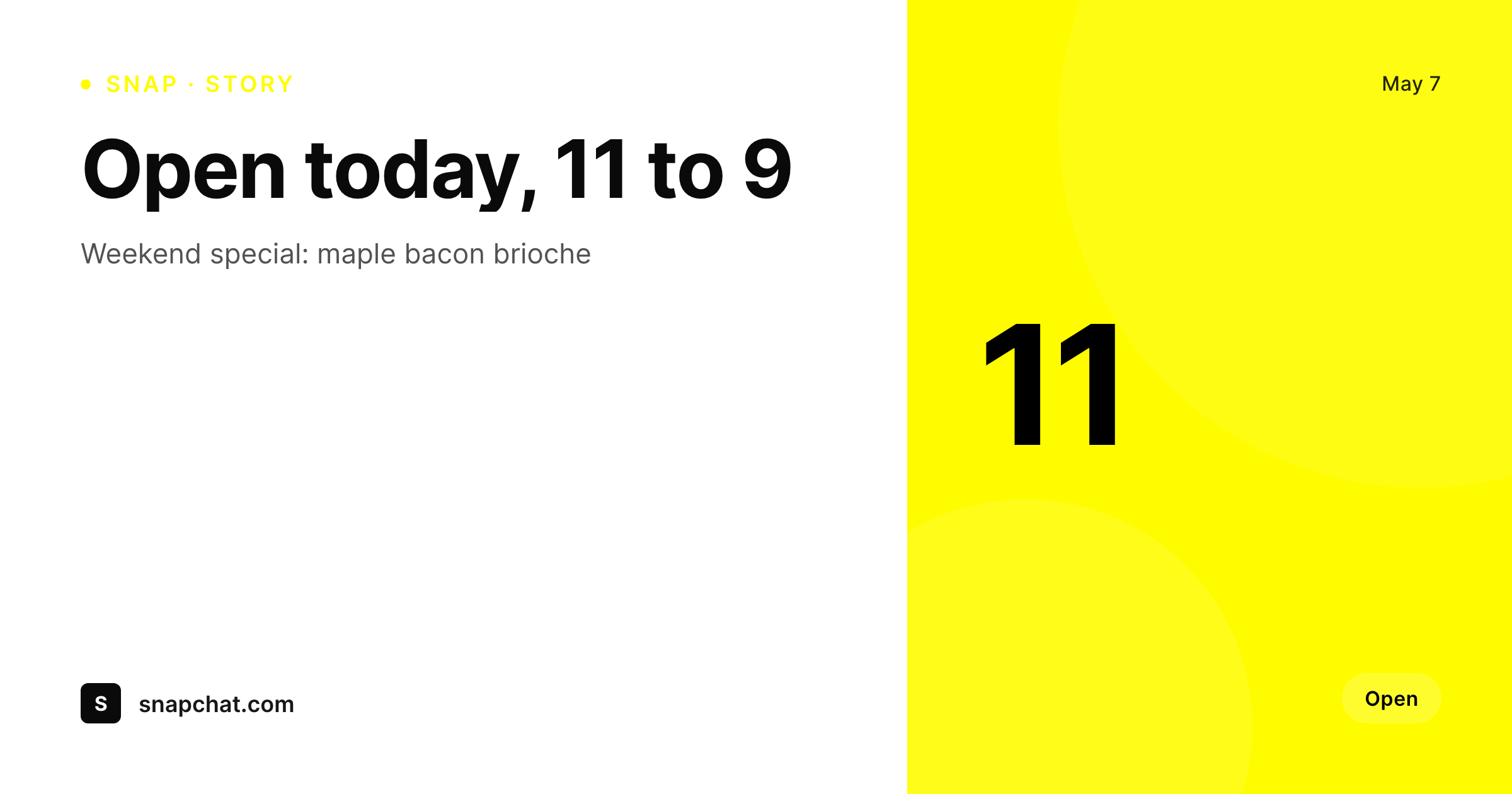
Snapchat snaps still drive walk-ins for local brands
Local restaurants, gyms, and small retail brands still rely on Snapchat for daily walk-in traffic. The snap is what shows up in the recipient's story tray and on the Discover page, and it is sized like every other vertical mobile format at 1080 by 1920. Done manually, snaps are improvised in the Snapchat camera or designed one-off in Canva, which means the brand identity drifts the moment a different employee runs the account. SleekPixel turns the snap into a render of a WordPress post.
The template is 1080 by 1920, in HTML and CSS, with slots for the offer, the date, the location, and any custom field. A daily special at a bakery, a class schedule at a gym, a flash sale at a retail brand, all become posts in WordPress that render a snap on save. The brand identity is locked in the template, so every snap reads as the same business regardless of who runs the camera roll that day.
Snapchat does not accept third-party uploads to the snap surface, so SleekPixel exposes a download button in the WordPress editor sidebar. The PNG is named after the post, sits in uploads, and is ready to add to the Snapchat camera roll on a phone for upload.
Workflow
From WordPress post to Snapchat-ready snap
Design the template
Bind the post fields
Save the post
Download and post
Output
What gets generated per snap
A 1080x1920 PNG sized for the Snapchat snap surface, with the offer, date, location, and any field mapped from the post.
Comparison
Manual snaps versus SleekPixel
Manual / in-app camera / Canva
- Brand drift the moment a different employee runs the camera roll
- Daily specials never get a designed snap because Canva is too slow
- Hours and offers contradict between the website and the snap
- 1080 by 1920 vertical templates rarely match the brand grid
- No way to refresh a campaign across snaps without redoing each one
SleekPixel
- 1080x1920 PNG rendered per WordPress post on save
- Offer, date, location, and any custom field bind into the template
- Downloadable from the editor sidebar for the Snapchat camera roll
- Brand identity locked in the template across every employee
- Real PNGs in uploads, available for re-download anytime
Features
What SleekPixel gives you for Snapchat snap images
Per-snap render
Each post produces its own 1080 by 1920 snap with the right offer, date, and location.
Vertical-native
The template is built for the 1080 by 1920 portrait canvas, with safe areas for the Snapchat UI overlays.
Sidebar download
The PNG is one click from the editor sidebar, ready to add to a phone's camera roll for the Snapchat upload dialog.
Use cases
Where snaps drive local foot traffic
Daily specials
A bakery's daily special becomes a WordPress post that renders a snap, downloaded to a phone, and posted to Snapchat in seconds.
Class schedules
Gyms render a snap per class with the time and instructor, so the daily story tray reads as the day's schedule.
Flash sales
Retail brands push flash sales as posts that render snaps with the offer and the cut-off time.
The bigger picture
Why Snapchat snaps still earn local foot traffic
Snapchat is not the everywhere-platform it once was, but for local audiences in food service, fitness, and small retail, it remains a daily-engagement surface. The snap is what the audience sees in the story tray, and a snap that looks like the brand earns the visit. A snap improvised in the in-app camera or designed one-off in Canva by whichever employee is on shift loses the brand identity within a few days.
Doing this with a template solves consistency. SleekPixel makes the snap a function of a WordPress post, so the same person who manages the website manages the snap pipeline. Daily specials, class schedules, flash sales, all become posts that render a ready-to-upload snap.
The brand reads the same on every snap because every snap came out of the same template, regardless of who runs the camera roll that day.
Questions
Common questions about SleekPixel for Snapchat snap images
No. Snapchat does not allow third-party uploads to the snap surface via API. SleekPixel renders the PNG and exposes a download button in the editor sidebar so the file can be added to a phone's camera roll for upload.
1080 by 1920, the Snapchat-recommended portrait size. The dimension is configurable in the template.
Yes. Bind an offer or special field on the post and the template renders the offer prominently.
Yes. The template defines a safe area that keeps content away from the Snapchat UI elements at the top and bottom of the canvas.
Download the PNG from the editor sidebar and AirDrop, email, or sync it to the phone's camera roll. Snapchat picks it up from the camera roll for upload.
Yes, including self-hosted custom fonts. The template is HTML and CSS, so any font you can serve works.
In the WordPress uploads directory as real PNGs, available in the media library and included in normal backups.
No. Rendering happens on save. There is no per-view API call and no usage cap.
Pricing
More than 1000+
happy customers
Explore our flexible licensing options tailored to your needs. Upgrade your license anytime to access more features, or opt for a lifetime license for ongoing value, including lifetime updates and lifetime support. Our hassle-free upgrade process ensures that our platform can grow with you, starting from whichever plan you choose.
Lifetime ♾️
Most popular
EUR
once
- Unlimited websites
- Lifetime updates
- Lifetime support
...or get the Bundle Deal
and save €250 🎁
💎 Want everything forever? The All Access Pass is going away on 01.08.2026.
The Bundle (unlimited sites)
Pay once, own it forever
Elevate your WordPress site with our exclusive plugin bundle that includes all of our premium plugins in one package. Enjoy lifetime updates and lifetime support. Save significantly compared to buying plugins individually.
What’s included
-
SleekAI
-
SleekByte
-
SleekMotion
-
SleekPixel
-
SleekRank
-
SleekView
€749
Continue to checkoutBrowse more
- Instagram ad images
- Medium article headers
- Xiaohongshu cover images
- Behance banner
- Discord server banners
- Instagram collab post images
- KakaoTalk channel banners
- YouTube thumbnails
- GitHub social preview images
- KDP paperback cover
- Tidal cover art
- Twitch panel images
- Facebook post images
- Gumroad product covers
- Passes page banner