






SleekPixel for Trustpilot review cards
Shops sharing Trustpilot reviews want the share image to lead with the customer's words, framed in their own brand. SleekPixel renders one card per imported review in WordPress, built from the fields on save.
♾️ Lifetime License available
Trustpilot reviews are stronger off Trustpilot
Trustpilot reviews work hard on the Trustpilot page itself, but a screenshot of the Trustpilot site is a poor share asset. The viewer sees the Trustpilot frame first, the brand second, and the actual review body third. The trust signal is real, but the visual hierarchy works for Trustpilot, not for the shop quoting the review. The cleanest path is to pull the review text into the site, give it a real frame in the brand's voice, and link to the source for verification.
The shape of the card is standard. A long-form quote from the review on the dominant axis. The reviewer's name and the date underneath. A star rating as a visual. A small Trustpilot wordmark or badge in the corner that says where the review came from, with the link to the source visible on hover. Built once as a template, this works for every imported review going forward.
SleekPixel binds the card to a review post or a custom field block that mirrors what Trustpilot sent. Review body, reviewer name, rating, date, and source URL come from fields. The render fires on save, writes the PNG to uploads, and serves it as og:image. Pull a new batch of reviews from Trustpilot, save them as posts, every one gets its own share card.
Workflow
From Trustpilot import to share card in one save
Import reviews into WordPress
Design the review template
Save the review post
Push the share
Output
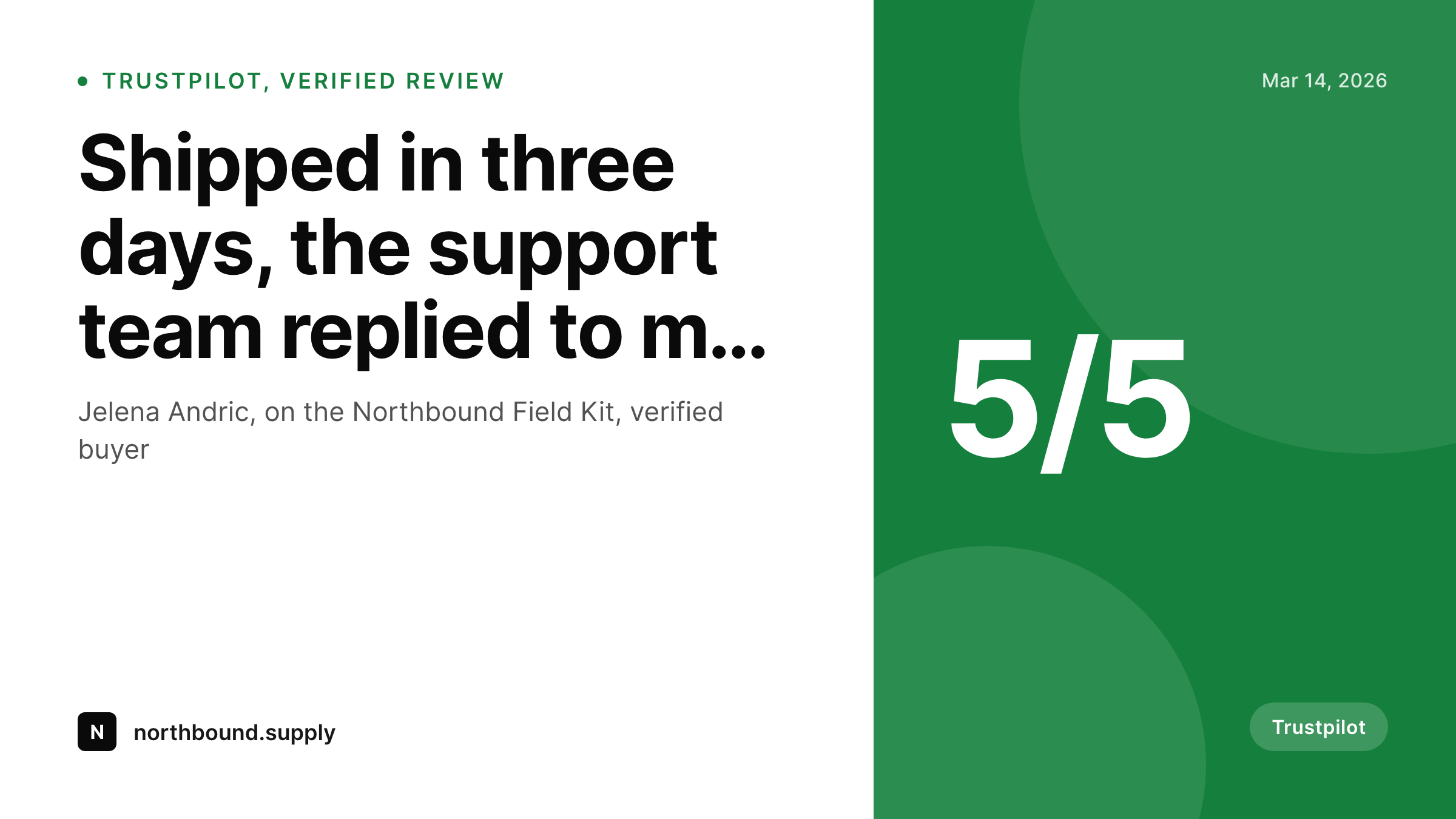
What a generated Trustpilot review card looks like
A 1200x675 Twitter-ready card with the review body, reviewer, date, star rating, and a Trustpilot source mark.
Comparison
Trustpilot screenshot vs SleekPixel
Trustpilot screenshot
- Screenshot leads with Trustpilot's brand, not yours
- Resolution and aspect ratio rarely match Twitter or LinkedIn share sizes
- Watermarks and platform chrome compete with the actual review body
- Reviewer name and date often clipped out of the crop
- No regeneration path when a review is edited or expanded
SleekPixel
- Render fires on save for every imported Trustpilot review post
- Review body, reviewer, rating, and date pulled from fields
- Source mark visible without dominating the visual hierarchy
- og:image and twitter:image meta tags written automatically
- Edits to the review body regenerate the card before the next share
Features
What SleekPixel gives you for Trustpilot review cards
Brand frame, source mark
The card carries your typography, your colors, and your logo as the dominant elements. A small Trustpilot mark in the corner keeps the source visible without ceding the visual hierarchy to the platform.
Star rating as a visual
The five-star bar renders from the imported rating field, including half-stars for ratings like 4.5. The score reads at thumbnail size, which a numeric value alone never does.
Source URL preserved
The original Trustpilot review URL travels with the post as a meta field. The card stays branded, the page links to the source, and any prospect who wants verification can reach it in one click.
Use cases
Where Trustpilot review cards earn their keep
Consumer shops with active Trustpilot programs
DTC brands collecting Trustpilot reviews after each order. Imported reviews become a steady stream of share cards for newsletters, social, and product pages.
Finance and travel sites
Sectors where Trustpilot is the dominant review platform. The branded card makes the trust signal portable to LinkedIn, blog posts, and partner sites without screenshot quality loss.
Multi-region shops
Stores running Trustpilot in several languages. The template can pick a layout per locale and date format so the same import pipeline produces locale-correct cards.
The bigger picture
Why off-platform review cards convert better than screenshots
A Trustpilot screenshot is a fast way to share a review, and a poor way to keep one working over time. The platform branding dominates the image, the dimensions never match the target channel, and the resolution degrades as the screenshot bounces from one tool to another. A templated card flips the visual hierarchy back to the brand quoting the review, while still naming Trustpilot as the source and linking to it for verification.
The same template works for hundreds of reviews and stays consistent across years, so a customer who scans three reviews from three quarters reads them as a single voice rather than as three different screenshots from a stranger's screen. Templating also makes the cards survive Trustpilot's own redesigns, which happen on a cycle the brand quoting the review does not control.
Questions
Common questions about SleekPixel for Trustpilot review cards
Not necessarily. SleekPixel reads from whatever post and fields you import into. You can use the Trustpilot API, a Zapier flow, a CSV import, or even paste reviews in by hand.
Trustpilot's terms encourage sharing of verified reviews with proper attribution. The template keeps the Trustpilot source mark and links to the original review URL, which is what the platform requires.
Yes, though most teams only share their best reviews. The template renders any rating as a visual bar. Some teams use a separate template for response-to-criticism posts that frames low ratings honestly.
Set a character limit on the body slot. SleekPixel trims at a word boundary and adds an ellipsis. The page URL still carries the full review.
Yes. Store the Trustpilot URL as a meta field and let the post template render a "Read on Trustpilot" link. The PNG card stays branded, the page acknowledges the source.
Yes. The same template approach works for any review source. Update the source mark in the corner slot and the card adapts to a different platform of record.
Headless render on save, usually under a second. Imports of large batches can fire a queued render so the import does not slow down.
Yes. The bulk regenerate action re-renders every review post under a chosen template. Useful after a logo update, a color change, or a typography refresh.
Pricing
More than 1000+
happy customers
Explore our flexible licensing options tailored to your needs. Upgrade your license anytime to access more features, or opt for a lifetime license for ongoing value, including lifetime updates and lifetime support. Our hassle-free upgrade process ensures that our platform can grow with you, starting from whichever plan you choose.
Lifetime ♾️
Most popular
EUR
once
- Unlimited websites
- Lifetime updates
- Lifetime support
...or get the Bundle Deal
and save €250 🎁
💎 Want everything forever? The All Access Pass is going away on 01.08.2026.
The Bundle (unlimited sites)
Pay once, own it forever
Elevate your WordPress site with our exclusive plugin bundle that includes all of our premium plugins in one package. Enjoy lifetime updates and lifetime support. Save significantly compared to buying plugins individually.
What’s included
-
SleekAI
-
SleekByte
-
SleekMotion
-
SleekPixel
-
SleekRank
-
SleekView
€749
Continue to checkoutBrowse more
- Lemmy post images
- Lens Protocol posts
- VK community cover photos
- X social cards
- Instagram bio link banners
- Instagram ad images
- Twitch alert
- Discord server icon
- TikTok shop images
- Stan Store cover
- Snapchat Discover tiles
- Klaviyo email headers
- YouTube podcast thumbnails
- Dribbble shot covers
- TikTok profile banners