






SleekPixel for Yelp review cards
Restaurants, bars, and service businesses sharing Yelp reviews want a clean share image, not a Yelp page screenshot. SleekPixel renders one card per imported Yelp review in WordPress, built from the fields on save.
♾️ Lifetime License available
Yelp reviews carry real detail that deserves a real frame
Yelp reviews tend to be longer and more specific than reviews on other platforms, which makes them an unusually good asset for restaurants, bars, and local service businesses. The reviewer names the dish, calls out the server, mentions the wait time. That kind of detail does sales work that a generic five-star summary never can. The problem is that the detail lives in a Yelp card on a Yelp page, and the moment the business wants to share the review on Facebook or in a newsletter, the asset is either a screenshot with Yelp's brand on top or a hand-typed re-do that loses the verified-source signal.
The fix is the same template path that works for Google and Trustpilot reviews. Pull the review text into the website as a post. Frame it with the business's typography and a generous quote slot that respects the length of a real Yelp review. Render a card at a size that fits Facebook, the most common destination for restaurant share posts. Keep a small Yelp source mark and a link to the original for verification.
SleekPixel binds the card to a review post that mirrors the fields Yelp exposes. Review body, reviewer name, rating, date, and source URL come from fields. The render fires on save, writes the PNG to uploads, and serves it as og:image. Every new review the business wants to share becomes a card on save, without a Canva detour.
Workflow
From Yelp review to share card in one save
Capture the review into WordPress
Design the review template
Save the review post
Post on Facebook or in newsletters
Output
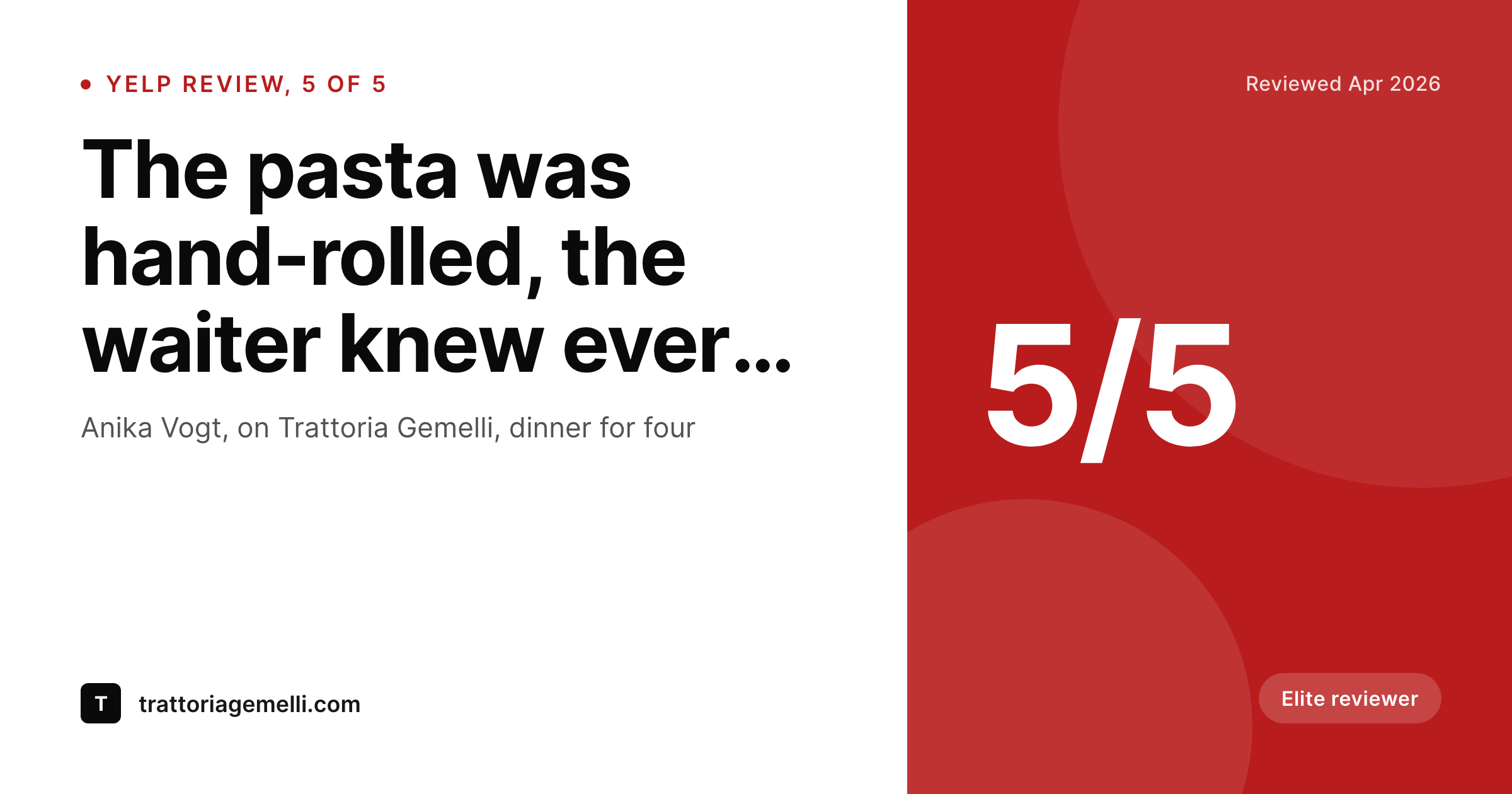
What a generated Yelp review card looks like
A 1200x630 Facebook-ready card with the review body, the reviewer, the date, the star rating, and a Yelp source mark.
Comparison
Yelp page screenshot vs SleekPixel
Yelp page screenshot
- Screenshot of a Yelp page leads with Yelp's brand and clutter
- Long reviews get cropped at random when shrunk for Facebook
- Star rating and date often disappear into the platform chrome
- Reviewer's elite or top-contributor badge never travels with the quote
- No regeneration path when the business updates its own brand
SleekPixel
- Render fires on save for every imported Yelp review post
- Review body, reviewer, rating, and date pulled from fields
- Generous quote slot designed for the longer Yelp review format
- og:image and twitter:image meta tags written automatically
- New reviews go from import to Facebook-ready card in one save
Features
What SleekPixel gives you for Yelp review cards
Designed for longer reviews
Yelp reviews run longer than Google or Trustpilot averages. The template reserves enough vertical space for two to four sentences without forcing aggressive trims that strip the specifics.
Reviewer context preserved
Reviewer name, an elite badge if applicable, and the review date render in a fixed slot. The provenance of the review stays attached so a viewer can weigh it accurately.
Source link travels with the post
The original Yelp URL is stored as a meta field on the review post. The share card stays branded, the post page links to Yelp, the trust signal points back to the verifiable record.
Use cases
Where Yelp review cards earn their keep
Restaurants and bars
Dining spots whose Yelp reviews routinely run long and detail-rich. Each review becomes a Facebook post that does the work of a paid ad without the cost.
Salons, spas, and personal services
Services where reviewer trust drives bookings. Templated cards keep the visual brand consistent across hundreds of reviews shared on Facebook and Instagram.
Home services with strong Yelp presence
Trades and contractors whose customers tend to leave detailed Yelp reviews after a job. The cards become marketing for the next caller scanning Facebook for proof.
The bigger picture
Why Yelp reviews deserve more than a phone-screen screenshot
Yelp's strongest asset is the depth of its reviews, especially for restaurants and personal services where reviewers tend to write more than the bare minimum. A long, specific review is a marketing gift that a business does not earn often, and treating it as a phone screenshot wastes the gift. A templated card respects the length of the review by giving the body enough room to breathe, keeps the reviewer's identity attached, and frames the whole thing in the business's own brand language.
Over time, a steady stream of these cards builds a visual library that compounds in value. A new customer scrolling Facebook sees several reviews from several quarters that all read as part of the same brand, which is a much stronger signal than a single phone screenshot pasted into a one-off graphic.
Questions
Common questions about SleekPixel for Yelp review cards
Yelp restricts its reviews API to partners. Most businesses paste reviews into a review CPT by hand, or use a third-party tool that scrapes their own Yelp page within Yelp's terms.
Yelp's content guidelines allow businesses to share their reviews with attribution. The template keeps a Yelp source mark and the post page links to the original review URL, which satisfies the attribution requirement.
The template can render a trimmed version, taking the strongest paragraph and adding an ellipsis. Or set a higher character limit and let the body slot expand. The page itself can carry the full review.
If you store an avatar URL and an elite flag as meta fields, the template can render both. Missing fields fall back to a monogram and a plain attribution line.
Yes, though most teams only share their best reviews. The template renders any rating. Some teams use a separate template for response-to-criticism posts that frames lower ratings honestly.
Yes. Each location can have its own review post type or a meta field that drives a per-location template. One SleekPixel install handles an entire restaurant group.
Headless render on save, usually under a second. Imports of large batches can fire a queued render so the import does not block.
Yes. The bulk regenerate action re-renders every review post under a chosen template. Useful when a restaurant updates its logo or color palette.
Pricing
More than 1000+
happy customers
Explore our flexible licensing options tailored to your needs. Upgrade your license anytime to access more features, or opt for a lifetime license for ongoing value, including lifetime updates and lifetime support. Our hassle-free upgrade process ensures that our platform can grow with you, starting from whichever plan you choose.
Lifetime ♾️
Most popular
EUR
once
- Unlimited websites
- Lifetime updates
- Lifetime support
...or get the Bundle Deal
and save €250 🎁
💎 Want everything forever? The All Access Pass is going away on 01.08.2026.
The Bundle (unlimited sites)
Pay once, own it forever
Elevate your WordPress site with our exclusive plugin bundle that includes all of our premium plugins in one package. Enjoy lifetime updates and lifetime support. Save significantly compared to buying plugins individually.
What’s included
-
SleekAI
-
SleekByte
-
SleekMotion
-
SleekPixel
-
SleekRank
-
SleekView
€749
Continue to checkoutBrowse more
- X list banners
- Buy Me a Coffee banners
- Twitter header banners
- Bluesky feed banner
- YouTube Shorts covers
- Spotify playlist cover
- YouTube banner art
- Threads post images
- Threads social images
- Pinterest product pin covers
- X Space banners
- WeChat Moments images
- Threads story-style images
- Mastodon profile banners
- Shopify product images