






SleekPixel for YouTube Shorts covers
Templated 1080x1920 cover frames generated from WordPress show notes or post fields. The Shorts cover stays on brand without rebuilding the layout in CapCut for every upload.
♾️ Lifetime License available
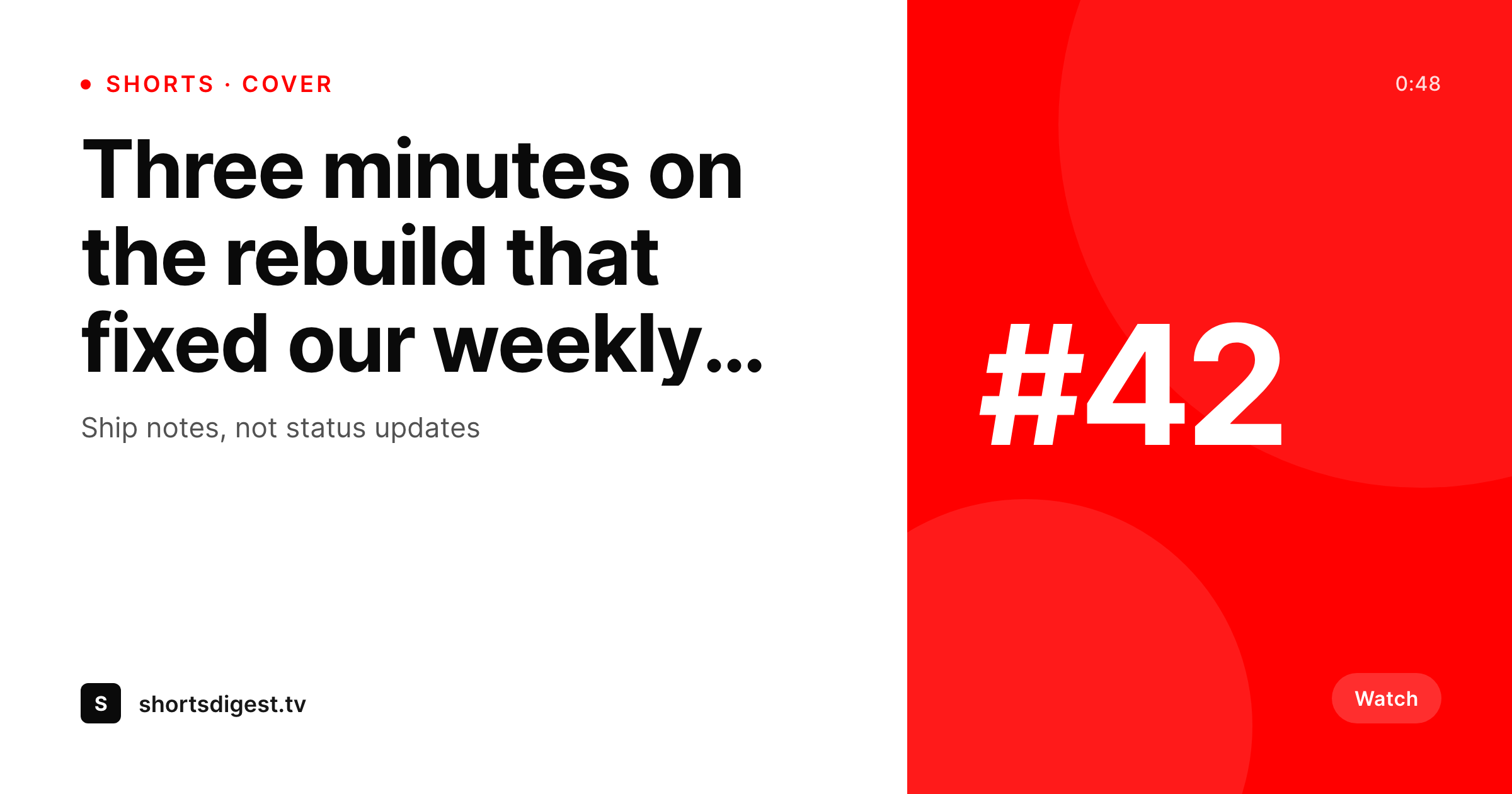
Shorts covers carry the channel identity in the Shorts shelf
YouTube Shorts surface differently than long-form videos. The Shorts shelf, the Shorts feed, and the per-channel Shorts tab all rely on the cover frame to carry channel identity in a vertical 9:16 crop. The default behavior is to grab a video frame, which usually means a half-blink, a bad lighting moment, or a fully blurred face. Channels that take Shorts seriously design a cover image: a vertical 1080x1920 still with the title, the channel mark, and a clear visual hook. Doing that for every Shorts upload is exactly the kind of repetitive design work that gets dropped when a creator ships three Shorts a week.
SleekPixel handles the cover from the WordPress side. If a Shorts upload has a companion post (a show note, a clip page, a blog summary), the cover renders from that post on save. The fields are real: Shorts title, episode number, host name, hook line. The template is HTML and CSS, locked to the brand fonts and colors, and the result is a 1080x1920 PNG that drops into YouTube Studio's custom thumbnail field for Shorts.
Shorts covers refresh when the post does. A title rewrite, a hook adjustment, or a brand refresh re-renders without the creator opening a design tool. The cover stays current with what the post says.
Workflow
From companion post to Shorts cover
Build the vertical template
Map post types
Save the post
Upload to YouTube Studio
Output
What gets generated per Short
A 1080x1920 vertical PNG with the Shorts title, episode number, and channel mark, sized for the YouTube Shorts cover slot.
Comparison
Default Shorts frames versus SleekPixel covers
Auto-frame / CapCut export
- YouTube auto-pick lands on a half-blink or a blurred motion frame
- CapCut exports drift off-brand because each session re-picks colors
- Shorts shelf reads like five different shows, not one channel
- Title rewrites leave the cover with the old wording forever
- Designers cannot keep up with three Shorts per week, so covers get skipped
SleekPixel
- 1080x1920 vertical PNG rendered from a Shorts companion post
- Title, episode number, and hook line bound to real post fields
- Real brand fonts and colors, not CapCut color picker approximations
- Re-renders when the post title or hook changes
- Real PNG in WordPress uploads, ready for the Shorts cover slot
Features
What SleekPixel gives you for YouTube Shorts covers
Vertical native
Templates default to 1080x1920 so the cover fits the Shorts slot without cropping. Safe areas for the title and the channel mark are baked into the layout.
Channel-coherent
Shorts shelf reads like one show because every cover comes out of the same template. Episode 1 and episode 80 share fonts, grid, and brand mark.
Sidebar download
Open the post, click download, get the 1080x1920 PNG. Upload it to YouTube Studio as the Shorts custom thumbnail.
Use cases
Where vertical covers earn the click
Shorts series
Numbered Shorts series get a cover per episode with the number and title baked in, so the shelf reads like a list, not a pile.
Long-form clips
Highlight clips lifted from a long video render a Shorts cover from the source episode's post fields, keeping the parent show recognizable.
Multi-host shows
A panel format pulls the on-screen host's name from a custom field, so each Short cover reflects who is actually in the video.
The bigger picture
Why Shorts covers move the channel page, not just the click
The Shorts tab on a YouTube channel is increasingly the first surface a new viewer sees. A grid of vertical thumbnails decides whether the channel reads as a real show or a pile of clips. Auto-picked frames lose this battle because they show whatever the algorithm grabbed, not what the host wanted to surface.
Custom covers win it, but only if the channel has the bandwidth to design one per Short. SleekPixel removes the bandwidth question by rendering covers from companion posts. The post is already where Shorts metadata lives for most channels (title, hook, episode number, guest).
Binding those fields to a vertical template means the cover ships at the same time the post does. Branding refreshes propagate by re-rendering the archive instead of opening 200 CapCut files. Covers stop being optional polish and become the same kind of automatic output as an OG image.
The Shorts tab reads like a coherent show, the click-through reflects that, and the host stops dropping covers because the design work moved out of CapCut and into the post save lifecycle.
Questions
Common questions about SleekPixel for YouTube Shorts covers
No. YouTube does not allow third-party uploads to custom thumbnails for Shorts. SleekPixel renders the PNG and provides a download button. The host uploads via YouTube Studio in the Shorts editor.
1080x1920 (9:16 vertical) matches the Shorts player. SleekPixel defaults to that canvas. The dimension is configurable in the template if your channel uses a different convention.
Yes. If a still frame is uploaded as a featured image or custom image field on the post, the template can use it as a background. SleekPixel does not extract frames from video files itself.
Yes. The SleekPixel admin batch regenerate walks every matching post and renders the cover. The PNG lands in uploads, ready to upload as a custom thumbnail in YouTube Studio.
Yes. Templates are per post type or per category. A daily Shorts feed can use one layout, a numbered series another, and a guest interview clip a third.
The template includes guidance for safe areas at the top and bottom where the like button, comments, and channel name overlay the cover. Lay out title and brand mark inside the safe rectangle and the cover stays readable in the player.
Yes. SleekPixel supports multiple templates per post. Bind one template to a 1080x1920 Shorts cover and another to a 1280x720 long-form thumbnail. Both render on save and appear in the sidebar.
No. The render runs locally in WordPress. The result is a real PNG in your uploads directory, served from your own domain. There is no per-render API cost or usage cap.
Pricing
More than 1000+
happy customers
Explore our flexible licensing options tailored to your needs. Upgrade your license anytime to access more features, or opt for a lifetime license for ongoing value, including lifetime updates and lifetime support. Our hassle-free upgrade process ensures that our platform can grow with you, starting from whichever plan you choose.
Lifetime ♾️
Most popular
EUR
once
- Unlimited websites
- Lifetime updates
- Lifetime support
...or get the Bundle Deal
and save €250 🎁
💎 Want everything forever? The All Access Pass is going away on 01.08.2026.
The Bundle (unlimited sites)
Pay once, own it forever
Elevate your WordPress site with our exclusive plugin bundle that includes all of our premium plugins in one package. Enjoy lifetime updates and lifetime support. Save significantly compared to buying plugins individually.
What’s included
-
SleekAI
-
SleekByte
-
SleekMotion
-
SleekPixel
-
SleekRank
-
SleekView
€749
Continue to checkoutBrowse more
- Beacons.ai banner
- YouTube end screens
- LinkedIn ad images
- podcast cover art
- Rednote (Xiaohongshu) post
- YouTube Music cover art
- Pinterest board covers
- Linktree banner image
- Amazon A+ content images
- Ghost feature images
- Gumroad product covers
- LINE official account banners
- Tumblr header
- Behance banner
- Ko-fi shop images