






SleekPixel for Seriously Simple Podcasting
SleekPixel reads Seriously Simple Podcasting fields - episode number, duration, guest, show - and renders a 1080 by 1080 Instagram-ready image on save. Manual download from the sidebar for stories.
♾️ Lifetime License available

Podcast posts need shareable square art
Seriously Simple Podcasting handles enclosure, duration, episode number, and series taxonomy out of the box, and it pushes the show feed to Apple, Spotify, and Pocket Casts. What it does not do is generate the per-episode square graphic that Instagram and the show's link-in-bio want. Most independent podcasters open Canva, drop in the guest photo, type the episode title, and export. Forty-seven episodes later that is forty-seven Canva trips and a folder full of inconsistent fonts.
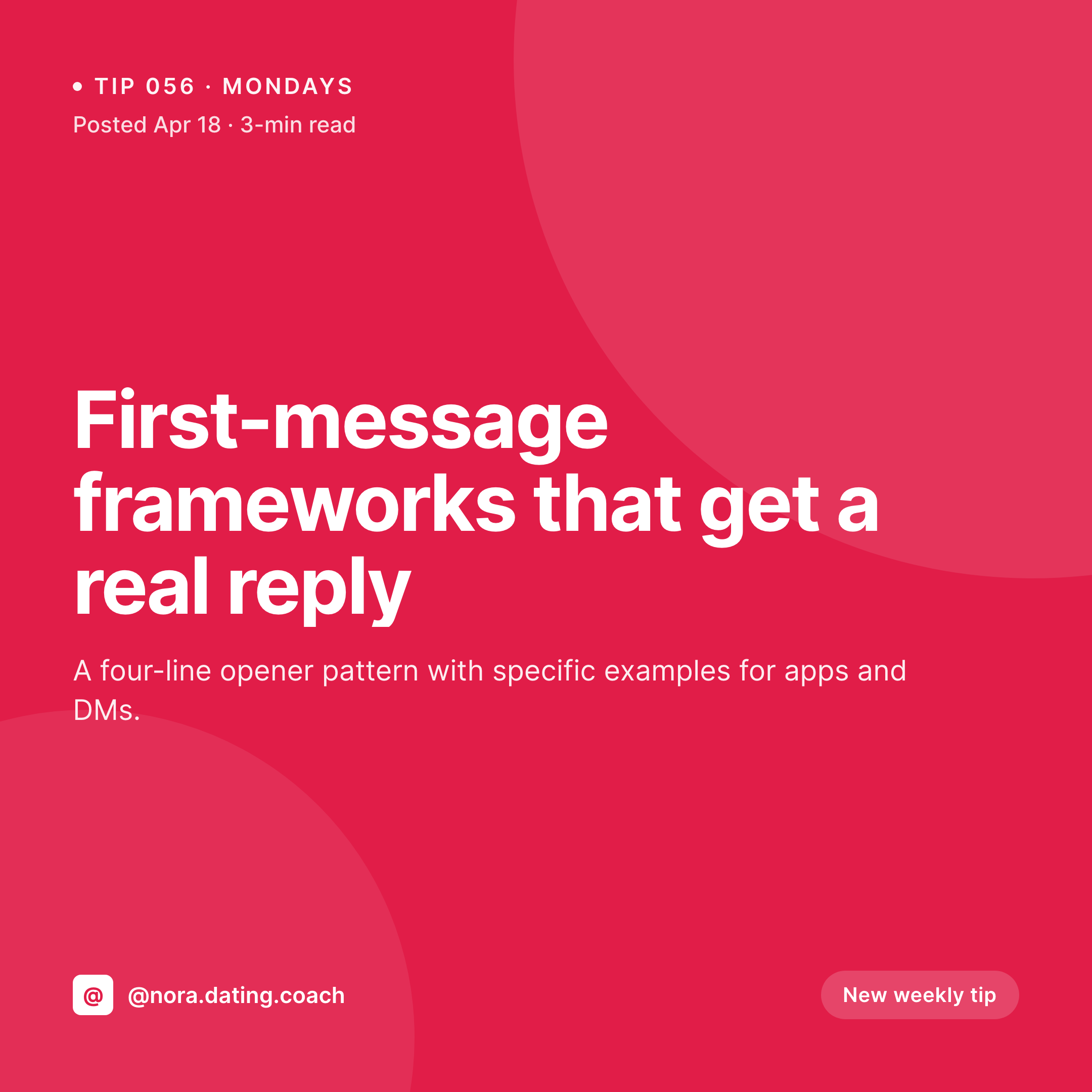
SleekPixel pulls the SSP episode number, duration, audio file metadata, and any custom fields you use for guest name and headshot. The square template composes title, episode number badge, guest avatar, and duration with one save. The Instagram-ready 1080 by 1080 PNG saves to uploads and powers the og:image meta tag for any podcast directory or social share. For ad-hoc Stories use, the Gutenberg sidebar offers a one-click download of a 1080 by 1920 vertical variant rendered from the same data.
The data side stays in SSP. Episode numbers, season grouping, transcript links, and the audio enclosure all keep working through Castos or your chosen host. SleekPixel only handles the visual artefact: the square card on the episode page, the share preview when someone drops the link in Slack, and the optional vertical download for Instagram Stories. A four-person podcast team can ship an episode without a designer in the loop and still post art that matches every other episode.
Workflow
From audio upload to Instagram-ready art
Map SSP fields
Save the episode
Meta tags update
Export for Stories
Output
What gets generated per episode
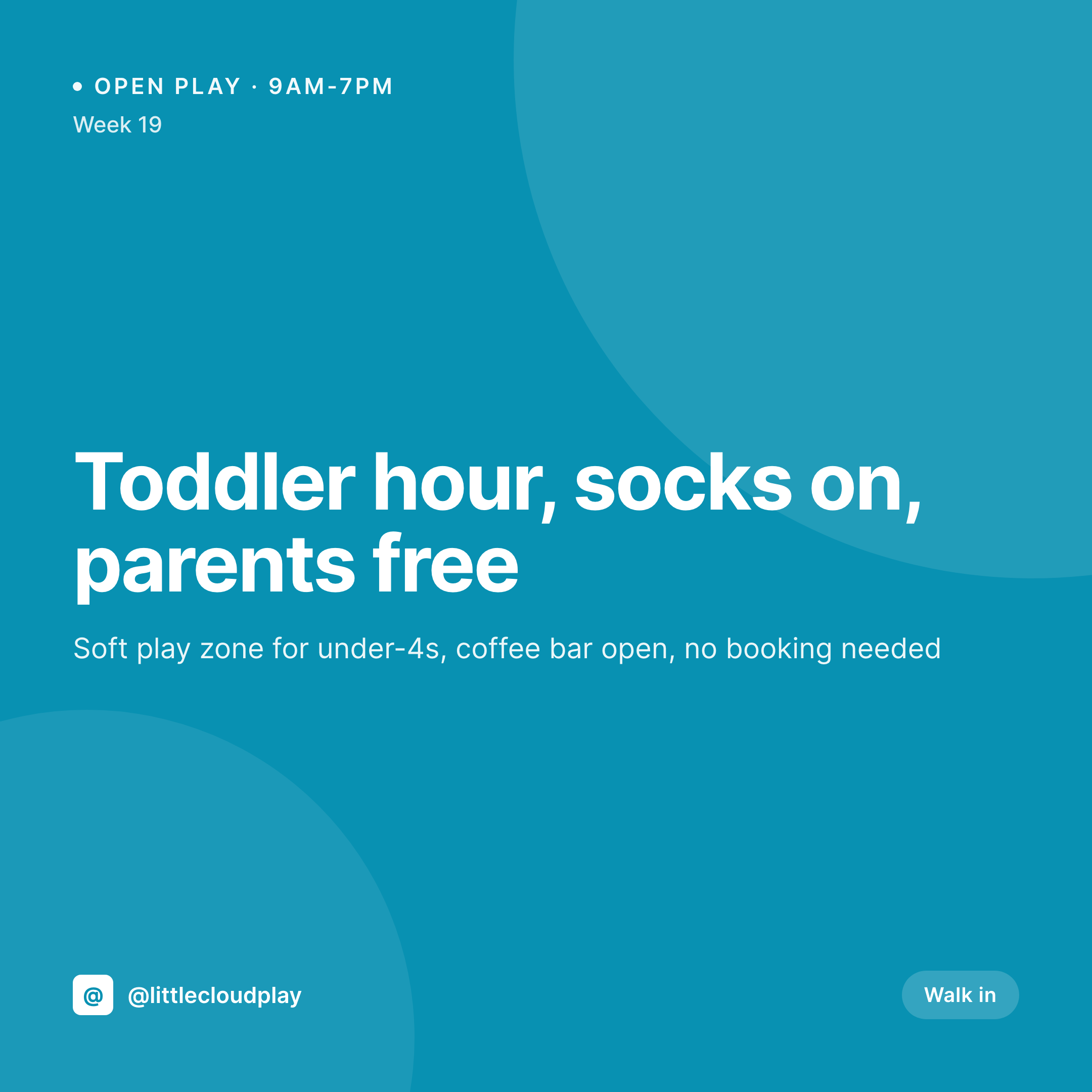
A 1080 by 1080 square image with episode number, title, duration, and guest avatar - saved to uploads and used for og:image plus optional Instagram download.
Comparison
Canva episode art versus SleekPixel
Canva per episode
- Producer exports a square image from Canva for every episode, then uploads it as featured image
- Episode number and duration get retyped into the design instead of pulled from SSP fields
- Guest headshot gets cropped or misaligned because Canva templates are not data-driven
- Show rebrand means re-exporting every episode graphic by hand, possibly years of back catalog
- No automated 1080 by 1920 Story version - producer rebuilds it from scratch each time
SleekPixel
- Reads SSP episode number, duration, and series taxonomy directly from podcast meta
- Guest avatar pulled from custom field or user meta if you assign a co-host
- Square 1080 image for og:image, plus on-demand Story export from the sidebar
- Rebuilds when you renumber, retitle, or swap the guest after publish
- Bulk regenerate handles the full back catalog after a brand refresh
Features
What SleekPixel gives you for Seriously Simple Podcasting
Episode aware
Reads episode number, season, duration, and series from Seriously Simple Podcasting custom fields. Each episode card carries the same context as the audio player.
Guest credit
Pulls guest name and headshot from a custom field or user meta. The square card shows who is on the episode, not a generic mic illustration.
Story export
Gutenberg sidebar offers a one-click 1080 by 1920 download for Instagram Stories, rendered from the same data so the look matches the feed post.
Use cases
Where podcast art workflows tighten up
Weekly interview shows
A weekly guest show ships an episode card per drop without a designer queueing up Canva files. Title, number, duration, and guest avatar fill themselves in.
Multi-season archives
Long-running shows with multiple seasons reuse the same template across S01 through S05. Season label flows from SSP series taxonomy onto the badge automatically.
Two-host roundtable shows
Roundtable formats with two regular hosts can render dual avatars side by side. The template reads two custom fields and lays out both with consistent spacing.
The bigger picture
Why podcasts need a visual frame
Podcasts compete for attention in a feed dominated by photos and short video, and the share image is often the only visual cue that a link is worth tapping. A bare title with no episode number, no guest face, and no duration loses to the average Instagram carousel every time. Seriously Simple Podcasting gives the audio half its frame - the player, the schema, the directory feed - and the visual half has historically lived in a designer's Canva account.
That separation breaks for any team smaller than five. The producer running the audio, the founder hosting the show, and the social manager scheduling Stories are often the same one or two people, and they ship faster when the artwork is a side effect of saving the post. Square format is the right pivot too: 1080 by 1080 covers Instagram feed, LinkedIn document posts, and most podcast directory thumbnails without further crops.
Auto-rendering it from SSP data means the same number on the audio episode shows up on the visual artefact, every time, with no retyping and no version drift between the show notes and the square.
Questions
Common questions about SleekPixel for Seriously Simple Podcasting
Yes. The free version of Seriously Simple Podcasting exposes episode number, duration, audio file, and series taxonomy. SleekPixel can read all of these. SSP Premium add-ons like transcripts and stats also work, though they typically do not appear on the share card.
Yes. SleekPixel supports multiple templates per post type. A common setup is a 1080 by 1080 square for og:image and Instagram, plus a 1200 by 630 horizontal for Twitter and LinkedIn. Both save to uploads with separate filenames.
SSP can host audio itself or push to Castos. SleekPixel only reads the post-side fields, so the choice of host does not affect rendering. The share image is generated from the episode post regardless of where the MP3 lives.
Most shows use a custom field - either added through ACF, Meta Box, or SSP's own guest fields if you use the Castos add-on. Point the SleekPixel template at the field, and the avatar appears in the layout.
Yes. SSP stores duration in seconds in post meta. The template formats it as '52 min' or '1:24:30' depending on length. Most podcast share cards show minutes only because hours-long episodes are uncommon for indie shows.
No. SleekPixel only renders the image. Posting to Instagram still goes through Meta Business Suite, Buffer, Later, or whatever scheduler you already use. The download button gives you the file ready to drop in.
Yes. The Gutenberg sidebar offers an on-demand download in 1080 by 1920 using the same template engine. The vertical layout typically pulls the episode number large, with title and duration stacked below.
Apple Podcasts and Spotify use the show-level artwork from the RSS feed, which SSP manages separately. SleekPixel handles per-episode share art on the website. The two layers do not conflict and serve different audiences.
Pricing
More than 1000+
happy customers
Explore our flexible licensing options tailored to your needs. Upgrade your license anytime to access more features, or opt for a lifetime license for ongoing value, including lifetime updates and lifetime support. Our hassle-free upgrade process ensures that our platform can grow with you, starting from whichever plan you choose.
Lifetime ♾️
Most popular
EUR
once
- Unlimited websites
- Lifetime updates
- Lifetime support
...or get the Bundle Deal
and save €250 🎁
💎 Want everything forever? The All Access Pass is going away on 01.08.2026.
The Bundle (unlimited sites)
Pay once, own it forever
Elevate your WordPress site with our exclusive plugin bundle that includes all of our premium plugins in one package. Enjoy lifetime updates and lifetime support. Save significantly compared to buying plugins individually.
What’s included
-
SleekAI
-
SleekByte
-
SleekMotion
-
SleekPixel
-
SleekRank
-
SleekView
€749
Continue to checkoutBrowse more
- open role card
- chart of the week cards
- checklist download card
- experiment recap card
- tech stack card
- lookbook card
- award announcement images
- year-end recap card
- office hours recap card
- SOC 2 announcement card
- patent grant card
- research note card
- acquisition announcement cards
- beta launch cards
- guest post card
- Pinterest product pin covers
- Twitter card images
- Slack channel headers
- X social cards
- Facebook event covers
- YouTube Shorts covers
- LinkedIn post images
- YouTube Shorts cover
- Snapchat Discover tiles
- TikTok shop images
- LinkedIn newsletter headers
- YouTube end cards
- Threads post images
- LinkedIn ad images
- Apple Music cover art