






SleekPixel for customer spotlight cards
SleekPixel reads each spotlight post's customer name, role, logo, and headline, then renders a 1200 by 630 OG card on save. Stories ship to social with the same on-brand layout, no design queue.
♾️ Lifetime License available
Customer spotlights are sales gold that gets stuck in design
The best customer spotlight a B2B brand can publish is the one that goes live the same week the customer hit the milestone. The reality is usually three weeks later, after a designer has wrestled the logo, sourced a portrait, mocked up the card in Figma, and gone through two rounds of feedback on the typography. By then the urgency is gone and the spotlight reads as filler.
SleekPixel removes that design loop. You design one spotlight layout in the WordPress admin with placeholders for {customer_name}, {customer_role}, {company_logo}, and {headline}. Every spotlight post renders against the same template on save. The card carries the headline, the role line, and the company logo as a uniform mark on the right, sourced from the same fields the case study reads. The image URL becomes the og:image, twitter:image, and the sidebar download.
Edit the layout once and every spotlight in the archive refreshes. Update the brand color and twenty stories inherit it. The story keeps living in the CMS, and the social asset is a programmatic mirror of it that never goes stale.
Workflow
From customer story to social-ready in one save
Design the template
Connect to the spotlights post type
Save the spotlight
Share with momentum
Output
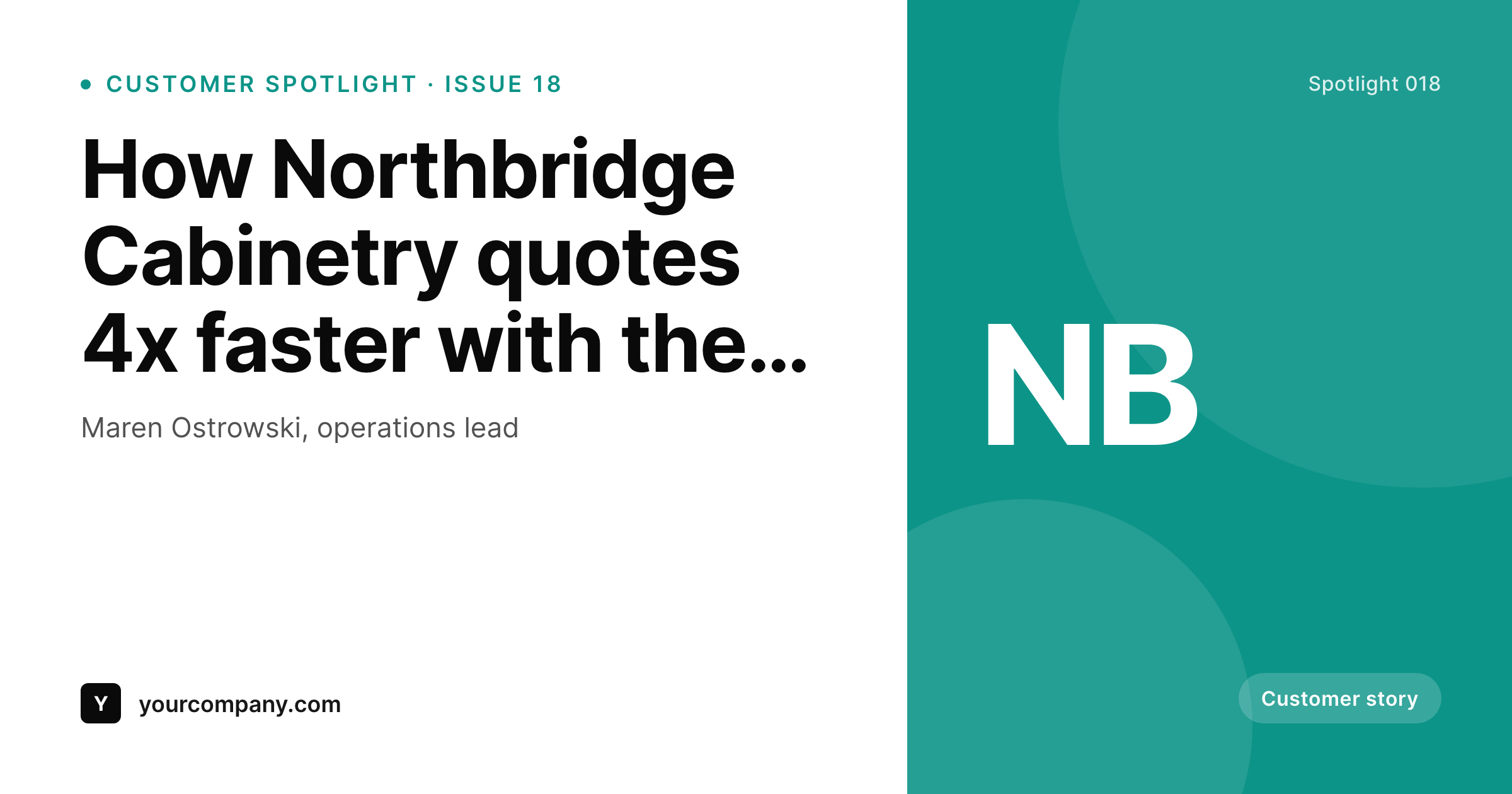
Sample spotlight card from a real story post
Rendered from a spotlight post's customer name, role, logo, and headline. Same template, every story.
Comparison
Hand-made spotlight cards vs SleekPixel
Designed per story in Figma
- Each spotlight waits three weeks behind a design step
- Customer logos render at different sizes across cards
- Headlines drift from the case study during the design pass
- Brand refresh leaves older spotlight cards visibly inconsistent
- No bulk update across the spotlight archive
SleekPixel
- Auto-generated card per spotlight on save
- Per-story variables: customer name, role, logo, headline, metric
- Logo slot normalizes height across the archive
- Edit the template once and every spotlight card refreshes
- Falls back gracefully when logo or metric is missing
Features
What SleekPixel gives you for customer spotlight cards
Logo slot, normalized
Customer logos drop into a fixed height slot with letter-mark fallback. Twenty stories, twenty consistent marks, no per-card sizing work.
Headline auto-fit
Headline scales between min and max bounds so short hooks and long ones both fill the frame without manual line breaks.
Bulk regenerate
Brand refresh, color change, or layout tweak rebuilds every spotlight card in one click so the archive stays in sync.
Use cases
Where spotlight cards earn their keep
B2B SaaS customer stories
Every published spotlight ships with a LinkedIn-ready card same day, with the customer logo and headline already on brand.
Customer milestone shares
Anniversary, first thousand customers, expansion announcements, all rendered to the same spotlight layout for a consistent program.
Partner program highlights
Reseller and partner spotlights share the spotlight template with a partner-tier field swapping the accent color per tier.
The bigger picture
Why spotlight cards belong in a render pipeline
Customer spotlights are one of the highest-converting B2B assets a brand can publish, and they decay faster than almost any other content type. A spotlight three months stale reads like trivia. A spotlight that ships the week the customer hit the milestone reads like proof.
The constraint between those two outcomes is rarely the writing. It is the design step that turns a finished case study into a feed-ready card. Removing that step changes the cadence of customer marketing entirely.
Instead of a quarterly batch of spotlights produced under deadline pressure, the team can ship one whenever a customer hits a number worth sharing. The card is consistent across the archive, the logo is uniform, the typography is on brand, and none of that requires a designer to be available. SleekPixel makes that workflow the default by tying the rendered card to the fields the case study already uses, so the spotlight asset exists the moment the spotlight post does.
Questions
Common questions about SleekPixel for customer spotlight cards
Yes. The logo slot has a fixed render height and the layout centers and pads automatically. For customers without a clean logo, fall back to a letter mark from the customer name.
Yes. Routing rules pick the right template by category, tag, or CPT. Manufacturing customers can use one accent palette and SaaS customers another, all from the same admin.
Auto-fit type scales the headline between min and max sizes so the frame stays balanced. For unusually long headlines, set a character cap or route to a variant template with smaller type.
Yes. The admin includes one-click bulk regeneration that rebuilds every spotlight card so the entire archive matches the new look.
No. The card renders at save time and is served as a static PNG. Visitors load a regular image URL with no runtime rendering.
Yes. Map a custom field for the headline metric and place it in the layout. Customers without a metric collapse the slot gracefully.
LinkedIn reads og:image on first share and caches the result. Use the LinkedIn Post Inspector to refresh a cached preview if the URL has been shared before.
Yes. Cards are stored as static PNGs in /uploads, so they survive even if the plugin is later disabled. Page loads stay fast and the assets persist.
Pricing
More than 1000+
happy customers
Explore our flexible licensing options tailored to your needs. Upgrade your license anytime to access more features, or opt for a lifetime license for ongoing value, including lifetime updates and lifetime support. Our hassle-free upgrade process ensures that our platform can grow with you, starting from whichever plan you choose.
Lifetime ♾️
Most popular
EUR
once
- Unlimited websites
- Lifetime updates
- Lifetime support
...or get the Bundle Deal
and save €250 🎁
💎 Want everything forever? The All Access Pass is going away on 01.08.2026.
The Bundle (unlimited sites)
Pay once, own it forever
Elevate your WordPress site with our exclusive plugin bundle that includes all of our premium plugins in one package. Enjoy lifetime updates and lifetime support. Save significantly compared to buying plugins individually.
What’s included
-
SleekAI
-
SleekByte
-
SleekMotion
-
SleekPixel
-
SleekRank
-
SleekView
€749
Continue to checkoutBrowse more
- Limit Login Attempts Reloaded
- WP-Optimize
- WooCommerce PDF Invoices & Packing Slips
- PowerPack for Elementor
- Discord communities
- Ultimate Member
- WooCommerce products
- Kajabi courses
- Dokan Multivendor
- Skool communities
- Brave Conversion Engine
- Email Subscribers & Newsletters
- Ninja Forms
- Basecamp projects
- WP Job Manager listings
- TikTok profile banners
- Mailchimp email headers
- KDP hardcover cover
- WhatsApp status images
- Discord event cover
- Instagram grid tiles
- Facebook post images
- Discord server icon
- Bluesky link cards
- Klaviyo email banner
- Instagram bio link banners
- YouTube end cards
- YouTube channel banners
- Telegram channel banner
- LinkedIn showcase page banners