






SleekPixel for WP Google Maps
WP Google Maps pins your locations onto an interactive Google Maps tile inside WordPress. SleekPixel reads the same location post fields and renders branded Facebook and OG cards per location, per region, and per map page, so every share preview carries the place, not the generic homepage banner.
♾️ Lifetime License available
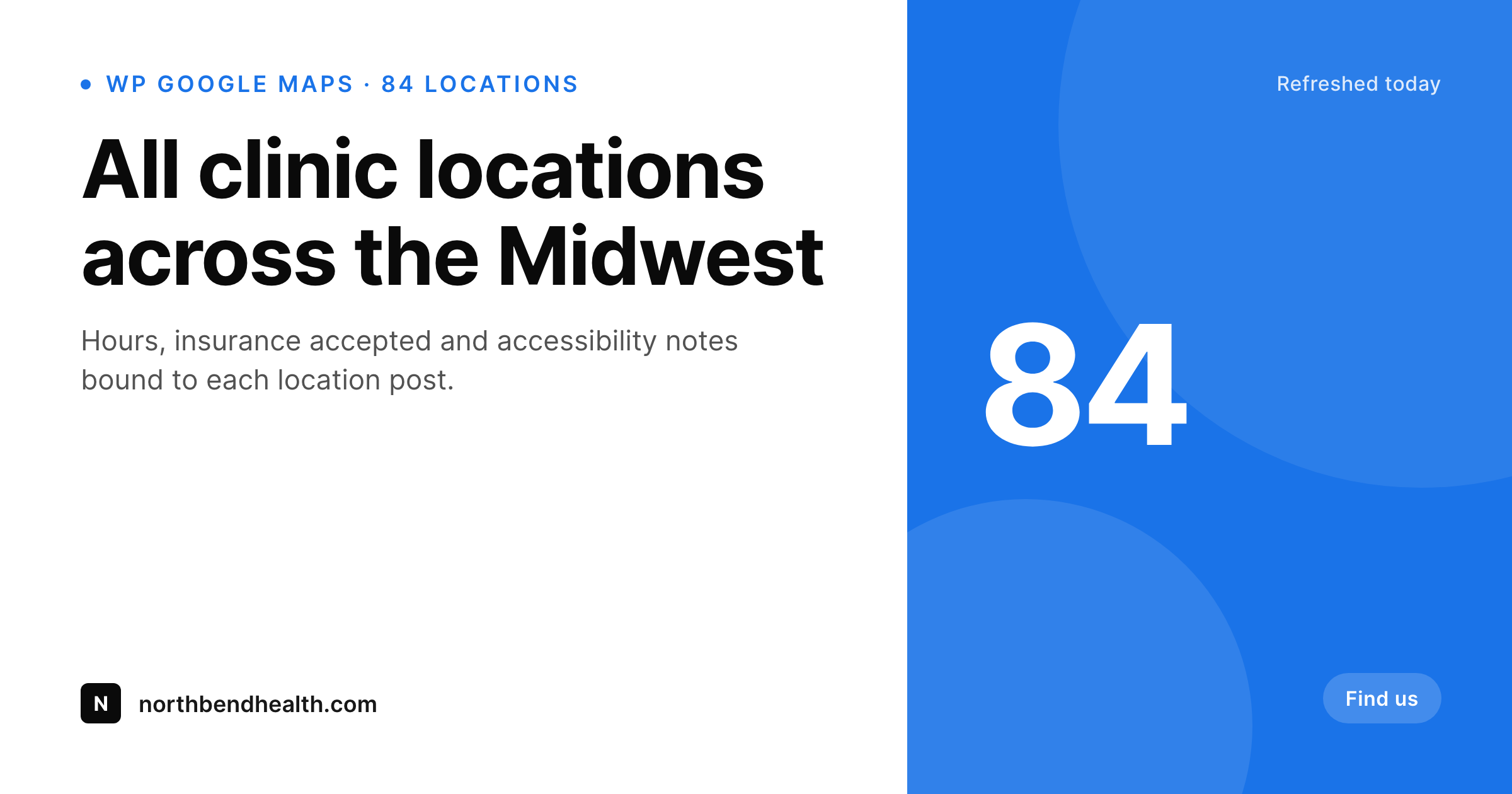
WP Google Maps owns the map, the share preview is still default
WP Google Maps is one of the most installed mapping plugins on WordPress. It powers store locators, clinic networks, multi-site service maps, real estate directories and tour stop maps. Every location lives as data inside WordPress (often as posts in a custom post type) with title, address, hours, categories and custom fields. The map tile is the visible part of the work; the underlying database is what every other system on the site reads from.
What the plugin does not handle is what those location posts look like when they get shared. A Facebook post promoting a new clinic opening, a LinkedIn share about a new region launch, a Slack link to the locator page, all of them pick up whatever default OG image the theme has set. The location name, the city, the category, the hours, the count of locations in a region, none of that reaches the share preview.
SleekPixel binds to the same fields WP Google Maps already populates. On save, it renders a 1200 by 630 PNG for each location post and each region or category roll-up page. The card carries the location name, address line, a small region or count mark and the brand wordmark, and it gets attached as og:image so the preview matches the content for every share, not just the ones a designer had time to build.
Workflow
From WP Google Maps post to branded card
Locations already in WordPress
Build location and roll-up templates
Render on save
Share with the right preview
Output
What renders per WP Google Maps location
A 1200 by 630 Facebook and OG card with the location name, region line, a count or category mark, and the brand wordmark. Renders on save, with bulk regeneration available for brand updates.
Comparison
Default location share vs SleekPixel
Default site OG
- Location posts share with the homepage banner, not the actual place
- Region, address and category fields never reach the preview
- Store and clinic networks all look identical when shared
- Manual cards per location is unrealistic past a handful of pins
- Brand refreshes leave most location cards out of date
SleekPixel
- Reads location title, region, category and address from WordPress post fields
- Per-location, per-region and per-map-page templates from one source
- Bulk re-render across the full location directory on brand updates
- Status-aware variants for new, busy or closed-status locations
- Self-hosted PNGs in uploads, set as og:image automatically
Features
What SleekPixel gives you for WP Google Maps
Location-field aware
Title, region, hours and category come straight from the WP Google Maps location post. The card stays in sync with the locator without manual duplication.
Per-region templates
Region or state roll-up pages render their own template with a count mark and region label, distinct from individual location cards.
Re-renders on save
Update hours, address or category and the next save triggers a re-render. Existing social shares keep their cached card; new shares pick up the latest one.
Use cases
Who runs WP Google Maps and shares locations
Clinic and healthcare networks
Each clinic post shares with the location name, neighborhood and accepted insurance class on the card, so partner referrals land on a clear share preview.
Retail and store locators
Store opening announcements and regional launches carry per-store cards with the city and a small count mark, instead of the brand homepage banner.
Real estate and listing directories
Listing pages share with the address line, neighborhood and price tier rendered onto the card, refreshed automatically as posts update.
The bigger picture
Why store locators deserve per-location previews
Locators get a lot of inbound social referral traffic but most of it is wasted on a generic share preview. A new clinic launch, a regional store opening, a real estate listing roll-up, each one deserves a card that says where it is and what it is, not the same homepage banner the brand has shipped on every share for two years. WP Google Maps already stores the data the card needs, since every location is a post with structured fields.
The missing link is the rendered image, and the missing link is exactly the work SleekPixel automates. The card renders on save from the same fields the locator uses, so the locator and the share preview never drift apart. Brand refreshes propagate through a single bulk regeneration pass instead of months of design work.
The locator team gets to spend their attention on the map data and the marketing team gets share previews that look like the brand even on the smallest regional launch.
Questions
Common questions about SleekPixel for WP Google Maps
No. SleekPixel renders a template card from post fields. Embedding live Google tiles in a static PNG would conflict with Google Maps Platform terms. Most teams prefer the cleaner card design anyway since it carries the brand instead of a generic map texture.
In whatever post type WP Google Maps writes to (the plugin's own location post type, or whichever custom post type the locator is bound to). SleekPixel reads from post meta and taxonomies like any other WordPress integration.
Yes. Address line, phone, hours and category are all post fields the locator already populates, so they bind cleanly to template slots. Most teams keep address short and skip phone to leave room for the brand mark.
Yes. WP Google Maps Pro stores its custom fields as standard post meta. SleekPixel reads any meta key, so a 'specialties' or 'languages spoken' custom field can bind to a small badge slot.
Yes. SleekPixel supports per-taxonomy template rules, so 'urgent care' clinic posts can render one template and 'specialty clinic' posts another, with different accent colors and slots.
Render happens on the WordPress server when a post is saved, scheduled to render, or bulk regenerated. The front end serves a static PNG, no per-pageview render.
For single location posts, SleekPixel sets og:image automatically. For locator pages (the map page itself), the template can be bound to that specific page so its og:image is the map-page render.
No. The locator query and the map tile load are unchanged. SleekPixel only attaches its render at save time and serves a cached PNG from uploads on the front end.
Pricing
More than 1000+
happy customers
Explore our flexible licensing options tailored to your needs. Upgrade your license anytime to access more features, or opt for a lifetime license for ongoing value, including lifetime updates and lifetime support. Our hassle-free upgrade process ensures that our platform can grow with you, starting from whichever plan you choose.
Lifetime ♾️
Most popular
EUR
once
- Unlimited websites
- Lifetime updates
- Lifetime support
...or get the Bundle Deal
and save €250 🎁
💎 Want everything forever? The All Access Pass is going away on 01.08.2026.
The Bundle (unlimited sites)
Pay once, own it forever
Elevate your WordPress site with our exclusive plugin bundle that includes all of our premium plugins in one package. Enjoy lifetime updates and lifetime support. Save significantly compared to buying plugins individually.
What’s included
-
SleekAI
-
SleekByte
-
SleekMotion
-
SleekPixel
-
SleekRank
-
SleekView
€749
Continue to checkoutBrowse more
- Twitch offline banners
- Tidal cover art
- Etsy cover photos
- X ad images
- kbin post images
- Dribbble shot covers
- Flickr cover photo
- Snapchat ad images
- Mailchimp email headers
- Threads profile banner
- Bluesky profile banner
- Instagram highlight covers
- YouTube community images
- VK community cover photos
- Ghost feature images