






SleekPixel for VK community cover photos
VKontakte communities open with a wide cover photo across the top of the group page. SleekPixel renders that cover from your WordPress data so the VK community matches the brand on the rest of the web.
♾️ Lifetime License available
The VK cover is the visible part of a community's identity
VK communities, whether public groups, official pages, or events, all share the same wide cover photo above the group name. The cover is the first thing a visitor sees, and it sets the tone for the entire group. A blank cover or a placeholder image tells the visitor the community is unfinished, even when the wall is full of fresh posts.
Cover photos rarely get refreshed because they are normally a one-off design task. The community starts with whatever cover the admin had on hand, and the cover stays through three rebrands, two leadership changes, and an entire season of campaigns.
SleekPixel renders the cover from a WordPress post or option set. The group name, the current campaign, the member count snapshot, all bind to fields. Edit a field, regenerate, upload to VK's community settings. The design lives in a template that survives leadership changes because it lives next to the rest of the brand's image catalog.
Workflow
From WordPress field to VK cover photo
Design the cover template
Bind to a source
Trigger a render
Upload to VK community settings
Output
What a VK community cover shows
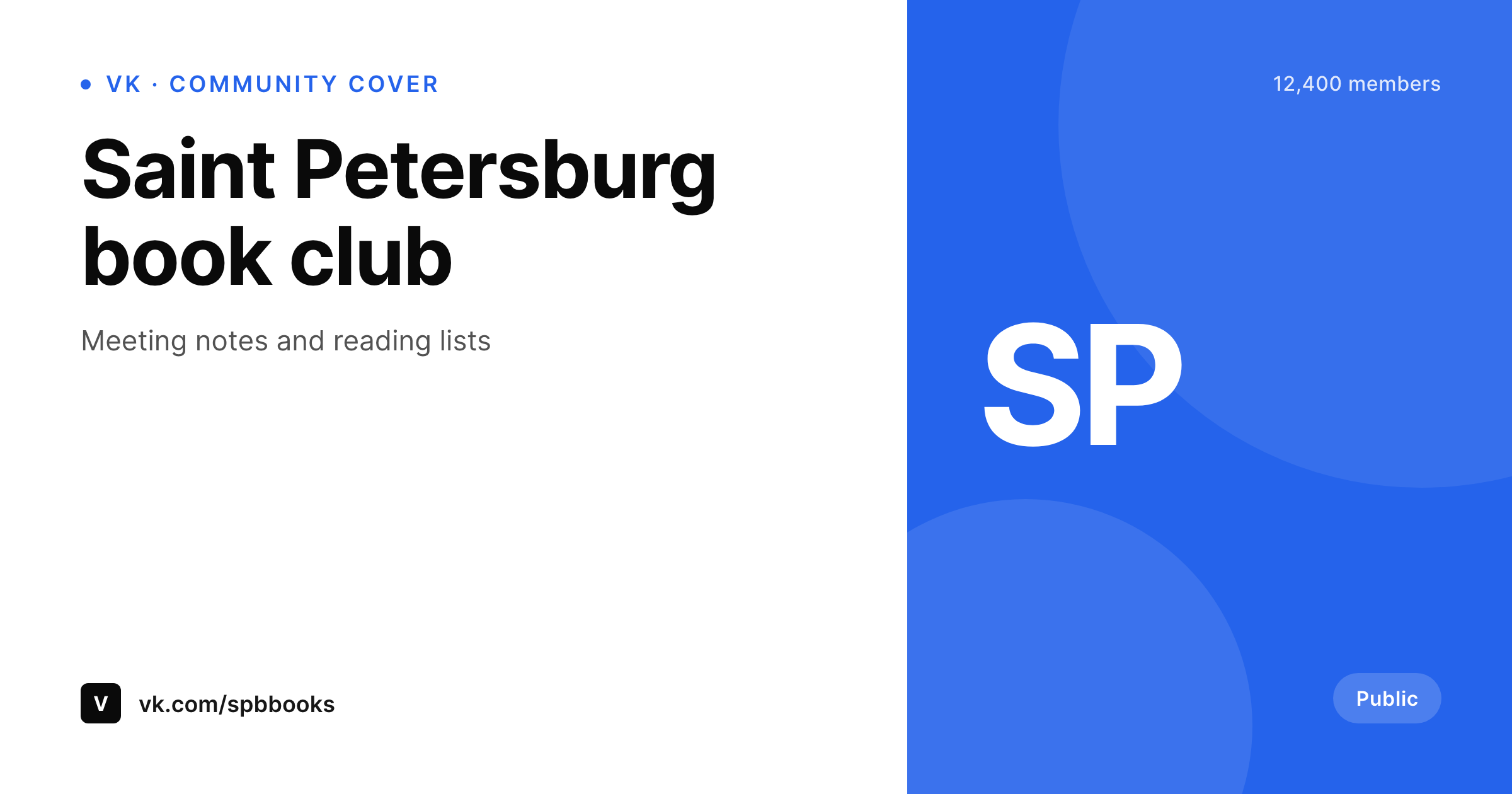
A wide community cover sized for the VK group header. Group name, tagline, and a small member-count ribbon are rendered from WordPress fields.
Comparison
Stock cover vs SleekPixel for VK
Stock or one-off cover photo
- Stock VK covers say nothing about the community's actual focus
- One-off Figma covers rarely get refreshed past the launch week
- No way to bind the cover to a member count or campaign field
- Resizing for VK's cover ratio is trial and error in a design app
- A brand refresh leaves the VK cover months behind the rest
SleekPixel
- Cover rendered at the VK community header ratio
- Group name, tagline, and counter ribbon bind to WordPress fields
- On-demand or scheduled regeneration
- Same template pipeline as the rest of the brand's social art
- Template change re-renders the cover from one source
Features
What SleekPixel gives you for VK community cover photos
Right ratio for VK
The SleekPixel canvas matches the VK community cover so the group name and tagline sit inside the safe area on both VK's web app and the mobile clients.
Bound to community data
Group name, tagline, and any small counter ribbon bind to WordPress fields. The member count or the next event date is a field edit, not a Figma session.
Refresh on schedule
Run the render on a weekly cron, or hook into a custom action when a new event starts. The cover reflects the live state of the community.
Use cases
Who refreshes a VK community cover
Russian-language reading communities
Book clubs and reading groups show the current book and the next meeting date on the cover. Both are WordPress fields.
Music and creator communities
Bands and creators show the current release in the cover. Release fields update from WordPress, cover regenerates.
Event communities
Communities running recurring events show the next event date and venue in the cover. Date edit triggers regenerate.
The bigger picture
Why a current VK cover matters for community retention
VK communities live or die on the perception of activity, and the cover is the strongest signal a returning visitor sees. The wall might be full of fresh posts, but if the cover still shows last summer's campaign, the visitor reads the page as half-finished and scrolls past. The cost of keeping the cover current is normally too high to justify, because each refresh means opening a design tool and producing a new file from scratch.
Binding the cover to a WordPress field collapses that cost to editing a value, which means the cover can move at the same pace as the rest of the community's content. The same brand identity already powering the website's OG cards and Instagram art now also powers the VK cover, and the visual story stays continuous across every place the community appears. The work that used to live in a Figma file lives in a template that ships with the rest of the brand's image catalog, which is the kind of thing that survives leadership changes inside a long-running community.
Questions
Common questions about SleekPixel for VK community cover photos
VK community covers display in a wide ratio similar to other social headers. The 1200x630 SleekPixel canvas fits cleanly; VK downscales the upload to its displayed size on both web and the VK mobile clients.
VK exposes some community API endpoints, but cover photo updates from a third-party WordPress plugin are not part of a typical SleekPixel workflow. SleekPixel produces the file; the upload to VK is manual through community settings.
Yes. All three community types in VK use the same cover surface. The same SleekPixel template renders covers for any of the three; only the bound field source differs by community type.
Yes. SleekPixel renders text with whatever font is installed in the template, including Cyrillic-supporting fonts. Text is rasterized at full canvas width so character spacing stays correct.
Yes, as long as the count is stored in WordPress. SleekPixel reads the value at render time. If the count is in an external service, sync it into a custom field with a scheduled job and SleekPixel picks it up on the next render.
Personal VK profiles use a different cover surface. Clone the SleekPixel template, set the canvas to the personal cover dimensions, and bind it to a personal Profile post or option. The community template handles only group headers.
Yes. Edit the SleekPixel template and run batch regenerate. Every WordPress source post writes a new cover at the same URL; upload the new PNG through VK community settings to reflect the update.
If VK adjusts the cover dimensions, edit the SleekPixel template canvas to the new size and regenerate. Bound fields keep working; only the canvas changes.
Pricing
More than 1000+
happy customers
Explore our flexible licensing options tailored to your needs. Upgrade your license anytime to access more features, or opt for a lifetime license for ongoing value, including lifetime updates and lifetime support. Our hassle-free upgrade process ensures that our platform can grow with you, starting from whichever plan you choose.
Lifetime ♾️
Most popular
EUR
once
- Unlimited websites
- Lifetime updates
- Lifetime support
...or get the Bundle Deal
and save €250 🎁
💎 Want everything forever? The All Access Pass is going away on 01.08.2026.
The Bundle (unlimited sites)
Pay once, own it forever
Elevate your WordPress site with our exclusive plugin bundle that includes all of our premium plugins in one package. Enjoy lifetime updates and lifetime support. Save significantly compared to buying plugins individually.
What’s included
-
SleekAI
-
SleekByte
-
SleekMotion
-
SleekPixel
-
SleekRank
-
SleekView
€749
Continue to checkoutBrowse more
- LINE official account banners
- Threads story-style images
- X ad images
- Instagram stories
- Substack post headers
- Slack channel headers
- LinkedIn document post covers
- KDP paperback cover
- GitHub social preview images
- Patreon cover images
- Threads profile banner
- Twitch camera frame
- Spotify playlist cover
- Etsy cover photos
- LinkedIn carousel slides