






SleekPixel for Telegram channel cover images
Telegram channels use a square cover image and inline post images. SleekPixel renders both surfaces from your WordPress data so a channel posting daily looks like a brand, not a chat feed.
♾️ Lifetime License available
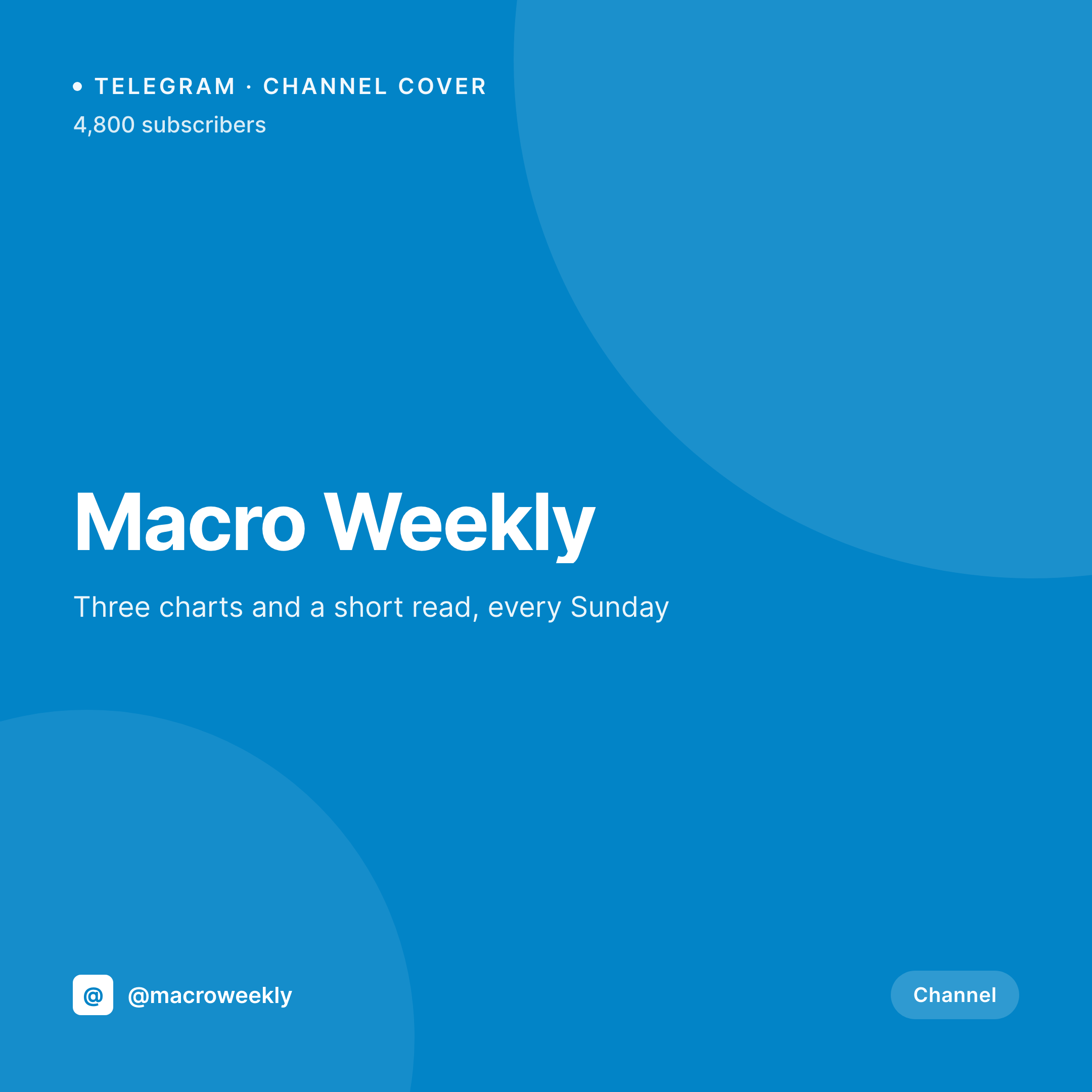
Telegram channels rely on cover and post images for recognition
Telegram channels look like one-way chats, but the surface acts much closer to a publishing platform. The channel page opens with a square cover image and a description, and every post can carry inline images that arrive in the subscriber's chat list. A channel that only ships text reads as a feed of plain messages and gets lost among personal chats.
Most channels do not have a workflow for cover and post images because the channel admin is normally the same person writing the posts. Opening a design tool between message drafts is the kind of context switch that does not survive past a few weeks.
SleekPixel renders both the square channel cover and any post-specific lead image from a WordPress post. Title, issue number, brand mark, all bind to fields. The cover comes from a Channel option set; the per-post image comes from the WordPress post itself. The publisher writes the post in WordPress and downloads the image from the sidebar to attach in Telegram.
Workflow
From WordPress post to Telegram channel image
Design the square template
Bind to the post type
Save the post
Attach in Telegram
Output
What attaches to a Telegram channel post
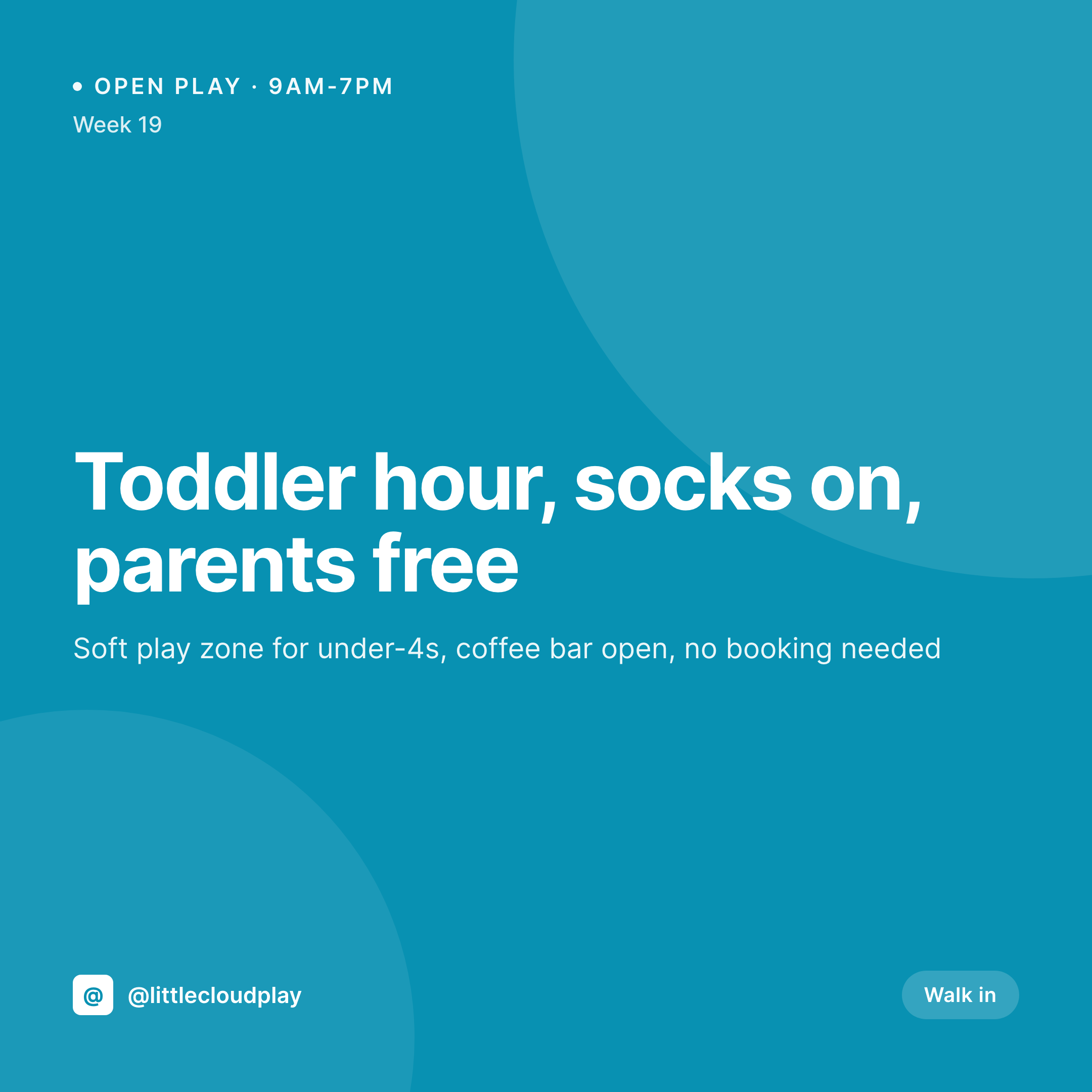
A square 1080x1080 PNG rendered from the WordPress post title, brand, and accent. Channel covers and post lead images use the same canvas.

Comparison
Plain text channel vs SleekPixel-driven Telegram channel
Plain text post in Telegram
- Plain text Telegram posts disappear in a busy chat list
- Screenshotting the WordPress article header makes inconsistent images
- No way to bake the issue number cleanly into every post
- Brand colors do not survive any phone-based design tool
- Cover and post images drift apart in style without a shared template
SleekPixel
- Square 1080x1080 PNG for both channel cover and post lead
- Title, issue number, and brand mark bind to post fields
- Same template pipeline as the rest of the brand's social art
- Editor downloads the PNG with one click for Telegram attach
- Template change re-renders the catalog for the next cycle
Features
What SleekPixel gives you for Telegram channel cover images
Square covers and post images
Telegram channel covers render as squares in the channel list, and post images load inline. The same 1080x1080 SleekPixel template covers both surfaces.
Brand-true typography
The template uses your real brand fonts and accent colors so a subscriber scrolling the chat list recognizes the channel from the first frame.
One-click sidebar download
Open the WordPress post that maps to the Telegram broadcast, click download in the SleekPixel sidebar, attach the PNG when composing the Telegram message.
Use cases
Who renders Telegram art from WordPress
Newsletter authors
Newsletter issues posted to a Telegram channel start with a cover that carries the issue number and tagline, recognizable from the chat list.
Finance and macro channels
Macro channels post a chart and a short read. The cover carries the date and the topic so subscribers can scan the chat list and find a specific issue.
Dev and changelog channels
Release channels post version updates with a lead image carrying the version number and the headline change.
The bigger picture
Why a recognizable Telegram channel earns subscribers
Telegram is a quiet platform in a way most social feeds are not. There is no algorithmic recommendation, no follow button to spam, no for-you tab. Subscribers find a channel because someone they trust shared the link, and they decide whether to stay based on the first few posts they see.
Those first impressions are dominated by visual rhythm. A channel where every post arrives with a square cover image carrying the brand colors reads as a publication; a channel of text-only messages reads as a personal feed. The cost of keeping that visual rhythm is normally too high for solo-run channels, because every post needing a custom image becomes a design task that competes with the writing.
Tying the image to the WordPress post that the publisher already writes collapses that task to nothing. The cover is already in uploads the moment the post saves; the publisher attaches it in Telegram as easily as adding any other photo. The result is a channel that looks like a brand without any new tooling, and a subscriber base that recognizes the channel from a single frame in the chat list.
Questions
Common questions about SleekPixel for Telegram channel cover images
Telegram exposes a Bot API that can post to channels, but SleekPixel's main job is image generation, not scheduling. Many users render the PNG with SleekPixel and rely on a separate Telegram bot or a manual attach for the actual broadcast.
Telegram stickers are a separate format with their own canvas and transparency rules. SleekPixel can render PNG assets that you upload to a sticker bot, but the formal sticker pack flow is managed through Telegram's official bots.
Yes. The 1080x1080 canvas fits both the channel cover and the inline post image, which is why the same SleekPixel template can produce both with different bound field sources.
Telegram compresses image attachments, but the typography in a SleekPixel render survives because text is rasterized at the full 1080 width before upload. Heavy compression artifacts on text are rare.
Yes. SleekPixel renders text with whatever font is installed in the template, including Cyrillic, Persian, Arabic, or any other supported script. Text is rasterized at full canvas resolution.
Telegram supports any aspect ratio for inline images. Clone the SleekPixel template, set the canvas to 1080x1920, and you get a vertical version. The choice depends on whether the channel is feed-first or story-first.
Yes. The image is a PNG attached to the message; Telegram does not change how attachments render between public and private channels. The same SleekPixel render works for either.
Yes. Edit the SleekPixel template and run batch regenerate. Upload the new cover through Telegram's channel settings to reflect the update.
Pricing
More than 1000+
happy customers
Explore our flexible licensing options tailored to your needs. Upgrade your license anytime to access more features, or opt for a lifetime license for ongoing value, including lifetime updates and lifetime support. Our hassle-free upgrade process ensures that our platform can grow with you, starting from whichever plan you choose.
Lifetime ♾️
Most popular
EUR
once
- Unlimited websites
- Lifetime updates
- Lifetime support
...or get the Bundle Deal
and save €250 🎁
💎 Want everything forever? The All Access Pass is going away on 01.08.2026.
The Bundle (unlimited sites)
Pay once, own it forever
Elevate your WordPress site with our exclusive plugin bundle that includes all of our premium plugins in one package. Enjoy lifetime updates and lifetime support. Save significantly compared to buying plugins individually.
What’s included
-
SleekAI
-
SleekByte
-
SleekMotion
-
SleekPixel
-
SleekRank
-
SleekView
€749
Continue to checkoutBrowse more
- Twitter header banners
- Instagram grid tiles
- Instagram feed posts
- YouTube banner art
- Tumblr header
- Threads post cover
- Spotify Canvas
- Pinterest product pin covers
- Twitch schedule banners
- Bluesky link cards
- Mastodon link previews
- Farcaster cast images
- Threads post images
- YouTube podcast thumbnails
- YouTube channel banners