






SleekPixel for listicle thumbnail
SleekPixel renders a vertical Pinterest pin for every listicle on save: list count, headline, category, and brand mark already in place. One template covers the whole archive — new posts and back-catalogue alike.
♾️ Lifetime License available
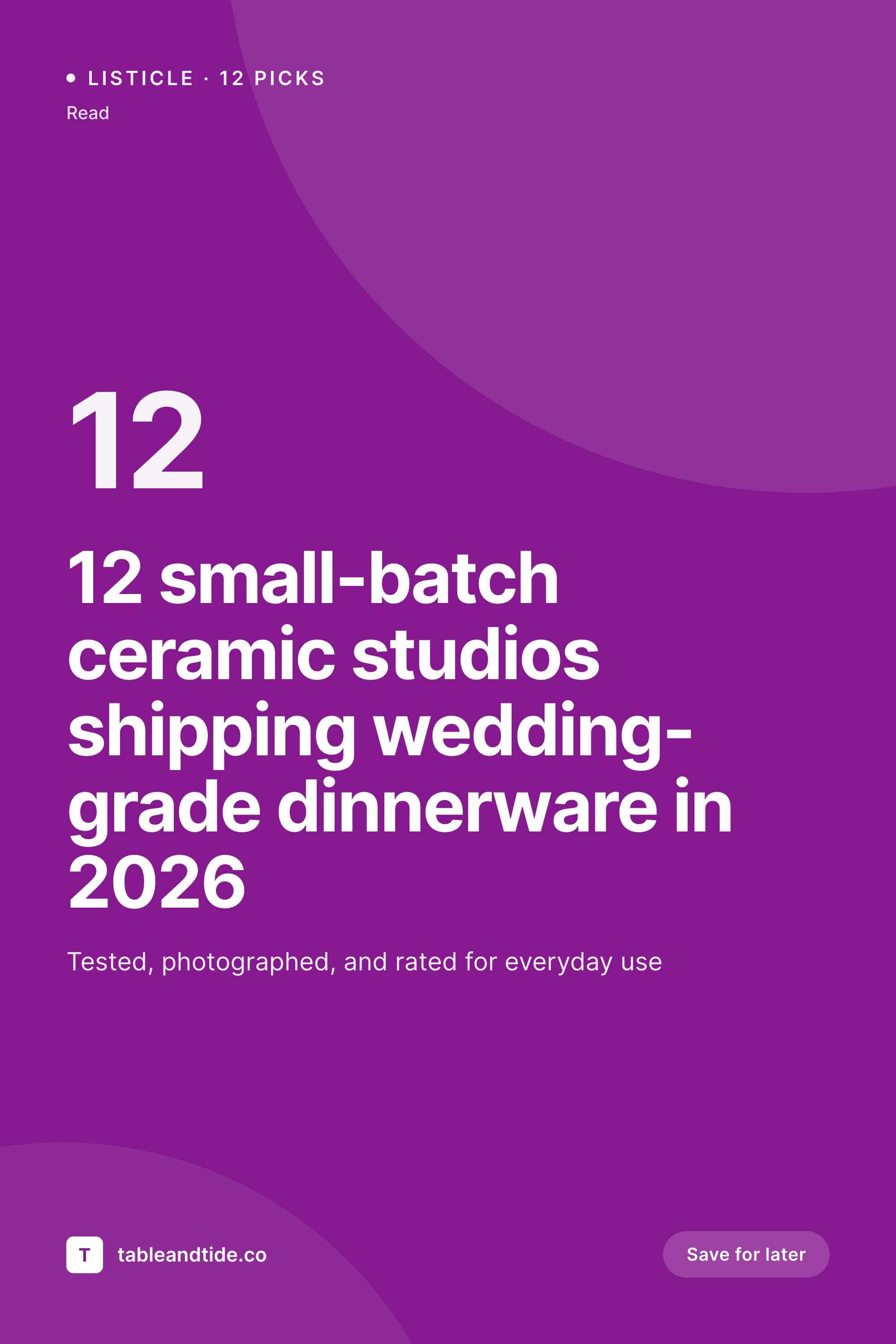
Pinterest is where listicle traffic lives
Listicles do not get traffic from Twitter. They live on Pinterest, Google, and the back catalogue of category pages, which means the controlling asset is a vertical pin, not a horizontal OG card. Every listicle needs a 1000 by 1500 pin with the count, the headline, and the topic baked into the image. Without one, the post is invisible on the surface that drives most of its traffic. With one, the cost of designing it usually means it gets done for the homepage feature posts and skipped for the next twenty.
SleekPixel makes the pin a derived artifact. The template encodes the brand pin layout once: list count anchor, headline area, category color, brand wordmark, decorative element. The renderer pulls the count from a meta field, the headline from the post title, the category from the taxonomy. Every listicle, whether it ships next week or shipped two years ago, gets a pin the moment the post is saved. Backfilling the archive is a single bulk regenerate.
For SEO sites with hundreds of roundups, this is the difference between having a Pinterest-ready archive and having a stack of pages that a designer keeps meaning to revisit. The pin sits in /uploads and on the og:image meta. Pinterest's pin builder picks it up. So does any tab-bar share button on the page. The asset stops being a project and starts being part of the publishing system.
Workflow
From listicle post to Pinterest pin
Encode the pin layout
Map the post fields
Publish and let it render
Backfill the archive
Output
How a listicle pin gets composed
A 1000 by 1500 vertical pin with the list number, headline, category line, and brand wordmark assembled from the post.
Comparison
Manual pin design vs rendered pins
Canva or Figma per pin
- Only flagship listicles get a custom pin; the rest go without
- Updating the count from 10 to 12 means a manual re-export
- Long headlines overflow the headline area on every other pin
- Pinterest crops differently than expected and the brand mark gets clipped
- Backfilling pins for old posts is a quarter-long project
SleekPixel
- Every listicle gets a pin on save, including older posts
- Long headlines auto-fit so the layout never breaks
- List count and category render from post fields
- Bulk regenerate covers the archive in a single pass
- The pin doubles as the og:image for social previews
Features
What SleekPixel gives you for listicle thumbnail
Pinterest-ready
Renders to Pinterest's preferred 2:3 ratio at 1000 by 1500. The brand mark and list count stay inside the safe area regardless of where the platform crops.
Field-driven
List count, headline, and category come from real fields on the post. No floating numbers, no design files left out of sync.
Bulk regenerate
Run a regeneration across the listicle archive when the template changes. Hundreds of pins refresh without re-exporting from a design tool.
Use cases
Listicle styles this template handles
Product roundups
Numbered roundups of products, gear, or services. The list count and category drive the layout.
Editorial best-of
Best-of-year and topical roundups. Long, descriptive headlines fit because the type rule scales to length.
Themed collections
Curated lists by season or theme. The category color rotates so each collection feels distinct without a separate template.
The bigger picture
Why listicles need a render pipeline
Listicle traffic is long-tail. A roundup post that earns 200 sessions a month for three years pays for itself many times over, but only if the discovery surfaces work — and for listicles, the discovery surface is overwhelmingly Pinterest, plus the in-house category pages and email newsletters that resurface old roundups. None of those surfaces care about your hero photography.
They care about the pin: a vertical card that reads at a glance, with a count, a topic, and a hook. Manually designing a pin per listicle is the kind of project that gets done for the top three posts of the year and then quietly dropped. The result is an archive where two posts have great pins and forty have nothing, and Pinterest stops surfacing the brand because it has nothing to surface.
SleekPixel reframes the pin as a side effect of publishing. Every listicle has one. The archive is consistent.
The backfill is a script, not a sprint. That changes the math on whether a publisher invests in listicles at all.
Questions
Common questions about SleekPixel for listicle thumbnail
SleekPixel renders at 1000 by 1500, which fits Pinterest's preferred 2:3 ratio. You control the safe area and brand placement in the template, so the count and wordmark stay clear of any platform-side cropping. The file is a real PNG, not a clipped screenshot.
Yes. Add a meta field for count and bind it to the placeholder in the template. If the count comes from an ACF repeater length, you can use a small filter to compute it automatically. The image regenerates on save with the correct number.
Configure the headline area with auto-fit type. Short titles render at the max size, long ones scale down within bounds. You can also limit lines so a 20-word title still ends in the safe area instead of overflowing.
Yes. SleekPixel can regenerate images across a post type in bulk. Run it once and every legacy listicle ends up with a pin in /uploads. Subsequent edits regenerate the pin for that single post automatically.
Yes. The same rendered file is referenced by the og:image and twitter:image meta tags on the post. Anyone sharing the URL sees the pin, and the in-page Pinterest save button picks it up too.
Yes. Map the accent color in the template to a taxonomy term meta field or a switch on the term name. Each category renders its pin with its own color, with no template duplication.
No. SleekPixel produces the pin file and exposes it as the og:image plus a sidebar download. Posting to Pinterest still happens through your scheduler or the platform itself. The asset is ready, the social action is yours.
Yes. Register two pin templates and let a meta field decide which one a post uses. Evergreen roundups get the default, seasonal collections get a more decorative layout. Same render pipeline, different visual treatments.
Pricing
More than 1000+
happy customers
Explore our flexible licensing options tailored to your needs. Upgrade your license anytime to access more features, or opt for a lifetime license for ongoing value, including lifetime updates and lifetime support. Our hassle-free upgrade process ensures that our platform can grow with you, starting from whichever plan you choose.
Lifetime ♾️
Most popular
EUR
once
- Unlimited websites
- Lifetime updates
- Lifetime support
...or get the Bundle Deal
and save €250 🎁
💎 Want everything forever? The All Access Pass is going away on 01.08.2026.
The Bundle (unlimited sites)
Pay once, own it forever
Elevate your WordPress site with our exclusive plugin bundle that includes all of our premium plugins in one package. Enjoy lifetime updates and lifetime support. Save significantly compared to buying plugins individually.
What’s included
-
SleekAI
-
SleekByte
-
SleekMotion
-
SleekPixel
-
SleekRank
-
SleekView
€749
Continue to checkoutBrowse more
- Patreon cover images
- Rumble thumbnails
- Lens Protocol posts
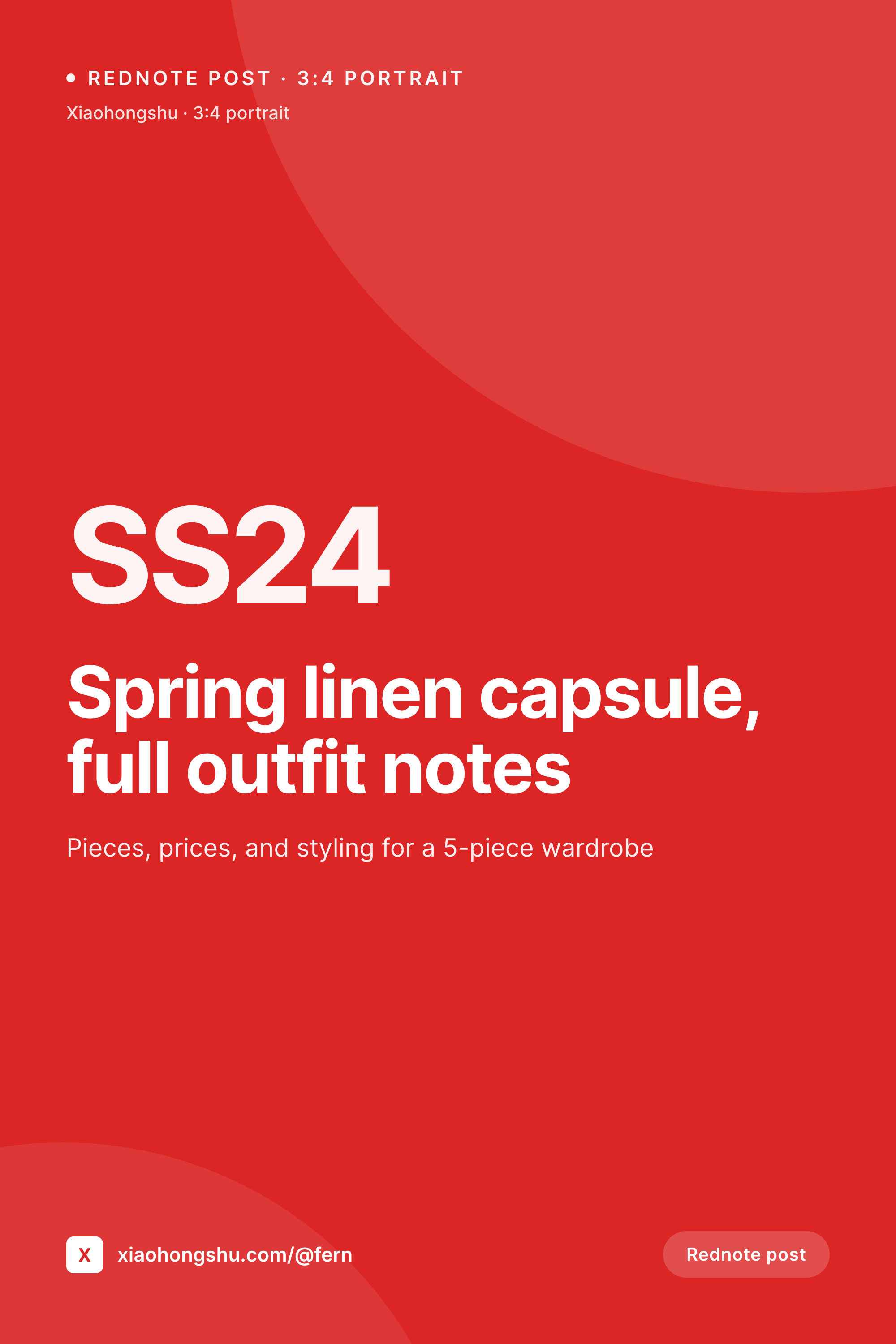
- Rednote (Xiaohongshu) post
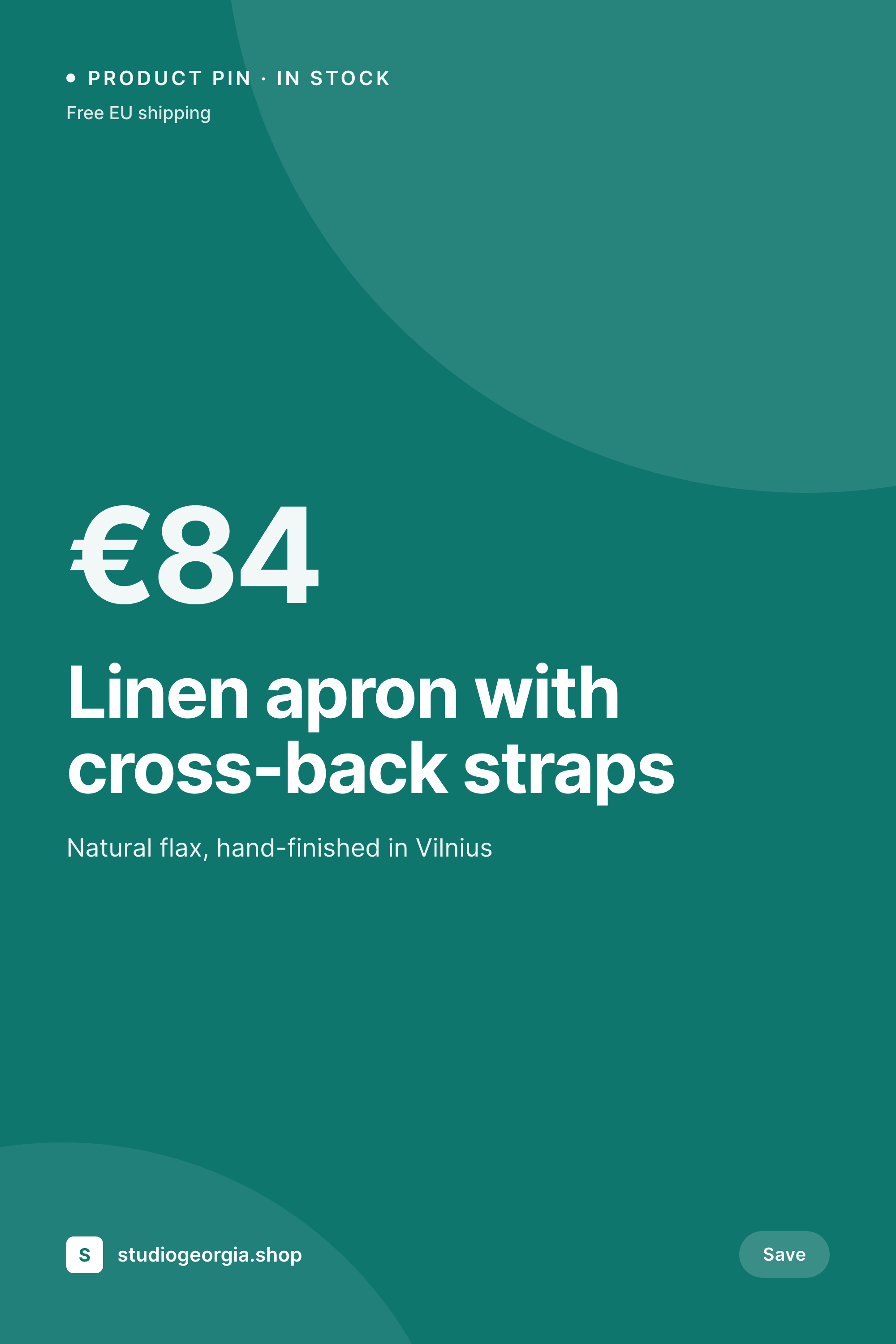
- Pinterest product pin covers
- Twitch profile banner
- Dribbble shot covers
- podcast cover art
- X community banners
- Bluesky feed banner
- Stan Store cover
- Instagram highlight covers
- Passes page banner
- Mastodon profile header
- Bandcamp release cover