






SleekPixel for Craft docs
Craft is a beautiful writing surface and a minimal public-share surface. Mirror docs to WordPress and SleekPixel renders per-doc cards from title, author, tags and last update on save.
♾️ Lifetime License available
Craft is at its best when writing happens, not when sharing happens
Craft turned the doc editor into something writers actually enjoy using. The typography, the blocks, the focus mode and the structured outlines all support a particular kind of careful, considered writing. Many independent writers and small product teams have moved into Craft for essays, briefs and internal docs. The trade-off is the public web side: Craft offers a Share-to-Web option, but the resulting public pages are intentionally clean, with minimal control over share previews.
The fix that scales for writers who want the public layer to match the craft of the writing is to mirror Craft docs to WordPress. Craft's export options (markdown, HTML) feed into a WordPress sync, where each doc becomes a post with its own URL and its own OG tags. From there SleekPixel takes over.
Doc title, author, last update and any structured tag bind into the template on save. The share image renders into uploads and the og:image tag updates. Public Craft writing now reaches social with cards that match the visual care that went into the writing itself.
Workflow
From Craft doc to branded share card
Mirror Craft to WordPress
Map doc fields
Design the doc template
Edit and republish
Output
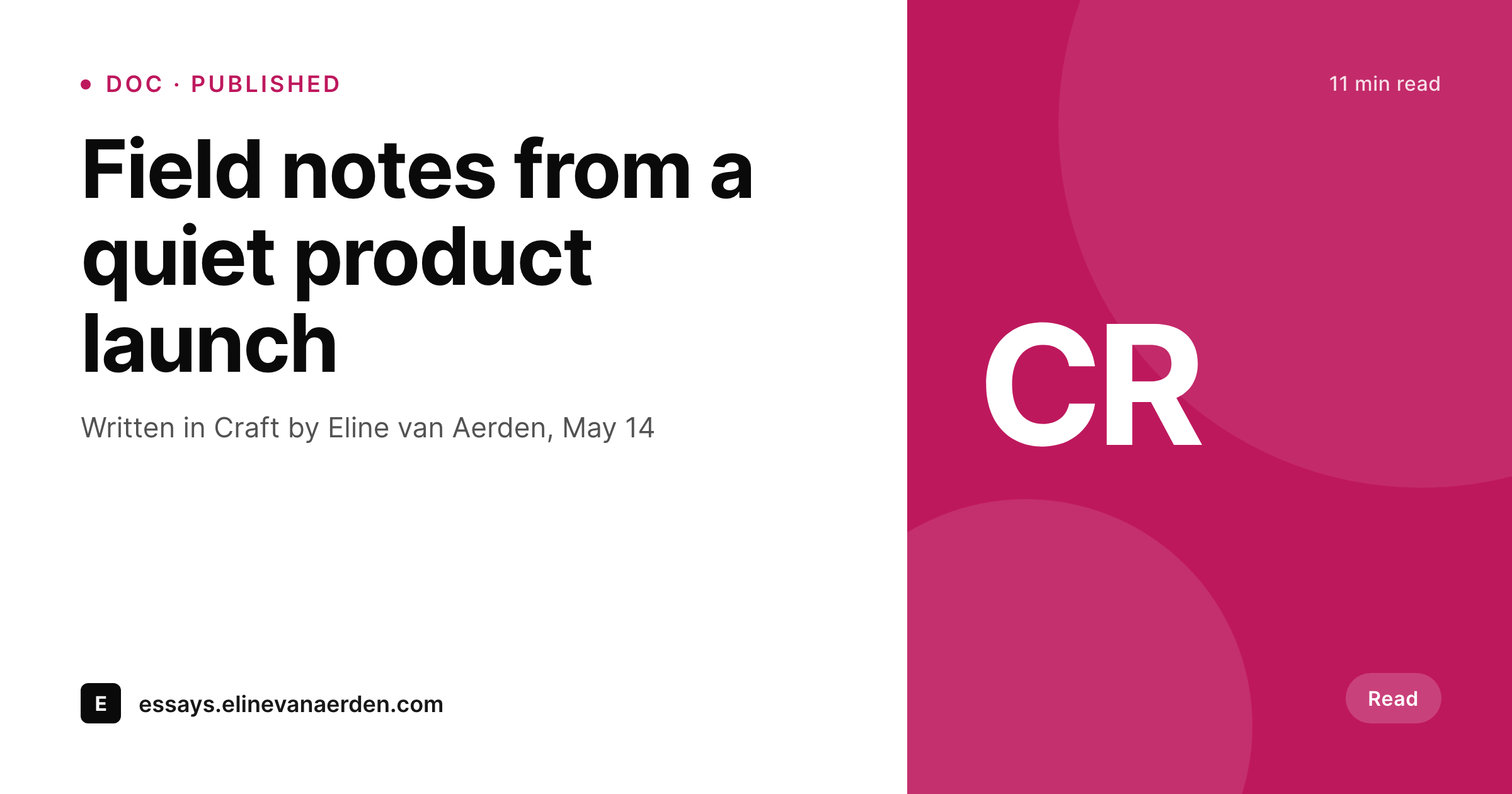
Sample Craft doc share card
A 1200 by 630 OG image rendered from a Craft doc mirrored to WordPress: title, author, last update and tags in your brand colors.
Comparison
Default Craft public share vs SleekPixel
Default Craft Share-to-Web
- Craft Share-to-Web pages have minimal control over OG images
- Author attribution does not appear on the share preview by default
- Multiple docs from the same writer share with visually identical previews
- Manual per-doc art breaks down past a handful of public docs
- Brand refreshes require redoing card art for every doc
SleekPixel
- Renders per-doc share cards from synced Craft fields
- Author, tags and last update bind into template slots
- Per-tag template variants via category mapping
- Bulk re-render every doc on template updates
- All rendering stays inside WordPress on your domain
Features
What SleekPixel gives you for Craft docs
Doc-aware fields
Title, author, tags and last update from the synced Craft doc render directly into the template. No duplicate data entry.
Author attribution
Multi-author writing groups get cards that show the actual author of each doc, useful for personal brand signal across a shared site.
Tag-aware variants
Tags from Craft map to WordPress taxonomy and can drive different template variants - essays, briefs and notes each get the right card.
Use cases
Where Craft writers use SleekPixel
Independent essays
Essays drafted in Craft and published through WordPress share with branded cards that include the author and last update.
Public briefs and one-pagers
Strategy briefs that started in Craft share publicly with cards that signal who wrote them and when they were updated.
Small-team product writing
Product teams using Craft for writing share docs externally with cards that include team or topic context, not just a generic logo.
The bigger picture
Why Craft writers benefit from the WordPress + SleekPixel pairing
Writers gravitate to Craft because the surface respects writing. The typography, the spacing, the keyboard-driven editing all support sustained, careful work. The same writers who care about the editor also care about how the writing lands when it leaves the editor.
A polished doc that reaches social with a flat banner preview is a small but real disappointment, and over many shares it shapes how the work is received. SleekPixel closes the gap between Craft's care for the editor and the public web's flat share defaults. The second reason is the volume question.
Writers who use Craft seriously produce more than a few docs. A year of writing is dozens of essays, briefs or notes, each of which deserves a real share preview. Manual per-doc design at that volume is impossible for a solo writer.
SleekPixel turns the rendering into a templated step that happens on save, so the public-web side of the writing matches the writing itself without taking time away from the writing itself.
Questions
Common questions about SleekPixel for Craft docs
Craft supports markdown and HTML export. Most pipelines run those exports through a custom importer or a workflow tool that creates a WordPress post per doc. Some teams build a small companion script that runs on each Share-to-Web push.
Yes. The Craft doc's author field can be mapped to WordPress post author or to a custom meta field, and SleekPixel renders from whichever location the sync writes to.
Block metadata is usually flattened during export. The share card renders from the doc-level metadata - title, author, last update, tags - which are the fields most useful for share previews.
The sync runs against the export, not the Craft client itself. Whether you edit on Mac, iPad or web, the published doc reaches WordPress through the same export pipeline.
Yes. Tags map to WordPress categories or taxonomies, and SleekPixel can apply different templates per category. Essays, briefs and notes can each have their own card style.
The WordPress mirror is independent once synced. Templates and rendered PNGs stay in place. Future docs from a different tool just need the same sync setup pointed at the new export source.
Collaborative spaces affect editing inside Craft. The public surface is still the export, which works the same way regardless of the space's collaboration model.
No. SleekPixel runs on the WordPress side after the sync. Craft editing is untouched.
Pricing
More than 1000+
happy customers
Explore our flexible licensing options tailored to your needs. Upgrade your license anytime to access more features, or opt for a lifetime license for ongoing value, including lifetime updates and lifetime support. Our hassle-free upgrade process ensures that our platform can grow with you, starting from whichever plan you choose.
Lifetime ♾️
Most popular
EUR
once
- Unlimited websites
- Lifetime updates
- Lifetime support
...or get the Bundle Deal
and save €250 🎁
💎 Want everything forever? The All Access Pass is going away on 01.08.2026.
The Bundle (unlimited sites)
Pay once, own it forever
Elevate your WordPress site with our exclusive plugin bundle that includes all of our premium plugins in one package. Enjoy lifetime updates and lifetime support. Save significantly compared to buying plugins individually.
What’s included
-
SleekAI
-
SleekByte
-
SleekMotion
-
SleekPixel
-
SleekRank
-
SleekView
€749
Continue to checkoutBrowse more
- CCPA update card
- tip of the day cards
- webinar replay card
- terms update cards
- prediction cards
- this not that cards
- domain launch card
- year in numbers cards
- before-after comparison images
- review snippet cards
- playlist cards
- compliance update cards
- policy update cards
- infographic headers
- monthly roundup cards
- Kick channel banners
- X community banners
- Mastodon link previews
- Slack channel headers
- Lens Protocol posts
- Depop listing images
- Snapchat snap images
- GitHub README banners
- Behance project covers
- Xiaohongshu cover images
- YouTube Music cover art
- Apple Podcasts covers
- Twitch overlay
- Instagram highlight covers
- YouTube end cards