






SleekPixel for Japanese restaurant
Tonight's omakase courses, weekend ramen drops, sake flights. The dish names, prices, and seating times already live in the CPT. SleekPixel renders the 1080x1080 card so the chef's not opening Canva at 4pm.
♾️ Lifetime License available
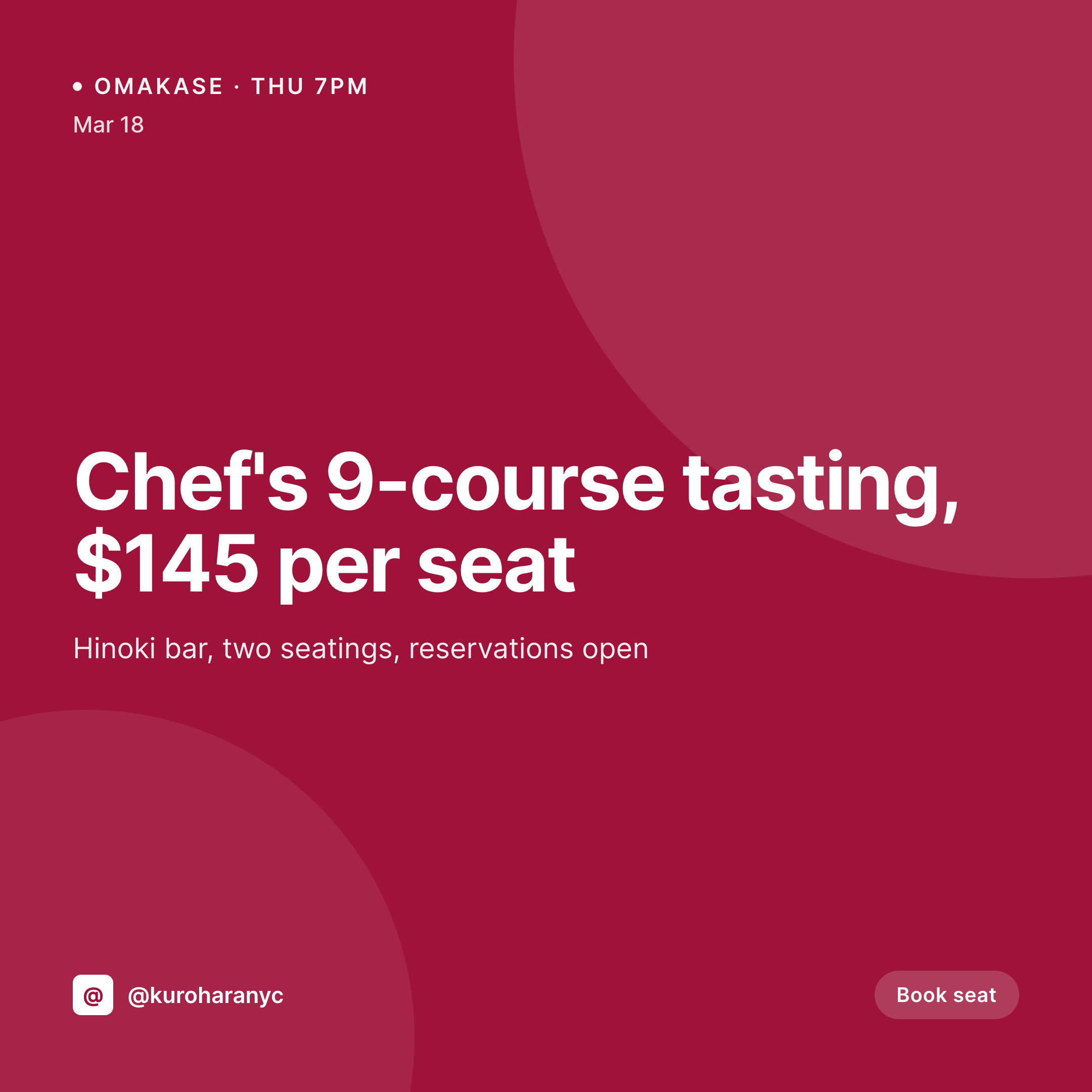
Omakase drops, ramen specials, and the daily card grind
A Japanese restaurant's social feed lives on small, frequent posts. Tonight's omakase, a single uni course, the new junmai by the glass, a Saturday ramen pop-up. Each one is a square image with a dish name in Japanese and English, a price, a date or seating time, and the restaurant's logo. Each one needs to ship before service, and each one needs to look like it belongs to the same brand.
The data is already on the WordPress site. Most Japanese restaurants run a menu CPT, sometimes Five Star Restaurant Menu, sometimes ACF fields on a custom post type for omakase courses. Course name, price, seating, allergens, hero photo, all typed in once. The problem is the gap between that database and the Instagram grid. Right now the gap is a chef or manager opening Canva, retyping the course name, getting the macron on the wrong vowel, posting at 4:50pm with hands smelling like fish.
SleekPixel closes the gap. Saving the omakase post for Thursday renders a 1080x1080 card with the courses, the price, the seating time, and the brand frame. The PNG is in uploads. The og:image is wired. The chef gets back to the line.
Workflow
From menu update to grid-ready card
Map menu and omakase fields
Design one square template
Publish the omakase or special
Post from a phone
Output
What gets generated per dish
A 1080x1080 square card with the dish or omakase course name (Japanese and English), price, seating time, and the restaurant's brand frame, pulled from the menu post fields.
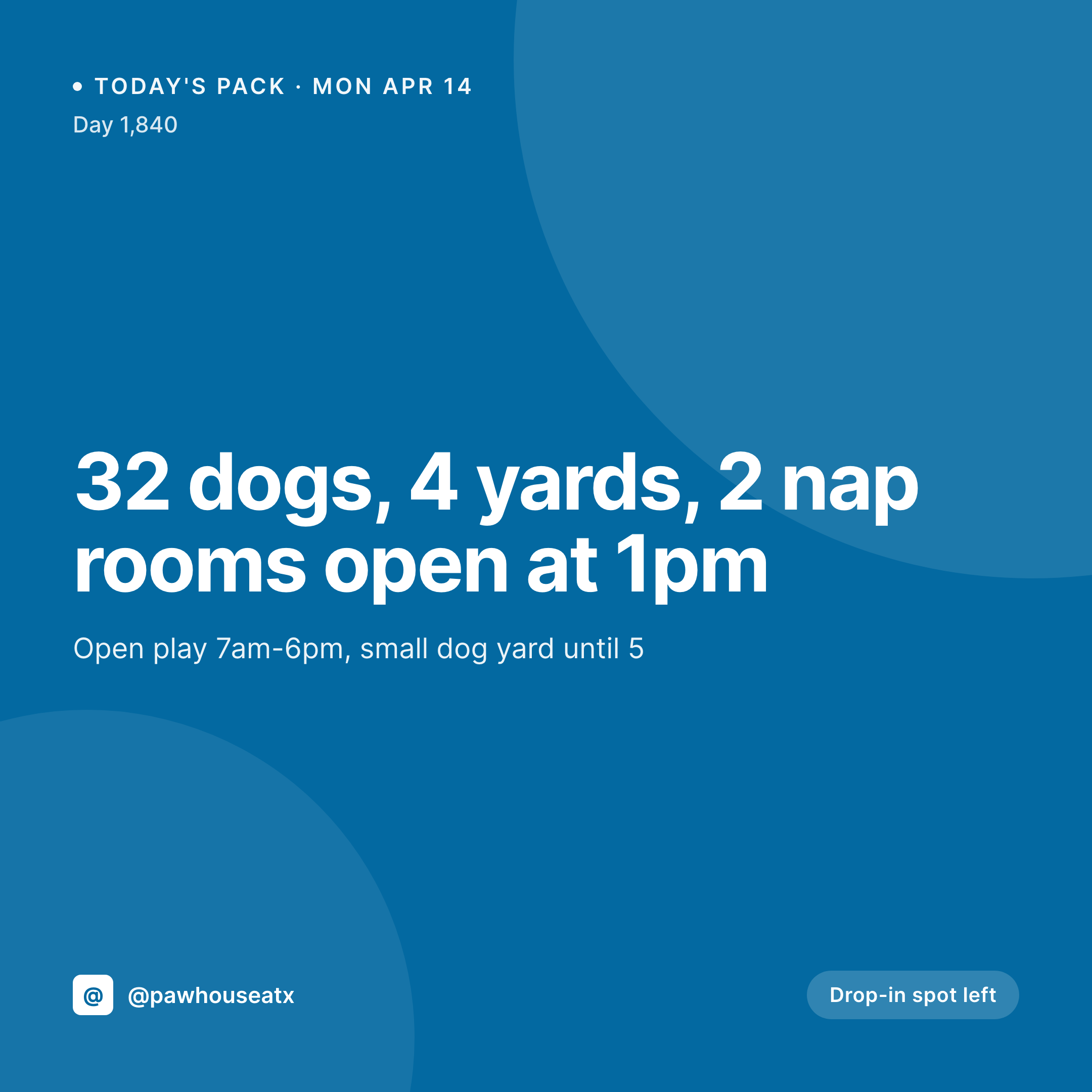
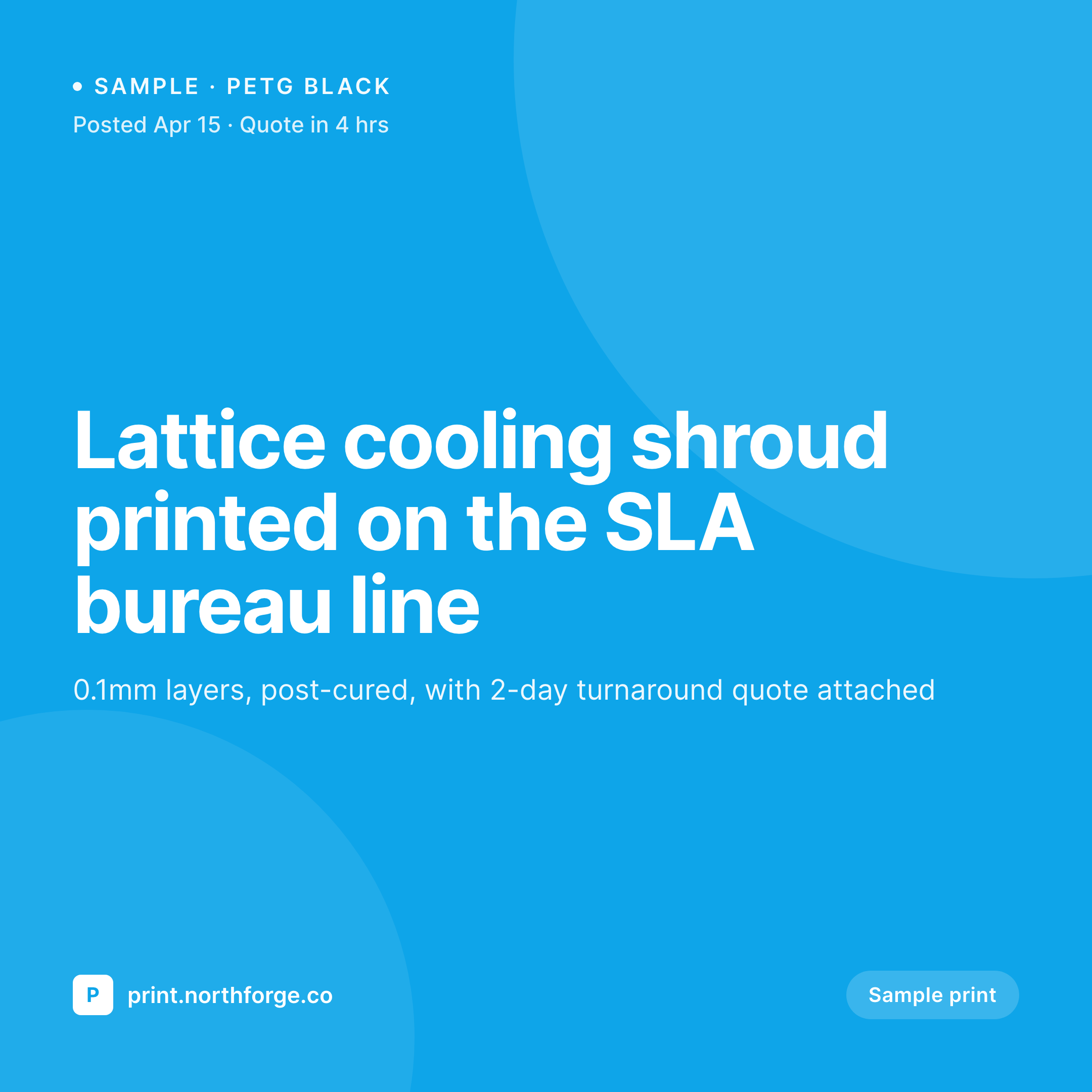
Comparison
Default Japanese restaurant image vs SleekPixel
Default Japanese restaurant image
- Chef or manager builds a Canva card per omakase, often during prep
- Japanese characters drift across posts as different staff retype them
- Course price gets out of sync with what's actually quoted at the bar
- Weekly ramen pop-up uses last month's template by accident
- Multi-location group has each store posting an off-brand version
SleekPixel
- Save the omakase post, the 1080x1080 card saves to uploads at the same time
- Dish name in Japanese and English, price, and seating pulled from menu fields
- Square format sized for Instagram grid and feed
- Manual download from Gutenberg sidebar so a manager can post in 10 seconds
- One template across locations keeps the brand consistent night to night
Features
What SleekPixel gives you for Japanese restaurant
Card per course
Every omakase course, ramen special, or sake flight saves with a square card. Course names and prices come from the menu post, not a Canva file.
Bilingual fields
Japanese and English course names render side by side. The kanji and macrons stay correct because the data is typed once in the post.
Sidebar download
Chef opens the omakase post on a phone, taps download in the Gutenberg sidebar, and posts the card. No design tools, no font drift.
Use cases
Who uses SleekPixel for Japanese restaurants
Omakase bars
Thursday tasting, Saturday tasting, Sunday tasting. Each seating gets a card with courses, price, and time pulled from the booking post.
Ramen and izakaya shops
Daily ramen specials and izakaya pop-ups render as cards from the menu CPT, ready for the manager to post during prep.
Sake and bar programs
New junmai by the glass, a limited nigori drop, a sake pairing menu. Each new bottle post renders into a square card automatically.
The bigger picture
Why Japanese restaurant marketing leans on consistent type
Japanese restaurant branding lives or dies by typography. The same menu in two different fonts reads as two different restaurants, and a kanji set in the wrong style breaks a feed that otherwise looked considered. Most restaurants don't have a designer on staff, so the visual brand drifts the moment a manager opens Canva to push out a quick omakase card before service.
The fix is to type the menu data once, in the post that already represents tonight's seating, and to let one template generate the image. The kanji stays correct, the macron lands on the right vowel, the price matches what the front-of-house team is quoting at the door. The card shows up in uploads at the same moment the post saves, which means it ships when the seating opens, not 90 minutes later.
A feed built that way reads as one restaurant across a year, even when staff turn over and seasons change.
Questions
Common questions about SleekPixel for Japanese restaurant
Yes. Any text in the post fields renders into the template, including kanji, kana, and Latin characters side by side. Custom web fonts can be loaded so the type looks correct in both scripts.
Yes. If each seating is its own post (or a sub-record under an event CPT), each saves with a card that carries that seating's time, courses, and price. Multiple seatings on the same night each get a unique image.
Saving an updated menu item re-renders the PNG with the new bowl name, broth, and price. Yesterday's image stays archived; today's image is the one tied to the current post.
Yes. SleekPixel reads any post type and any field, so menu plugins like Five Star, RestroPress, GloriaFood, or a plain custom post type all map onto the card template.
Yes. With multisite or a location taxonomy, each store renders with the same brand frame but its own address, hours, and seating times. The grid stays consistent across the group.
No. SleekPixel renders the image and saves it to uploads. Posting to Instagram or Facebook is a manual step from the platform's app or a scheduling tool.
Yes. One save can produce a 1080x1080 grid card, a 1080x1920 story, and a 1200x630 OG image. Configure each format once and they all render together.
No. SleekPixel renders static PNG and JPG only. Animated stories and video courses are out of scope, the focus is on still images that stay current with menu data.
Pricing
More than 1000+
happy customers
Explore our flexible licensing options tailored to your needs. Upgrade your license anytime to access more features, or opt for a lifetime license for ongoing value, including lifetime updates and lifetime support. Our hassle-free upgrade process ensures that our platform can grow with you, starting from whichever plan you choose.
Lifetime ♾️
Most popular
EUR
once
- Unlimited websites
- Lifetime updates
- Lifetime support
...or get the Bundle Deal
and save €250 🎁
💎 Want everything forever? The All Access Pass is going away on 01.08.2026.
The Bundle (unlimited sites)
Pay once, own it forever
Elevate your WordPress site with our exclusive plugin bundle that includes all of our premium plugins in one package. Enjoy lifetime updates and lifetime support. Save significantly compared to buying plugins individually.
What’s included
-
SleekAI
-
SleekByte
-
SleekMotion
-
SleekPixel
-
SleekRank
-
SleekView
€749
Continue to checkoutBrowse more
- OKR recap card
- workshop replay card
- domain launch card
- fireside chat card
- whitepaper covers
- music recommendation cards
- tutorial thumbnails
- award announcement images
- logo reveal card
- how-to guide cards
- manifesto card
- behind the build card
- team spotlight cards
- expectation vs reality cards
- rating cards
- YouTube end screens
- Mastodon profile banners
- Instagram grid tiles
- Twitch offline banners
- Fansly banner
- Slack channel headers
- Spotify Canvas
- Substack podcast cover
- kbin post images
- SoundCloud track art
- YouTube podcast thumbnails
- Bluesky feed banner
- Dribbble shot covers
- Gumroad product covers
- Open Graph images