






SleekPixel for team spotlight cards
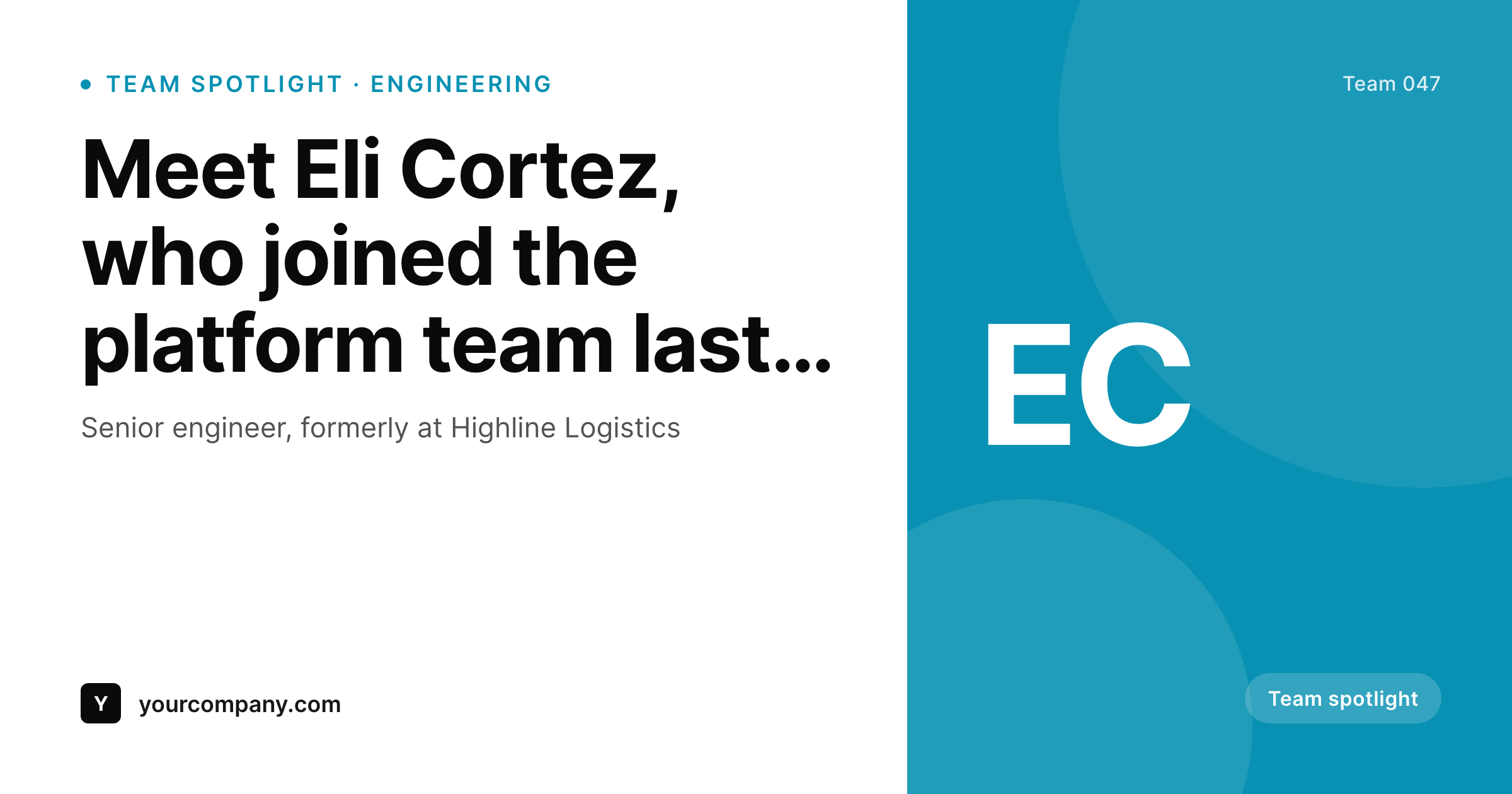
SleekPixel reads each staff post's name, role, department, and headshot, then renders a 1200 by 630 card on save. New hires, anniversaries, and promotions ship to social with the same on-brand layout.
♾️ Lifetime License available
Team posts feel personal when the layout is consistent
Team spotlight posts work because they put a face on the company, and they break when the design treatment varies wildly between teammates. One person gets a polished card with a clean crop on the headshot. The next person gets a stretched photo, a different typography pair, and a misaligned role line. The inconsistency reads as carelessness even when the team is genuinely excited about every hire.
SleekPixel turns the staff post into a card the moment it is saved. You design one spotlight layout in the WordPress admin with placeholders for {name}, {role}, {department}, and a headshot field. Every staff post renders against that template on save. The card has the headshot at a fixed crop, the name at maximum scale, the role line below, and a department accent stripe, all sourced from the post.
Edit the layout once and every team card refreshes. New hires inherit the latest layout the moment they save, and existing teammates can be regenerated in bulk after any brand or layout update.
Workflow
From staff post to social-ready in one save
Design the template
Connect to the staff post type
Save the staff post
Share the introduction
Output
Sample team card from a real staff post
Rendered from a staff post's name, role, department, and headshot. Same template, every teammate.
Comparison
Hand-made team cards vs SleekPixel
Designed per teammate
- Headshot crops vary across the team page
- Role lines drift between cards built at different times
- Department accent is inconsistent across team posts
- Brand refresh leaves older teammates with outdated cards
- New hires sometimes ship without a card at all
SleekPixel
- Auto-generated card per teammate on save
- Per-teammate variables: name, role, department, headshot, start date
- Headshot slot normalizes crop across the team
- Edit the template once and every team card refreshes
- Falls back gracefully when headshot or role is missing
Features
What SleekPixel gives you for team spotlight cards
Headshot slot, normalized
Headshots drop into a fixed-crop circle or square slot. Twenty teammates, twenty consistent portraits, no per-photo touch-up.
Department accent
Department drives the accent stripe color, so engineering, design, and operations each get their own visible signature.
Bulk regenerate
Brand refresh rebuilds every team card in one click. New hire cards exist the moment the staff post saves.
Use cases
Where team spotlight cards earn their keep
New hire announcements
Every new hire ships with a LinkedIn-ready card the day they start, with the right department accent and headshot crop.
Promotion announcements
Promotions reuse the team template with a promotion badge field that swaps the badge text and adds a previous-role line.
Work anniversaries
Five-year, ten-year anniversaries share the team layout with an anniversary badge field for milestone recognition.
The bigger picture
Why team spotlight cards belong in a render pipeline
Team posts compound trust over time. Customers who recognize the people building the product treat the company as a real organization rather than an anonymous logo, and that recognition takes regular exposure to develop. The cadence breaks when team posts are produced inconsistently, and the cadence breaks reliably when each post requires a designer to crop a headshot, pick typography, and align a role line.
A template that renders from the staff post on save converts the inconsistent cadence into a steady one. Every new hire ships a card the day they start. Every promotion gets the same treatment.
Every anniversary lands as a recognizable milestone. The customer learns the company through a series of consistent, personal posts rather than through a logo and a feed of product shots. SleekPixel makes that the default outcome of saving a staff post, the same way the org chart makes the staff list the default outcome of publishing it.
Questions
Common questions about SleekPixel for team spotlight cards
Yes. The template can mask the headshot slot to a circle, square, or any custom shape. The crop applies consistently across the team.
Yes. Routing rules pick the template by department taxonomy, so engineering can use one accent, design another, and operations a third.
The template can fall back to a letter mark from the teammate's initials, so the card always renders even when photography is pending.
Yes. Add a promotion badge field on the staff post and the template renders a promotion variant with a previous-role line.
Yes. One-click bulk regeneration rebuilds every team card from the current template.
No. Cards render at save time as static PNGs. Visitors load a regular image URL with no runtime cost.
Yes. og:image is written on save, so a LinkedIn share of the staff URL pulls the rendered card with the headshot and accent already in place.
Yes. Cards persist as static PNGs in /uploads, surviving plugin disablement and keeping the team archive intact.
Pricing
More than 1000+
happy customers
Explore our flexible licensing options tailored to your needs. Upgrade your license anytime to access more features, or opt for a lifetime license for ongoing value, including lifetime updates and lifetime support. Our hassle-free upgrade process ensures that our platform can grow with you, starting from whichever plan you choose.
Lifetime ♾️
Most popular
EUR
once
- Unlimited websites
- Lifetime updates
- Lifetime support
...or get the Bundle Deal
and save €250 🎁
💎 Want everything forever? The All Access Pass is going away on 01.08.2026.
The Bundle (unlimited sites)
Pay once, own it forever
Elevate your WordPress site with our exclusive plugin bundle that includes all of our premium plugins in one package. Enjoy lifetime updates and lifetime support. Save significantly compared to buying plugins individually.
What’s included
-
SleekAI
-
SleekByte
-
SleekMotion
-
SleekPixel
-
SleekRank
-
SleekView
€749
Continue to checkoutBrowse more
- VSCO cover
- YouTube channel banners
- Instagram grid tiles
- X Space banners
- YouTube podcast thumbnails
- LinkedIn showcase page banners
- TikTok profile banners
- Signal sticker pack
- Medium article headers
- Vimeo thumbnails
- Twitch overlay
- Instagram bio link banners
- Gumroad product covers
- YouTube Shorts thumbnails
- Slack channel headers