






SleekPixel for Kadence Blocks
SleekPixel renders a 1200 by 630 OG image on save for any post built with Kadence Blocks. Reads title, category, and any ACF or Meta Box field. No render service, no manual Canva queue.
♾️ Lifetime License available
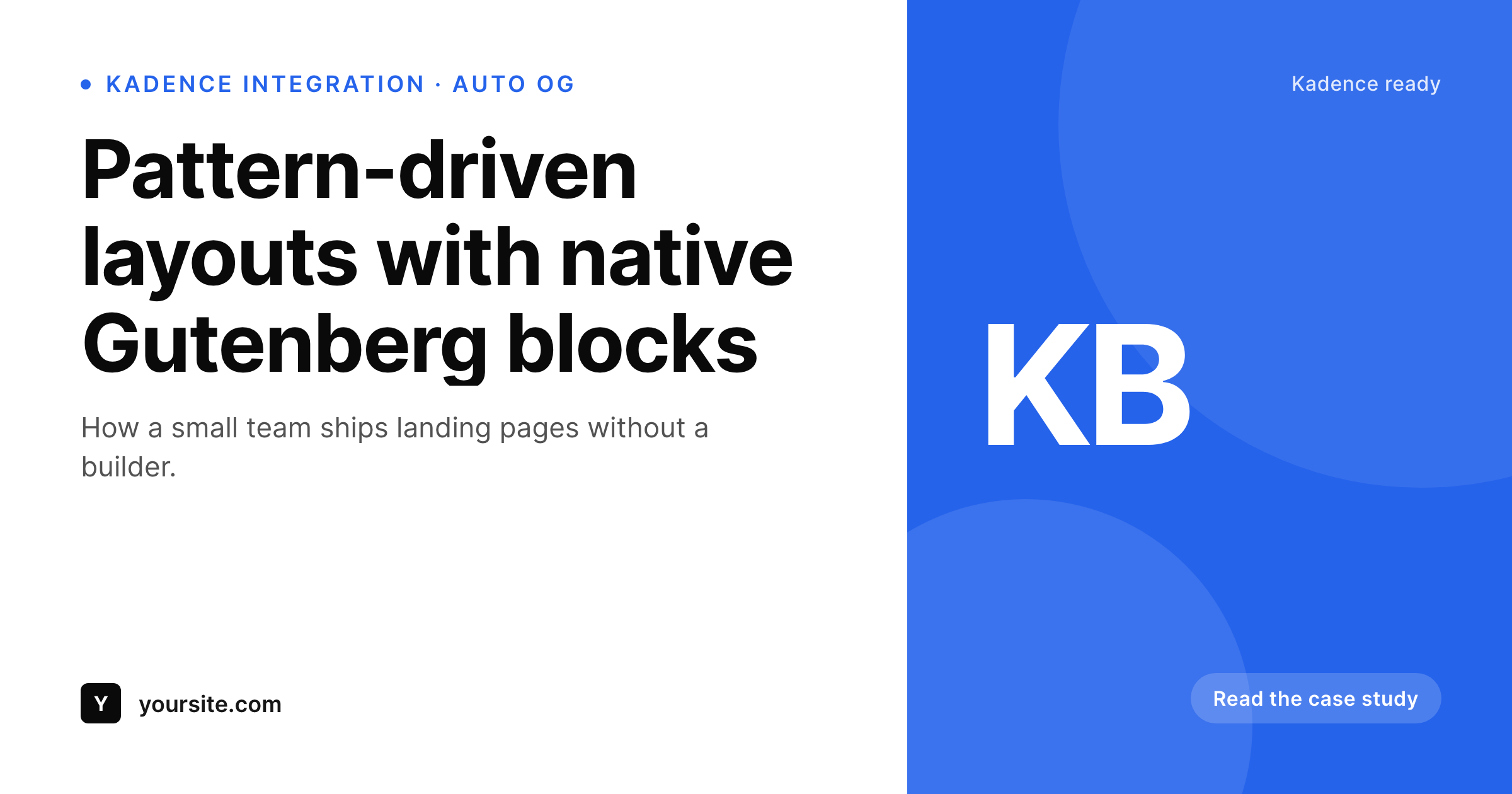
Kadence sites move fast, the share layer should keep up
Kadence Blocks gives editors a pattern library and a row layout block that turns Gutenberg into a competent page builder without leaving the native editor. Sites built on Kadence ship quickly because the patterns cover most marketing sections out of the box. The piece that does not come out of the box is the social-share image, which is still typically the SEO plugin's fallback or a one-off Canva export per page.
SleekPixel runs alongside Kadence at the post-meta layer. It hooks save_post on any post type you enable, reads the title, category, author, and any custom field (ACF, Meta Box, native), and renders an OG image. The Kadence pattern library keeps composing the page body, SleekPixel writes the og:image meta tag for the document head. The two layers do not overlap and do not need to know about each other.
Kadence is popular with small teams and freelancers who want the speed of a builder without the lock-in. SleekPixel keeps that posture by working on saved post data, not on the Kadence block tree. If a future Kadence release reshuffles its block markup, the SleekPixel template still renders the same card because it reads the underlying post fields, not the block output.
Workflow
From Kadence save to share image
Enable post types
Map fields into the template
Save in the editor
Meta tags update
Output
Sample card for a Kadence-built post
This 1200 by 630 PNG was rendered from the post's title, category, and accent color. Same template, every post Kadence helps you ship.
Comparison
Manual exports versus SleekPixel
SEO plugin fallback or Canva
- Every Kadence post falls back to the SEO plugin's site-wide OG image
- Kadence pattern variations never reach the share preview
- Custom fields surfaced in Kadence row layouts stay invisible to the OG image
- Brand refresh means re-exporting every share card by hand in Canva
- Third-party render services charge per image and add an external dependency
SleekPixel
- Hooks save_post for any post type, including Kadence-friendly CPTs
- Reads ACF, Meta Box, and native custom fields used in Kadence layouts
- Template export moves between Kadence sites without rebuilding
- Self-hosted render with no per-image fees
- Bulk regenerate covers a full Kadence site after a brand refresh
Features
What SleekPixel gives you for Kadence Blocks
Block agnostic
Works on save_post regardless of which Kadence Blocks compose the page. The image renders from post data, not from the block tree.
Field aware
Reads ACF, Meta Box, and native custom fields. The same data your Kadence layouts surface is available inside the SleekPixel template.
Portable templates
Export a SleekPixel template from one Kadence site, import it on the next. One OG design system across every project.
Use cases
Where Kadence sites benefit most
Pattern-driven blogs
Editors compose posts from Kadence patterns. Every post ships with a branded share card pulled from title, author, and category.
Marketing landing pages
Kadence row layouts handle the body, SleekPixel handles the share preview. Both update independently as campaigns change.
Resource libraries
Custom post types for guides, ebooks, and templates each get an OG image with title and topic, instead of a generic site logo.
The bigger picture
Why Kadence sites need automated share cards
Kadence Blocks earned its place by making Gutenberg viable for full marketing sites without a heavy builder. Editors compose pages from a pattern library, the styling system stays consistent, and the front-end ships fast. None of that touches the share layer.
Posts on Kadence sites unfurl on social with whatever the SEO plugin guessed at, which is usually the site logo or a featured image cropped poorly for 1200 by 630. The mismatch shows: a polished Kadence page with a generic share preview. SleekPixel covers the share layer with the same approach Kadence uses for the body.
Define a template once with dynamic fields, render automatically on save, refresh as data changes. The two systems share no code and no dependencies, which keeps both stable across version bumps. For freelancers and small teams running multiple Kadence sites, exporting one SleekPixel template across the whole portfolio means one design decision covers every client's share previews.
The builder layer keeps shipping pages, the share layer keeps up automatically.
Questions
Common questions about SleekPixel for Kadence Blocks
SleekPixel runs on save_post, after the Gutenberg editor saves. There is no Kadence-specific block to drop on the canvas. The image renders server-side from saved post data.
Yes. Kadence Pro adds extra blocks and design options, but SleekPixel reads from post-level fields, not from the block tree. Pro features in the body do not affect the share card.
Yes. ACF, Meta Box, and native custom fields are all available in the SleekPixel template picker, which is the same data Kadence dynamic content references.
Kadence Theme does not write OG meta tags itself. Your SEO plugin (Yoast, Rank Math, SEOPress) does. SleekPixel writes only og:image and twitter:image, leaving title and description to your SEO setup.
No. SleekPixel never touches the Kadence block tree or its rendered output. It writes meta tags to the document head and stores PNGs in uploads. The body of the page is untouched.
Yes. The bulk regenerate command walks every post in the enabled post types and renders fresh images. A site with a few hundred pages rebuilds in a couple of minutes.
Because SleekPixel reads post fields and not the Kadence block tree, version updates to Kadence Blocks have no effect on the share-image render.
Image generation runs once per save, typically completing in a few hundred milliseconds. For higher volume, the queue mode pushes renders to a background process so the editor returns immediately.
Pricing
More than 1000+
happy customers
Explore our flexible licensing options tailored to your needs. Upgrade your license anytime to access more features, or opt for a lifetime license for ongoing value, including lifetime updates and lifetime support. Our hassle-free upgrade process ensures that our platform can grow with you, starting from whichever plan you choose.
Lifetime ♾️
Most popular
EUR
once
- Unlimited websites
- Lifetime updates
- Lifetime support
...or get the Bundle Deal
and save €250 🎁
💎 Want everything forever? The All Access Pass is going away on 01.08.2026.
The Bundle (unlimited sites)
Pay once, own it forever
Elevate your WordPress site with our exclusive plugin bundle that includes all of our premium plugins in one package. Enjoy lifetime updates and lifetime support. Save significantly compared to buying plugins individually.
What’s included
-
SleekAI
-
SleekByte
-
SleekMotion
-
SleekPixel
-
SleekRank
-
SleekView
€749
Continue to checkoutBrowse more
- trademark card
- panelist cards
- comparison chart cards
- order confirmation cards
- research note card
- data visualization cards
- SOC 2 announcement card
- early bird banners
- loyalty program cards
- team hire card
- album release cards
- founding customer card
- lesson thumbnail cards
- checklist cards
- case study quote cards