






SleekPixel for Loom videos
Loom is the default async video tool. SleekPixel renders the share card the Loom page never made: title, duration, recorder, and brand mark for every WordPress page that embeds a Loom.
♾️ Lifetime License available
Loom is private by default, public by accident
Loom built its growth on async recordings: a quick walkthrough, a feature demo, a code review explanation. The default share is a Loom URL that opens on loom.com with the recorder's avatar and a generic page title. That is fine for one-off internal sharing. It is not fine when the same video gets republished on the public handbook, the engineering blog, or the help center. Those URLs are WordPress pages, and they share with whatever og:image the theme decided was good enough.
The pattern of embedding Loom into public WordPress pages is common: weekly engineering updates, customer-facing changelogs, support center walkthroughs, async product announcements. Each of those is content that gets linked from Slack, X, and partner emails. Each of those deserves a share preview that looks like a publication, not like a personal Loom page or a default WordPress card.
SleekPixel reads the Loom embed on the WordPress post, pulls the title and duration via oEmbed, takes the recorder name from a custom field, and renders a card that matches the brand. Weekly updates get a week badge. Changelog videos get a version tag. Help center walkthroughs get a category. The async culture stays intact; the public face gets a small but real upgrade.
Workflow
From Loom recording to share-ready in one save
Embed the Loom
Build the update template
Save the post
Share anywhere
Output
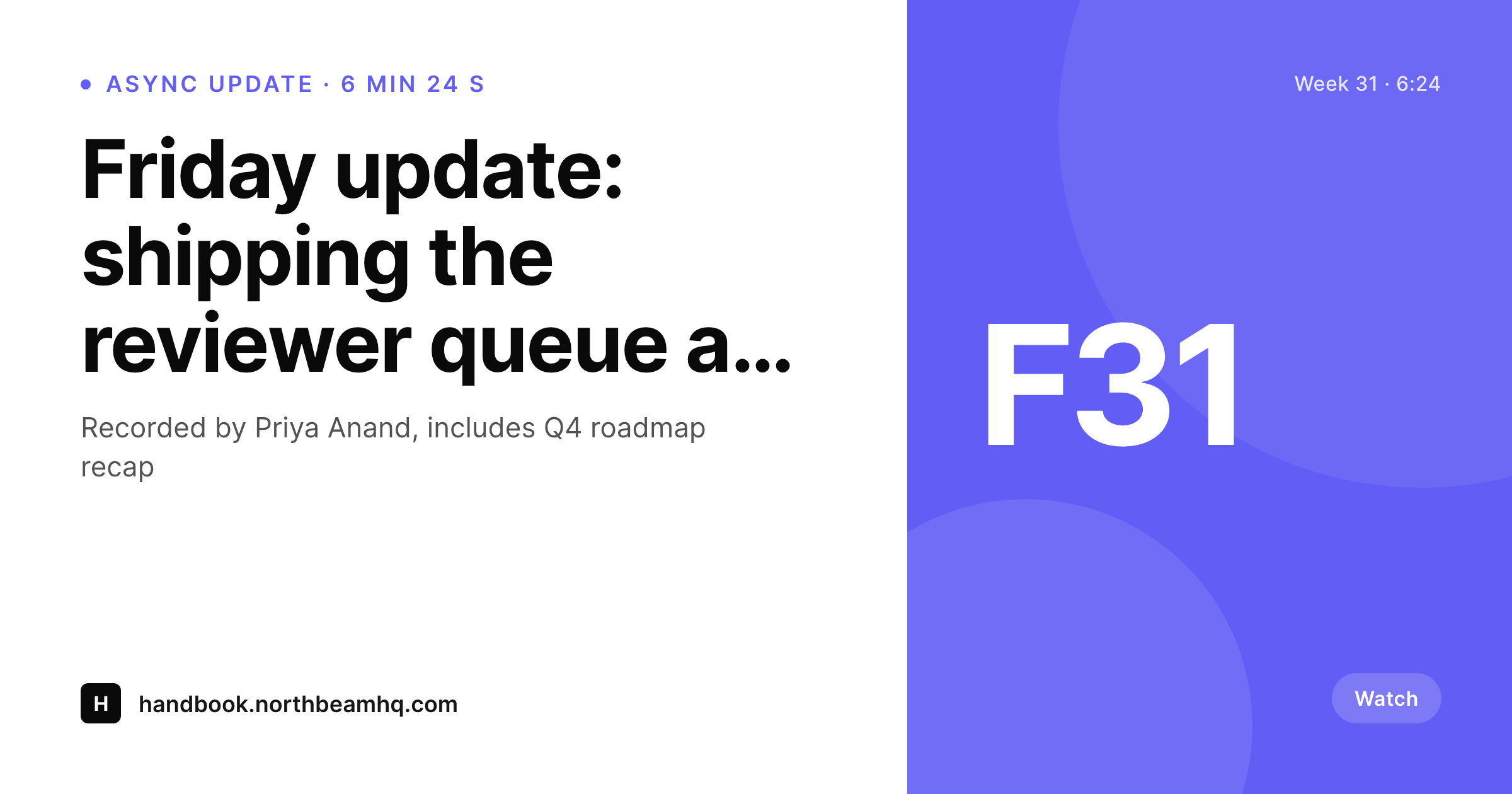
Sample Loom update card
A 1200 by 630 OG image: video title, duration, recorder name, week badge, and brand wordmark, rendered from the post and Loom oEmbed on save.
Comparison
Default Loom share vs SleekPixel rendering
Default theme OG image
- Loom URLs on loom.com share with a generic page card, not the host brand
- Embedded Loom videos on WordPress share with the site logo unless someone hand-designs art
- Duration and recorder name never appear on the share preview
- Async updates ship weekly; nobody is making OG art weekly
- Brand refreshes leave the handbook back catalog inconsistent
SleekPixel
- Reads the embedded Loom video ID and pulls title and duration via oEmbed
- Recorder, week number, and changelog version render from post custom fields
- Works with native Loom embeds and the standard embed block
- Bulk re-render the whole handbook or changelog when the brand evolves
- Suitable for weekly updates, changelogs, async announcements, and support content
Features
What SleekPixel gives you for Loom videos
Recording-title headlines
The Loom title or the WordPress post title becomes the card headline. Weekly updates and changelog videos carry the right name on every share.
Runtime in the meta
Duration pulls from Loom's oEmbed feed and renders as the meta line. Readers know upfront whether the link is a 2-minute hot take or a 22-minute deep dive.
Recorder credits
Custom field for the person who recorded the Loom renders as a small byline. Async updates feel attributed instead of anonymous.
Use cases
What Loom-powered sites generate with SleekPixel
Weekly async updates
Each weekly update gets its own card with week number, recorder, and duration. Team and partner shares open with the right context, not a stale homepage banner.
Changelog walkthroughs
Public changelogs that embed a Loom for each release render a card with version, feature name, and runtime. Customers share the link confidently.
Support center videos
Help articles that include a Loom walkthrough render a card with article title, category, and duration. Support reps paste links with branded previews.
The bigger picture
Why public async surfaces deserve a real share card
Most teams that use Loom for async also publish a public-facing version of some of those recordings: a weekly engineering update, a customer changelog, a support center walkthrough. The internal Loom culture is built on speed, which is good. The public surface inherits the speed but loses the polish that the brand has on every other channel.
The result is a public handbook or changelog that shares with a generic theme banner while the rest of the marketing site has hand-crafted previews. The fix is not to slow the async culture down; the fix is to render the card automatically. SleekPixel turns the existing post fields and the Loom oEmbed metadata into a card on save.
The team keeps shipping weekly updates at the same pace; the public-facing surface starts looking edited again. Over a year, that means hundreds of consistent share cards on a high-traffic content type that would otherwise stay invisible on social.
Questions
Common questions about SleekPixel for Loom videos
No. The Loom embed on the WordPress page is untouched, and loom.com pages keep their own share image. SleekPixel only renders the og:image meta tag for the WordPress page that embeds the Loom.
Yes. Loom's oEmbed feed returns the recording title and thumbnail. The template can use that title directly, or you can override it with a WordPress post title for editing-friendly URLs.
Loom recordings that are workspace-only do not return oEmbed data publicly. For these, set the title and duration as custom fields on the WordPress post; SleekPixel will use the fields and skip the API call.
Yes, by supplying a square headshot URL in a custom field. The template renders it as a small circular avatar next to the byline, which makes async updates feel attributed.
Yes. The embed block stores the Loom URL in block attributes, which SleekPixel can parse. Manual iframe embeds also work as long as the video ID or URL is somewhere in the post content or in a custom field.
Yes. A post type or taxonomy selects the template. Changelog videos can render in one accent with a version tag; handbook updates can render in another with a week number. Selection happens at render time.
The WordPress post still exists, and the og:image still points at the rendered PNG. The embedded player will show Loom's missing-video state, but the share card is decoupled and continues to work for older shared links.
The call adds one short network request on save and is cached for the lifetime of the Loom URL. Subsequent saves skip the API and use the cached metadata. Authors do not notice the call in normal editing.
Pricing
More than 1000+
happy customers
Explore our flexible licensing options tailored to your needs. Upgrade your license anytime to access more features, or opt for a lifetime license for ongoing value, including lifetime updates and lifetime support. Our hassle-free upgrade process ensures that our platform can grow with you, starting from whichever plan you choose.
Lifetime ♾️
Most popular
EUR
once
- Unlimited websites
- Lifetime updates
- Lifetime support
...or get the Bundle Deal
and save €250 🎁
💎 Want everything forever? The All Access Pass is going away on 01.08.2026.
The Bundle (unlimited sites)
Pay once, own it forever
Elevate your WordPress site with our exclusive plugin bundle that includes all of our premium plugins in one package. Enjoy lifetime updates and lifetime support. Save significantly compared to buying plugins individually.
What’s included
-
SleekAI
-
SleekByte
-
SleekMotion
-
SleekPixel
-
SleekRank
-
SleekView
€749
Continue to checkoutBrowse more
- Facebook cover photos
- Twitch panel images
- Spotify playlist cover
- Snapchat snap images
- Bluesky profile banner
- LinkedIn event banners
- LinkedIn showcase page banners
- Instagram feed posts
- Twitch camera frame
- Instagram ad images
- Rumble thumbnails
- Kick stream thumbnails
- Douyin cover
- Pinterest shop banners
- KDP hardcover cover