






SleekPixel for beauty brand
Product name, shade, price, claims, and hero photo already live on the WooCommerce product. SleekPixel renders a 1080x1080 tile on save so launches and restocks hit the feed without a design queue.
♾️ Lifetime License available

Shade extensions multiply the design backlog
A beauty brand launches a lipstick in eight shades. That's eight product pages, eight Instagram tiles, eight stories, and eight TikTok cover frames. Then the team extends the line into a tinted balm and a matte version, and now there are 24 SKUs across two formats and a brand language to maintain across all of them. The design queue can't keep up. Either tiles ship late and miss the launch window, or the designer ships them in two batches and the second batch quietly drifts in font weight and accent placement. Customers who follow the brand notice the inconsistency before any external reviewer does.
The product data already lives in WooCommerce or a beauty-specific PIM. Each shade has a name, price, ingredient list, claims (vegan, paraben-free, cruelty-free), and a swatch image as structured data. The same fields that power the product page should drive the launch tile. Doing this in Canva means re-typing the shade name and price into a flat PNG every time, and color drift between web swatch and social swatch is a customer service ticket waiting to happen.
The fix is to render the tile from the product itself. Define one shade-aware template, map the product fields, and every new shade or restock saves with a tile that matches the rest of the line. The grid scales with the catalog, color stays accurate to the swatch, and launches don't wait on a design queue.
Workflow
From new product to posted tile
Map product fields
Design the brand tile
Add or update a product
Run a launch or restock
Output
What gets generated per product
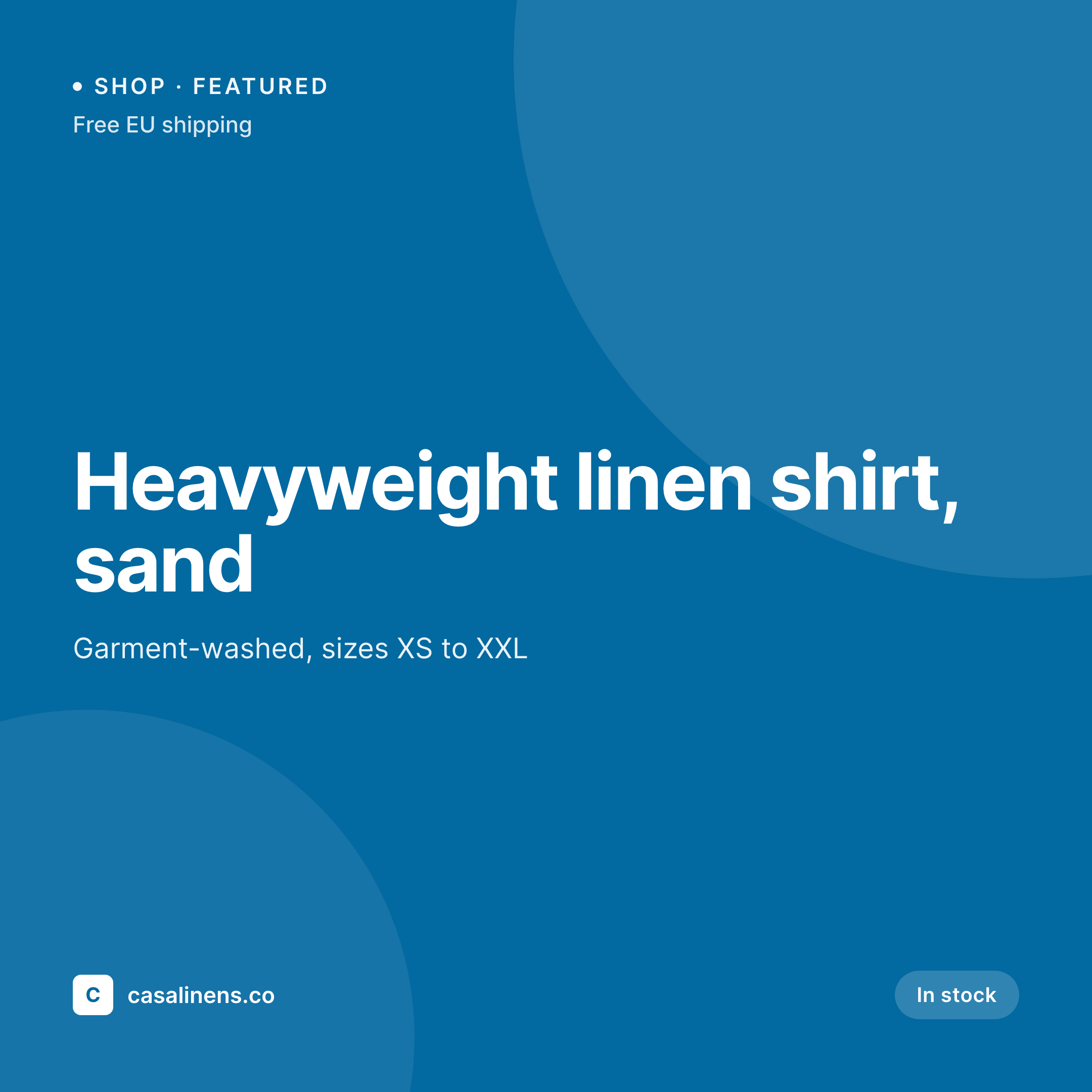
A 1080x1080 square Instagram tile showing the product name, shade, price, and key claims pulled live from the WooCommerce product post.

Comparison
Canva file per shade vs WooCommerce-driven tiles
Manual / Canva / Photoshop
- Eight shades means eight Canva files for every new lipstick line
- Color drift between the swatch on the product page and the tile
- Restocks announced late because the design queue blocks the launch
- Claims (vegan, paraben-free) get out of date when formulas reformulate
- Rebranding the line means rebuilding tiles for every SKU manually
SleekPixel
- Every product saves with a 1080x1080 tile rendered from the product
- Shade name, price, claims pulled from WooCommerce product fields
- Swatch color rendered programmatically, no manual color matching
- Stories and OG images generated alongside the square tile
- Bulk regenerate the catalog on a rebrand, no per-SKU work
Features
What SleekPixel gives you for beauty brand
Per-shade tile
Every shade saves with its own 1080x1080 Instagram tile. The shade name, price, and claims come from the WooCommerce product fields.
Swatch-accurate color
If the product stores a hex value for the shade, SleekPixel renders that color into the tile. No more swatch drift between web and social.
Launch-ready
New shade goes live on the product page and the tile is ready in the same save. No design queue blocking the launch announcement.
Use cases
Where beauty tiles earn their spend
Launch announcements
Each new SKU has a tile waiting in uploads when the product page goes live. Social can post the moment the launch is ready.
Restocks and bundles
Restock a sold-out shade and the tile reflects the new availability. Bundle posts pull from the bundle product, not a separate Canva file.
Limited edition drops
Holiday and collab drops use a conditional template variant - same brand language, drop-specific accent, all pulled from the product post.
The bigger picture
Why beauty brands need shade-accurate automation
Beauty is a high-SKU category where the visual brand is the product. A lipstick line in eight shades is functionally eight different products, each needing its own social presentation. Customers shop on Instagram before they shop on the site, and the shade they see on the tile is the shade they expect to receive.
When the tile is hand-painted in Canva and the product page swatch is generated programmatically from a hex value, the two drift. Customer service tickets follow. The economics make manual tiles worse as the catalog scales.
A 200-SKU brand running quarterly drops can't keep up with a Canva workflow without three full-time designers. Most beauty brands at that size have one designer and a social manager, and the social manager spends most of the week re-typing product names into Photoshop instead of planning campaigns. Treating the tile as a derived asset of the WooCommerce product means the catalog scales without proportional design effort.
The swatch hex on the product is the swatch on the tile. The price on the product is the price on the tile. The brand stays consistent because the template enforces it across every shade in every line.
Questions
Common questions about SleekPixel for beauty brand
Yes. Variable products with shade and size attributes can each render their own tile, or a single tile can be generated per parent product showing all variants. SleekPixel reads WooCommerce product attributes natively, including variations and product galleries.
Yes. If the product stores a hex value as a custom field or attribute, the template can render that color as a circle, swatch bar, or full background. The tile color matches the actual product color exactly, no manual color matching.
Claims (vegan, paraben-free, cruelty-free, fragrance-free) are usually stored as product attributes or taxonomies. The template can render them as a row of badges, conditional on which ones the product carries. Reformulate a product, the claims update, the tile updates.
Yes. A single product can render a 1080x1080 Instagram tile, a 1080x1920 story or Reels cover, and a 1200x630 OG image for shareable product links. All formats save on the same product save event.
Yes. Templates can be conditional on category - the lipstick line uses one layout, the skincare line another, the limited edition collab a third. All read from the same WooCommerce data, just styled to fit the line.
SleekPixel is a WordPress plugin. It works with WooCommerce, Easy Digital Downloads, or any custom WordPress post type. It does not work with Shopify, BigCommerce, or other non-WordPress platforms - those have their own ecosystems.
Yes. WooCommerce sale price and regular price are both readable fields. The template can show a strikethrough on the regular price with the sale price highlighted, or a sale badge that only appears when the product is on sale. Editing the price triggers a fresh render.
Yes, indirectly. SleekPixel renders the PNG and saves it to uploads. The image is downloadable from the Gutenberg sidebar, so it can be uploaded to Meta Ads, TikTok Ads, or Google Ads as creative. SleekPixel does not push to ad platforms - that step is manual.
Pricing
More than 1000+
happy customers
Explore our flexible licensing options tailored to your needs. Upgrade your license anytime to access more features, or opt for a lifetime license for ongoing value, including lifetime updates and lifetime support. Our hassle-free upgrade process ensures that our platform can grow with you, starting from whichever plan you choose.
Lifetime ♾️
Most popular
EUR
once
- Unlimited websites
- Lifetime updates
- Lifetime support
...or get the Bundle Deal
and save €250 🎁
💎 Want everything forever? The All Access Pass is going away on 01.08.2026.
The Bundle (unlimited sites)
Pay once, own it forever
Elevate your WordPress site with our exclusive plugin bundle that includes all of our premium plugins in one package. Enjoy lifetime updates and lifetime support. Save significantly compared to buying plugins individually.
What’s included
-
SleekAI
-
SleekByte
-
SleekMotion
-
SleekPixel
-
SleekRank
-
SleekView
€749
Continue to checkoutBrowse more
- Facebook Shop product images
- Snapchat Discover tiles
- Audible audiobook cover
- Patreon post thumbnails
- Klaviyo email banner
- Behance project covers
- Fanvue page banner
- YouTube banner art
- Pinterest shop banners
- YouTube end cards
- Instagram collab post images
- Instagram carousel slides
- Douyin thumbnails
- TikTok shop images
- Linktree banner image